

EliteInvoice Online Billing Software for Small Business Invoicing
EliteInvoice is an online invoicing tool designed for small businesses and freelancers to create, send, and manage invoices efficiently with features like expense tracking and online payments.
- Best for
- Invoice Creation
- Key capability
- Customizable Invoice Templates
Save EliteInvoice, follow its updates and vote on it — everything stays in your account.
Sign in or create a free account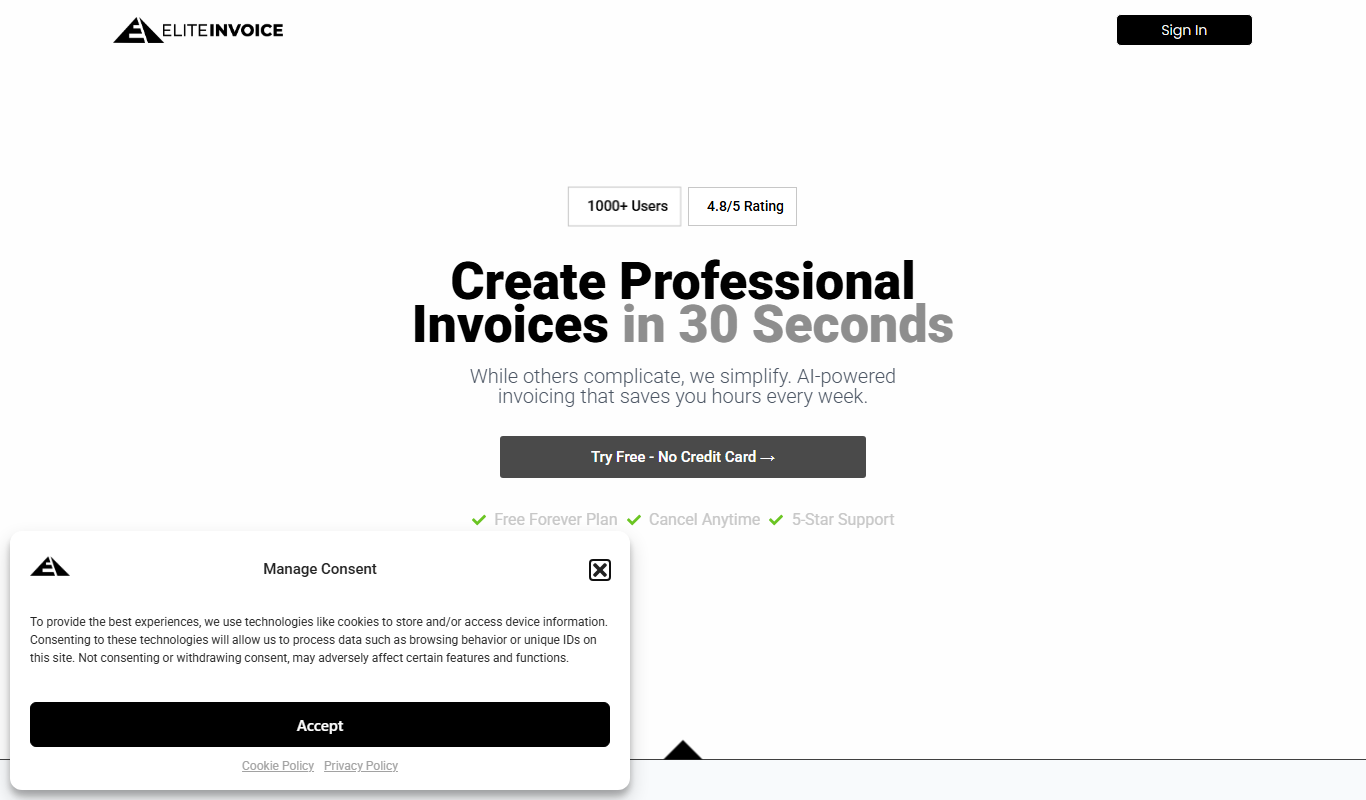
What is EliteInvoice?
EliteInvoice is an online invoicing and billing software designed primarily for small businesses and freelancers. It enables users to create, send, and manage invoices efficiently through a simple web interface. The tool also helps track expenses and payments, streamlining financial workflows without the complexity of full-scale accounting software.
Key features of EliteInvoice
EliteInvoice offers customizable invoice templates, expense tracking, client management, online payment integration, and financial reporting. Its user-friendly design focuses on helping small businesses manage billing tasks quickly and effectively.
Customizable Invoice Templates
Design invoices with your branding and tailor details to client needs.
Expense Tracking
Log and categorize expenses to maintain accurate financial records.
Online Payment Integration
Accept payments through popular gateways to speed up cash flow.
Client Management
Store client information and invoice history for easy access.
Financial Reporting
Generate detailed reports to analyze business financial health.
Pros and cons of EliteInvoice
Pros
- Simple and intuitive user interface
- Affordable pricing with a free tier
- Supports online payments for faster billing
- Includes expense tracking and reporting
- Good for freelancers and small businesses
Cons
- No dedicated mobile app available
- Limited integrations with other accounting tools
- Free plan has invoice limits
Key use cases for EliteInvoice
Invoice Creation
Create professional invoices quickly with customizable templates for clients.
Expense Tracking
Track business expenses to manage cash flow and prepare for taxes.
Payment Management
Send invoices and receive payments online, simplifying billing processes.
Client Management
Maintain client records and billing history in one centralized platform.
Financial Reporting
Generate reports to analyze income, expenses, and outstanding invoices.
How EliteInvoice works
- 1
Sign Up
Register for a free account on the EliteInvoice website to access the dashboard.
- 2
Add Clients and Expenses
Input client details and record business expenses to keep financial data organized.
- 3
Create and Send Invoices
Use customizable templates to generate invoices and send them directly to clients via email.
- 4
Receive Payments
Clients can pay invoices online through integrated payment gateways.
- 5
Generate Reports
Access financial reports to monitor income, expenses, and outstanding payments.
Who is using EliteInvoice
EliteInvoice pricing
Free
$0 /Month
1 invoice per month, unlimited clients, basic reporting; no priority support.
Starter
$4 and 99 cents /Month
3 invoices per month, unlimited clients, basic reporting; no priority support.
Professional
$9 and 99 cents /Month
10 invoices per month, unlimited clients, advanced reporting; no priority support.
Premium
$19 and 99 cents /Month
50 invoices per month, unlimited clients, advanced reporting and priority support.
Plans and prices are as published by the vendor and can change. Check the official site before you buy. Open the pricing page (opens in a new tab)
Frequently asked questions about EliteInvoice
Yes, the Free plan includes 1 invoice per month, unlimited clients and basic reporting.
Yes, it integrates with popular payment gateways to allow clients to pay invoices online.
Currently, EliteInvoice is accessible via web browsers; there is no dedicated mobile app.
Yes, you can customize invoice templates to include your branding and client-specific details.
It depends on your specific needs and how you plan to use the tool. The official website and documentation are the best sources for the latest details.
Some tools offer a free plan or trial with limited features. Availability can vary, so confirm on the official website.
Yes, it can help with that use case depending on how you configure it and what features are available. You’ll get the best results with clear inputs and a defined goal.
It depends on your specific needs and how you plan to use the tool. The official website and documentation are the best sources for the latest details.
Conclusion
Invoices start from plain language: natural language processing reads a description of the work and automatically generates a formatted invoice, with taxes and totals calculated for you. A first invoice can be tried in the AI invoice generator with no signup required. Logo and brand colors customize the look, and invoices are shared via email with tracking of when clients view and pay. Multi-currency support, international tax handling and multi-language support are there for businesses operating worldwide.
Freelancers and small business owners are the main audience, and integrations with popular accounting and CRM software are offered. Plans differ mainly in invoices per month, which rise from Free through Starter and Professional to Premium, the only plan with priority support. Every plan includes unlimited clients.
Sources
Sign in to review this tool.
Sign In to ReviewNo reviews yet
Be the first to share how this tool worked for you.
Ask about pricing, limits, or how it compares — or answer someone else.
Sign In to AskNo questions yet
Have a question about using or paying for this tool? Be the first to ask.
Featured on TiorAI



Alternative Tools
Explore similar AI tools that might fit your needs
Invoice Ninja
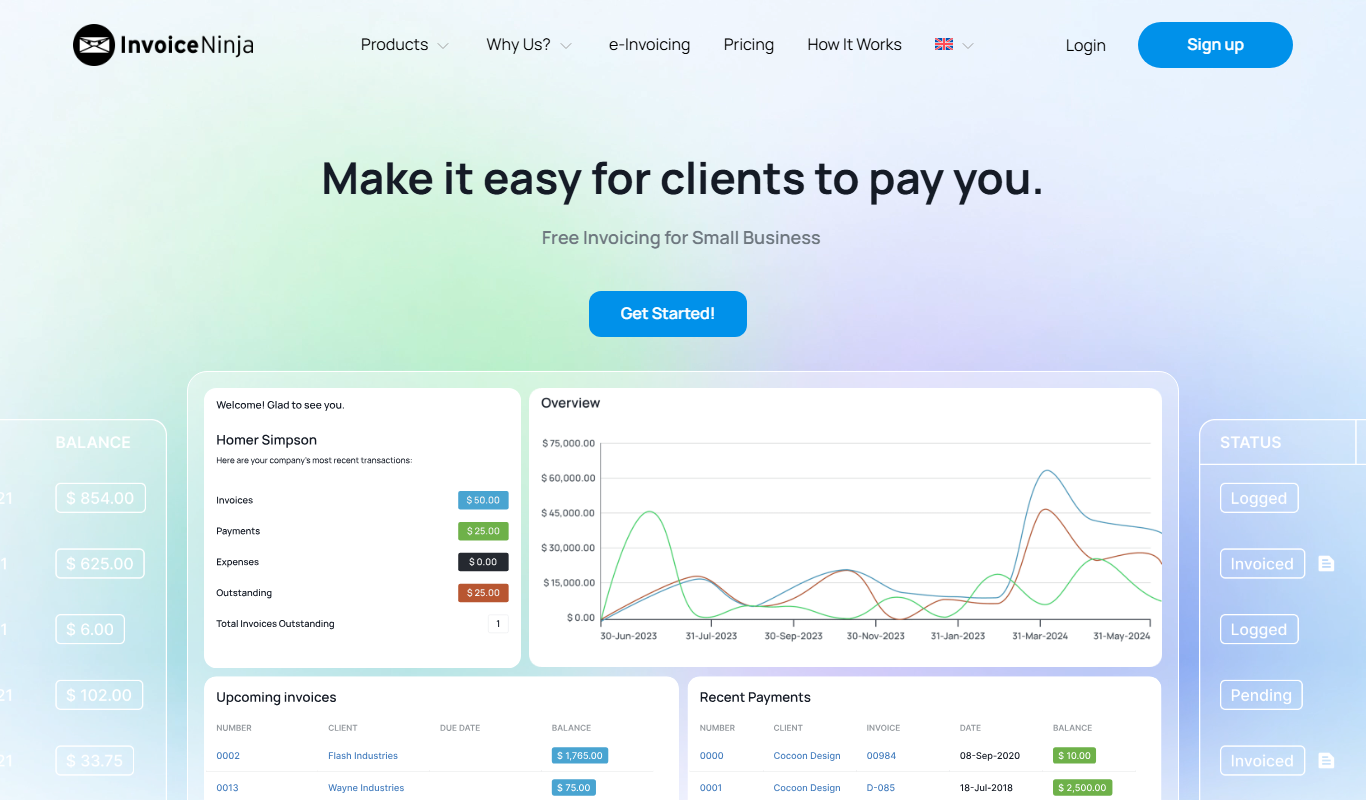
Invoice Ninja is an open-source invoicing and billing software that helps freelancers and small businesses create invoices, track expenses, and accept payments online with automation features.
More Billing Software tools
Other tools in the same category, for when this one is not quite the fit.
ChartX
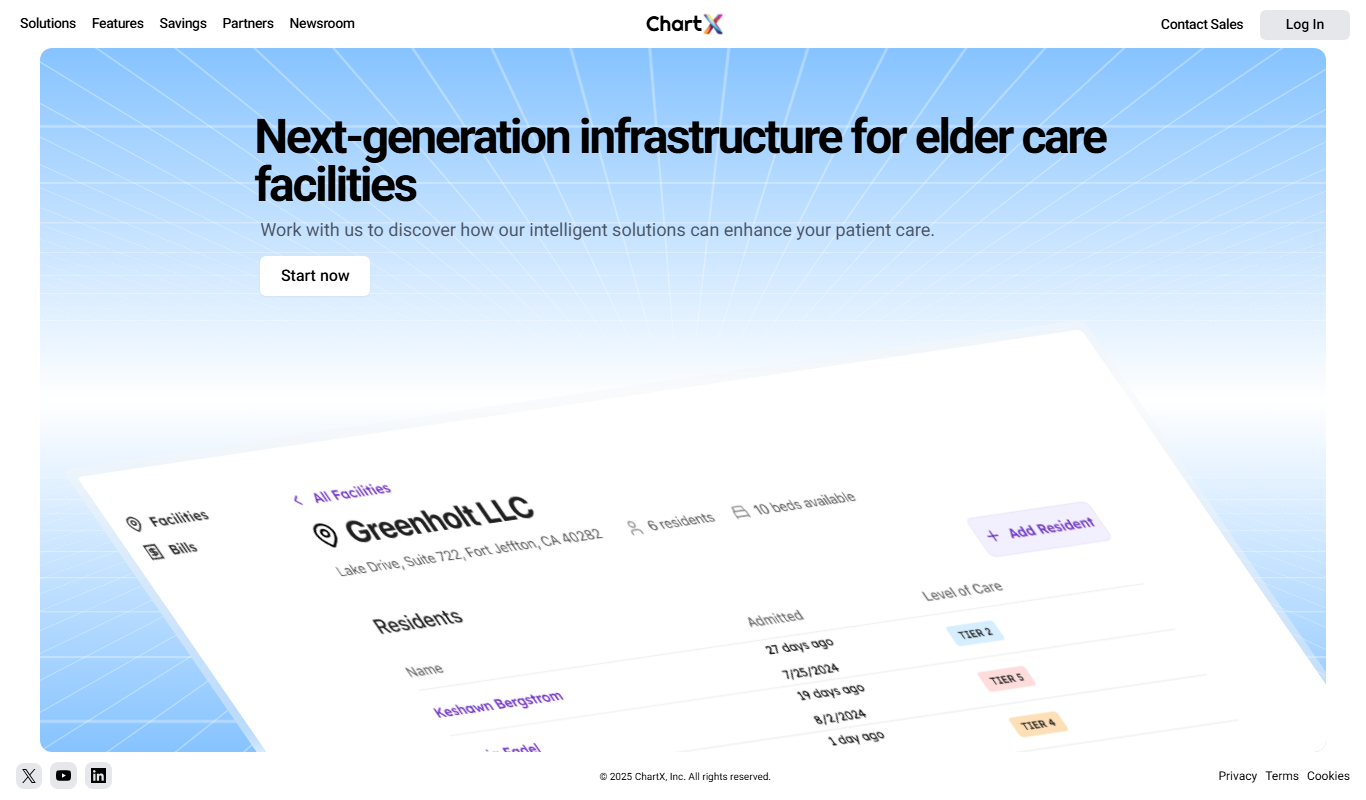
ChartX provides full-service Medi-Cal billing for California assisted-living facilities, handling claims filing, follow-ups, denials and appeals end to end.

ZeeInvoices
ZeeInvoices is a free online invoice generator with AI for creating, customizing and tracking invoices, from freelancers to large businesses.

Marcus – your AI Billing Agent
Marcus is an AI-powered billing agent that automates invoice creation, sends payment reminders, and manages accounts receivable to help businesses improve cash flow and reduce manual billing tasks.

Invoicemint
Invoicemint is a web-based invoicing software designed for Indian small businesses and freelancers to create GST-compliant invoices, track payments, and manage expenses.