

Spinach AI meeting assistant for transcripts, summaries and follow-ups
Spinach AI is an AI meeting assistant that records, transcribes and summarizes meetings in 100 languages and automates follow-up tasks.
- Best for
- Meeting notes
- Key capability
- Recording and transcripts
Save Spinach AI, follow its updates and vote on it — everything stays in your account.
Sign in or create a free account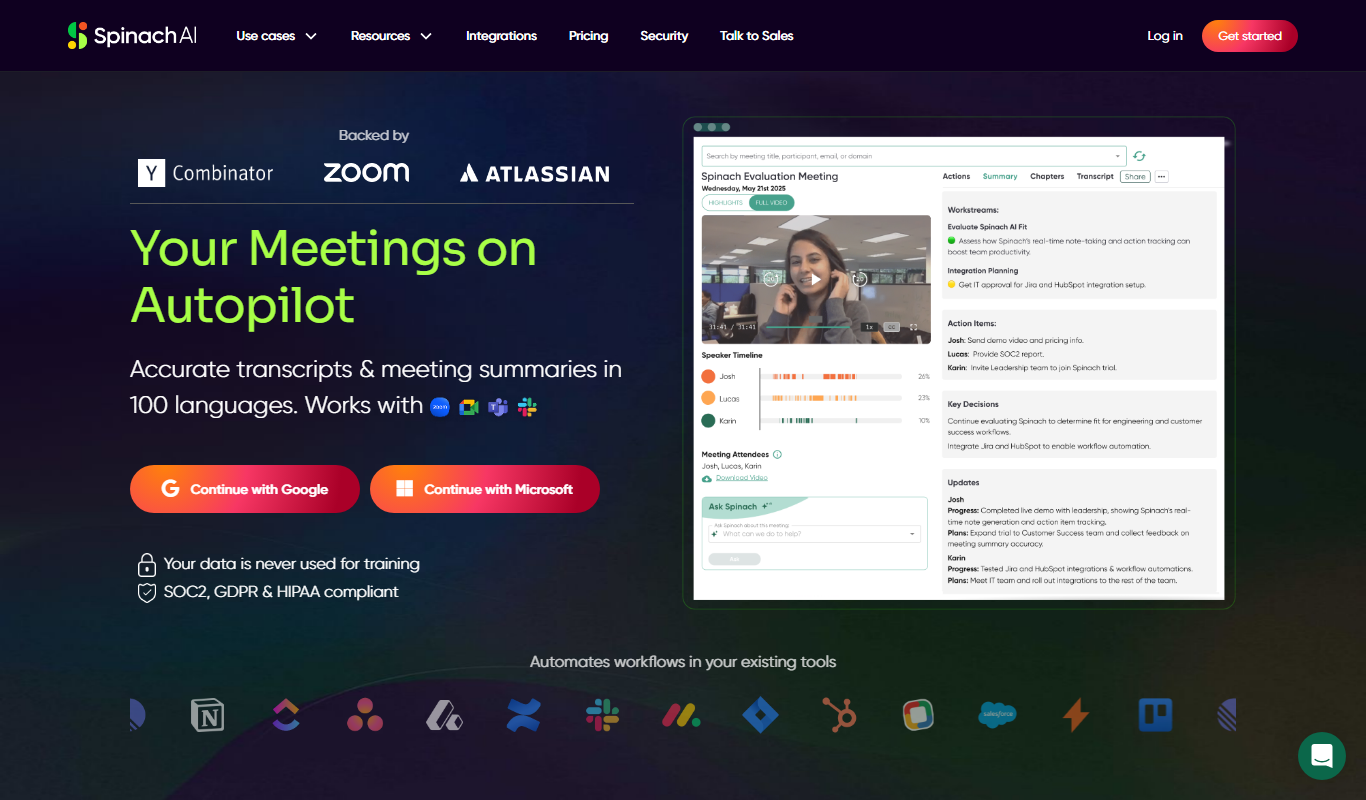

What is Spinach AI?
Spinach AI is an AI meeting assistant that records and transcribes meetings, summarizes the conversation and automates post-meeting tasks such as tickets, recap emails and CRM updates.
Key features of Spinach AI
Spinach records and transcribes meetings, writes AI summaries, captures action items and decisions, and creates tickets, sends recap emails and updates the CRM.
Recording and transcripts
Automatically record and transcribe meetings and keep meeting data in one place.
AI summaries
Summaries of the conversation, with action items, decisions and follow-ups.
Post-meeting automation
Create tickets, send recap emails and update the CRM.
Integrations
Connects with project management tools, CRM tools and knowledge bases such as Jira, Asana, Hubspot, Salesforce and Notion.
Pros and cons of Spinach AI
Pros
- Supports 100 languages
- Free plan and 14-day free trial
- SOC2 Type II, GDPR and HIPAA compliant
- Data is never used for AI model training
Cons
- Free Starter plan has only basic AI summaries
- Business plan has a 50 seat minimum
- Starter recordings are kept for 7 days
Key use cases for Spinach AI
Meeting notes
Accurate meeting transcripts and summaries in 100 languages.
Action item capture
Capture action items, decisions and follow-ups automatically.
CRM updates
Update the CRM and send recap emails after sales calls.
Product feedback
Capture user feedback, decisions and action items for product teams.
How Spinach AI works
- 1
Connect your calendar
Sign up and connect your calendar.
- 2
Record the meeting
Spinach records Zoom, Meet, Teams, Webex or in-person meetings.
- 3
Get transcript and summary
Receive the transcript and AI summary with action items.
- 4
Automate follow-ups
Create tickets, send recap emails and update the CRM.
- 5
Publish or Export
Export the content for publishing on your website or marketing channels.
Who is using Spinach AI
Spinach AI pricing
Starter
Free
Meeting recordings, accurate transcripts and basic AI summaries, 100+ languages.
Pro
$2.90 per meeting hour
Unlimited users, advanced AI summaries, Ask Spinach AI chat, integrations with CRMs and task management tools.
Business
$19/user per month (annual)
For professionals and teams; save $120/year with the annual plan.
Enterprise
Talk to sales
Everything in Business plus SAML SSO and SCIM, admin reporting, API and custom data retention.
Plans and prices are as published by the vendor and can change. Check the official site before you buy. Open the pricing page (opens in a new tab)
Frequently asked questions about Spinach AI
Zoom, Meet, Teams, Webex, Slack Huddles (Beta) and in-person meetings.
Spinach can create tickets, send recap emails and update the CRM.
100 languages.
Yes. A 14 day free trial needs no credit card, and a free plan is available.
Spinach is SOC2 Type II, GDPR and HIPAA compliant, and your data is never used for AI model training.
Yes, the Starter plan is free with recordings, transcripts and basic AI summaries.
Project management, CRM and knowledge base tools such as Jira, Asana, Hubspot, Salesforce, Confluence and Notion.
Conclusion
Meetings on Zoom, Meet, Teams, Webex or in person are recorded and transcribed in 100 languages, and the assistant then summarizes the conversation. What sets it apart is the follow-up work: action items and decisions are captured, tickets are created, recap emails go out and the CRM is updated. Integrations cover project tools such as Jira and Asana, CRMs such as Hubspot and Salesforce, and knowledge bases such as Notion.
Product, engineering, sales and consulting teams each get their own use case, and the service is SOC2 Type II, GDPR and HIPAA compliant with data never used for model training. A free Starter plan offers only basic summaries and short recording retention, while advanced summaries and integrations sit in the paid tiers.
Sources
Sign in to review this tool.
Sign In to ReviewNo reviews yet
Be the first to share how this tool worked for you.
Ask about pricing, limits, or how it compares — or answer someone else.
Sign In to AskNo questions yet
Have a question about using or paying for this tool? Be the first to ask.
Featured on TiorAI



More AI Meeting Tools tools
Other tools in the same category, for when this one is not quite the fit.
grain.co
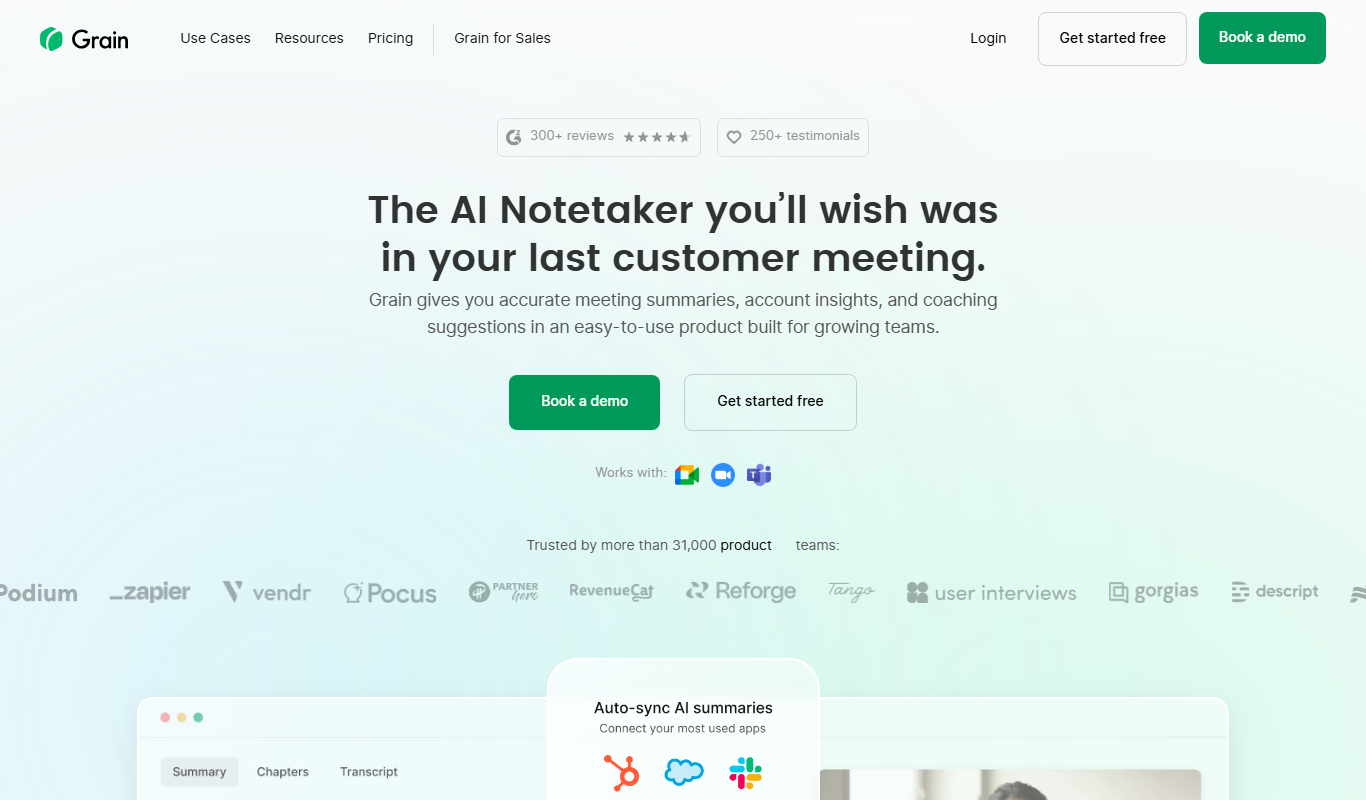
Grain is an AI notetaker that captures and enriches meetings, then delivers them to Claude, ChatGPT or any AI tool so agents can do the follow-up work.

MBox AI meet
MBox AI Meet is a free Chrome extension for real-time transcription and AI meeting summaries in Google Meet, with a Pro plan for advanced summaries.

VoxNote
VoxNote is a phone call notetaker for iPhone that transcribes and summarizes your phone calls automatically and works with your existing phone number.

Kaizan
Kaizan is an AI platform for client service professionals that unifies client meetings, emails and chats, scores relationship health and uses AI Helpers to grow existing clients and spot risks early.

Project Manda
Project Manda analyses company meetings with AI and gives actionable recommendations that boost staff productivity and ROI.

Translingo
Translingo provides live translation in 60+ languages, real-time transcription and shareable recaps for conferences, events, corporate training and meetings, through a simple web link.

Prescene
Prescene is the AI for screenplays: analyze scripts, compare drafts, follow series, run script coverage and create grounded production documents.

Wave AI Note Taker
Wave AI Note Taker is an AI-driven tool that automatically transcribes and summarizes meetings in real-time or from recordings, helping teams save time and improve collaboration.