

Story321 AI Story Generator for Creative Writing and Storytelling
Story321 is an AI storytelling workspace where writers and creators build stories, characters and worlds, then expand them into image, video, audio and 3D formats.
- Best for
- Creative Story Writing
- Key capability
- AI-Powered Story Generation
Save Story321 AI story generator, follow its updates and vote on it — everything stays in your account.
Sign in or create a free account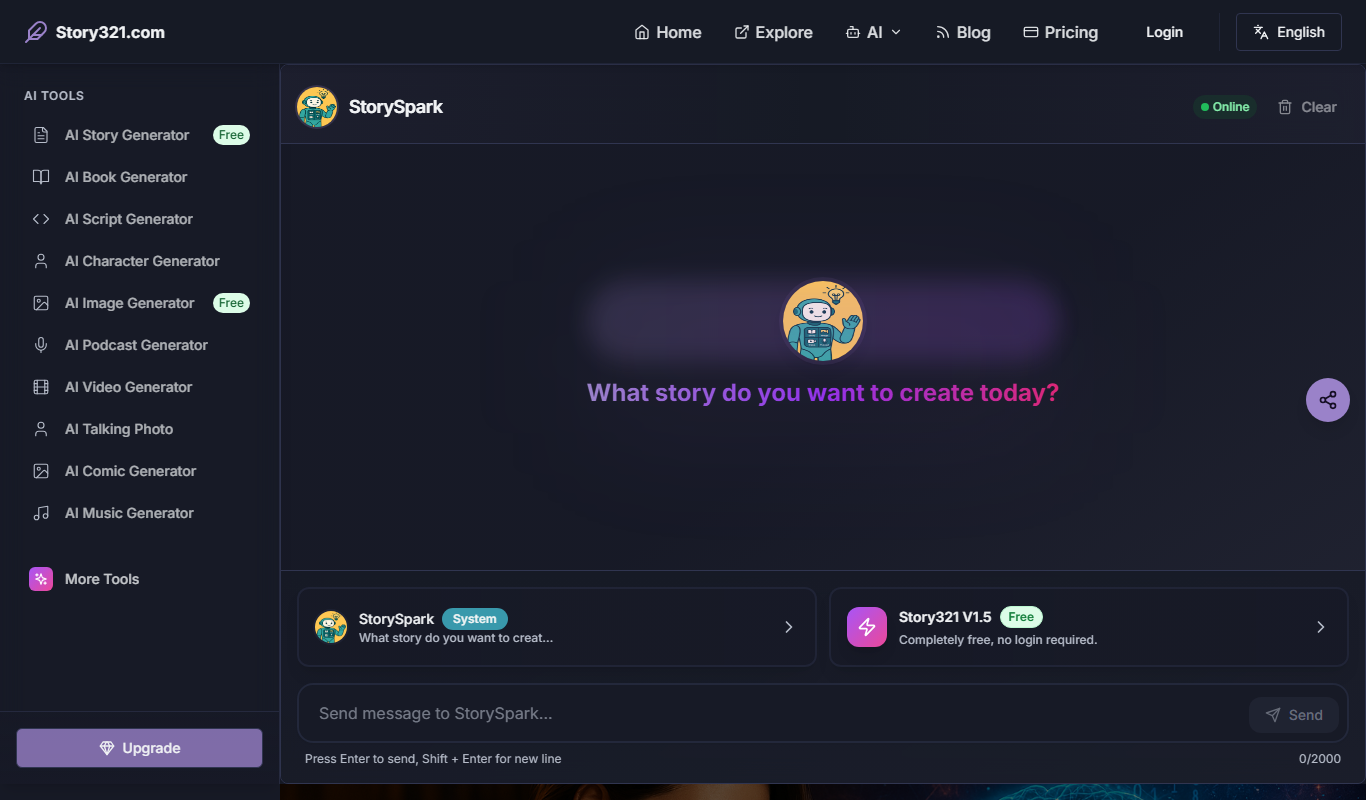
What is Story321 AI story generator?
Story321 is an AI storytelling workspace for writers and creators. Users start with an idea, develop it as an ongoing story project, and use dedicated writing, character, image, video, audio and 3D tools when the project needs them.
Key features of Story321 AI story generator
The tool offers AI-powered story generation, customizable story elements, and an intuitive interface that allows users to craft unique stories quickly. It supports educational use and creative projects by providing inspiration and structure for storytelling.
AI-Powered Story Generation
Automatically generates story ideas and narratives based on user input.
Customizable Story Elements
Allows users to specify genres, characters, and themes to tailor stories.
User-Friendly Interface
Simple and intuitive design that makes story creation accessible to all skill levels.
Educational Tools
Features designed to support storytelling in classroom and learning environments.
Pros and cons of Story321 AI story generator
Pros
- Easy to use with a clean interface
- Supports creative and educational storytelling
- Offers both free and affordable premium plans
Cons
- No mobile app available currently
Key use cases for Story321 AI story generator
Creative Story Writing
Generate original stories and narratives using AI assistance to inspire writers and storytellers.
Educational Storytelling
Support educators and students in creating engaging stories for learning and classroom activities.
Content Creation
Help content creators produce story-based content for blogs, social media, and marketing.
Idea Generation
Assist writers in overcoming writer’s block by providing fresh story ideas and plot suggestions.
How Story321 AI story generator works
- 1
Access the Platform
Visit the Story321 website and create a free account or log in.
- 2
Input Preferences
Provide story parameters such as genre, characters, or themes to guide the AI.
- 3
Generate Story
Use the AI to create story drafts or ideas based on your inputs.
- 4
Edit and Customize
Refine the generated story by editing text and adding personal touches.
Who is using Story321 AI story generator
Story321 AI story generator pricing
Free
$0/month
Free trial: try every AI feature with 10 one-time credits. No credit card required.
Starter
$8.25 / month, billed as $99 per year
For occasional creators who need more credits: 12,000 credits per year, all AI creation tools, private projects, standard manuscript export (PDF, ePub), no watermark and commercial usage rights.
Plus
$16.58 / month, billed as $199 per year
For consistent creators who need more credits and flexible exports: 26,400 credits per year, all AI creation tools, private projects and commercial usage, no watermark and additional export formats.
Pro
$24.92 / month, billed as $299 per year
For high-volume creators who need the largest credit allowance: 43,200 credits per year, all AI creation tools, private projects and all export formats, no watermark and commercial usage, a priority generation queue and priority support.
Plans and prices are as published by the vendor and can change. Check the official site before you buy. Open the pricing page (opens in a new tab)
Frequently asked questions about Story321 AI story generator
Yes, the Free plan gives 10 one-time credits with no credit card required. All plans, including Free, can use every AI feature; AI usage is limited only by available credits, and paid plans add more credits.
Yes, you can specify genres, characters, and themes to tailor the stories to your needs.
Absolutely, Story321 includes features designed to support educators and students.
It depends on your specific needs and how you plan to use the tool. The official website and documentation are the best sources for the latest details.
Some tools offer a free plan or trial with limited features. Availability can vary, so confirm on the official website.
Yes, it can help with that use case depending on how you configure it and what features are available. You’ll get the best results with clear inputs and a defined goal.
Conclusion
A premise, character or scene is enough to begin, and that input becomes a writing project to revisit and revise scene by scene. Character references record defining traits, while separate workspaces handle image, video, audio and 3D assets when a story needs them. No one-click conversion into video is promised, since images and videos use dedicated workflows with their own inputs and settings.
The site addresses novel writers, story series creators and multimedia creators, and it leaves creative direction and the final work with the writer. All plans, including Free, can use every AI feature, so usage is limited only by available credits. The annual paid plans add more credits, private projects, manuscript export and commercial usage rights.
Sources
Sign in to review this tool.
Sign In to ReviewNo reviews yet
Be the first to share how this tool worked for you.
Ask about pricing, limits, or how it compares — or answer someone else.
Sign In to AskNo questions yet
Have a question about using or paying for this tool? Be the first to ask.
Featured on TiorAI



More AI Storytelling Tools tools
Other tools in the same category, for when this one is not quite the fit.
Story321 AI Story Generator
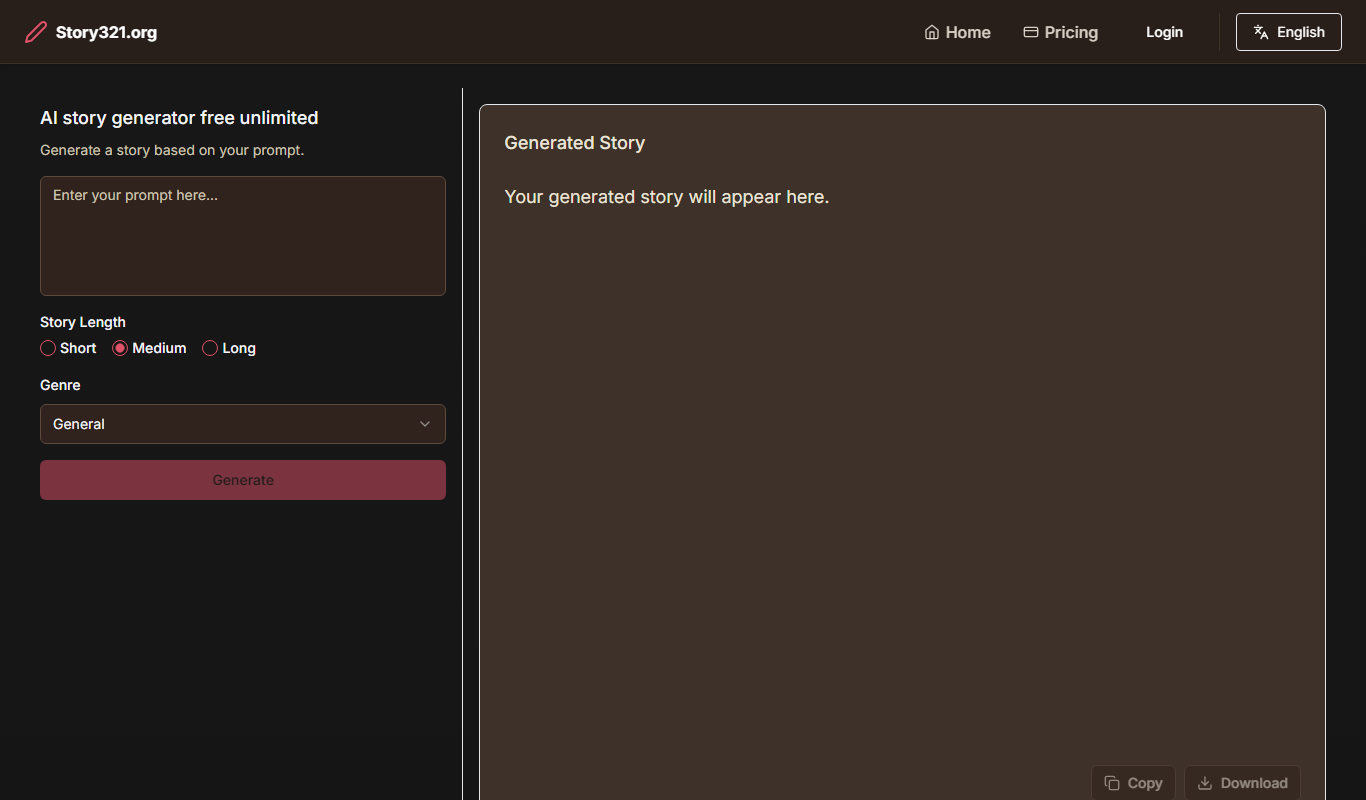
Story321's AI story generator turns any idea into a story: choose a genre and length, generate online without signing up, then copy or download the draft.
Logolept
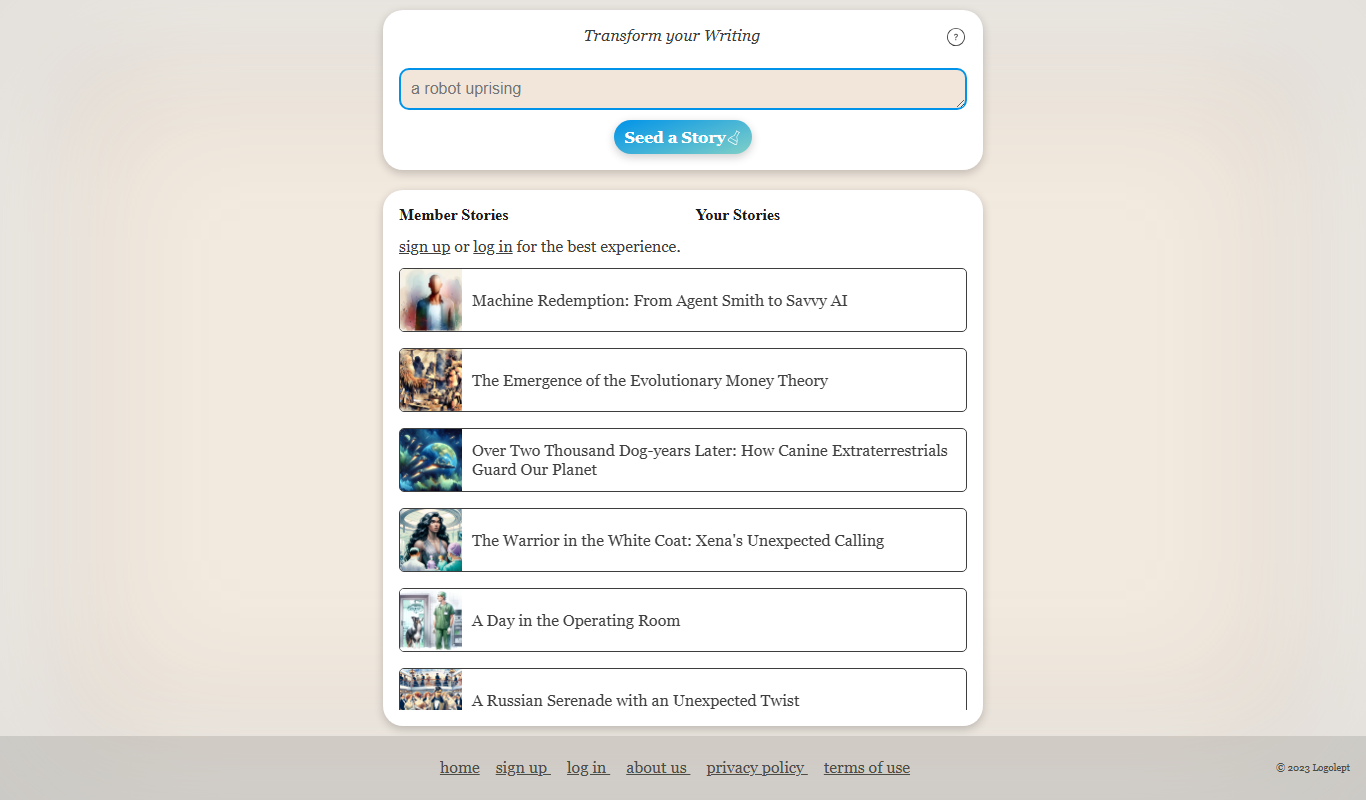
Logolept is an AI story book maker: seed your story with a prompt, find inspiration and read stories other members created.

AI Game Master- Dungeon RPG
AI Game Master is a text-based RPG for iOS and Android in which the AI is your Dungeon Master: create a character, pick a world and type your actions.

LitRPG Adventures
LitRPG Adventures offers AI generators for tabletop RPG content such as D&D backstories, quests, monsters, spells and dungeons, plus a large RPG library.

ArcaneLand
ArcaneLand is a text-based adventure game with an AI dungeon master powered by ChatGPT and a UI for XP, items and quests, free to play with no sign up.

Narratize
Narratize is the AI-powered System of Intelligence for New Product Development in advanced manufacturing, uniting systems data and expert knowledge to launch faster.
Wendy StoryTeller
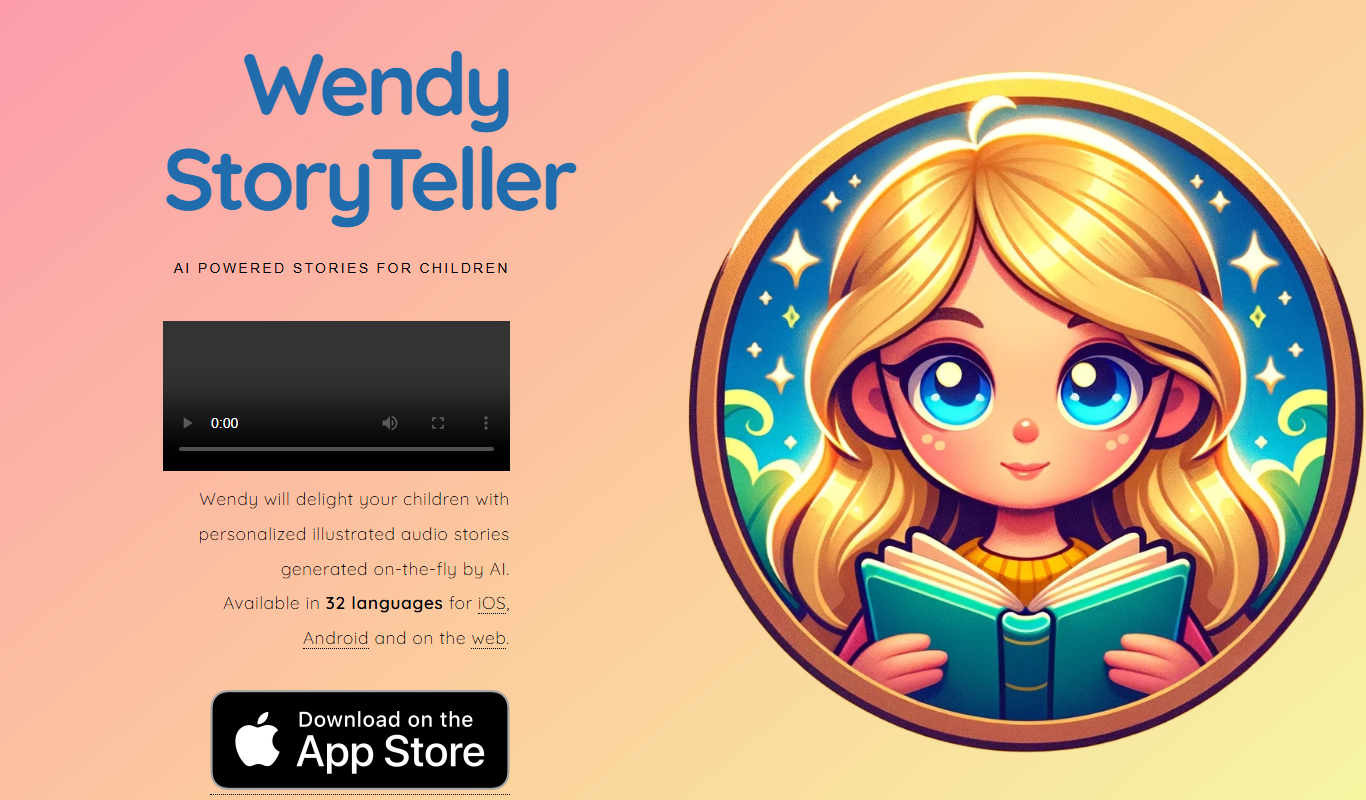
Wendy StoryTeller creates personalized illustrated audio stories for children with AI, narrated in 32 languages on iOS, Android and the web.
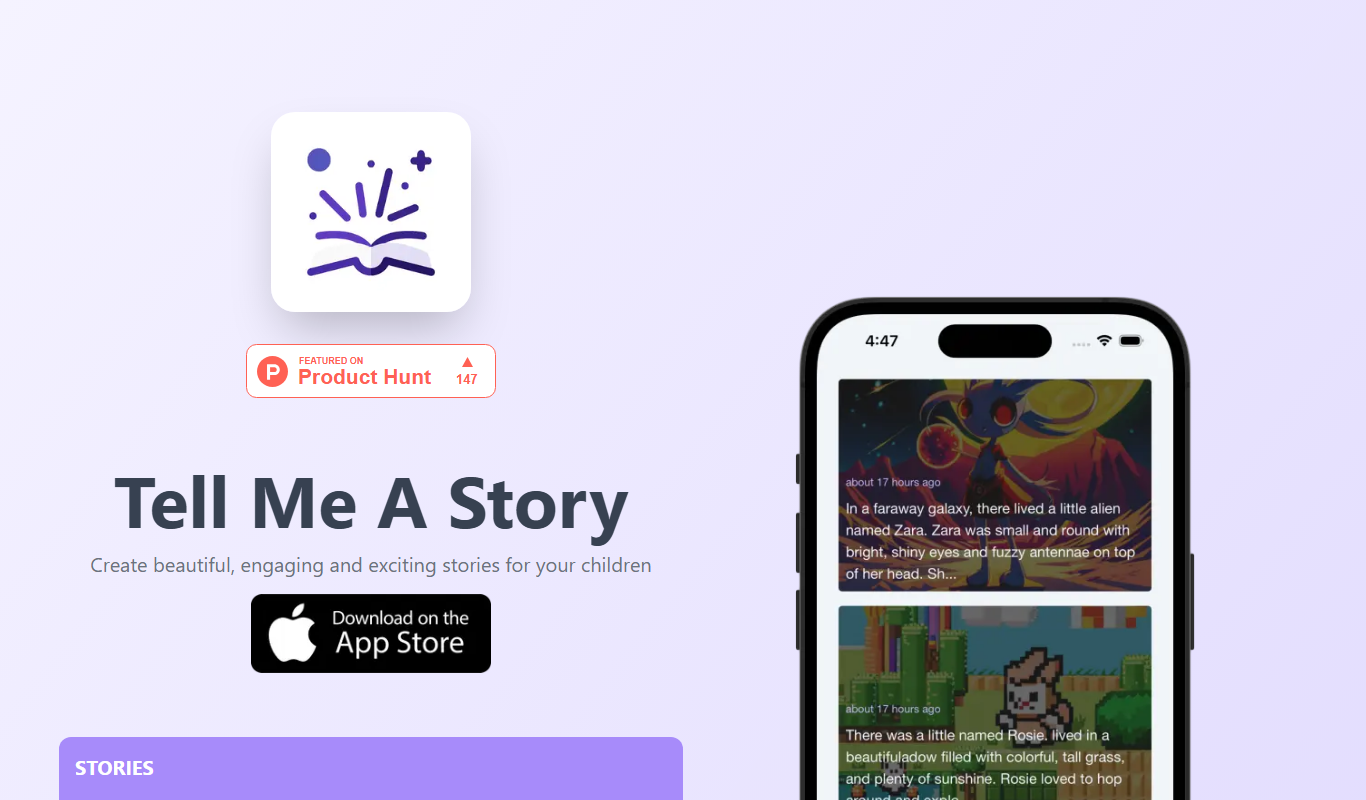
Tell Me A Story
Tell Me A Story is an iPhone app for generating AI stories for children, with narration for every story and saved characters.