
From my experience with PowerMode AI, I found it excels at providing context-aware code completions that genuinely speed up the development process. Its ability to explain complex code snippets is particularly helpful for developers learning new languages or onboarding to unfamiliar codebases. While it supports fewer languages than some competitors and some features require a paid plan, the seamless integration with popular IDEs like VS Code and JetBrains makes it a practical choice for many developers. Overall, if you want an AI assistant that enhances coding productivity with smart suggestions and explanations, PowerMode AI delivers solid value.
PowerMode AI Review: AI-Powered Coding Assistant for Developers
PowerMode AI is an AI-driven coding assistant that integrates with popular IDEs to provide intelligent code completions, explanations, and bug detection, helping developers write code faster and with fewer errors.
What is PowerMode AI?
PowerMode AI is an AI-powered coding assistant designed to enhance developer productivity by providing intelligent code completions, explanations, and refactoring suggestions. It integrates seamlessly with popular IDEs like VS Code and JetBrains, leveraging machine learning models to understand context and help developers write better code faster.

Key Features of PowerMode AI
AI-Powered Code Completion
Offers intelligent, context-aware code suggestions to speed up development.
Code Explanation
Generates easy-to-understand explanations for complex code snippets.
Bug Detection and Fix Suggestions
Detects potential bugs and recommends fixes to improve code reliability.
Refactoring Assistance
Suggests improvements to code structure for enhanced readability and maintainability.
Multi-IDE Support
Compatible with popular development environments including VS Code and JetBrains.
Pros and Cons of PowerMode AI
Pros
- Seamless integration with popular IDEs
- Context-aware AI suggestions improve coding speed
- Helpful code explanations aid learning
- Affordable pricing with a free tier
Cons
- Limited language support compared to some competitors
- Some advanced features require paid subscription
Key Use Cases for PowerMode AI
Code Completion
Provides AI-powered code suggestions to speed up programming and reduce errors.
Code Explanation
Helps developers understand complex code snippets by generating clear explanations.
Code Refactoring
Assists in improving existing code structure for better readability and performance.
Bug Detection
Identifies potential bugs and suggests fixes to improve code quality.
Learning and Onboarding
Supports new developers in understanding codebases faster through contextual assistance.
How PowerMode AI Works
-
1
Install Extension
Add the PowerMode AI plugin to your preferred IDE such as VS Code or JetBrains.
-
2
Sign Up and Configure
Create an account on PowerMode AI and configure settings to match your coding preferences.
-
3
Start Coding
As you write code, PowerMode AI provides suggestions, explanations, and refactoring tips in real time.
-
4
Review and Apply
Review AI-generated code completions or fixes and apply them to your codebase as needed.
Who's Using PowerMode AI
Software developers
Programming students
Tech startups
Freelance coders
Development teams
PowerMode AI Pricing
Free
$0/month
Basic AI code completions with limited usage and features.
Pro
$15/month
Unlimited AI completions, advanced features, and priority support.
Frequently Asked Questions About PowerMode AI
PowerMode AI supports Visual Studio Code and JetBrains IDEs such as IntelliJ IDEA and PyCharm.
Yes, PowerMode AI offers a free plan with limited features to try before upgrading.
Yes, it supports popular languages including Python, JavaScript, Java, and more.
PowerMode AI uses secure data handling practices and does not store your code beyond processing for suggestions.
This tool is designed to help users accomplish its core tasks more efficiently. It is typically used by individuals or teams looking to improve productivity and workflow.
Yes, it can help with that use case depending on how you configure it and what features are available. You’ll get the best results with clear inputs and a defined goal.
Pricing depends on the plan and included features. For the most accurate and up-to-date details, check the official pricing page.
Yes, it can help with that use case depending on how you configure it and what features are available. You’ll get the best results with clear inputs and a defined goal.
Share your review
Reviews are limited to one per logged-in user and are published after moderation.
You need an account to review this tool.
0.0
★
★
★
★
★
0 reviews
5 star
0
4 star
0
3 star
0
2 star
0
1 star
0
No reviews yet
Be the first to share how this tool worked for you.
Questions from the community
Read questions and answers about this tool, or ask your own.
No questions yet
Start the conversation by asking the first question about this tool.
Is this tool helpful?

Free
AIaC
AIaC is an AI-powered code assistant that helps developers write and generate code faster by providing context-aware suggestions, code completions, and bug detection assistance.

Free
Kodie
Kodie is an AI tool that generates code snippets from natural language descriptions, assisting developers in writing code faster and with fewer errors.
Free
TradingView-Scripter
TradingView-Scripter is a web-based Pine Script editor designed to help TradingView users write, debug, and manage custom trading scripts efficiently.
Free
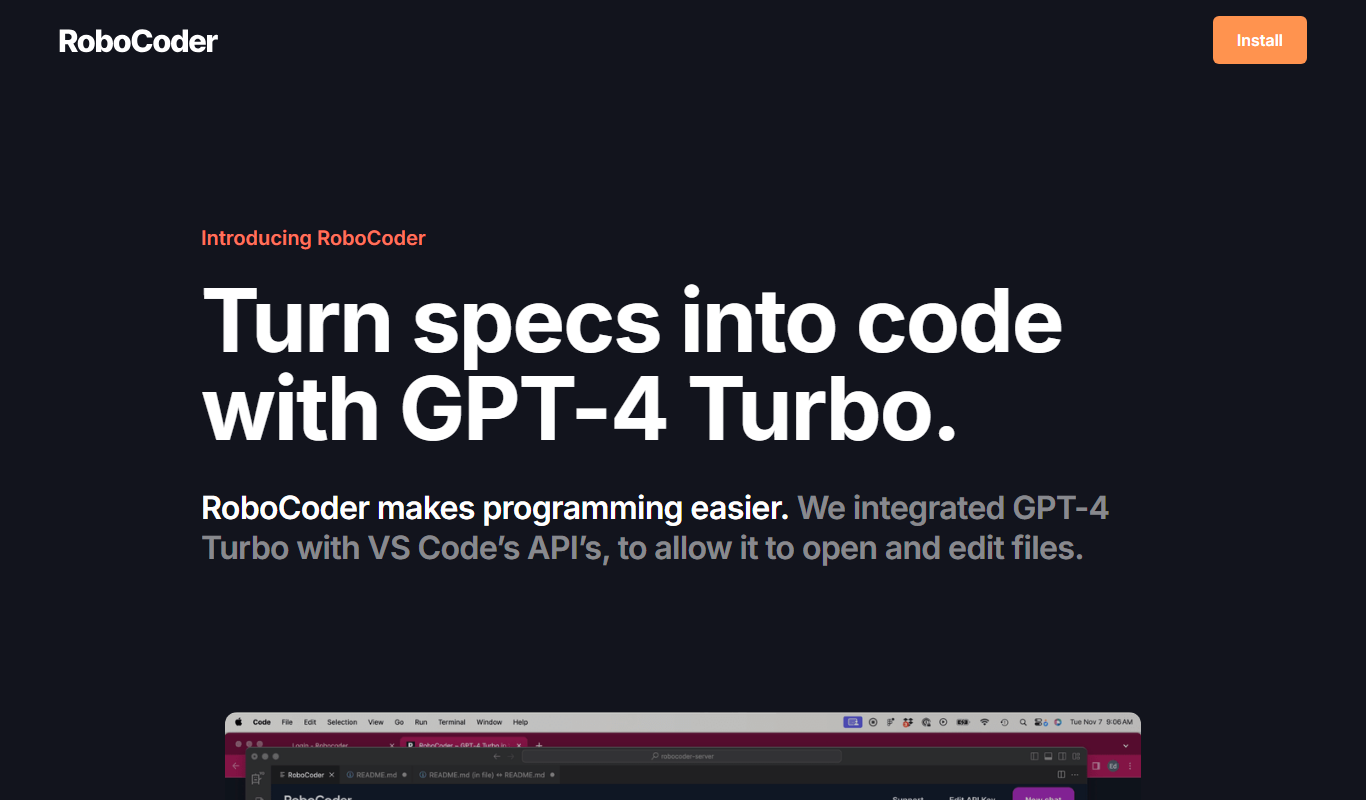
RoboCoder
RoboCoder is an AI-driven platform that generates code snippets from natural language prompts, helping developers speed up coding and reduce errors.

Free
Arcwise AI
Arcwise AI is an AI-driven code completion tool that integrates with Visual Studio Code to provide context-aware code suggestions, helping developers write code faster and with fewer errors.

Free
Copilot
GitHub Copilot is an AI coding assistant developed by GitHub and OpenAI that provides context-aware code suggestions inside popular IDEs to help developers write code faster and more efficiently.

Free
Reppls
Reppls is an AI-driven code generation platform that accelerates software development by providing real-time code suggestions, bug fixes, and multi-language support through a web interface.

Freemium
Dot Copilot
Dot Copilot is an AI coding assistant that helps developers generate code snippets, explain code, and fix bugs efficiently through IDE integration.