

From my experience with GitHub Copilot, I found it excels at accelerating coding workflows by offering context-aware code suggestions that reduce repetitive typing. It’s particularly well-suited for developers who want to boost productivity or explore unfamiliar APIs quickly. However, it’s important to review all AI-generated code carefully, as suggestions can sometimes be incorrect or insecure. Also, the subscription cost and reliance on an internet connection may limit accessibility for some users. Overall, if you need an AI-powered coding assistant integrated into your IDE, GitHub Copilot delivers solid, practical support.
GitHub Copilot AI Coding Assistant for Developers and Programmers
GitHub Copilot is an AI coding assistant developed by GitHub and OpenAI that provides context-aware code suggestions inside popular IDEs to help developers write code faster and more efficiently.
- Best for
- Code Completion
- Key capability
- Context-Aware Code Suggestions


What is Copilot?
GitHub Copilot is an AI-powered code completion tool developed by GitHub in collaboration with OpenAI. It acts as an AI pair programmer by suggesting code snippets, entire functions, or lines of code directly within your code editor. Powered by OpenAI’s Codex model, it understands natural language comments and code context to generate relevant code suggestions, helping developers write code faster and with fewer errors.
Key features of Copilot
GitHub Copilot offers real-time code suggestions, supports multiple programming languages, integrates seamlessly with popular IDEs like Visual Studio Code, and learns from the context of your project to provide relevant code completions. It also helps with generating tests, documentation, and boilerplate code, enhancing developer productivity.
Context-Aware Code Suggestions
Generates code completions based on the current file and project context.
Multi-Language Support
Supports dozens of programming languages including Python, JavaScript, TypeScript, Ruby, and more.
Natural Language Understanding
Interprets comments and natural language prompts to generate relevant code.
IDE Integration
Works seamlessly with popular editors like Visual Studio Code, JetBrains IDEs, and Neovim.
Learning from Open Source
Trained on a vast corpus of publicly available code to provide diverse coding patterns.
Pros and cons of Copilot
Pros
- Speeds up coding by providing relevant code suggestions
- Supports many programming languages and frameworks
- Integrates smoothly with popular development environments
- Helps learn new APIs and coding patterns
- Reduces boilerplate and repetitive coding tasks
Cons
- Sometimes suggests incorrect or insecure code
- Requires internet connection to function
- Subscription cost may be a barrier for some users
- May produce code that needs careful review for licensing
Key use cases for Copilot
Code Completion
Automatically suggests whole lines or blocks of code as you type, speeding up coding.
Learning and Experimentation
Helps developers learn new APIs or languages by generating example code snippets.
Bug Fixing Assistance
Suggests code that can help fix bugs or improve code quality.
Documentation Generation
Assists in writing comments and documentation based on code context.
Multi-language Support
Supports a wide range of programming languages, enabling diverse development projects.
How Copilot works
-
1
Install Extension
Add the GitHub Copilot extension to your supported IDE such as Visual Studio Code.
-
2
Sign In with GitHub
Authenticate using your GitHub account to activate Copilot.
-
3
Start Coding
Begin typing code or comments; Copilot will suggest completions in real-time.
-
4
Accept or Modify Suggestions
Review AI-generated code suggestions and accept, reject, or edit them as needed.
Who is using Copilot
Professional software developers
Open source contributors
Students learning programming
Startups and small development teams
Technical writers and documentation specialists
Copilot pricing
Free Trial
$0 for 30 days
Full access to GitHub Copilot features during the trial period.
Individual
$10/month
Subscription plan for individual developers with unlimited usage.
Business
Contact sales
Enterprise-grade plan with centralized billing and management.
Plans and prices are as published by the vendor and can change. Check the official site before you buy. Open the pricing page (opens in a new tab)
Compare similar tools
How Copilot lines up against the tools people weigh it against.
 Claude
Copilot
Claude
Copilot
Claude vs Copilot: Accuracy, Context & Pricing Compared
 Grok
Copilot
Grok
Copilot
Grok vs Copilot: Subscription Value & Model Tiers
 Gemini & Gemini Advanced
Copilot
Gemini & Gemini Advanced
Copilot
Gemini vs Copilot: Safety, Accuracy & Enterprise Features
 ChatGPT
Copilot
ChatGPT
Copilot
ChatGPT vs Copilot: Which Is Better for Coding and Writing?
Frequently asked questions about Copilot
GitHub Copilot supports Visual Studio Code, JetBrains IDEs, Neovim, and GitHub Codespaces.
GitHub Copilot offers a 30-day free trial. After that, it requires a paid subscription for individuals or businesses.
Copilot suggests code completions based on context, but developers review and decide what to accept.
Your code is not sent to third parties beyond GitHub and OpenAI services; GitHub has privacy policies in place.
It depends on your specific needs and how you plan to use the tool. The official website and documentation are the best sources for the latest details.
Some tools offer a free plan or trial with limited features. Availability can vary, so confirm on the official website.
Yes, it can help with that use case depending on how you configure it and what features are available. You’ll get the best results with clear inputs and a defined goal.
Yes, it can help with that use case depending on how you configure it and what features are available. You’ll get the best results with clear inputs and a defined goal.
Sign in to review this tool.
Sign In to ReviewNo reviews yet
Be the first to share how this tool worked for you.
Ask about pricing, limits, or how it compares — or answer someone else.
Sign In to AskNo questions yet
Have a question about using or paying for this tool? Be the first to ask.
Featured on TiorAI



More AI Code Explanation tools
Other tools in the same category, for when this one is not quite the fit.
Free
Netron
Netron is a free, open-source viewer that allows users to visualize and inspect AI and machine learning models interactively across many popular formats.
Free
Dafny
Dafny is an open-source programming language and verification tool that enables developers to write formally specified programs and automatically verify their correctness using SMT solvers.

Free
Coq
Coq is an open-source formal proof assistant developed by Inria that enables interactive theorem proving and formal verification of mathematical theorems and software.
Free
LIME
LIME is an open-source Python tool that explains individual machine learning predictions by approximating complex models locally with interpretable models, helping users understand model decisions.

Free
Codewars
Codewars is an online platform offering coding challenges in multiple programming languages to help developers improve skills through gamified practice and community engagement.
Free
CodeSee
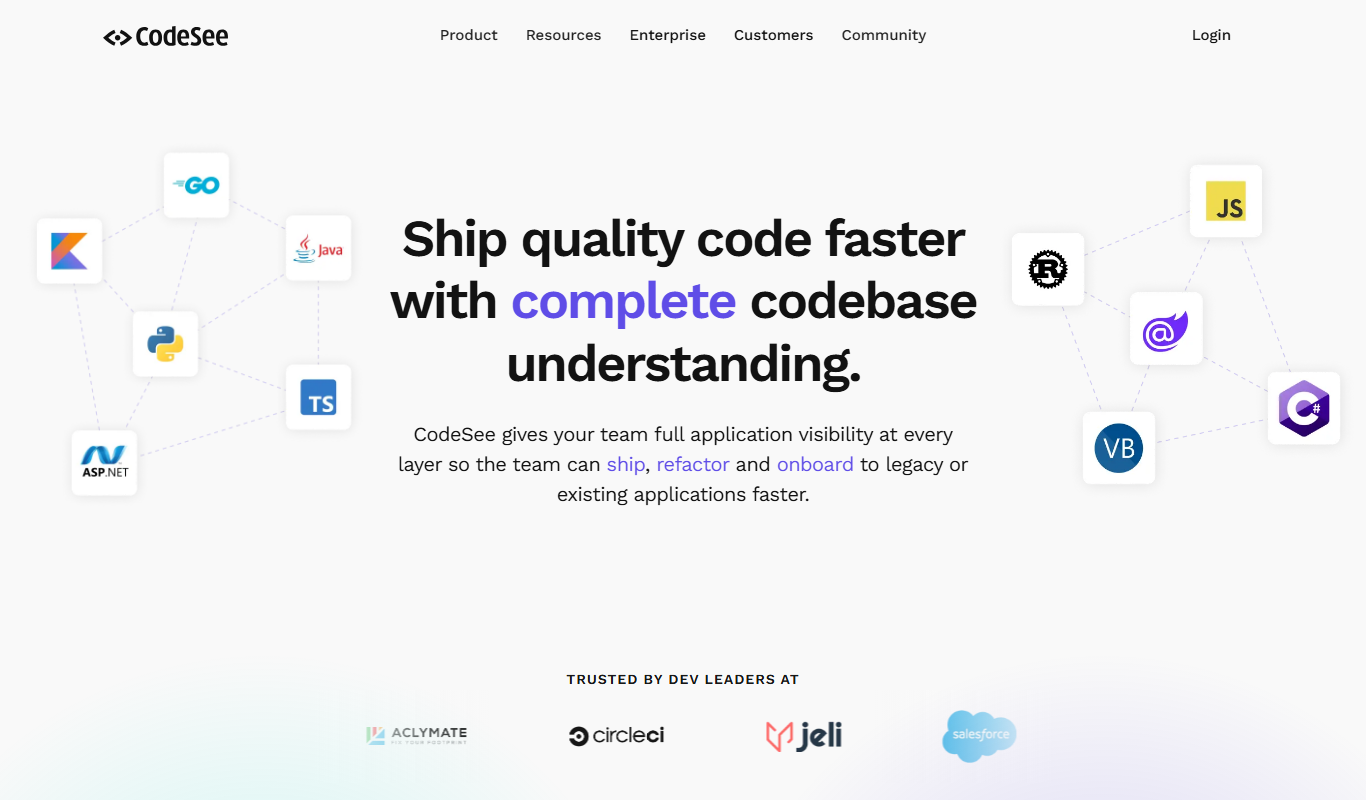
CodeSee is a software visualization tool that generates interactive maps of codebases to help developers understand, document, and collaborate on complex projects.

Free
PlantUML
PlantUML is an open-source tool that creates UML diagrams from simple text descriptions, supporting various diagram types and integration with development tools.

Free
TypeScript Playground
TypeScript Playground is a free, web-based interactive editor by Microsoft that lets you write, compile, and share TypeScript code instantly in your browser without any setup.