

Peak Strength App for Personalized Fitness Training and Workout Tracking
Peak Strength is a personalized strength training app for athletes, with exercise demos and immediate feedback.
- Best for
- Personalized Workout Plans
- Key capability
- Sport-specific training plans
Save Peak Strength, follow its updates and vote on it — everything stays in your account.
Sign in or create a free account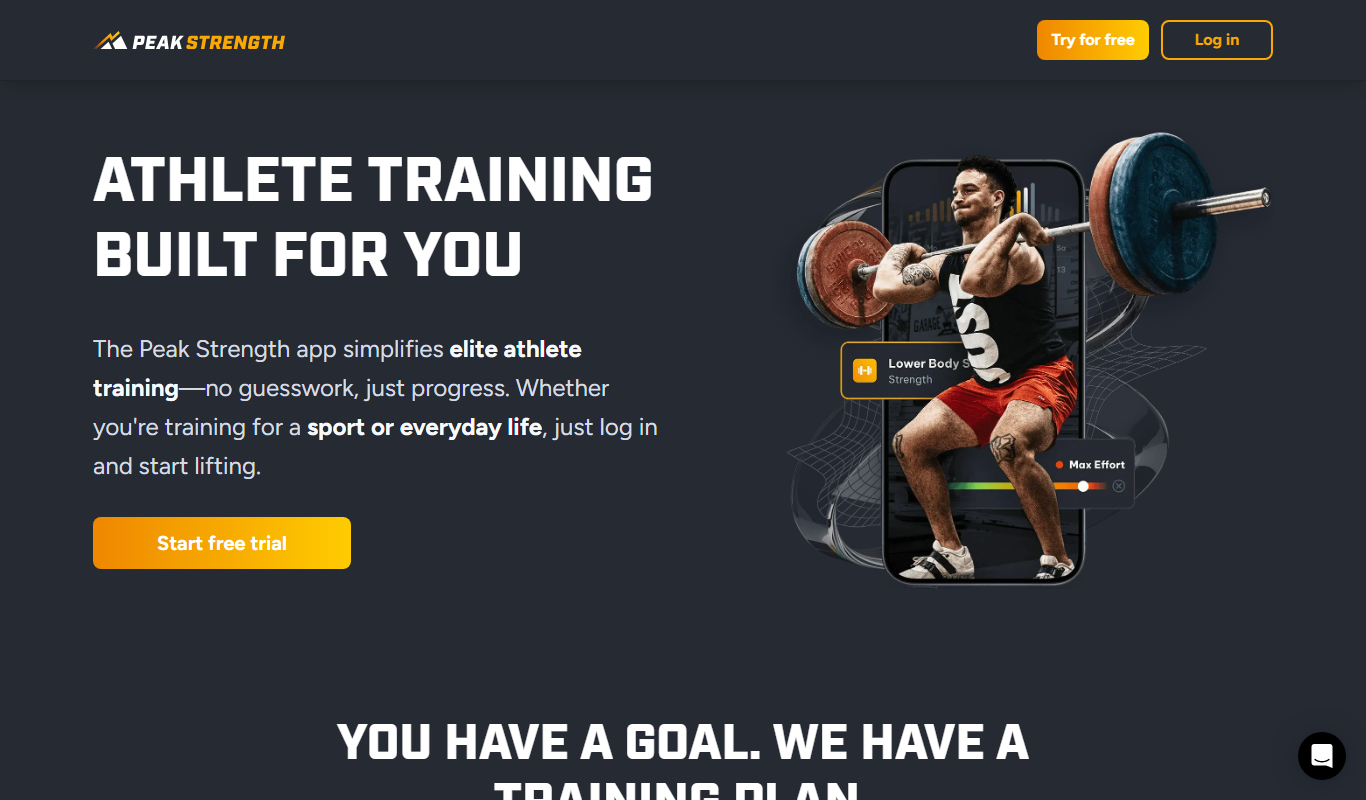
What is Peak Strength?
Peak Strength is a strength training app for athletes from Garage Strength, available on iOS and Android, with training plans for 20 training goals, 32 unique sports and 40 positions or events.
Key features of Peak Strength
The app offers customizable workout plans, an extensive exercise library, intuitive workout logging, progress tracking with analytics, and goal-setting tools to support users in their strength training journey.
Sport-specific training plans
Training plans for 20 training goals, 32 unique sports and 40 positions or events.
Detailed Exercise Database
Access instructions and tips for a wide variety of strength exercises.
Workout Logging Interface
Easily input sets, reps, and weights with a user-friendly interface.
Progress Analytics
Visualize your strength gains and workout consistency over time.
Goal Setting and Tracking
Set measurable fitness goals and track your progress toward them.
Pros and cons of Peak Strength
Pros
- User-friendly workout logging interface
- Comprehensive exercise library with instructions
- Customizable workout plans for all levels
- Clear progress tracking with analytics
- Affordable premium subscription
Cons
- No integration with other fitness platforms
- Limited offline functionality for some features
- Currently available only on mobile platforms
Key use cases for Peak Strength
Personalized Workout Plans
Create customized strength training programs tailored to individual goals and fitness levels.
Workout Tracking
Log exercises, sets, reps, and weights to monitor progress over time.
Progress Monitoring
Visualize strength gains and workout history through detailed analytics and charts.
Exercise Library
Access a comprehensive database of exercises with instructions and tips.
Goal Setting
Set specific fitness goals and receive guidance to achieve them efficiently.
How Peak Strength works
- 1
Download and Install
Get the Peak Strength app from the iOS App Store or Google Play Store.
- 2
Create an Account
Sign up to save your workout data and personalize your experience.
- 3
Set Your Goals
Define your strength training objectives and fitness level.
- 4
Choose a training plan
Pick a plan for your goal, sport and position; specify the equipment you have in your gym and your workouts are automatically adjusted.
- 5
Log Workouts
Record exercises, sets, reps, and weights during your training sessions.
- 6
Track Progress
Review charts and analytics to monitor improvements and adjust plans.
Who is using Peak Strength
Peak Strength pricing
Free trial
Free for 7 days
Create your account and start your 7-day free trial.
Premium
$9.99/month
Advanced features including personalized plans, progress analytics, and priority support.
Plans and prices are as published by the vendor and can change. Check the official site before you buy. Open the pricing page (opens in a new tab)
Frequently asked questions about Peak Strength
Yes, the app offers customizable plans that can be tailored for all fitness levels, including beginners.
Basic workout logging and access to saved plans are available offline, but some features require internet access.
Currently, Peak Strength does not support integration with third-party fitness apps.
Payments are processed through the App Store or Google Play Store using their supported payment methods.
It depends on your specific needs and how you plan to use the tool. The official website and documentation are the best sources for the latest details.
Yes, it can help with that use case depending on how you configure it and what features are available. You’ll get the best results with clear inputs and a defined goal.
Conclusion
Programs are chosen rather than built from scratch: an athlete picks from 20 training goals, 32 sports and 40 positions or events, and the app sets exact exercises, sets, reps and weights for every week. Beyond strength, sessions cover explosiveness with Olympic lifts and plyometrics, sprint training for speed, and mobility and stretching routines for recovery. Weight suggestions adjust in real time to performance, and workouts are automatically adjusted to the equipment in your gym, with the option to replace an exercise.
The programming is the same system Garage Strength uses to train Olympians, D1 athletes and pros, with programs for beginners as well as professional athletes. New accounts start with a 7-day free trial before a paid subscription. The site presents it as a demanding program for athletes who want to be pushed and challenged rather than take the easy road.
Sources
Sign in to review this tool.
Sign In to ReviewNo reviews yet
Be the first to share how this tool worked for you.
Ask about pricing, limits, or how it compares — or answer someone else.
Sign In to AskNo questions yet
Have a question about using or paying for this tool? Be the first to ask.
Featured on TiorAI



More AI Personal Assistant Tools tools
Other tools in the same category, for when this one is not quite the fit.
Rapid Muscle
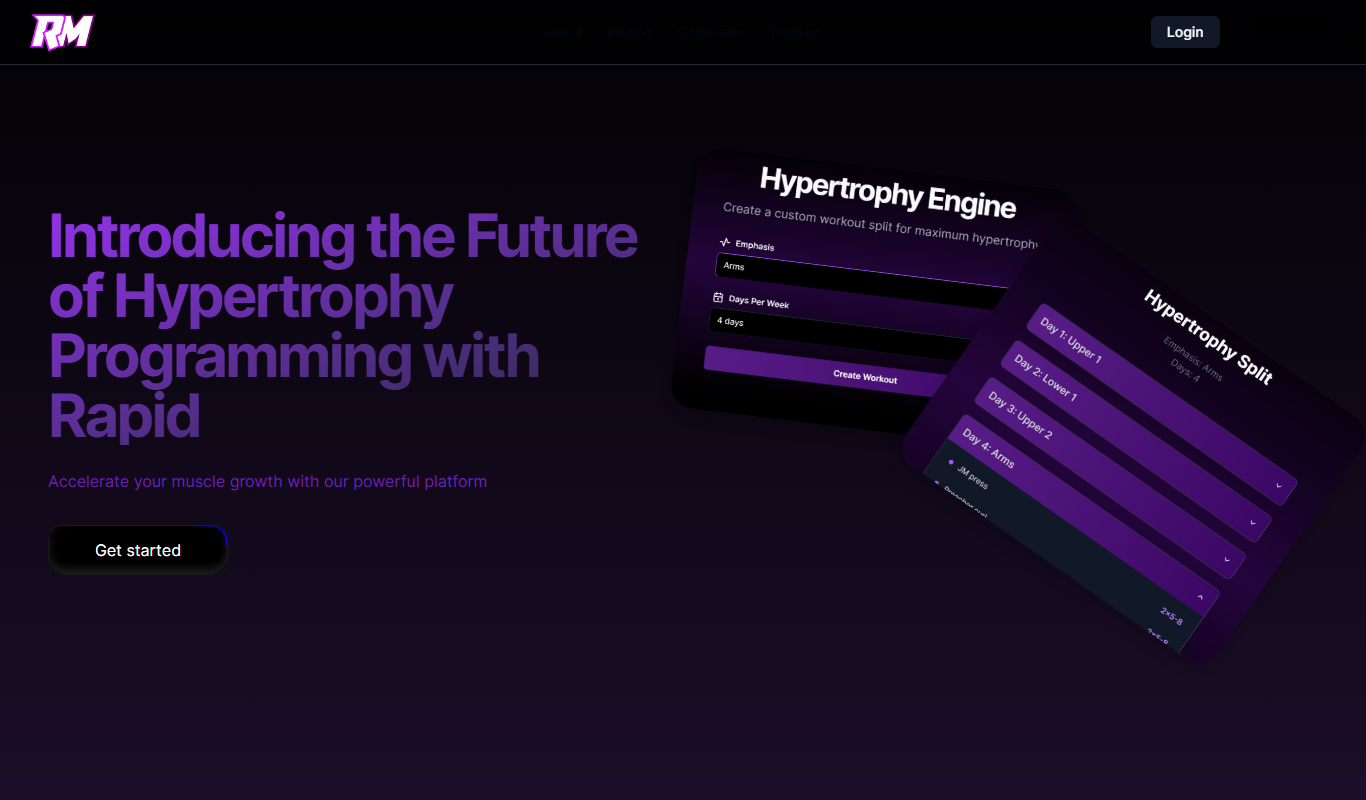
Rapid Muscle is a fitness app that creates personalized muscle-building workout plans tailored to your fitness level and goals, available on web and mobile platforms.
Jamie’s Fit
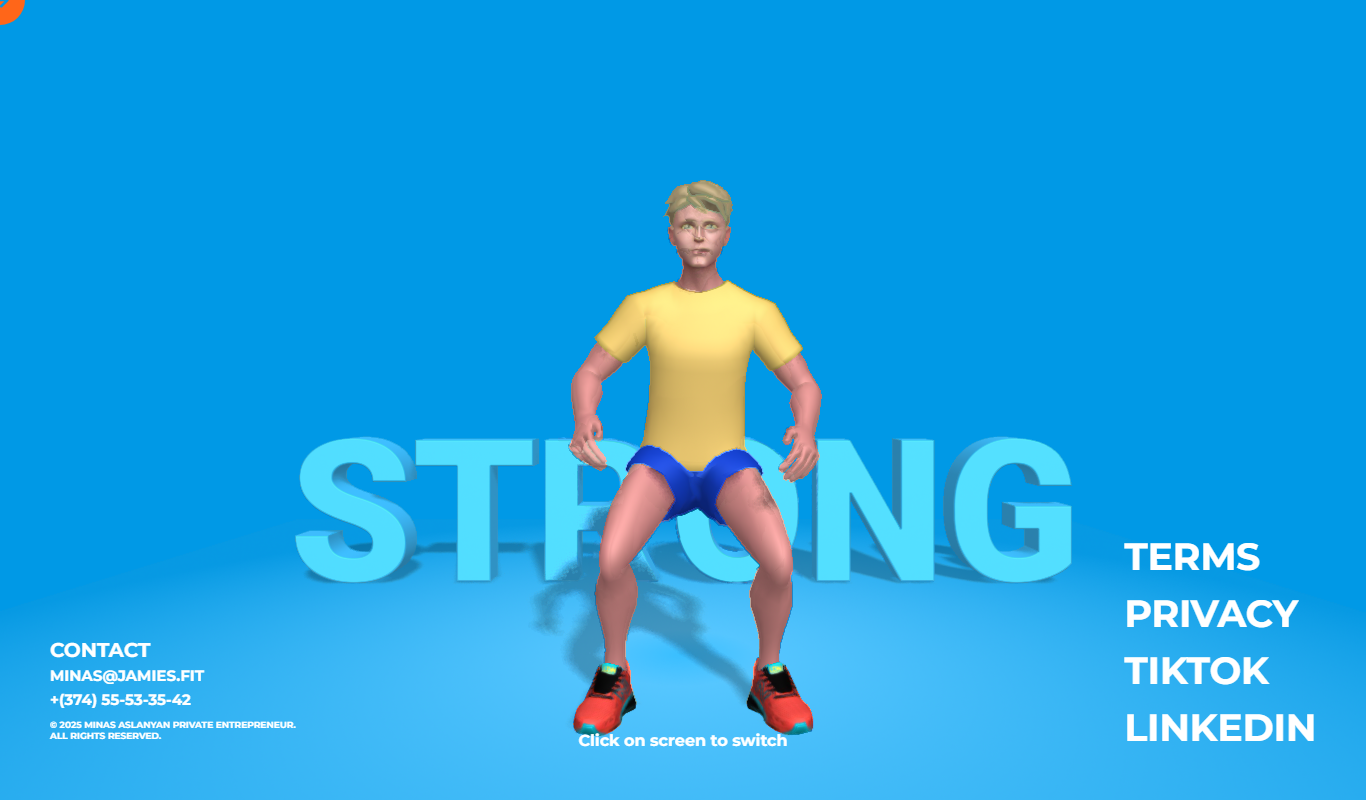
Jamie's Fit is an AI fitness coach app: Jamie reconstructs your movement through your phone camera and speaks real-time coaching cues during home workouts.

Planfit – AI Personal Trainer
Planfit is an AI-powered personal trainer that generates customized workout plans and coaching based on your fitness goals, experience, and available equipment, accessible via web and mobile apps.

bodbot.com
BodBot is an AI-driven fitness app that generates personalized workout plans tailored to your fitness level, goals, and injuries, adapting dynamically as you progress.
MikeAI – Personalized AI Fitness Coach
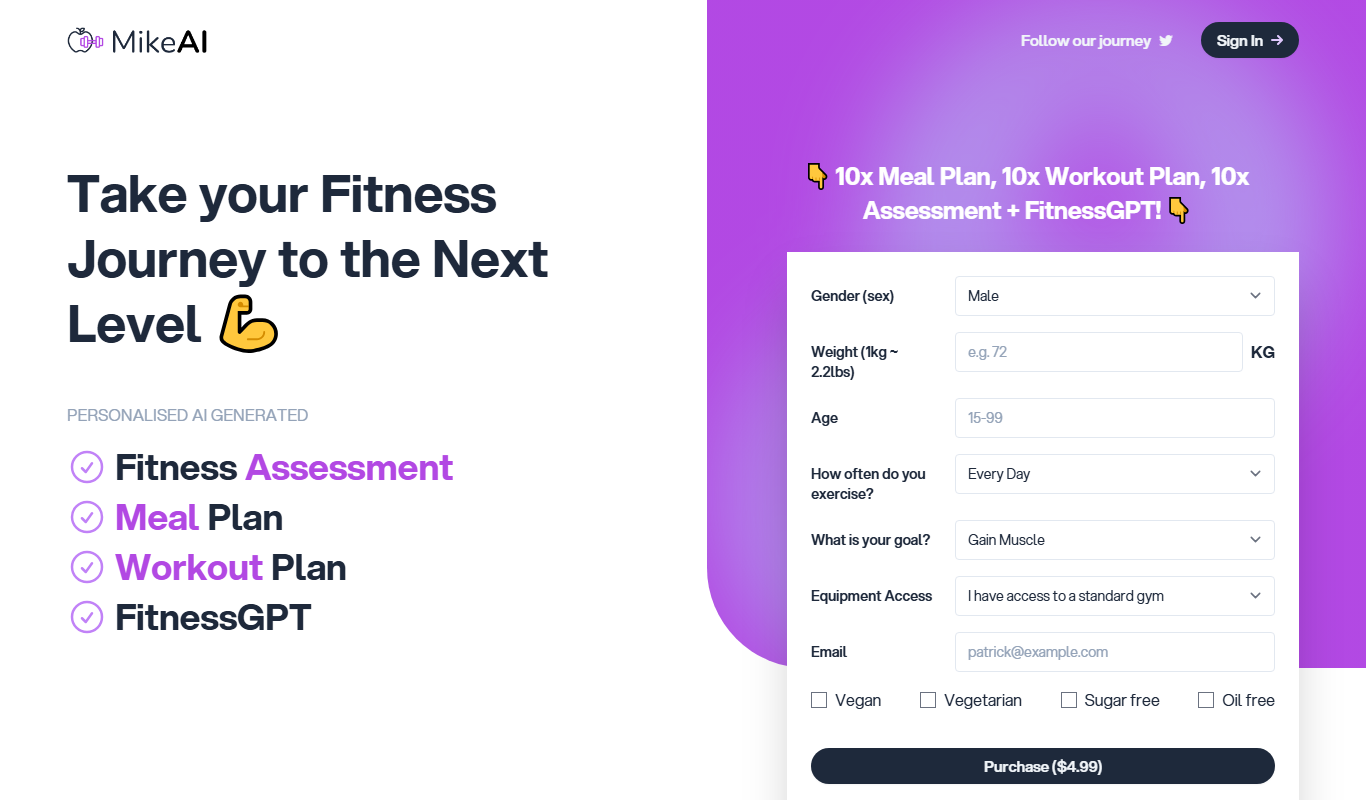
MikeAI is an AI-powered nutrition companion that creates personalized meal plans, workout routines and supplement recommendations.
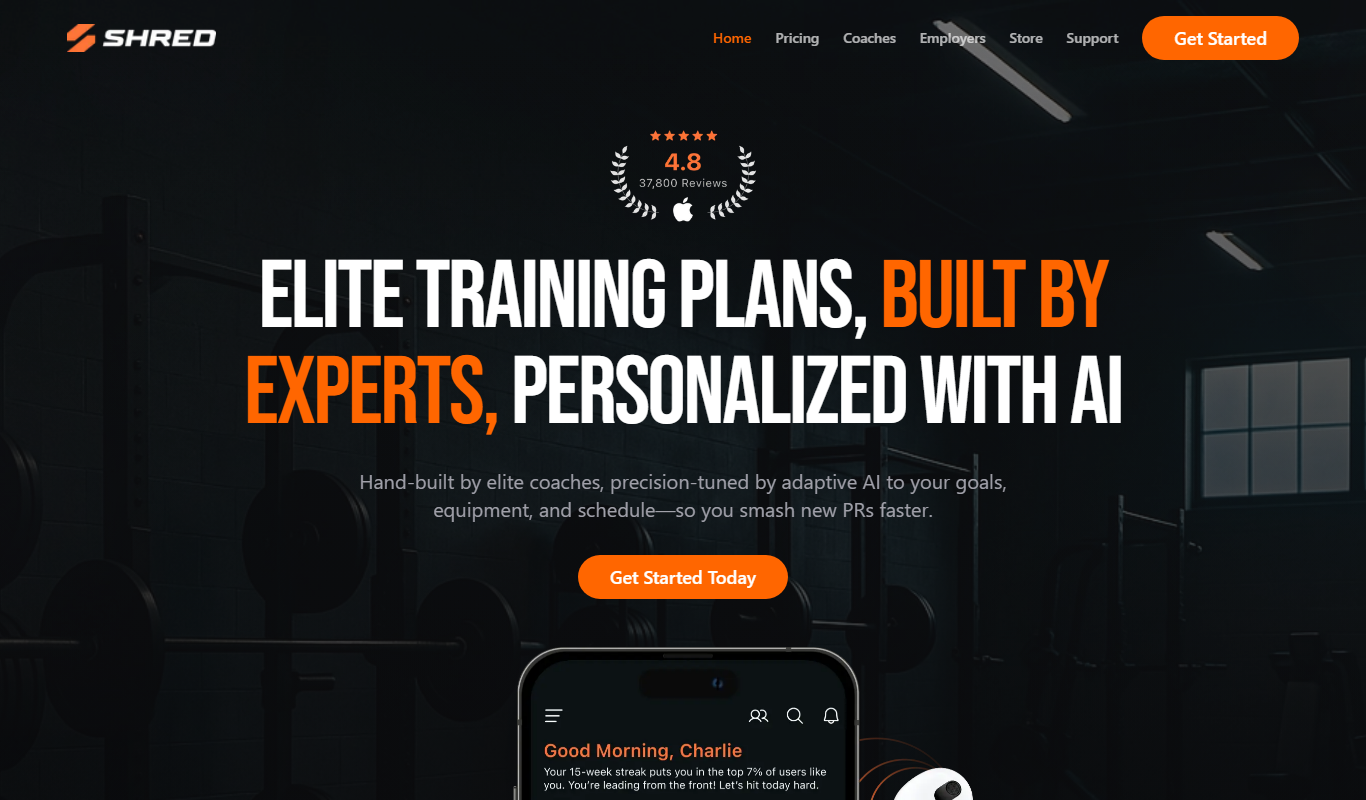
SHRED: Home & Gym Workouts App
SHRED is a fitness app providing personalized workout plans for home and gym, featuring video demonstrations, progress tracking, and motivational coaching.

Jelled.ai
Jelled.ai is an AI digital twin for your work inbox that surfaces insights from Gmail and Slack, labels and filters email and drafts informed replies.
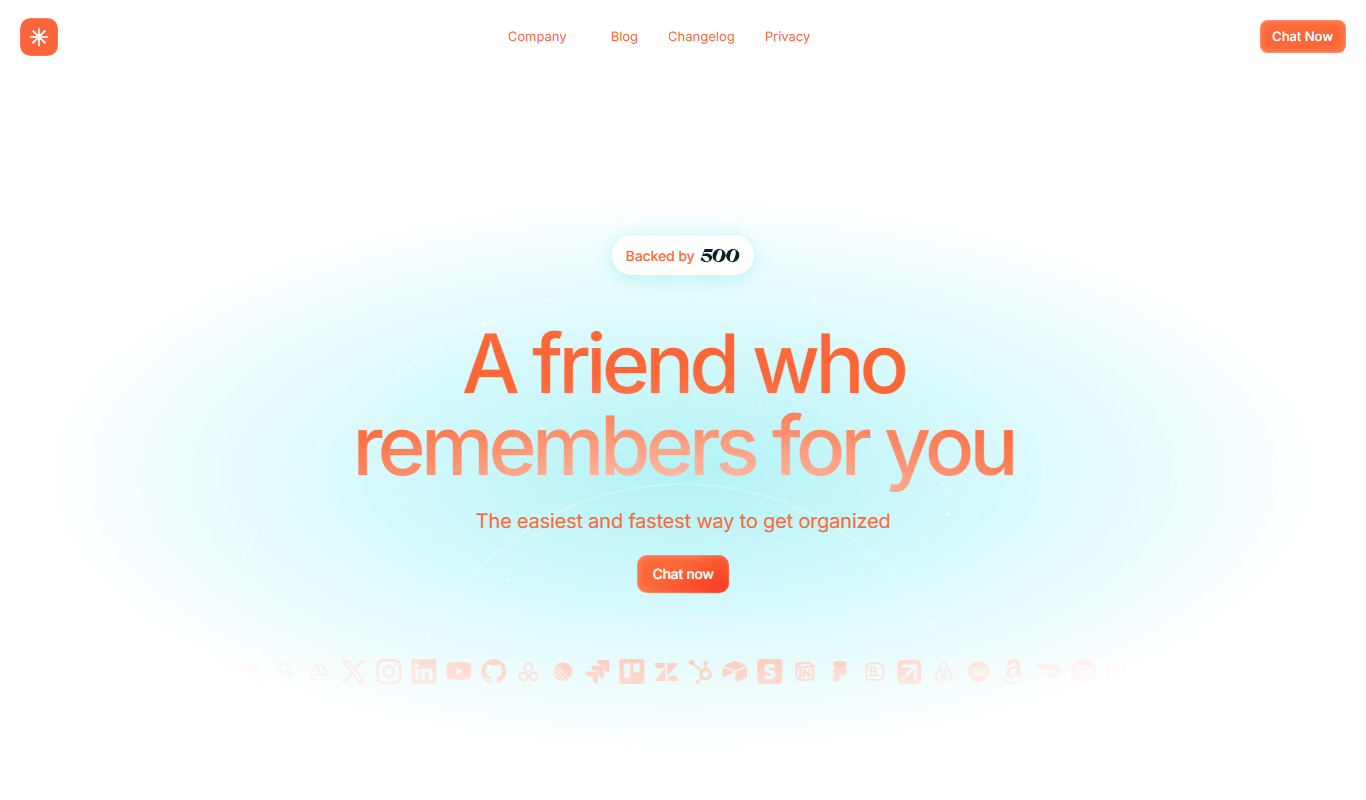
Thalla
Thalla is an AI chief of staff on WhatsApp that remembers for you, sets up reminders and can call your contacts to remind them on your behalf.