

EZAi AI Review: AI-Powered Content Writing and SEO Assistant Tool
EZAi AI is a web-based AI content writing and SEO assistant tool that helps users generate, optimize, and edit SEO-friendly content efficiently.
- Best for
- Blog Content Creation
- Key capability
- AI Content Generation
Save EZAi AI, follow its updates and vote on it — everything stays in your account.
Sign in or create a free account

What is EZAi AI?
EZAi AI is a web-based AI-powered content writing and SEO assistant tool designed to help marketers, bloggers, and businesses create high-quality, SEO-friendly content efficiently. It combines natural language processing with SEO analysis to generate, optimize, and enhance written content tailored to user needs.
Key features of EZAi AI
EZAi AI offers features such as AI content generation, SEO keyword optimization, content research, grammar and style editing, and content performance analysis to streamline the content creation process and improve search engine rankings.
AI Content Generation
Automatically create blog posts, articles, and marketing copy based on user input and SEO data.
SEO Keyword Optimization
Analyze and suggest keywords to improve content ranking and relevance.
Content Research Assistant
Gather relevant information and data points to support content creation.
Grammar and Style Editing
Enhance readability and correctness with AI-powered editing suggestions.
Performance Analytics
Track content effectiveness and SEO performance metrics.
Pros and cons of EZAi AI
Pros
- User-friendly interface suitable for all skill levels
- Combines AI writing with SEO optimization in one tool
- Affordable pricing with a free plan option
- Helps improve content quality and search rankings
- Includes content research and editing features
Cons
- Limited integrations with third-party platforms
Key use cases for EZAi AI
Blog Content Creation
Generate SEO-optimized blog posts quickly with AI assistance to improve content quality and search rankings.
SEO Optimization
Analyze and optimize existing content for better keyword targeting and readability to boost organic traffic.
Content Research
Leverage AI to gather relevant data and insights for creating well-informed articles and marketing materials.
Marketing Copywriting
Create engaging marketing copy for websites, ads, and social media with AI-generated suggestions.
Content Editing and Enhancement
Improve grammar, tone, and clarity of your writing with AI-powered editing tools.
How EZAi AI works
- 1
Sign Up
Create an account on the EZAi AI platform to access the content writing and SEO tools.
- 2
Input Content or Keywords
Provide a topic, keywords, or existing content to guide the AI in generating or optimizing text.
- 3
Generate or Optimize Content
Use AI-powered features to create new content or enhance existing articles with SEO best practices.
- 4
Review and Edit
Refine the AI-generated content using built-in editing tools to ensure clarity and tone.
- 5
Publish or Export
Download or publish the optimized content directly to your website or marketing channels.
Who is using EZAi AI
EZAi AI pricing
Free
$0/month
5,000 EZAi tokens with basic features and templates, including content creation in the mobile app.
Unlimited
$7.99/month
All EZAi features and unlimited templates, collaboration with team members, multiple seats, priority support and 36 languages.
Pay As You Go
$25.99 per 200k tokens
About 150k words or 1000 blog posts, paid for without a subscription.
Plans and prices are as published by the vendor and can change. Check the official site before you buy. Open the pricing page (opens in a new tab)
Frequently asked questions about EZAi AI
Yes, EZAi AI is designed with an intuitive interface that makes it easy for beginners to generate and optimize content.
Yes. The Unlimited package covers unlimited templates, projects and creations.
EZAi works in 36 languages.
Yes, EZAi AI offers a free plan with limited features to try the platform before upgrading.
This tool is designed to help users accomplish its core tasks more efficiently. It is typically used by individuals or teams looking to improve productivity and workflow.
Pricing depends on the plan and included features. For the most accurate and up-to-date details, check the official pricing page.
It depends on your specific needs and how you plan to use the tool. The official website and documentation are the best sources for the latest details.
Yes, it can help with that use case depending on how you configure it and what features are available. You’ll get the best results with clear inputs and a defined goal.
Conclusion
Copywriting at a desk or on the move is the premise, with a web app and apps for iPhone and Android. Users enter keywords, a topic or a tone of voice, and the generated copy can then be edited to fit the brand and audience. More than 60 templates are available, including a freestyle option for writing from scratch.
The app also includes 12 AI assistants built to help a business, and content can be written in 36 languages. Content marketers, bloggers and small businesses are the intended users. A free package includes 5,000 tokens, the Unlimited plan is a monthly subscription with multiple seats, and pay-as-you-go tokens need no subscription.
Sources
Sign in to review this tool.
Sign In to ReviewNo reviews yet
Be the first to share how this tool worked for you.
Ask about pricing, limits, or how it compares — or answer someone else.
Sign In to AskNo questions yet
Have a question about using or paying for this tool? Be the first to ask.
Featured on TiorAI



More AI SEO Tools tools
Other tools in the same category, for when this one is not quite the fit.

Outlit AI
Outlit monitors long-tail customers, surfaces risks and growth opportunities, builds action plans, and completes approved work within your controls.
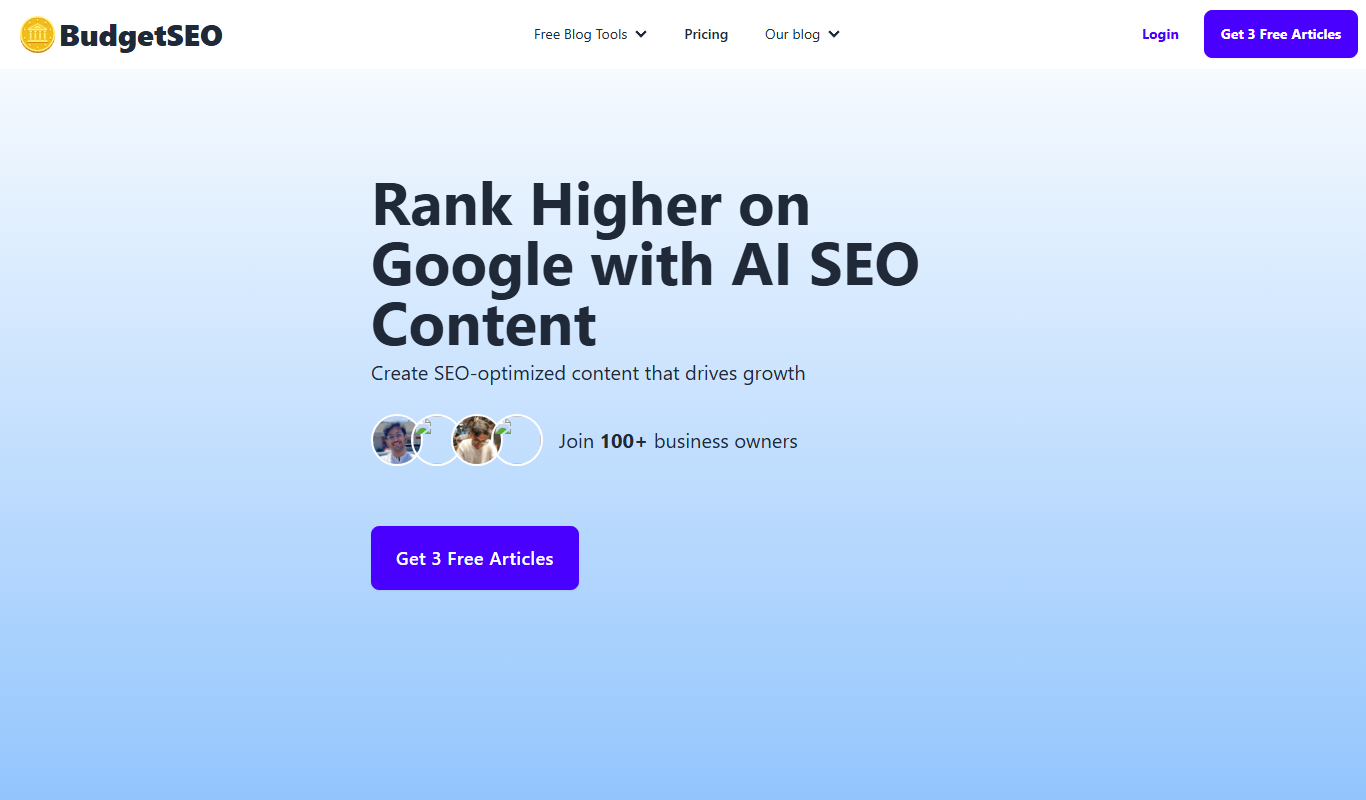
BudgetSEO
BudgetSEO is an AI SEO article generator that goes from keywords to published blog content, with GPT-4 articles, generated images, WordPress posting and free blog tools.
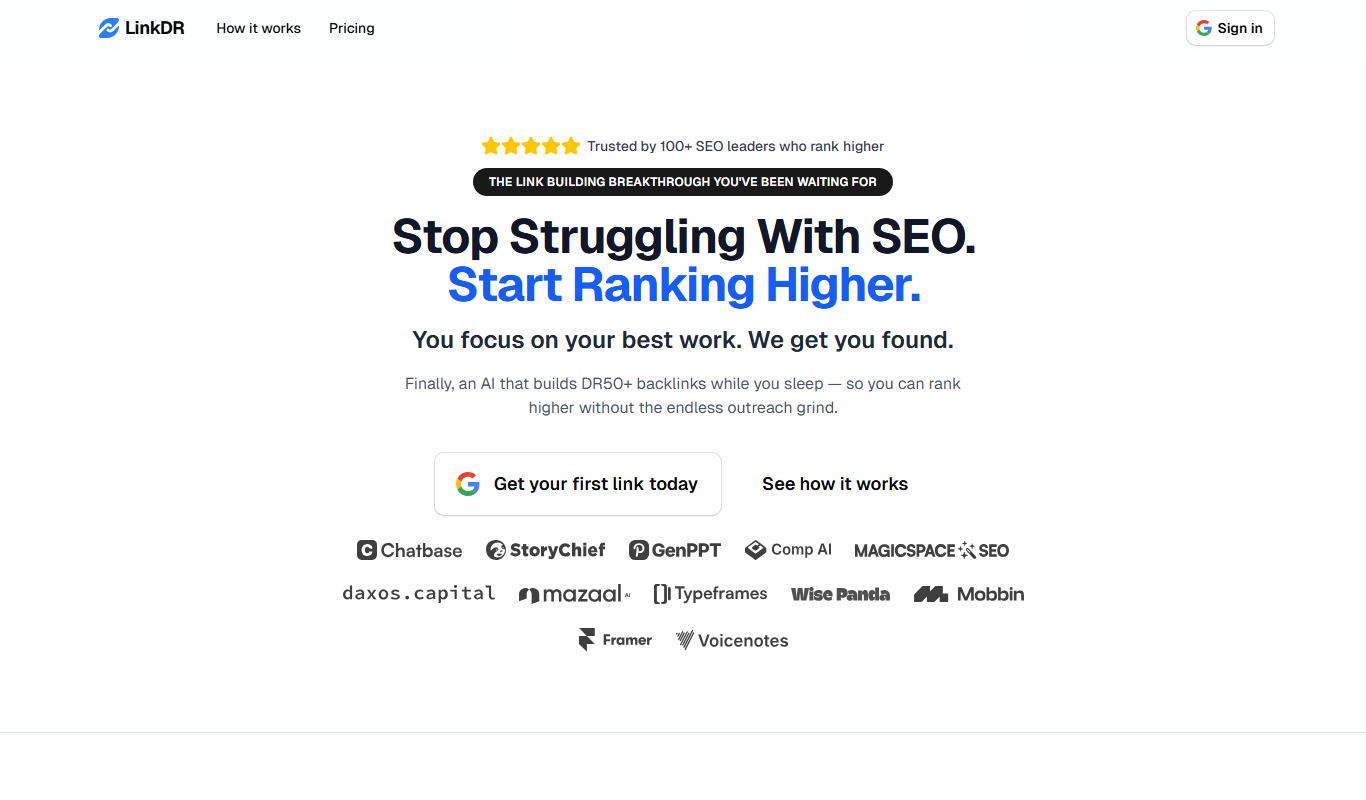
LinkDR
LinkDR is a backlink building service handled for you: publisher sourcing, outreach, content and placement of links on relevant sites, priced per placed link.

LinkBoss: AI-Powered Interlinking Tool
LinkBoss is an AI-driven tool that automates internal linking on websites to enhance SEO by suggesting and inserting relevant links efficiently.

Mentioned
Mentioned finds the articles that should list your product and do not, works out what is wrong on each page and writes the correction for the editor.

Genux Ai
Genux AI installs a 24/7 AI lead conversion system for real estate that responds instantly, qualifies buyers and sellers, and books appointments automatically.

AiPakistani
AiPakistani is a generative AI platform for Pakistan that creates documents and images, answers questions in chats and turns audio into editable transcriptions, with prompts and results in multiple languages.

Originality
Originality AI is a web-based tool that detects plagiarism and AI-generated content to ensure content originality and SEO compliance.