

Netlify Hosting Platform for Modern Web Development and Deployment
Netlify is a cloud platform that provides hosting, continuous deployment, and serverless backend services optimized for static and Jamstack websites, enabling developers to build and deploy fast, secure web projects with ease.
- Best for
- Static Website Hosting
- Key capability
- Continuous Deployment
Save Netlify, follow its updates and vote on it — everything stays in your account.
Sign in or create a free account
What is Netlify?
Netlify is a cloud platform that simplifies modern web development by providing hosting, continuous deployment, and serverless backend services optimized for static and Jamstack websites. It integrates with Git workflows to automate builds and deploy sites globally via a content delivery network (CDN), enabling fast and secure web experiences.
Key features of Netlify
Netlify offers automated continuous deployment from Git, global CDN hosting, serverless functions, form handling and split testing, all designed to streamline the development and management of modern web projects.
Continuous Deployment
Automated builds and deployments triggered by Git commits.
Global CDN
Fast content delivery through a worldwide content delivery network.
Serverless Functions
Run backend code without managing servers, integrated with your site.
Netlify CMS
Open-source content management system for easy site content updates.
Form Handling and Analytics
Built-in form processing and submission analytics without backend setup.
Pros and cons of Netlify
Pros
- Easy Git-based continuous deployment
- Global CDN ensures fast site loading
- Integrated serverless functions for backend logic
- Free tier with useful features
- User-friendly CMS for content editors
Cons
- Limited build minutes on free plan
- Advanced features require paid plans
- Not ideal for traditional dynamic server-based apps
Key use cases for Netlify
Static Website Hosting
Host and deploy static websites with global CDN for fast performance.
Continuous Deployment
Automate build and deployment pipelines from Git repositories.
Serverless Backend Functions
Run serverless functions to handle backend logic without managing servers.
Jamstack Site Development
Build modern Jamstack sites integrating APIs and pre-rendered markup.
No-Code Site Management
Use Netlify CMS for content editing without coding.
How Netlify works
- 1
Connect Git Repository
Link your GitHub, GitLab, or Bitbucket repository to Netlify.
- 2
Configure Build Settings
Set build commands and publish directory for your static site generator.
- 3
Automatic Build and Deploy
Netlify builds your site on every code push and deploys it globally.
- 4
Manage Backend with Serverless Functions
Add serverless functions to handle dynamic backend logic.
- 5
Use Netlify CMS for Content Editing
Enable content editors to manage site content without code.
Who is using Netlify
Netlify pricing
Free
$0/month
Free plan under the credit-based pricing system.
Pro
$20/month flat
Increased limits, team collaboration, and advanced features for professional developers.
Enterprise
Custom
Everything in Pro plus a 99.99% SLA, enterprise network tier, high-performance builds, SSO and SCIM, log drains and 24/7 dedicated support.
Personal
$9
Everything in Free plus smart secret detection, 1-day observability, priority email support and 1,000 credits per month.
Plans and prices are as published by the vendor and can change. Check the official site before you buy. Open the pricing page (opens in a new tab)
Frequently asked questions about Netlify
Netlify is optimized for static sites, Jamstack architectures, and sites built with static site generators like Gatsby, Hugo, and Next.js.
Yes, through serverless functions you can run backend code without managing servers.
Yes, Netlify allows custom domain configuration with free SSL certificates.
Yes, Netlify offers a free plan with generous limits suitable for personal and small projects.
It depends on your specific needs and how you plan to use the tool. The official website and documentation are the best sources for the latest details.
This tool is designed to help users accomplish its core tasks more efficiently. It is typically used by individuals or teams looking to improve productivity and workflow.
Yes, it can help with that use case depending on how you configure it and what features are available. You’ll get the best results with clear inputs and a defined goal.
Some tools offer a free plan or trial with limited features. Availability can vary, so confirm on the official website.
Conclusion
Git is the entry point: a GitHub, GitLab or Bitbucket repository is linked, build commands and a publish directory are set, and each code push triggers a build that deploys globally. Content is delivered through a worldwide content delivery network, and serverless functions run backend code without managing servers. Split testing and form handling are also part of the feature set. It is optimized for static sites, Jamstack architectures and static site generators like Gatsby, Hugo and Next.js.
The platform is aimed at frontend developers, Jamstack site builders and web agencies. Traditional dynamic server-based apps are a weaker match for it. Pricing now runs on a credit-based system with a Free plan, Personal at $9, Pro at $20 per month flat and an Enterprise tier.
Sources
Sign in to review this tool.
Sign In to ReviewNo reviews yet
Be the first to share how this tool worked for you.
Ask about pricing, limits, or how it compares — or answer someone else.
Sign In to AskNo questions yet
Have a question about using or paying for this tool? Be the first to ask.
Featured on TiorAI



Alternative Tools
Explore similar AI tools that might fit your needs

Vercel
Vercel is a cloud platform that enables developers to deploy frontend applications and serverless functions with automatic scaling and global CDN delivery, optimized for frameworks like Next.js.
More AI DevOps Assistant tools
Other tools in the same category, for when this one is not quite the fit.
Spectate
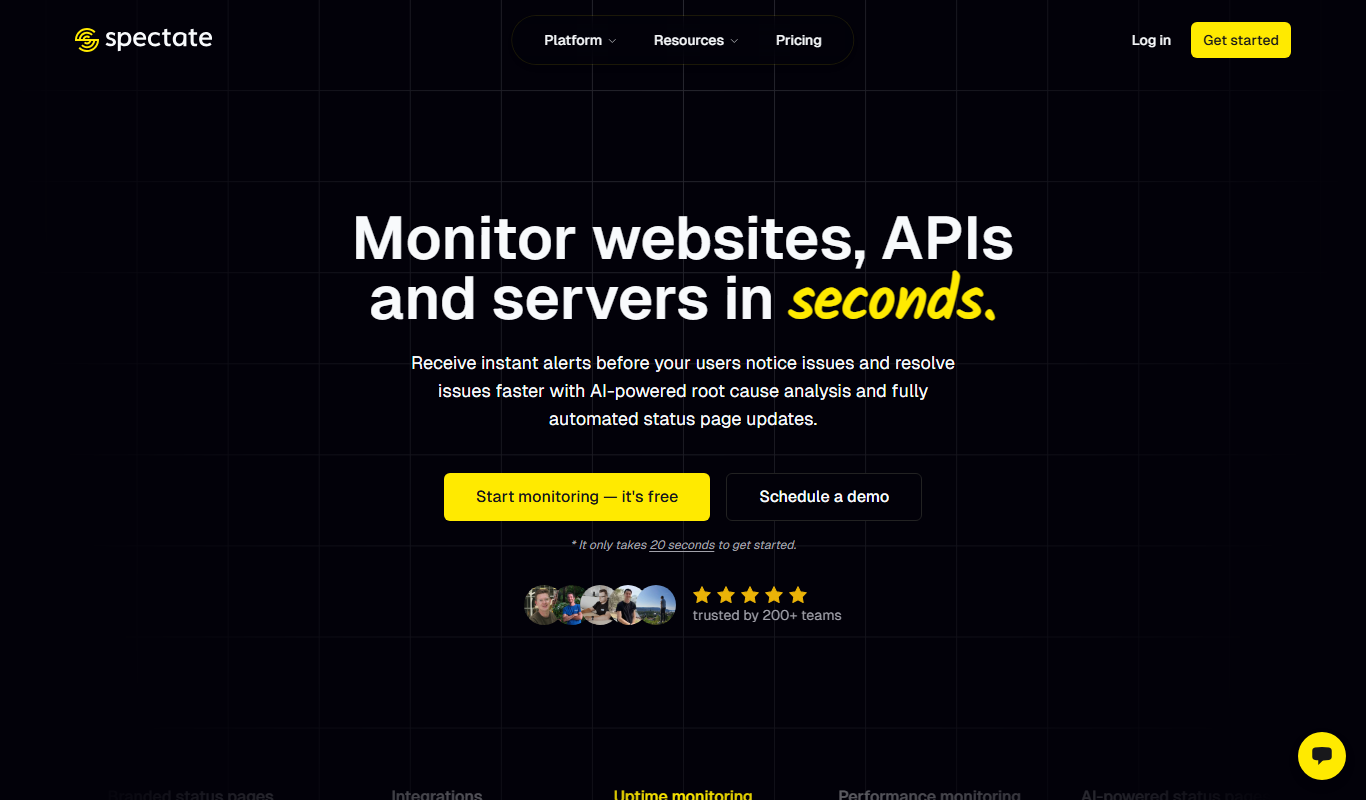
Spectate monitors websites, APIs and servers, alerts you before users notice issues and keeps status pages updated with AI, with a free plan.

KubeHA
KubeHA is a GenAI-powered SaaS platform for Kubernetes monitoring, observability, remediation and exploration (MORE), with KubeHA GPT for plain English questions.

SRE.ai
SRE.ai is an AI-native systems integrator that automates enterprise systems delivery, with a Command Center for deployments and AI agents that code, test and deploy.

Warehouse Optimization
Keebo Warehouse Optimization uses agentic AI to rightsize Snowflake and Databricks warehouses 24/7, tuning size, auto-suspend and scaling within your SLAs.

Defang
Defang deploys your Compose file to your own AWS, GCP or Azure account, with preview environments and one path to production for people and agents.

Latitude
Latitude is an open-source AI agent observability platform that traces agents in production, discovers failing behavior, sends alerts and helps verify fixes.

Uniskai by Profisea Labs
Uniskai by Profisea Labs is a FinOps platform that reduces cloud costs across AWS, Azure and GCP with cost visibility, rightsizing, spot instances and waste management.

CockroachDB
CockroachDB is a distributed SQL database designed for cloud-native applications that require strong consistency, high availability, and horizontal scalability across multiple regions.