

AI-Powered Subtitle Generator and Editor for SRT Files | HappySRT
HappySRT is an AI-powered web tool that automatically generates and allows editing of SRT subtitle files from video or audio content, enhancing video accessibility and engagement.
- Best for
- Automatic Subtitle Generation
- Key capability
- AI-Powered Automatic Subtitle Generation
Save HappySRT | AI Generated SRT & Editor, follow its updates and vote on it — everything stays in your account.
Sign in or create a free account

What is HappySRT | AI Generated SRT & Editor?
HappySRT transcribes, translates and summarizes audio and video, and it generates and edits SRT subtitle files.
Key features of HappySRT | AI Generated SRT & Editor
HappySRT offers automatic AI transcription to generate subtitles, a user-friendly subtitle editor for corrections and timing adjustments, support for exporting SRT files, and a clean web interface that requires no software installation.
AI-Powered Automatic Subtitle Generation
Generates subtitles quickly and accurately using advanced speech recognition.
Interactive Subtitle Editor
Allows manual editing of subtitle text and timing to ensure perfect synchronization.
SRT File Export
Supports exporting subtitles in the widely used SRT format compatible with most video players.
Web-Based Platform
Accessible from any modern browser without the need for software installation.
Translation to Multiple Languages
The site says it translates into multiple languages.
Open-Source Web App
The site describes HappySRT as an open-source web app and has no pricing page.
Pros and cons of HappySRT | AI Generated SRT & Editor
Pros
- Fast and accurate AI subtitle generation
- Easy-to-use subtitle editor for manual adjustments
- No software installation required, fully web-based
- Affordable pricing with a free tier
Cons
- Limited language support (English only)
- Mobile device support is not fully optimized
- Free plan has restricted transcription minutes
Key use cases for HappySRT | AI Generated SRT & Editor
Automatic Subtitle Generation
Generate accurate SRT subtitle files automatically from video or audio content using AI transcription.
Subtitle Editing
Edit and fine-tune generated subtitles with an intuitive web-based editor to ensure timing and text accuracy.
Video Accessibility Enhancement
Add subtitles to videos to improve accessibility for hearing-impaired viewers and increase engagement.
Content Localization Preparation
Create subtitle files that can be used for translating and localizing video content into other languages.
How HappySRT | AI Generated SRT & Editor works
- 1
Upload Video or Audio
Users upload their video or audio files directly to the HappySRT platform.
- 2
AI Transcription and Subtitle Generation
The AI processes the audio to generate a synchronized SRT subtitle file automatically.
- 3
Edit Subtitles
Users can review and edit the subtitles using the built-in editor to correct any errors or adjust timing.
- 4
Export SRT File
Once satisfied, users export the finalized SRT file for use in video players or platforms.
Who is using HappySRT | AI Generated SRT & Editor
HappySRT | AI Generated SRT & Editor pricing
Free
$0/month
Basic subtitle generation with limited minutes and standard features.
Pro
$9.99/month
Extended transcription minutes, faster processing, and priority support.
Plans and prices are as published by the vendor and can change. Check the official site before you buy. Open the pricing page (opens in a new tab)
Frequently asked questions about HappySRT | AI Generated SRT & Editor
HappySRT supports common video and audio formats such as MP4, MOV, WAV, and MP3.
Yes, the platform includes an interactive subtitle editor for manual corrections and timing adjustments.
Limits depend on your subscription plan; free users have restricted transcription minutes, while Pro users have higher limits.
HappySRT is optimized for desktop web browsers; mobile support may be limited.
It depends on your specific needs and how you plan to use the tool. The official website and documentation are the best sources for the latest details.
Yes, it can help with that use case depending on how you configure it and what features are available. You’ll get the best results with clear inputs and a defined goal.
Yes, it can help with that use case depending on how you configure it and what features are available. You’ll get the best results with clear inputs and a defined goal.
Some tools offer a free plan or trial with limited features. Availability can vary, so confirm on the official website.
Conclusion
Video or audio files are uploaded, and the audio is processed into a synchronized SRT subtitle file. A built-in editor then corrects errors and adjusts timing before the SRT file is exported. Common formats such as MP4, MOV, WAV and MP3 are accepted.
Subtitle work is only part of the job, since the service also translates and summarizes audio and video. Translation covers multiple languages. The site describes it as an open-source web app and has no pricing page. Its users include video content creators, educators and accessibility coordinators.
Sources
Sign in to review this tool.
Sign In to ReviewNo reviews yet
Be the first to share how this tool worked for you.
Ask about pricing, limits, or how it compares — or answer someone else.
Sign In to AskNo questions yet
Have a question about using or paying for this tool? Be the first to ask.
Featured on TiorAI



More AI Ai Tools tools
Other tools in the same category, for when this one is not quite the fit.
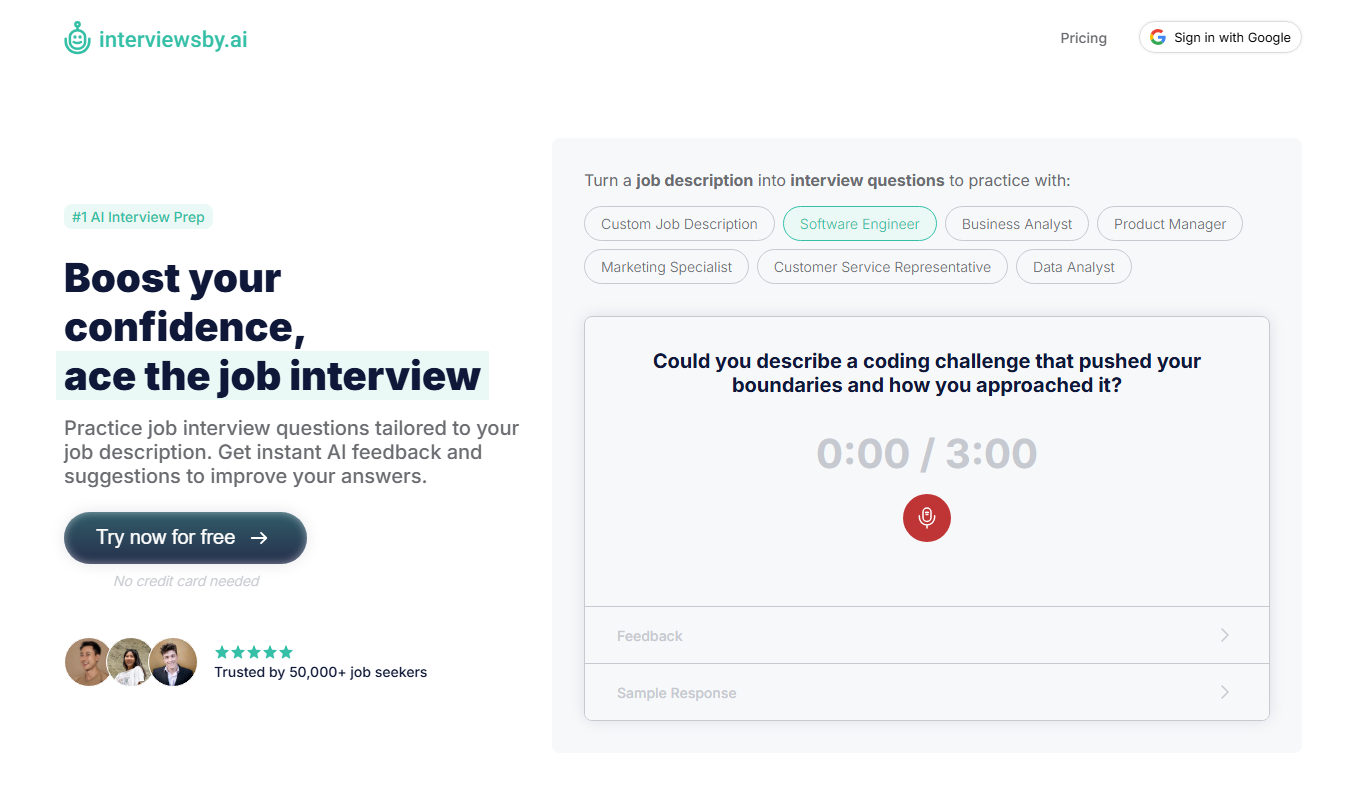
Interviews by AI
Interviews by AI is a web-based platform that uses artificial intelligence to simulate job interviews by generating tailored questions and providing personalized feedback to help users improve their interview skills.

Wonderin Resume AI
Wonderin Resume AI is an AI-powered resume builder that helps job seekers create professional, ATS-optimized resumes quickly using customizable templates and intelligent content suggestions.

Recruitcrafts
Recruitcrafts is an AI-driven recruitment platform that automates candidate sourcing, resume screening, and interview scheduling to help recruiters hire faster and more efficiently.

Sage Cooking
Sage Cooking is an AI-powered web tool that generates personalized recipes based on your dietary preferences, restrictions, and available ingredients to simplify meal planning and inspire cooking creativity.

Infinite Meals
Infinite Meals is a free AI-based meal planner that generates personalized healthy meal plans tailored to your dietary preferences, allergies, and nutritional goals.

REimagine Home
REimagine Home is an AI-driven platform that transforms your room photos into virtual interior design makeovers, helping you visualize new furniture and decor styles quickly and easily.

Free AI QR Code Generator by MyQRCode
MyQRCode is a web-based QR code generator for restaurants, vCards, events and businesses, with custom designs, editable links, logos and colors.

AIQRHub
AIQRHub is an online tool that uses AI to turn the QR code for a URL into an artistic QR code in a preset style.