

Orionox Custom AI Employees for customer service and calls
Orionox transforms customer service with custom AI employees that answer and make calls, book appointments, qualify leads and follow up by text and email.
- Best for
- AI receptionist
- Key capability
- Smart Voice AI
Save orionox, follow its updates and vote on it — everything stays in your account.
Sign in or create a free account
What is orionox?
Orionox is an AI-powered business communication platform built around custom AI employees. Its AI handles customer interactions such as inbound and outbound calls, appointment scheduling, lead qualification and customer service, alongside texting, email and other business tools.
Key features of orionox
Orionox offers Smart Voice AI for inbound and outbound calls, AI texting and email assist, automated appointments, SMS and email marketing, and a business phone system with unlimited calling.
Smart Voice AI
Make and receive AI-driven calls with real-time lead calling, follow-ups, AI receptionist services and call routing.
AI texting and email
Instant AI texting and AI email assist streamline communication across channels.
Automated appointments
Schedules meetings automatically based on your availability.
Business phone system
Unlimited calling and SMS, call tracking, call recording and history logs, and call reports.
Integrations and automations
Connects with 8,000+ integrations for your CRM, sales pipeline and marketing systems.
Pros and cons of orionox
Pros
- No coding needed to set up an AI employee
- Calls, texting, email and CRM in one platform
- 7-day free trial with no credit card required
Cons
- Calls may only be made to people who have given permission to be contacted
- Limited integrations with other marketing tools
Key use cases for orionox
AI receptionist
Answer, route and support calls 24/7.
Lead qualification and follow-up
Qualify leads, capture information and follow up automatically.
Appointment booking
Book meetings automatically based on availability.
Multi-location communication
Redirect calls and set routing rules across branches from one dashboard.
Customer service and billing
Handle customer service, billing questions and tech support calls.
How orionox works
- 1
Sign up
The AI crafts a custom AI Employee tailored to your business.
- 2
Personalize
Select a voice, sync your calendar and feed your website into the AI’s knowledge base.
- 3
Test
Test and interact with your new AI employee.
- 4
Go live
The AI makes and receives calls right away, and drag-and-drop automations extend it through integrations.
- 5
Download or Publish
Export the finalized content or publish it directly to your platforms.
Who is using orionox
orionox pricing
Special offer
$10/user per month
Everything shown on the site for one per-user monthly price, with a 7-day free trial.
Pro
$29/month
Full access to all features with higher usage limits.
Plans and prices are as published by the vendor and can change. Check the official site before you buy. Open the pricing page (opens in a new tab)
Frequently asked questions about orionox
An AI assistant that handles customer interactions, including calls, appointment scheduling, lead qualification and customer service.
Yes. Smart Voice AI makes and receives AI-driven calls, with lead calling, follow-ups, receptionist services and call routing.
Yes. You can try it free for 7 days with no credit card required.
No. You personalize your AI Employee, sync it with your business tools and go live without coding.
The pricing page offers everything shown for a single per-user monthly price; see the pricing section.
Yes. It connects with 8,000+ integrations, including CRM, sales pipeline and marketing systems.
Conclusion
Calls are the center of this platform: a custom AI employee answers and places them, books appointments, qualifies leads and handles customer service, while human agents keep the complex issues. Setting one up takes no code, since the user picks a voice, syncs a calendar and feeds a website into its knowledge base before testing it. Texting, email, a unified inbox and a CRM sit beside the voice features, along with a business phone system with unlimited calling and SMS.
Agencies, real estate, automotive and solar businesses are named among the industries using it, and branches can share routing rules from one dashboard. Pricing is a single per-user monthly offer after a 7-day free trial that needs no credit card. Outbound AI calls carry a condition: the terms allow calls only to people who have given permission to be contacted.
Sources
Sign in to review this tool.
Sign In to ReviewNo reviews yet
Be the first to share how this tool worked for you.
Ask about pricing, limits, or how it compares — or answer someone else.
Sign In to AskNo questions yet
Have a question about using or paying for this tool? Be the first to ask.
Featured on TiorAI



More AI CRM & Sales Tools tools
Other tools in the same category, for when this one is not quite the fit.

Ortto
Ortto is a marketing automation platform that integrates customer data management with email and SMS marketing to help businesses automate personalized campaigns and improve customer engagement.

impel.io
Impel is an AI-powered customer lifecycle management platform for automotive retail, turning shoppers into buyers and customers into loyalists.

AmpUp
AmpUp is an AI sales coaching platform that preps reps before every call, coaches them after it and runs roleplay practice built from real objections.
Surface Labs
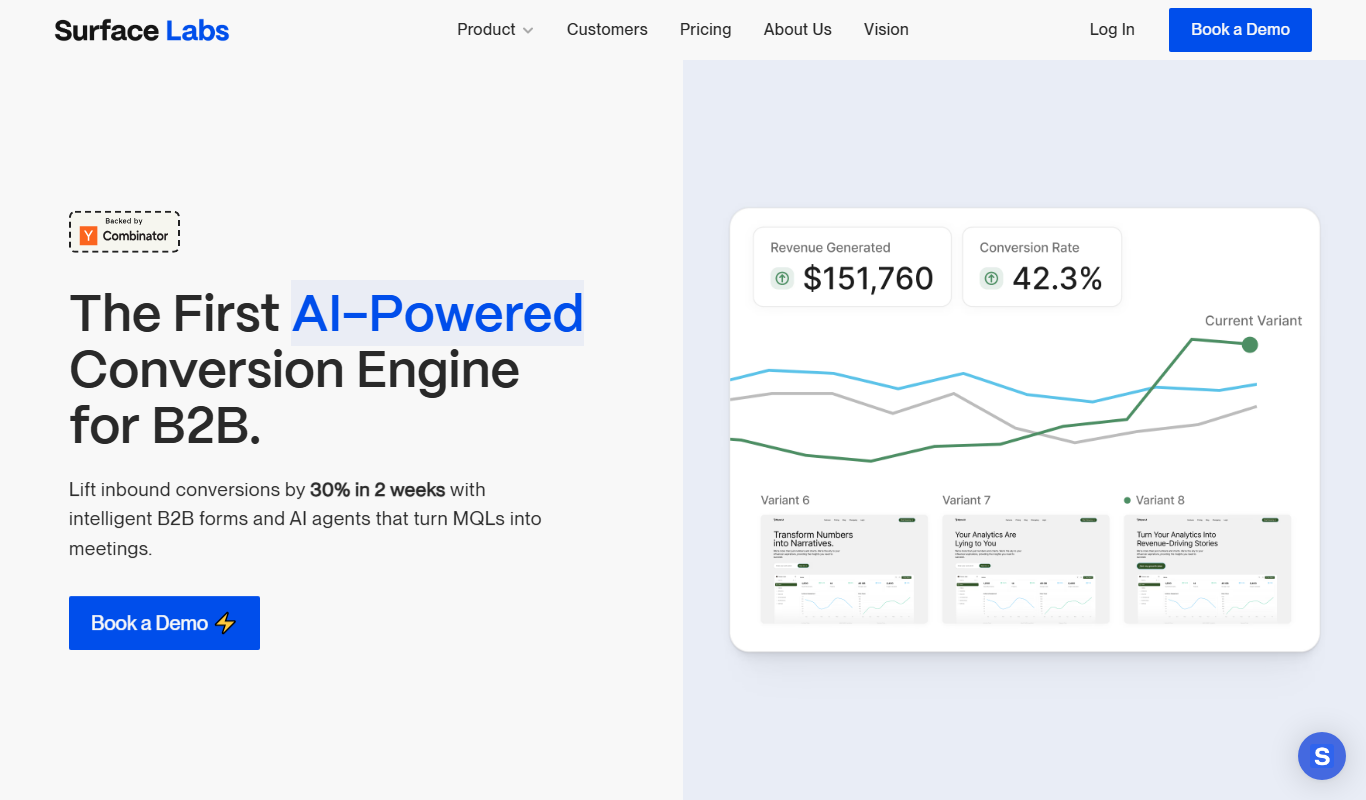
Surface Labs combines AI agents, buyer intelligence and campaign execution so revenue teams can launch campaigns faster, convert more demand and grow pipeline.

folk 2.0
folk is a simple, integrated and proactive CRM with multi-channel data in one place and AI to help you sell more.

GetResponse
GetResponse is a comprehensive email marketing and automation platform that includes tools for creating campaigns, automating workflows, hosting webinars, managing CRM, and building sales funnels.

ActiveCampaign AI
ActiveCampaign AI is a marketing automation platform that integrates AI-powered email marketing, CRM, and sales automation to help businesses personalize customer experiences and optimize campaigns.

Conversion Blitz
Conversion Blitz is an AI lead generation software suite to find leads, send targeted emails, create a chatbot and more.