

Captain AI Content Generator for SEO and Marketing Writers
Captain AI is an AI-driven platform that helps marketers and content creators generate SEO-optimized articles and marketing copy efficiently.
- Best for
- SEO Content Creation
- Key capability
- AI-Powered Content Generation
Save Content Captain, follow its updates and vote on it — everything stays in your account.
Sign in or create a free account

What is Content Captain?
Content Captain is an AI content platform that also identifies website visitors as leads for lead generation.
Key features of Content Captain
Captain AI offers features such as AI-driven content generation, SEO optimization tools, customizable templates, and workflow automation to enhance productivity and content quality.
AI-Powered Content Generation
Automatically create SEO-optimized articles, marketing copy, and more with AI assistance.
Customizable Templates
Use pre-built templates tailored for different content types to speed up creation.
SEO Optimization Tools
Incorporate keywords and SEO best practices directly into generated content.
User-Friendly Interface
Intuitive platform design that simplifies content creation workflows.
Pros and cons of Content Captain
Pros
- Generates SEO-optimized content quickly
- User-friendly interface with templates
- Supports multiple marketing content types
Cons
- Limited language support (English only)
- Pricing may be high for small businesses
Key use cases for Content Captain
SEO Content Creation
Generate optimized blog posts and articles designed to improve search engine rankings.
Marketing Copywriting
Create persuasive marketing content such as ads, emails, and social media posts.
Content Automation
Automate repetitive writing tasks to save time and increase productivity.
Idea Generation
Brainstorm content ideas and outlines to jumpstart writing projects.
How Content Captain works
- 1
Sign Up
Create an account on the Captain AI platform to access the content generation tools.
- 2
Select Content Type
Choose the type of content you want to generate, such as blog posts, ads, or emails.
- 3
Input Keywords or Topics
Provide keywords, topics, or brief instructions to guide the AI in generating relevant content.
- 4
Generate Content
Let the AI create content drafts based on your inputs, which you can then edit and refine.
- 5
Export and Use
Download or copy the generated content for publishing or further customization.
Who is using Content Captain
Content Captain pricing
Free Trial
$0
Limited access to features for new users to test the platform.
Pro
$49/month
Full access to all features with higher usage limits and priority support.
Plans and prices are as published by the vendor and can change. Check the official site before you buy. Open the pricing page (opens in a new tab)
Frequently asked questions about Content Captain
Yes, Captain AI offers a free trial with limited features so you can evaluate the platform.
Captain AI generates original content optimized for SEO based on your input keywords.
You can create blog posts, marketing copy, social media content, emails, and more.
It depends on your specific needs and how you plan to use the tool. The official website and documentation are the best sources for the latest details.
It depends on your specific needs and how you plan to use the tool. The official website and documentation are the best sources for the latest details.
Conclusion
Lead generation sits beside content writing here, since the platform also identifies website visitors as leads. On the content side, the user chooses a type such as blog posts, ads or emails and provides keywords, topics or brief instructions. The AI then creates content drafts based on the inputs, which the user can edit and refine.
Pre-built templates for different content types speed up creation. The platform is aimed at SEO professionals, digital marketers and content creators.
Sources
Sign in to review this tool.
Sign In to ReviewNo reviews yet
Be the first to share how this tool worked for you.
Ask about pricing, limits, or how it compares — or answer someone else.
Sign In to AskNo questions yet
Have a question about using or paying for this tool? Be the first to ask.
Featured on TiorAI



More AI Content Generation Tools tools
Other tools in the same category, for when this one is not quite the fit.

Fadr
Fadr is a music tech platform with a vocal remover, stem splitter, key and tempo detector, remix and mashup makers, a DJ controller and DrumGPT.

Remagine AI
Remagine AI is a web-based platform that uses artificial intelligence to generate marketing content and automate marketing workflows, helping businesses create SEO-friendly and brand-consistent materials efficiently.
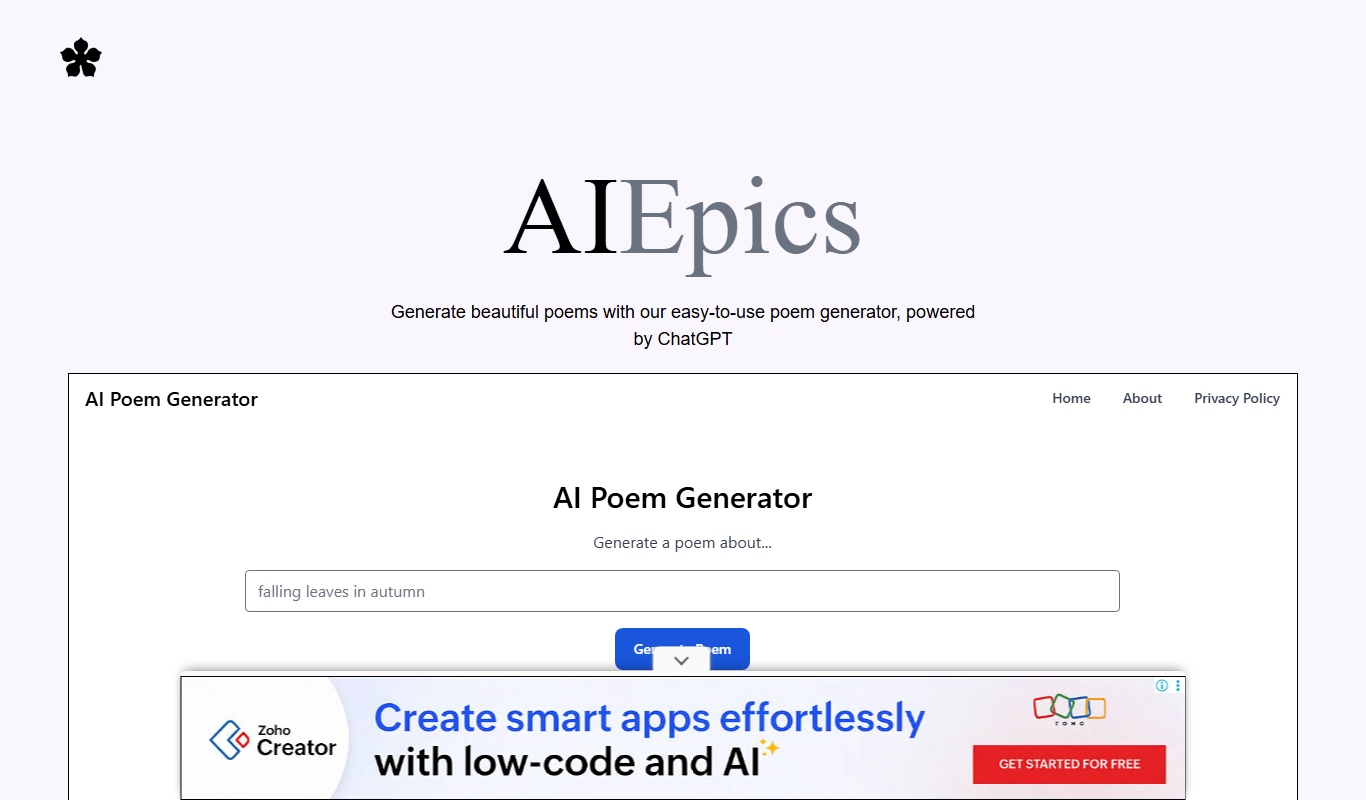
AI Poem Generator
AI Poem Generator is a web tool that creates original poems based on user input themes or keywords using AI technology.

Buzzli
Buzzli uses AI-powered agents to create LinkedIn content, optimize your profile and keep you visible to recruiters, clients and decision-makers.
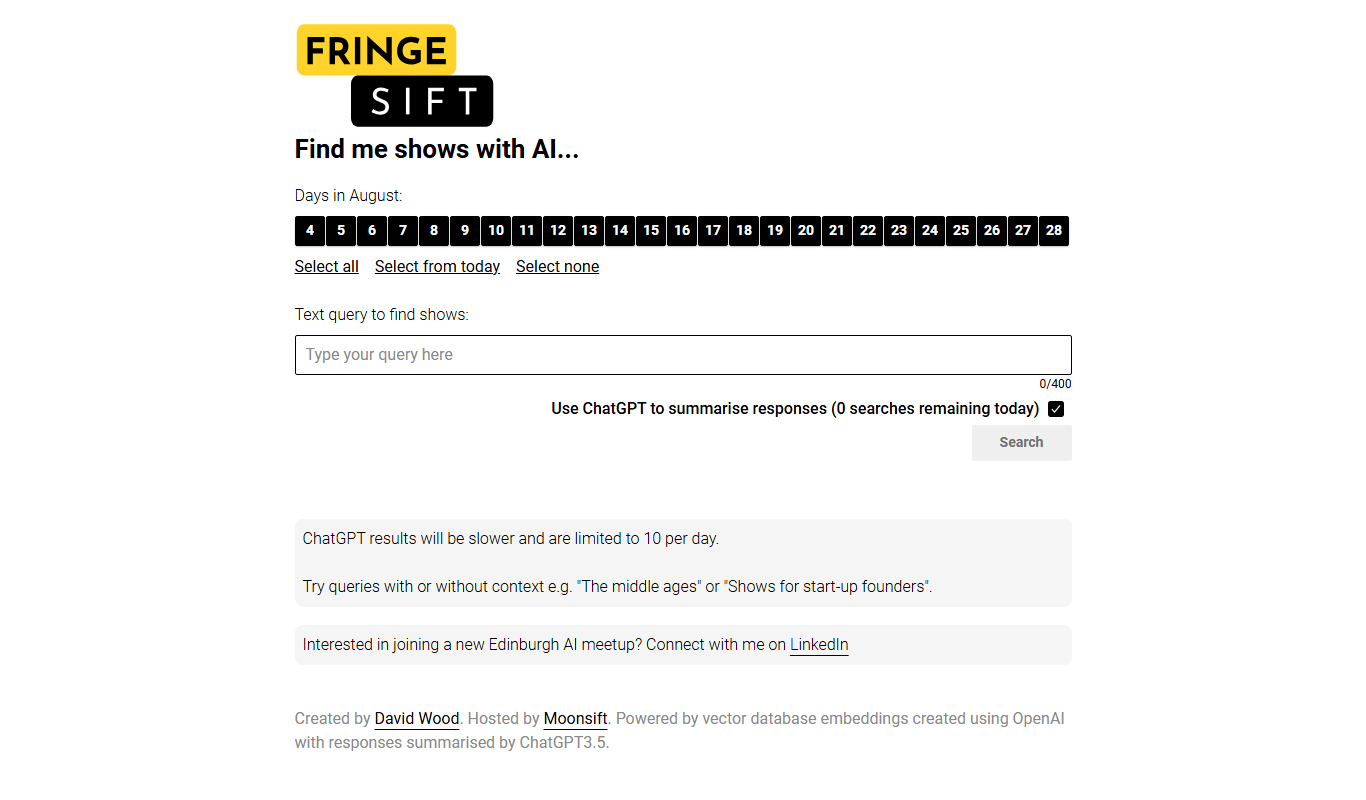
Fringe Sift
FringeSift is an AI search tool that finds Edinburgh Fringe shows from a text query and selected days in August.
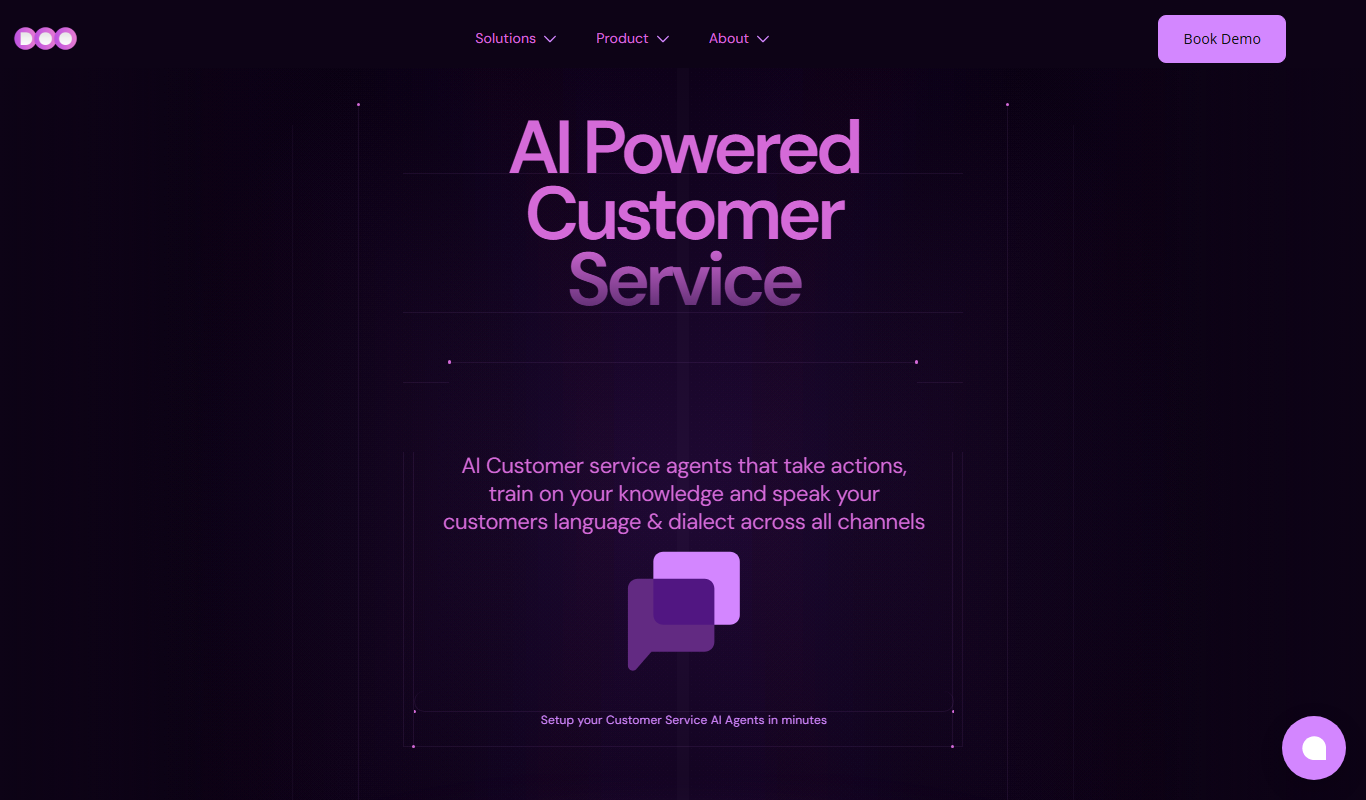
DOO
DOO is an AI customer experience platform: a unified inbox for email, chat, WhatsApp, Instagram and voice, with AI agents that take action and speak your customers' dialect.
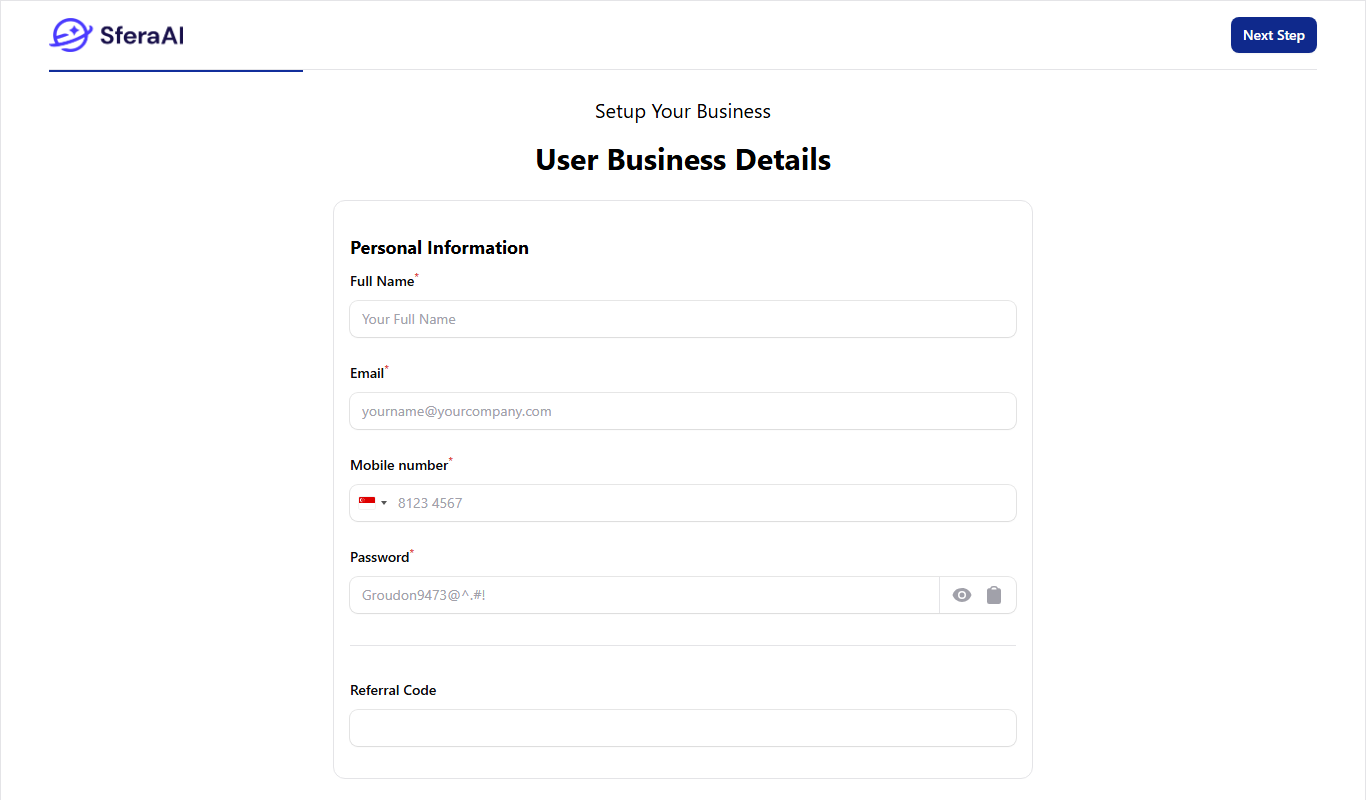
SferaAI
SferaAI is an all-in-one booking system for service businesses: booking website, appointment management, auto reminders, CRM, marketing, loyalty and rewards.
Generor
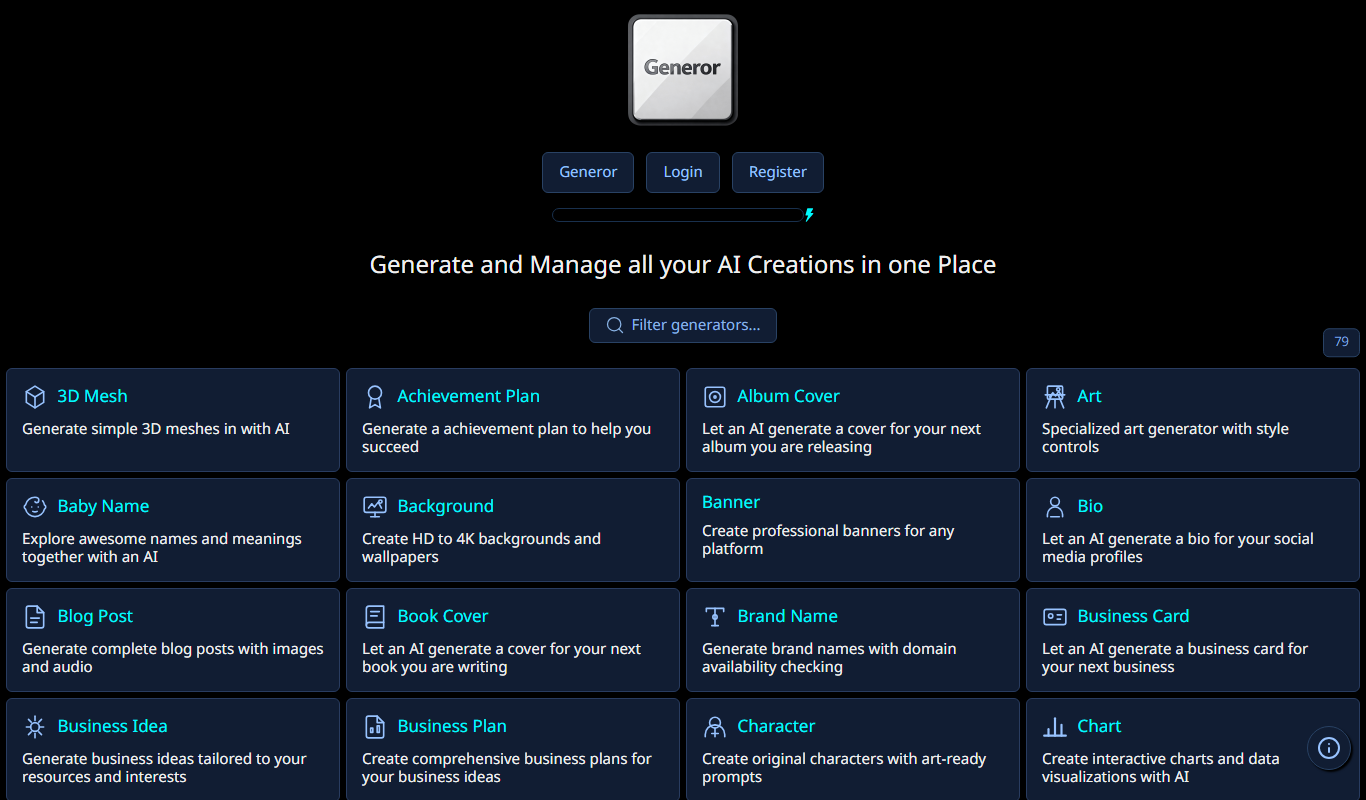
Generor is an AI generator web app with many generators for images, video, 3D meshes and text, plus a system for storing and sharing what you create.