

Immersive Language Learning Platform for Real-Time Practice and Fluency
IMMERSE offers immersive language training for the global enterprise on mobile, desktop, VR and AI glasses.
- Best for
- Language Fluency Practice
- Key capability
- Multiplayer VR Language Practice
Save immerse.com, follow its updates and vote on it — everything stays in your account.
Sign in or create a free account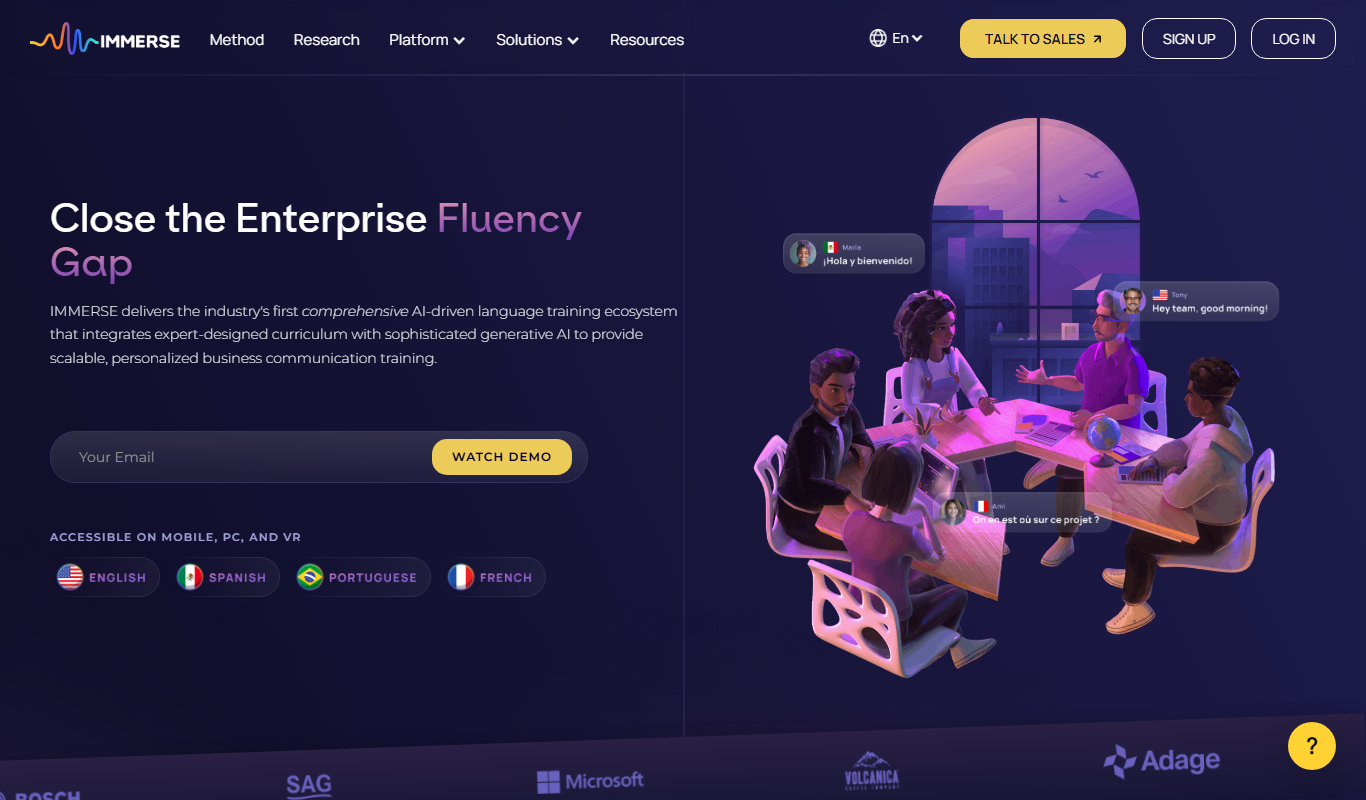
What is immerse.com?
IMMERSE is an immersive language training platform for the global enterprise, available on mobile, desktop, VR and AI glasses.
Key features of immerse.com
The platform offers live multiplayer VR sessions, AI-powered language coaching, customizable lesson plans, and gamified interactive content to create engaging and effective language practice experiences.
Multiplayer VR Language Practice
Connect with other learners in real-time VR environments to practice conversational skills.
AI Language Coach
Receive personalized feedback and guidance powered by AI to improve pronunciation and grammar.
Customizable Lesson Plans
Tailor your learning path based on skill level and goals.
Gamified Learning
Engage with interactive games and challenges that reinforce language concepts.
Cultural Immersion
Experience virtual environments that simulate real-world cultural contexts.
Pros and cons of immerse.com
Pros
- Highly immersive VR language practice
- Live interaction with other learners and native speakers
- Personalized AI coaching for improvement
- Customizable learning paths
- Engaging gamified content
Cons
- Full VR experience requires compatible headset
- Subscription cost may be high for casual learners
- Limited language options compared to some competitors
Key use cases for immerse.com
Language Fluency Practice
Users can practice speaking and listening in a fully immersive virtual environment to improve fluency.
ESL Education
English as a Second Language learners can engage in realistic conversations to build confidence and comprehension.
Corporate Language Training
Businesses can train employees in foreign languages through interactive VR scenarios tailored to professional contexts.
Remote Language Immersion
Learners can experience cultural and conversational immersion remotely without traveling abroad.
Interactive Language Games
Users engage with gamified lessons and challenges that reinforce vocabulary and grammar in context.
How immerse.com works
- 1
Create an Account
Sign up on the Immerse.com website to access the platform.
- 2
Choose a Language
Select the language you want to learn or practice.
- 3
Access VR or Web Platform
Use a compatible VR headset or the web interface to enter immersive language sessions.
- 4
Join Live Sessions
Participate in live multiplayer conversations with other learners and native speakers.
- 5
Practice and Improve
Engage in interactive lessons, receive feedback, and track your progress.
Who is using immerse.com
immerse.com pricing
Essential
$15/month or $11.25/month billed annually
AI-powered self-paced lessons, Capture including AI glasses, progress tracking and community access.
Pro
$35/month or $27.08/month billed annually
Everything in Essential plus unlimited live classes, personalized instructor feedback and Capture including AI glasses; 14-day free trial, cancel anytime.
Enterprise
Custom pricing
Tailored solutions for businesses with dedicated support and training modules.
Plans and prices are as published by the vendor and can change. Check the official site before you buy. Open the pricing page (opens in a new tab)
Frequently asked questions about immerse.com
No. IMMERSE is cross device compatible and accessible on mobile, tablet, desktop and Meta Quest VR headsets.
IMMERSE offers English, Spanish, French and Portuguese, and other languages can be requested by clients.
Yes, the platform facilitates live multiplayer sessions where you can interact with native speakers and other learners.
Yes, individual memberships include a 14-day free trial and can be cancelled anytime.
Yes, it can help with that use case depending on how you configure it and what features are available. You’ll get the best results with clear inputs and a defined goal.
It depends on your specific needs and how you plan to use the tool. The official website and documentation are the best sources for the latest details.
Yes, it can help with that use case depending on how you configure it and what features are available. You’ll get the best results with clear inputs and a defined goal.
Conclusion
Enterprise language training is the main focus, aimed at employee confidence in critical business conversations, and individual memberships are offered alongside it. Learners combine daily live classes led by expert coaches with self-paced lessons in which AI avatar coaches adjust after every session. A Capture feature turns real conversations, recorded on a phone or hands-free through AI glasses, into short personal lessons, and it only listens when the learner starts it.
Lessons, transcripts and progress follow the learner across phone, desktop, VR and supported AI glasses, and access also works on tablets and Meta Quest headsets. Courses cover English, Spanish, French and Portuguese across six levels that correlate to the CEFR scale. For companies, SSO integrations connect it with LMS platforms such as Workday, Docebo and Canvas. Individual Essential and Pro memberships start with a free trial and can be cancelled anytime.
Sources
Sign in to review this tool.
Sign In to ReviewNo reviews yet
Be the first to share how this tool worked for you.
Ask about pricing, limits, or how it compares — or answer someone else.
Sign In to AskNo questions yet
Have a question about using or paying for this tool? Be the first to ask.
Featured on TiorAI



Alternative Tools
Explore similar AI tools that might fit your needs

Mondly VR
Mondly VR is a virtual reality language learning app that uses immersive scenarios and speech recognition to help users practice and improve their language skills in a realistic environment.

Babbel
Babbel is a subscription-based language learning app offering interactive lessons, speech recognition for pronunciation, and cultural insights to help users learn new languages effectively on web and mobile platforms.
More AI Education & Learning Tools tools
Other tools in the same category, for when this one is not quite the fit.

History Timeline Generator
History Timeline Generator is an AI tool that turns a topic such as a person, nation, company or historical event into a customized history timeline.

Narrative Nooks
Narrative Nooks is an AI-driven learning platform for young learners, with interactive story-based lessons, badges, a homework helper and round-the-clock tutoring support.

FGenEds
FGenEds turns a PDF of your lecture slides into a cheat sheet for studying, aimed at students in gen ed classes.

knowt.com
Knowt.com is an AI-driven study tool that converts your notes or any text into interactive flashcards and summaries to enhance learning efficiency.

Terrakotta
Terrakotta is the all-in-one prospecting platform for commercial real estate brokers: source leads, make calls and deliver personalized AI voicemails.
plat.ai
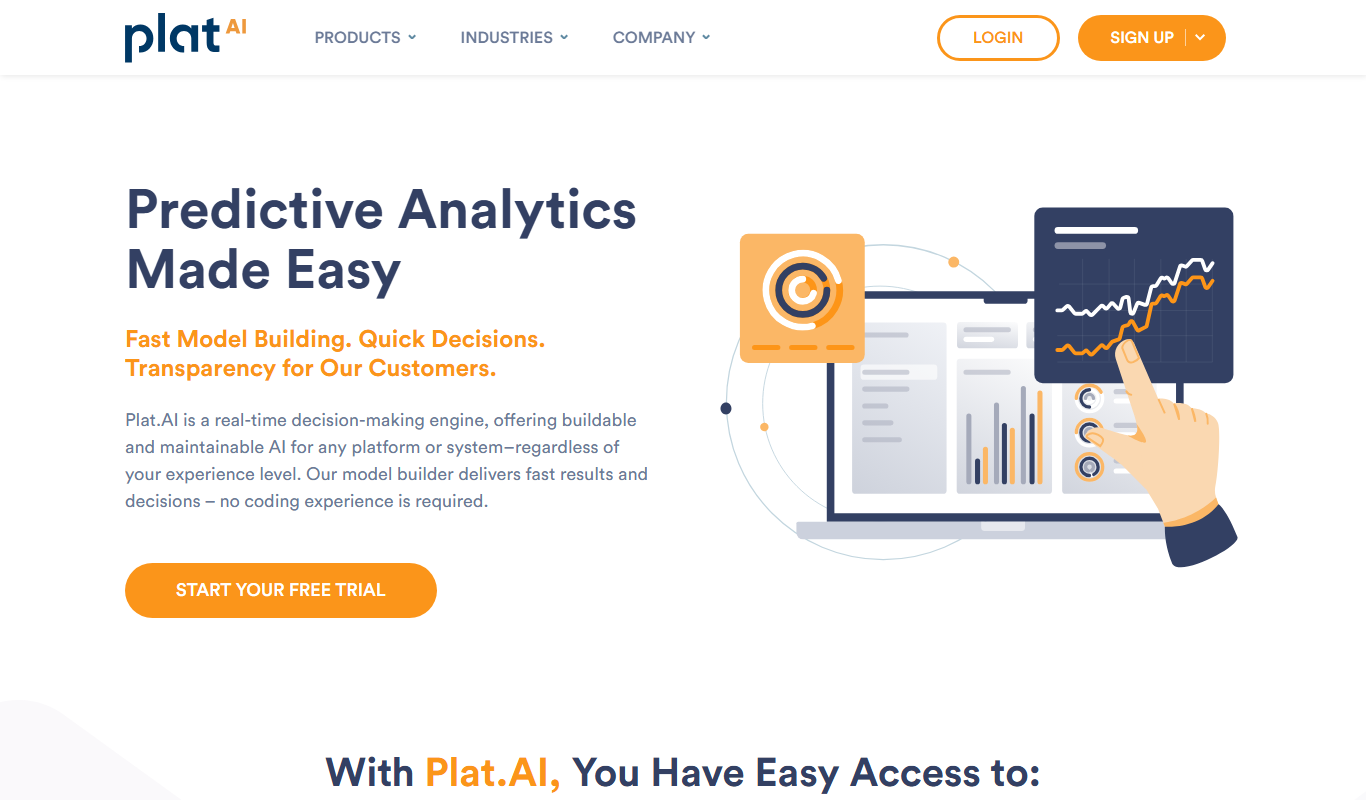
plat.ai is a comprehensive AI development platform that enables users to build, train, deploy, and manage custom machine learning models with scalable infrastructure and API integration.

Quino
Quino is the LMS that marks every exam: courses, lessons, online exams and diplomas, with AI that marks handwritten answers in seconds and writes tests from your notes.

MockTok
MockTok is an AI mock interview app with 50+ interactive questions, follow-up questions, job post analysis, multi-stage interviews, feedback and AI extracted cases.