

Billie Smart Invoice Assistant for macOS
Billie is the smart invoice assistant for macOS: it uses machine learning to take care of renaming and archiving your invoices.
- Best for
- Renaming invoices
- Key capability
- Dynamic Ticket
Save Billie, follow its updates and vote on it — everything stays in your account.
Sign in or create a free account
What is Billie?
Billie is a smart invoice assistant app for macOS that uses machine learning to rename and archive invoices. The user drops an invoice on the Dynamic Ticket, the app extracts the company name and date, builds a filename from a custom pattern and runs destination groups that move the file to a folder or email it.
Key features of Billie
Billie offers the Dynamic Ticket for drag and drop, Open With and macOS services, customizable filename patterns, destination groups that move or mail invoices, automatic organisation by months, fiscal quarters and years, supplier tracking and full dark mode support.
Dynamic Ticket
Drag an invoice onto the Dynamic Ticket and Billie extracts the company name and date and creates the filename.
Customizable filename patterns
Drag tokens to control exactly how invoices are named.
Destination Groups
Run a series of actions each time an invoice is processed, such as moving the file or mailing it to an e-mail address.
Automatic organisation
Organise invoices by months, fiscal quarters and years.
Supplier tracking
Keeps track of all the companies whose invoices you have processed.
Pros and cons of Billie
Pros
- Native macOS app with drag and drop and Open With support
- Processes PDF and image files, including attachments dragged from Microsoft Outlook
- Free download with optional in-app purchases
- Good for marketing and creative content
- Affordable pricing plans
Cons
- Only for Mac and requires macOS 12.0 or later
- App available in English only
Key use cases for Billie
Renaming invoices
Turn an invoice into a consistent filename built from the company name and date.
Archiving invoices
Sort invoices into folders such as year and quarter.
Sending invoices to an accountant
Mail processed invoices directly to any e-mail address.
Email Drafting
Help compose professional and personalized emails efficiently.
Idea Generation
Provide inspiration and ideas for various writing projects and campaigns.
How Billie works
- 1
Drop the invoice
Drag the invoice onto the Dynamic Ticket or use Open With on a PDF.
- 2
Billie analyses it
Billie extracts the company name and date and creates the filename you want.
- 3
Run a destination group
If all data is correct, execute a destination group that moves or emails the invoice.
- 4
Generate and Edit
Review AI-generated suggestions, edit as needed, and finalize your content.
Who is using Billie
Billie pricing
Free download
Free
Free on the Mac App Store, with in-app purchases.
Billie Pro - 1 month
EUR 4.99
In-app purchase; an annual Billie Pro option is EUR 49.99.
Billie Premium - 1 month
EUR 9.99
In-app purchase; a 1 year Premium option is EUR 89.99.
Plans and prices are as published by the vendor and can change. Check the official site before you buy. Open the pricing page (opens in a new tab)
Frequently asked questions about Billie
Billie takes care of renaming and archiving your invoices on macOS.
Billie requires macOS 12.0 or later.
Yes. It can process image files next to PDF files.
Billie is a free download on the Mac App Store with in-app purchases.
This tool is designed to help users accomplish its core tasks more efficiently. It is typically used by individuals or teams looking to improve productivity and workflow.
Yes, it can help with that use case depending on how you configure it and what features are available. You’ll get the best results with clear inputs and a defined goal.
Pricing depends on the plan and included features. For the most accurate and up-to-date details, check the official pricing page.
Yes, it can help with that use case depending on how you configure it and what features are available. You’ll get the best results with clear inputs and a defined goal.
Conclusion
Invoices scattered across downloads folders under inconsistent naming conventions are the problem Billie tackles on a Mac. Dropping a PDF or image on its Dynamic Ticket makes the app extract the company name and date and build a filename from a pattern of drag-and-drop tokens. A destination group can then move the file to a folder or mail it to an accountant, and folders can follow months, fiscal quarters and years.
Freelancers and business owners who juggle supplier invoices are the people the developer describes building it for, and the app also keeps a list of suppliers it has processed. It is a native Mac app only, needs macOS 12.0 or later and is listed in English. The download is free on the Mac App Store, with Pro and Premium tiers sold as in-app purchases.
Sources
Sign in to review this tool.
Sign In to ReviewNo reviews yet
Be the first to share how this tool worked for you.
Ask about pricing, limits, or how it compares — or answer someone else.
Sign In to AskNo questions yet
Have a question about using or paying for this tool? Be the first to ask.
Featured on TiorAI



More AI Finance & Accounting Tools tools
Other tools in the same category, for when this one is not quite the fit.

Tradepost.ai
Tradepost.ai sends one free email every market day: US SEC filings, UK regulatory news, EU market notices and Polymarket odds, analyzed by AI and scored for materiality.

Newmoney.AI
Newmoney.AI is an AI-powered crypto and cash wallet: buy, trade, swap and send crypto across SUI, Solana, Ethereum and Bitcoin with the AI agent Newton, including via WhatsApp and Telegram.

investiment.io
investiment.io is an AI-powered investment platform featuring an intelligent assistant that provides real-time stock analysis across 40+ global exchanges through conversational AI.
FinanceGPT
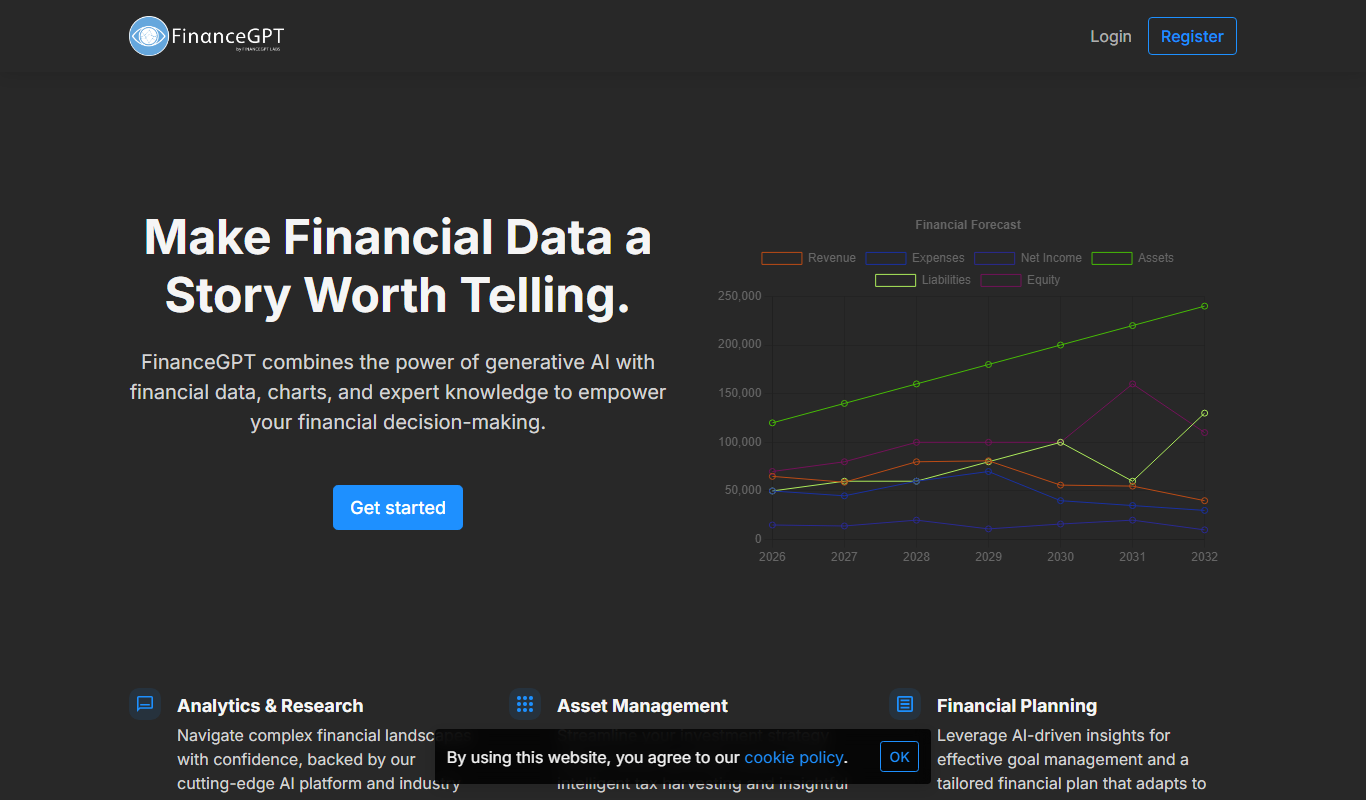
FinanceGPT is an AI financial analysis platform for analysing financial statements, building forecasts, researching companies and portfolios, and creating financial reports with reviewable assumptions and checks.

Folionomics
FolioNomics is a privacy-first crypto portfolio tool that organizes wallet holdings and DeFi positions across 60+ blockchains in one view.

Procys
Procys is an automated data extraction platform that uses AI-powered OCR to pull data from invoices, purchase orders, receipts and ID documents.

CashKaka
CashKaka is an AI expense tracker that uses WhatsApp to track transactions, savings, investments and expenses and generate detailed reports.
ASSIST Biz
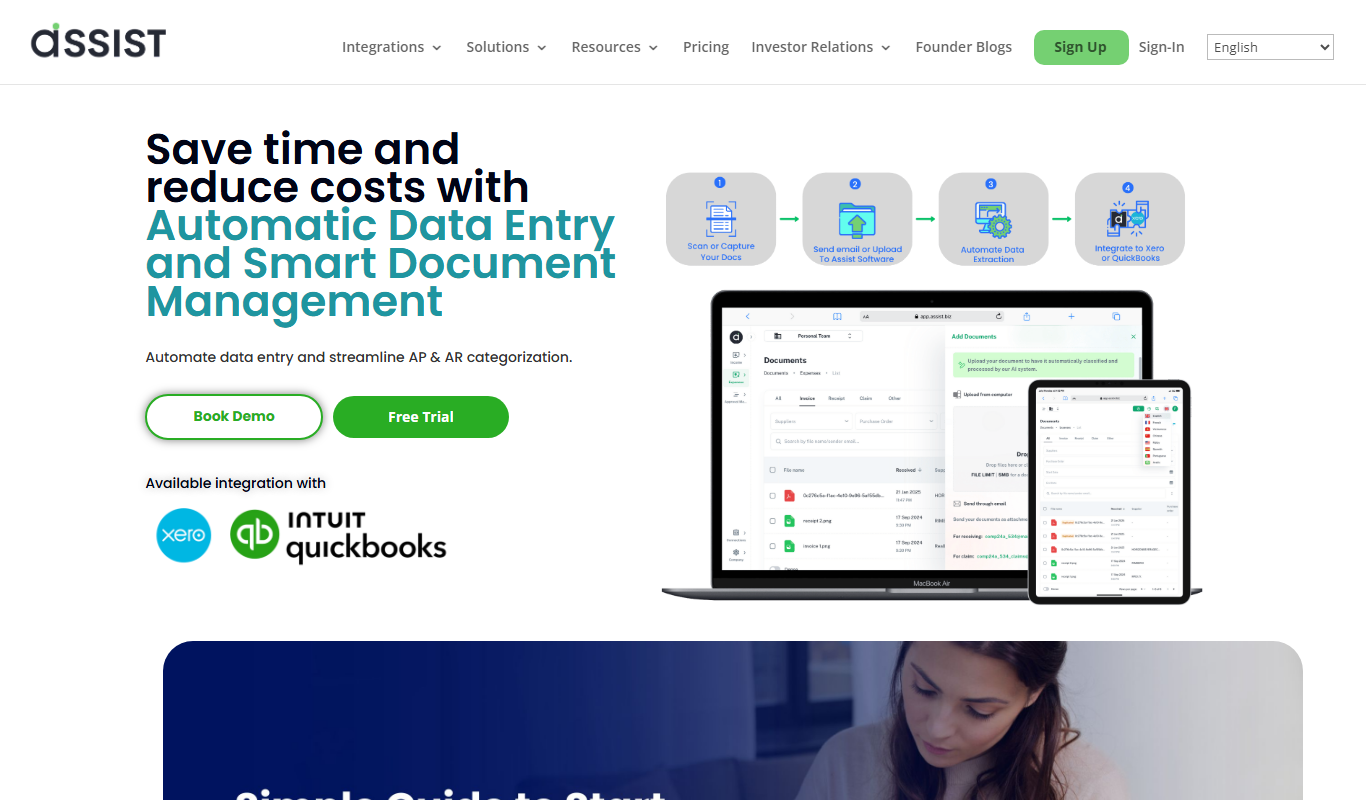
ASSIST Biz automates invoice extraction, approvals, expense claims and e-invoicing for finance teams in Singapore and Malaysia, with Xero and QuickBooks sync.