
From my experience with Quizdom, I found it excels at providing an intuitive and straightforward quiz creation process that suits educators and marketers alike. The platform’s real-time analytics and responsive design make it practical for engaging audiences across devices. However, the lack of a mobile app and some advanced customization limitations on the free plan are worth noting. Overall, if you need a reliable, web-based tool to create interactive quizzes for education, training, or marketing, Quizdom delivers solid functionality with an easy learning curve.
Quizdom Interactive Quiz Maker for Engaging Online Assessments
Quizdom is a web-based platform that enables users to create, customize, and share interactive quizzes for education, marketing, and training purposes with real-time analytics and easy embedding.
What is Quizdom?
Quizdom is a web-based interactive quiz creation platform designed to help educators, marketers, and businesses build engaging quizzes and assessments. It offers tools to create customizable quizzes that can be embedded on websites or shared via links, enabling real-time interaction and data collection.

Key Features of Quizdom
Customizable Quiz Templates
Pre-built templates that can be tailored to fit educational, marketing, or training needs.
Multiple Question Types
Supports multiple choice, true/false, open-ended, and other question formats.
Real-Time Analytics
Track quiz engagement and results instantly to measure effectiveness.
Easy Embedding and Sharing
Embed quizzes on websites or share via direct links for broad accessibility.
Responsive Design
Quizzes are optimized for desktop and mobile devices ensuring a smooth user experience.
Pros and Cons of Quizdom
Pros
- User-friendly drag-and-drop quiz builder
- Supports multiple question types
- Real-time analytics for immediate feedback
- Responsive quizzes for all devices
- Free plan available for basic use
Cons
- Limited advanced customization on free plan
- No mobile app, web-only platform
Key Use Cases for Quizdom
Educational Assessments
Create interactive quizzes to assess student knowledge and understanding in various subjects.
Employee Training
Design quizzes to evaluate employee learning and training progress in corporate environments.
Marketing Engagement
Use quizzes to engage website visitors, generate leads, and increase brand interaction.
Event and Conference Interaction
Facilitate audience participation and feedback during live events or webinars through real-time quizzes.
How Quizdom Works
-
1
Sign Up
Create a free account on the Quizdom platform to access quiz creation tools.
-
2
Build Your Quiz
Use the drag-and-drop interface to add questions, customize styles, and set quiz logic.
-
3
Publish and Share
Embed the quiz on your website or share it via a direct link with your audience.
-
4
Analyze Results
Access real-time analytics to track participant responses and quiz performance.
Who's Using Quizdom
Educators and teachers
Marketing professionals
Corporate trainers
Event organizers
Small to medium businesses
Quizdom Pricing
Free
$0/month
Access to basic quiz creation features with limited quizzes and responses.
Pro
$15/month
Advanced features including unlimited quizzes, detailed analytics, and priority support.
Frequently Asked Questions About Quizdom
Yes, Quizdom allows you to embed quizzes directly on your website using provided embed codes.
The free plan has limits on the number of quizzes and responses, while the Pro plan offers unlimited quizzes.
Yes, quizzes created with Quizdom are fully responsive and work well on mobile and desktop devices.
Yes, Quizdom provides real-time analytics to monitor participant responses and quiz performance.
It depends on your specific needs and how you plan to use the tool. The official website and documentation are the best sources for the latest details.
Yes, it can help with that use case depending on how you configure it and what features are available. You’ll get the best results with clear inputs and a defined goal.
Some tools offer a free plan or trial with limited features. Availability can vary, so confirm on the official website.
Yes, it can help with that use case depending on how you configure it and what features are available. You’ll get the best results with clear inputs and a defined goal.
Share your review
Reviews are limited to one per logged-in user and are published after moderation.
You need an account to review this tool.
0.0
★
★
★
★
★
0 reviews
5 star
0
4 star
0
3 star
0
2 star
0
1 star
0
No reviews yet
Be the first to share how this tool worked for you.
Questions from the community
Read questions and answers about this tool, or ask your own.
No questions yet
Start the conversation by asking the first question about this tool.
Is this tool helpful?
Alternative Tools
Explore similar AI tools that might fit your needs
Free
Typeform
Typeform is an online platform that enables users to create interactive, conversational forms and surveys to collect data, feedback, and leads with customizable templates and logic jumps.
Free
Kahoot
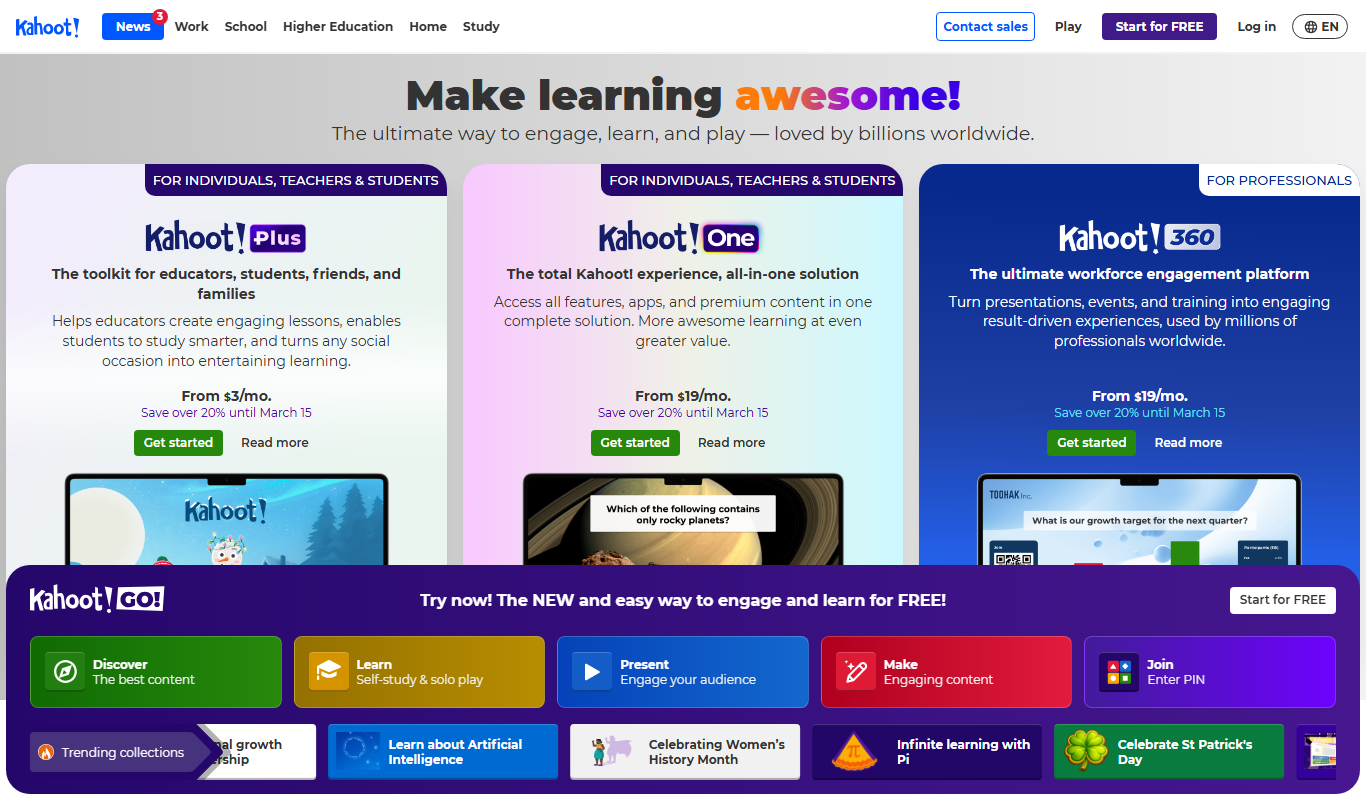
Kahoot is a game-based learning platform that enables users to create and play interactive quizzes and games to boost engagement in education, training, and events.

Contact for pricing
voxel51.com
Voxel51 is a video AI platform that enables organizations to manage, annotate, and analyze large-scale video datasets using scalable pipelines and machine learning models.

Contact for pricing
Modly
Modly is an AI-driven content moderation platform that automates detection and filtering of harmful or inappropriate user-generated content in real time, helping platforms maintain safe online communities.

Custom Pricing
Flux AI AI
Flux AI is a web-based platform that provides AI-assisted data annotation tools to create high-quality labeled datasets for machine learning and computer vision projects.

Freemium
Recallify
Recallify is an AI-based platform that improves memory retention by using spaced repetition and personalized recall exercises tailored to your study material.

Free
Lingofi
Lingofi is an AI-driven language learning platform that helps users practice speaking through interactive conversations and provides instant feedback on pronunciation, grammar, and vocabulary.

Free
Education CoPilot
Education CoPilot is an AI-driven educational assistant that provides personalized tutoring, homework help, and writing support through a web platform.

Freemium
trainmy.ai
TrainMy.ai is a web platform that enables businesses and developers to train, fine-tune, and deploy custom AI models with minimal coding, featuring data labeling and collaboration tools.

Custom Pricing
Shape
Shape is an AI-powered data annotation platform that enables teams to label images, videos, text, and audio efficiently with AI-assisted tools and collaboration features.