
From my experience with SiteSucker, it stands out as a straightforward and reliable tool for downloading entire websites on macOS. Its ability to preserve the original site structure and support for password-protected sites makes it particularly useful for developers, researchers, and educators who need offline access to web content. However, it is limited to macOS and does not handle dynamic server-side content offline, which is a trade-off to consider. Overall, if you require a simple, affordable solution to archive or browse websites offline, SiteSucker delivers solid performance with minimal setup.
SiteSucker Website Downloader for Offline Browsing and Archiving
SiteSucker is a macOS application that downloads entire websites, including all files and folder structures, for offline browsing and archiving purposes.
What is SiteSucker?
SiteSucker is a macOS application that automatically downloads websites from the Internet. It copies the site’s webpages, images, PDFs, style sheets, and other files to your local hard drive, preserving the site’s directory structure. This enables offline browsing and archiving of websites for various purposes such as research, backup, or content analysis.
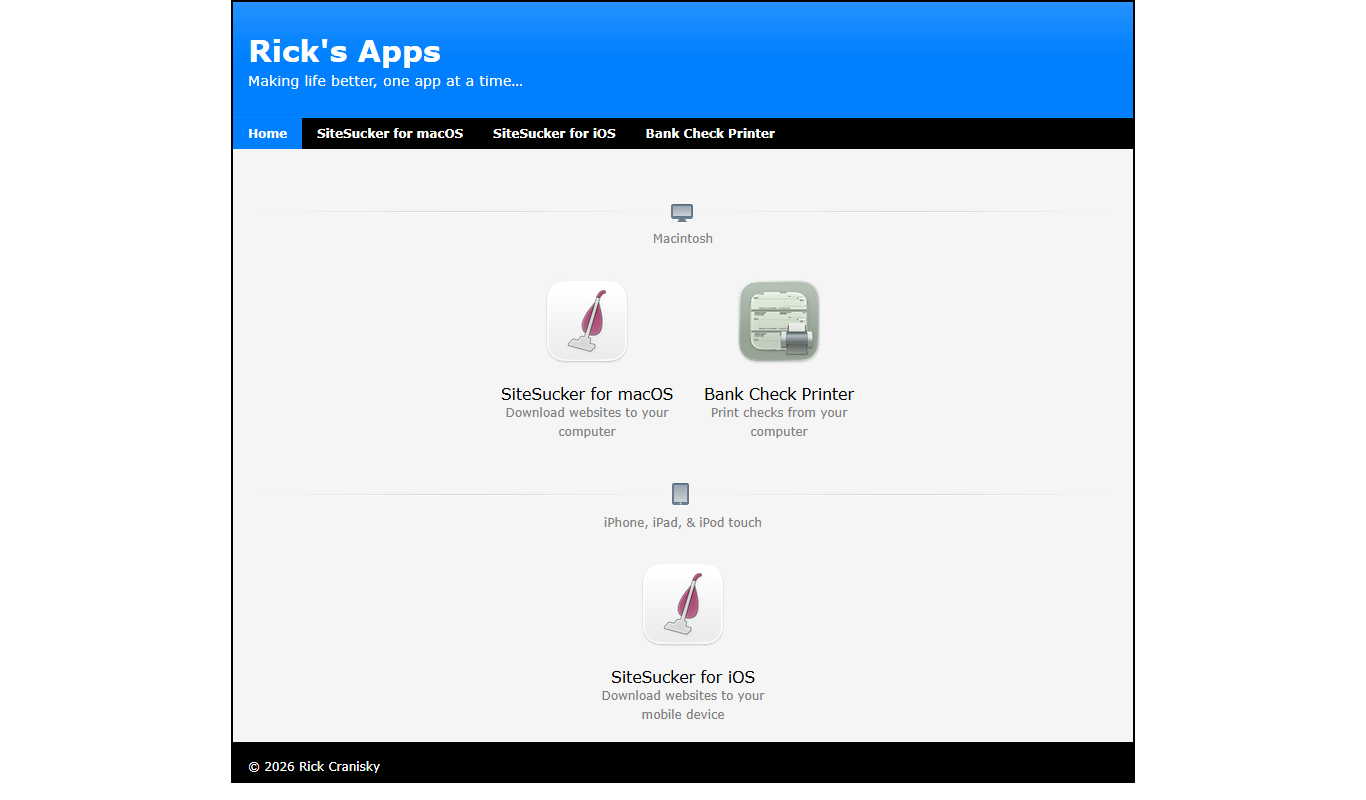
Key Features of SiteSucker
Automated Website Downloading
Automatically downloads entire websites including HTML, images, PDFs, and other files.
Preserves Site Structure
Maintains the original directory structure of the website for accurate offline browsing.
Customizable Filters
Allows users to include or exclude specific file types and set download depth limits.
Authentication Support
Supports downloading content from password-protected websites requiring login credentials.
Resume Interrupted Downloads
Can resume downloads if interrupted, saving time and bandwidth.
Pros and Cons of SiteSucker
Pros
- Simple and intuitive macOS interface
- Preserves website folder structure accurately
- Supports authentication for protected sites
- Allows customization of download parameters
- Affordable one-time purchase
Cons
- Limited to macOS platform
- Does not support dynamic server-side content offline
- No free trial version available
Key Use Cases for SiteSucker
Offline Website Browsing
Download entire websites to your Mac for offline viewing without an internet connection.
Web Archiving
Archive websites for research, backup, or legal purposes by saving all site content locally.
Website Backup
Create local backups of websites to preserve content and structure in case of site changes or removal.
Content Analysis
Download websites to analyze their structure, content, or design offline.
Educational Use
Save educational websites for students or researchers to access materials without internet dependency.
How SiteSucker Works
-
1
Enter Website URL
Input the URL of the website you want to download into SiteSucker.
-
2
Configure Download Settings
Set preferences such as download depth, file types to include or exclude, and authentication if needed.
-
3
Start Download
Begin the download process; SiteSucker will crawl the site and save files locally.
-
4
Browse Offline
Access the downloaded website content on your Mac without an internet connection.
Who's Using SiteSucker
Web developers needing offline copies
Researchers archiving web content
Educators preparing offline materials
Marketing professionals analyzing competitor sites
Small businesses backing up their websites
SiteSucker Pricing
Standard License
$4.99 one-time
Single purchase for unlimited use on macOS with all features included.
Frequently Asked Questions About SiteSucker
No, SiteSucker is currently only available as a native application for macOS.
Yes, it supports authentication to download content from sites requiring login.
It preserves the site’s structure and files for browsing, but dynamic features relying on server-side processing may not work offline.
Yes, you can configure how deep SiteSucker crawls links within the website.
It depends on your specific needs and how you plan to use the tool. The official website and documentation are the best sources for the latest details.
It depends on your specific needs and how you plan to use the tool. The official website and documentation are the best sources for the latest details.
Yes, it can help with that use case depending on how you configure it and what features are available. You’ll get the best results with clear inputs and a defined goal.
Share your review
Reviews are limited to one per logged-in user and are published after moderation.
You need an account to review this tool.
0.0
★
★
★
★
★
0 reviews
5 star
0
4 star
0
3 star
0
2 star
0
1 star
0
No reviews yet
Be the first to share how this tool worked for you.
Questions from the community
Read questions and answers about this tool, or ask your own.
No questions yet
Start the conversation by asking the first question about this tool.
Is this tool helpful?
Alternative Tools
Explore similar AI tools that might fit your needs

Free
HTTrack
HTTrack is a free, open-source tool that downloads entire websites to your local device for offline browsing by recursively copying all linked pages and resources.

Free
WebCopy
WebCopy is a free Windows application that downloads entire websites locally for offline browsing and archiving, supporting authentication and customizable scanning.

Free Trial
QuickScreen.AI
QuickScreen.AI is an AI-driven platform that automates video interview screening by analyzing candidate responses asynchronously, helping recruiters make faster and more objective hiring decisions.
Pay Per Session
The Muse Coaching
The Muse Coaching is an online platform connecting users with professional career and life coaches for personalized guidance through one-on-one sessions.

Freemium
MyReport
MyReport is an AI-driven business intelligence platform that automates report generation, integrates multiple data sources, and provides real-time KPI dashboards to help businesses make informed decisions.

Subscription
OurFamilyWizard
OurFamilyWizard is a co-parenting communication platform designed to help separated parents coordinate schedules, share information, track expenses, and communicate securely to reduce conflict.

Freemium
Quordata
Quordata is an AI-driven data analytics platform that helps businesses transform data into actionable insights through predictive analytics, customizable dashboards, and real-time processing.
Free
EasyPost
EasyPost is a shipping API platform that simplifies ecommerce and logistics shipping by providing multi-carrier label generation, tracking, and address verification through one API.

Freemium
Gnothi
Gnothi is an AI-driven business intelligence platform that simplifies data analysis, provides predictive insights, and offers customizable dashboards to help businesses make informed decisions.

Freemium
Booksy
Booksy is a platform that helps salons and small businesses manage appointments, client relationships, payments, and marketing through web and mobile apps.