

ClaimMaster Patent Drafting and Analysis Software for Legal Professionals
ClaimMaster is a Windows-based patent drafting and proofreading software that automates patent claim creation, error detection, and compliance checking to improve patent application quality.
- Best for
- Patent Claim Drafting
- Key capability
- Automated Patent Claim Drafting
Save ClaimMaster, follow its updates and vote on it — everything stays in your account.
Sign in or create a free account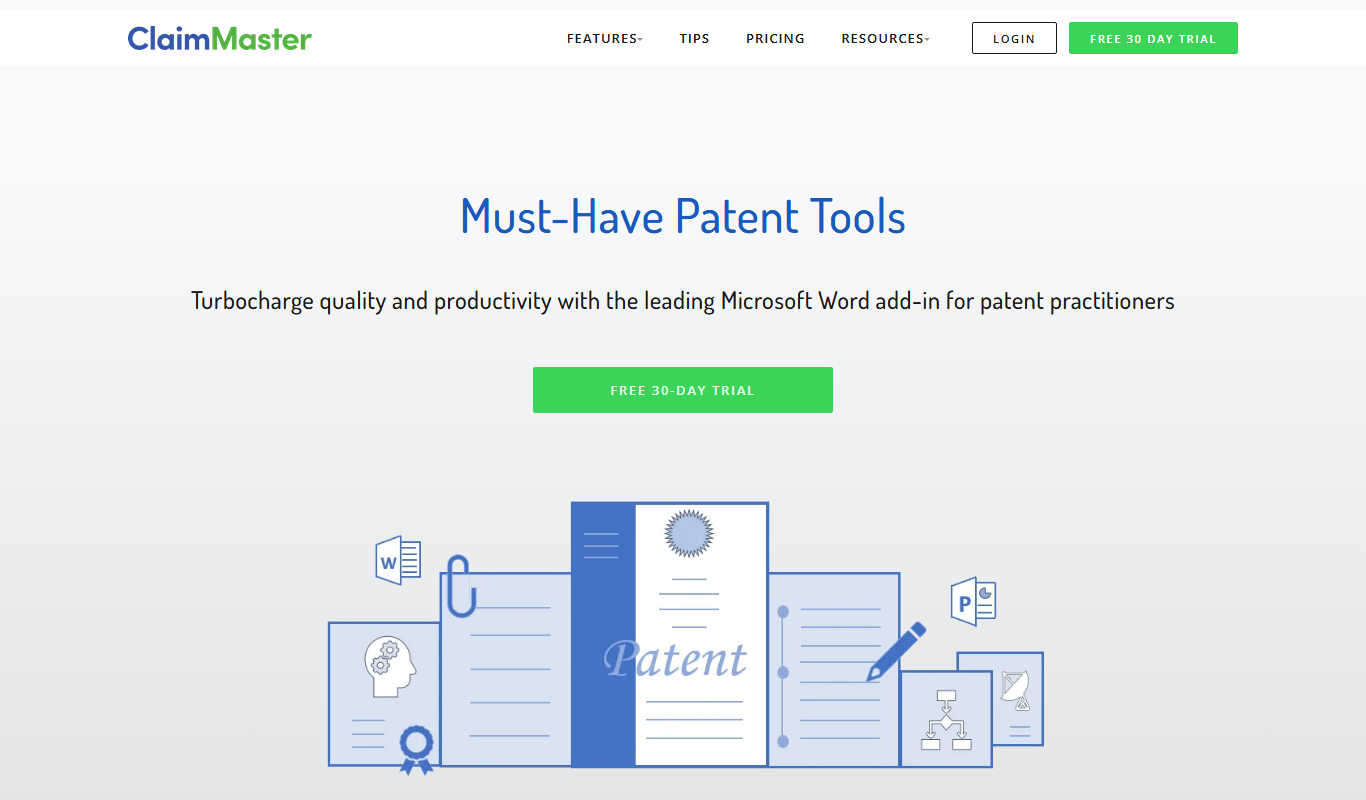
What is ClaimMaster?
ClaimMaster is a specialized software tool designed to assist patent professionals in drafting, proofreading, and analyzing patent applications. It automates many tedious and error-prone tasks involved in patent claim preparation, ensuring compliance with patent office rules and improving the overall quality of patent documents.
Key features of ClaimMaster
ClaimMaster offers automated patent claim drafting assistance, error detection, formatting checks, and patent office compliance verification. It integrates with Microsoft Word and supports batch processing to streamline patent document workflows.
Automated Patent Claim Drafting
Generates claim templates and assists in drafting claims that meet patent office standards.
Error Detection and Proofreading
Identifies common errors such as missing antecedents, inconsistent terminology, and formatting mistakes.
Patent Office Compliance Checks
Verifies compliance with USPTO and other patent office formatting and procedural rules.
Batch Processing
Enables processing multiple patent documents simultaneously to save time.
Integration with Microsoft Word
Seamlessly integrates as an add-in to enhance existing patent drafting workflows.
Pros and cons of ClaimMaster
Pros
- Automates tedious patent drafting tasks
- Improves accuracy and compliance of patent claims
- Integrates smoothly with Microsoft Word
- Saves time with batch processing
- Provides detailed error detection and proofreading
Cons
- Limited to Windows platform
- Primarily focused on USPTO rules
- No native Mac support
- Interface may feel technical for new users
Key use cases for ClaimMaster
Patent Claim Drafting
Helps patent attorneys and agents draft precise and error-free patent claims efficiently.
Patent Application Proofreading
Automates the detection of common errors and inconsistencies in patent applications to improve quality.
Patent Analysis and Review
Provides tools to analyze patent claims for clarity, consistency, and compliance with patent office rules.
Patent Office Compliance Checking
Checks patent documents against USPTO and other patent office formatting and procedural requirements.
Patent Portfolio Management Support
Assists patent portfolio managers by streamlining patent document review and quality control.
How ClaimMaster works
- 1
Install and Integrate
Install ClaimMaster as an add-in for Microsoft Word to enable patent drafting tools.
- 2
Draft or Import Patent Claims
Create new patent claims or import existing documents for analysis and proofreading.
- 3
Run Automated Checks
Use ClaimMaster’s tools to detect errors, inconsistencies, and formatting issues.
- 4
Review and Edit
Review flagged issues and make corrections to improve patent document quality.
- 5
Export or Submit
Finalize the patent application for submission to patent offices or internal review.
Who is using ClaimMaster
ClaimMaster pricing
Standard License
One-time purchase starting at $495
Includes core patent drafting and proofreading features with lifetime use.
Subscription Plan
$99/month
Offers ongoing updates, support, and access to advanced features.
PRO DraftShells
$75/month
20% less with annual billing.
Plans and prices are as published by the vendor and can change. Check the official site before you buy. Open the pricing page (opens in a new tab)
Frequently asked questions about ClaimMaster
ClaimMaster is currently designed as a Windows desktop application and does not support Mac OS natively.
While primarily focused on USPTO compliance, ClaimMaster includes tools that can assist with other patent offices but may require manual adjustments.
ClaimMaster integrates primarily with Microsoft Word; integration with other patent management systems is limited.
ClaimMaster offers documentation and support resources; personalized training may be available upon request.
This tool is designed to help users accomplish its core tasks more efficiently. It is typically used by individuals or teams looking to improve productivity and workflow.
Yes, it can help with that use case depending on how you configure it and what features are available. You’ll get the best results with clear inputs and a defined goal.
It depends on your specific needs and how you plan to use the tool. The official website and documentation are the best sources for the latest details.
Pricing depends on the plan and included features. For the most accurate and up-to-date details, check the official pricing page.
Conclusion
Patent drafting happens inside Microsoft Word, where the software runs as an add-in. New patent claims can be drafted, or existing documents imported for analysis and proofreading. Automated checks flag errors such as missing antecedents, inconsistent terminology and formatting mistakes, which are then reviewed and corrected. Multiple patent documents can also be processed simultaneously.
Patent attorneys, patent agents and patent portfolio managers are the professionals it is designed to assist. Its documented focus is on USPTO rules, and work for other patent offices may require manual adjustments. LITE Shells and QA each cost $30 per month and PRO DraftShells costs $75 per month, with 20% less on annual billing.
Sources
Sign in to review this tool.
Sign In to ReviewNo reviews yet
Be the first to share how this tool worked for you.
Ask about pricing, limits, or how it compares — or answer someone else.
Sign In to AskNo questions yet
Have a question about using or paying for this tool? Be the first to ask.
Featured on TiorAI



More Coding & Development tools
Other tools in the same category, for when this one is not quite the fit.

Hyperledger Fabric
Hyperledger Fabric is an open-source, permissioned blockchain platform designed for enterprise use, offering modular architecture, smart contracts, and privacy controls.

Steamworks
Steamworks is Valve's platform that provides game developers with tools to publish, market, and manage games on Steam, including multiplayer support, analytics, and community features.

Itch.io
Itch.io is an open marketplace and platform that allows independent game developers to distribute, sell, and share their games and digital content directly with players, featuring flexible revenue sharing and community tools.
Paperless-ngx
Paperless-ngx is an open-source document management system that helps digitize, organize, and search paper documents using OCR technology.

PatentBots
PatentBots is an AI-powered platform that automates patent drafting and review to help patent attorneys create accurate and compliant patent applications faster.
AlternativeTo
AlternativeTo is a free online platform that helps users find software alternatives and similar apps by leveraging community recommendations and user reviews.
Xano
Xano is a no-code backend platform that enables users to build scalable APIs and manage databases visually without coding, ideal for rapid app development.
TimescaleDB
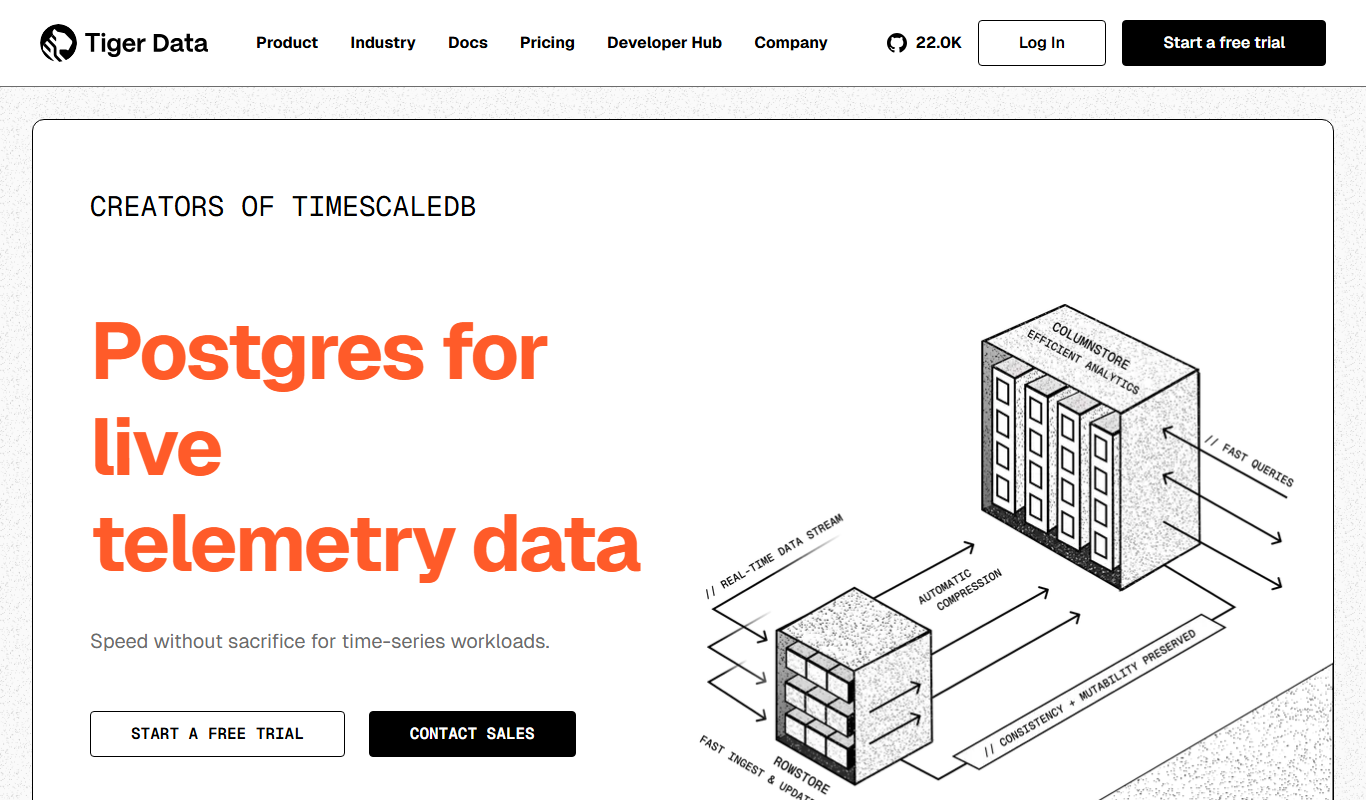
TimescaleDB is an open-source time-series database built on PostgreSQL that enables efficient storage, querying, and analysis of time-stamped data for applications like IoT, monitoring, and financial analytics.