

Octopus.do Visual Sitemap Builder for Website Planning and UX Design
Octopus.do is a web app for creating visual sitemaps that help plan website architecture and improve UX design through an intuitive drag-and-drop interface and team collaboration.
- Best for
- Website Planning
- Key capability
- Visual Sitemap Editor
Save Octopus.do, follow its updates and vote on it — everything stays in your account.
Sign in or create a free accountWhat is Octopus.do?
Octopus.do is a web-based visual sitemap builder designed to help UX designers, web developers, and digital teams plan and organize website structures efficiently. It provides an intuitive drag-and-drop interface to create sitemaps, define page relationships, and visualize navigation flows. The tool supports collaborative workflows and offers export options for sharing and presenting sitemap designs.
Key features of Octopus.do
Octopus.do offers a real-time visual sitemap editor, drag-and-drop functionality, customizable page properties, collaboration tools, and export options including PNG and XML sitemap files. It streamlines website planning by allowing users to quickly prototype site architecture and iterate designs with team input.
Visual Sitemap Editor
Intuitive drag-and-drop interface to build and rearrange website pages.
Real-Time Collaboration
Multiple users can work on the same sitemap simultaneously.
Customizable Page Properties
Add metadata, URLs, and notes to each sitemap node.
Export Options
Download sitemaps as PNG images or XML files compatible with SEO tools.
Responsive Design
Works smoothly on various screen sizes and modern browsers.
Pros and cons of Octopus.do
Pros
- User-friendly drag-and-drop sitemap editor
- Supports real-time team collaboration
- Flexible export options for different use cases
- Clean and minimal interface focused on UX
- Affordable pricing plans with free tier
Cons
- Limited offline functionality as a web app
- No mobile app available
- Feature set focused mainly on sitemap creation, less on wireframing
Key use cases for Octopus.do
Website Planning
Create and organize website structure visually to plan navigation and content hierarchy.
UX Design
Design user experience flows and sitemap layouts to improve website usability.
Project Collaboration
Collaborate with team members on sitemap projects in real-time for better communication.
Client Presentations
Generate clear visual sitemaps to present website architecture concepts to clients.
Information Architecture
Map out and optimize the organization of website content and pages.
How Octopus.do works
- 1
Create an Account
Sign up on the Octopus.do website to start building sitemaps.
- 2
Start a New Sitemap
Use the drag-and-drop editor to add pages and organize site structure visually.
- 3
Customize Pages
Edit page details such as titles, URLs, and notes to define sitemap elements.
- 4
Collaborate with Team
Invite team members to view or edit the sitemap in real-time.
- 5
Export and Share
Export the sitemap as an image or XML file for presentations or SEO purposes.
Who is using Octopus.do
Octopus.do pricing
Free
$0/month
Free plan with 1 project.
Pro
$16/month
Unlimited projects, collaboration, and export options.
Team
$24 per seat/month
Advanced collaboration features for teams with shared workspaces.
Plans and prices are as published by the vendor and can change. Check the official site before you buy. Open the pricing page (opens in a new tab)
Frequently asked questions about Octopus.do
Yes, Octopus.do supports real-time collaboration allowing multiple users to edit sitemaps together.
Yes, you can export your sitemaps as PNG images or XML files for SEO and presentations.
Yes, Octopus.do offers a free plan with basic features and limited projects.
Octopus.do is optimized for web browsers but works best on desktop and tablet devices.
This tool is designed to help users accomplish its core tasks more efficiently. It is typically used by individuals or teams looking to improve productivity and workflow.
Yes, it can help with that use case depending on how you configure it and what features are available. You’ll get the best results with clear inputs and a defined goal.
Yes, it can help with that use case depending on how you configure it and what features are available. You’ll get the best results with clear inputs and a defined goal.
Some tools offer a free plan or trial with limited features. Availability can vary, so confirm on the official website.
Conclusion
Sitemaps take shape in a drag-and-drop editor where pages are added and the site structure is organized visually. Each page can carry details such as titles, URLs and notes, and team members can be invited to view or edit the sitemap in real time. Finished sitemaps export as PNG images or XML files for presentations or SEO purposes.
UX designers, web developers and digital teams planning website structures are the intended users. The page notes that the feature set focuses mainly on sitemap creation rather than wireframing. The free plan covers 1 project, Pro costs $16 per month and Team costs $24 per seat per month.
Sources
Sign in to review this tool.
Sign In to ReviewNo reviews yet
Be the first to share how this tool worked for you.
Ask about pricing, limits, or how it compares — or answer someone else.
Sign In to AskNo questions yet
Have a question about using or paying for this tool? Be the first to ask.
Featured on TiorAI



Alternative Tools
Explore similar AI tools that might fit your needs

Slickplan
Slickplan is a web-based tool for creating visual sitemaps, flowcharts, and content plans to help teams organize website structure and improve UX design collaboratively.
More Business Management tools
Other tools in the same category, for when this one is not quite the fit.

BuildKeeper
BuildKeeper is simple construction management software for small construction businesses that streamlines tasks, budgets, notes and expenses.
EstimateOne
EstimateOne (E1) is an Australian construction tender platform that helps subcontractors, builders and suppliers find tenders and win more work.
Quila
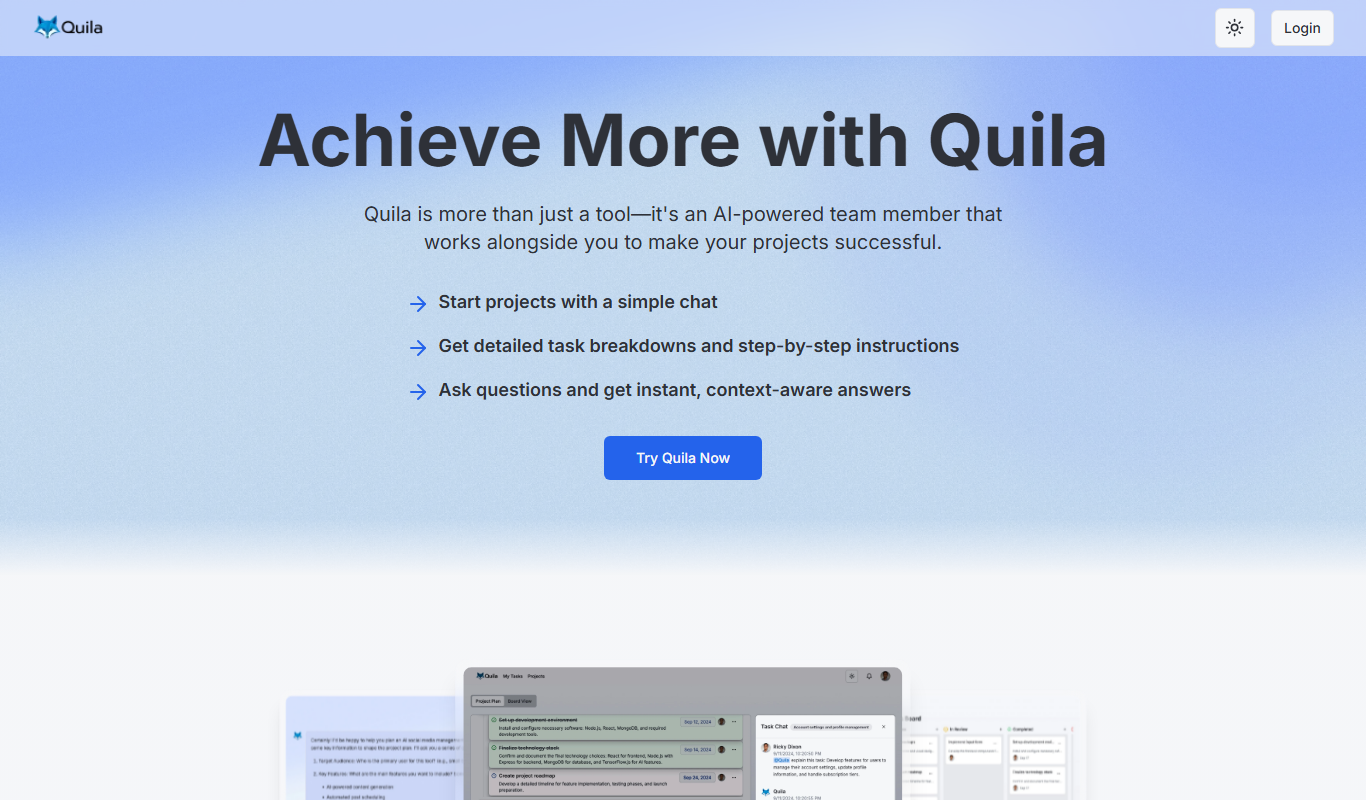
Quila is an AI project manager that starts projects from a simple chat and breaks them into tasks with step-by-step instructions.

Secret Sauce Partners
Secret Sauce Partners builds Fit Predictor, Style Finder and Outfit Maker on its Data Driven Merchandising (DDM) Platform for apparel and footwear retailers.

Juicebox (PeopleGPT)
Juicebox (PeopleGPT) is an AI recruiting platform to find, verify and email candidates in one prompt, searching 800M+ profiles across 30+ sources.

PeopleGPT by Juicebox
PeopleGPT by Juicebox is an AI recruiting platform that searches 800M global profiles across 30+ data sources to find candidates.

Melio
Melio is a payment platform designed for small businesses to pay bills and invoices online via bank transfer or credit card, including vendors who only accept checks. It offers free bank transfers, payment scheduling, and integrates with accounting software.

Skip
Skip offers AI-powered grants, funding, business pages, payments and an AI Cofounder that helps entrepreneurs grow and scale, all in one place.