

SiteArchi AI Website Architecture Generator for SEO and UX Optimization
SiteArchi AI is a web platform for AI-powered sitemap creation, wireframe design and SEO-friendly URL structures, built for planners, product owners and developers.
- Best for
- SEO Site Structure Planning
- Key capability
- AI-Powered Site Map Generation
Save SiteArchi AI, follow its updates and vote on it — everything stays in your account.
Sign in or create a free account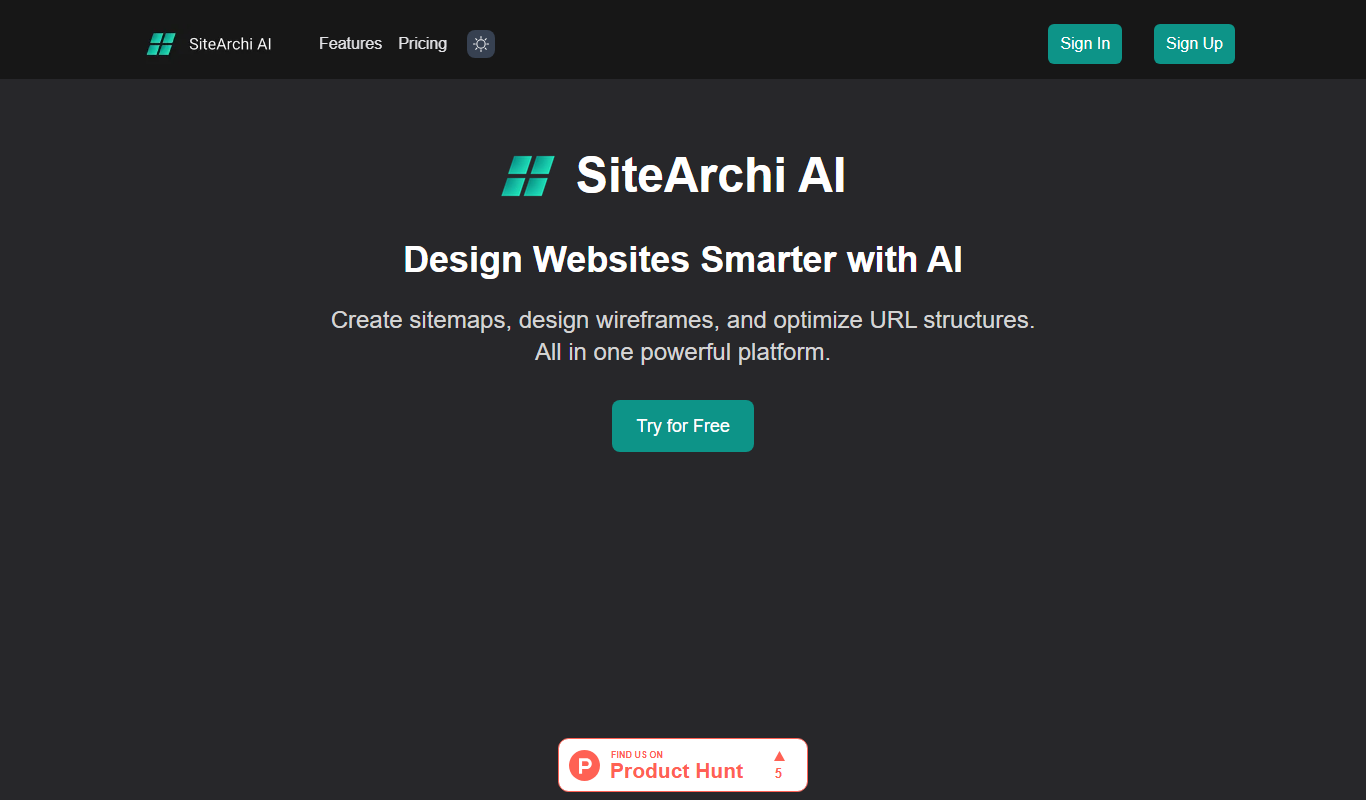

What is SiteArchi AI?
SiteArchi AI is an all-in-one platform that merges AI-powered sitemap generation, wireframe creation and SEO-optimized URL structures. It is primarily designed for planners, product owners and developers who need to rapidly conceptualize and structure websites and move swiftly from planning to development.
Key features of SiteArchi AI
SiteArchi AI offers features such as AI-powered site map generation, SEO-focused architecture recommendations, visual site structure diagrams, and exportable plans for implementation. It supports iterative design and allows users to customize the architecture to fit specific business goals.
AI-Powered Site Map Generation
Automatically creates logical and SEO-friendly website structures based on input data.
Visual Site Architecture Diagrams
Provides clear, interactive diagrams to visualize site hierarchy and navigation paths.
SEO Optimization Recommendations
Suggests improvements to enhance crawlability and keyword relevance within the site structure.
Customizable Architecture Plans
Allows users to modify and tailor the generated architecture to specific business needs.
Export Options
Supports exporting site maps and plans in formats suitable for developers and SEO teams.
Pros and cons of SiteArchi AI
Pros
- Automates complex site architecture planning
- Improves SEO and user experience simultaneously
- User-friendly interface with visual diagrams
- Customizable outputs tailored to business needs
Cons
- Limited language support (English only)
- No mobile app available, web-only platform
Key use cases for SiteArchi AI
SEO Site Structure Planning
Generate optimized website architecture to improve search engine rankings and crawlability.
User Experience (UX) Optimization
Design intuitive navigation and site hierarchy to enhance visitor engagement and usability.
Website Redesign and Migration
Plan and visualize new site structures to ensure smooth redesigns or platform migrations.
Content Strategy Development
Organize content logically within the site architecture to support marketing and SEO goals.
Competitive Analysis
Analyze and benchmark website architectures against competitors for strategic improvements.
How SiteArchi AI works
- 1
Build a sitemap by chat
Create, update and optimize a sitemap through an interactive chat interface: build from scratch, add new sections or expand existing pages.
- 2
AI Generates Site Structure
The AI analyzes content and SEO factors to create an optimized site map and hierarchy.
- 3
Review and Customize
Users can review the proposed architecture, make adjustments, and refine the structure.
- 4
Export and Implement
Export the finalized site architecture plan for use in website development or SEO strategy.
Who is using SiteArchi AI
SiteArchi AI pricing
Free
$0 per month
1 project max and 5 AI requests per day.
Starter
$9 per month
8 projects max and 50 AI requests per day.
Pro
$18 per month
Unlimited projects and unlimited AI requests.
Plans and prices are as published by the vendor and can change. Check the official site before you buy. Open the pricing page (opens in a new tab)
Frequently asked questions about SiteArchi AI
Yes, SiteArchi AI supports a wide range of website types and industries for architecture planning.
No, the tool is designed to be user-friendly for marketers and designers without deep SEO expertise.
Yes, users can adjust and refine the proposed site structures to fit their specific goals.
SiteArchi AI supports exporting site maps in formats like XML and visual diagrams for easy sharing.
It depends on your specific needs and how you plan to use the tool. The official website and documentation are the best sources for the latest details.
Yes, it can help with that use case depending on how you configure it and what features are available. You’ll get the best results with clear inputs and a defined goal.
It depends on your specific needs and how you plan to use the tool. The official website and documentation are the best sources for the latest details.
Conclusion
Planning happens through an interactive chat in which the AI builds a sitemap from scratch, adds new sections or expands existing pages, while manual editing stays available. A wireframe design studio then turns pages into layouts with drag-and-drop components from a pre-built library, and AI can generate wireframes and content automatically. From the sitemap, the AI also designs SEO-friendly URL patterns for static and dynamic pages, handling query parameters and path variables.
It is designed primarily for planners, product owners and developers who want to move swiftly from planning to development, rather than specifically for designers or marketers. Automatic importing of external sites and Figma integration are listed only among future plans. The Free plan is limited to 1 project and a few AI requests per day, while Starter allows more projects and AI requests and Pro has unlimited projects and unlimited AI requests.
Sources
Sign in to review this tool.
Sign In to ReviewNo reviews yet
Be the first to share how this tool worked for you.
Ask about pricing, limits, or how it compares — or answer someone else.
Sign In to AskNo questions yet
Have a question about using or paying for this tool? Be the first to ask.
Featured on TiorAI



Alternative Tools
Explore similar AI tools that might fit your needs

Slickplan
Slickplan is a web-based tool for creating visual sitemaps, flowcharts, and content plans to help teams organize website structure and improve UX design collaboratively.
Octopus.do
Octopus.do is a web app for creating visual sitemaps that help plan website architecture and improve UX design through an intuitive drag-and-drop interface and team collaboration.
More AI SEO Tools tools
Other tools in the same category, for when this one is not quite the fit.

peek.us
Peek gets multifamily properties found in AI search, then turns the renters who arrive into leases 30% faster.
WordRocket AI
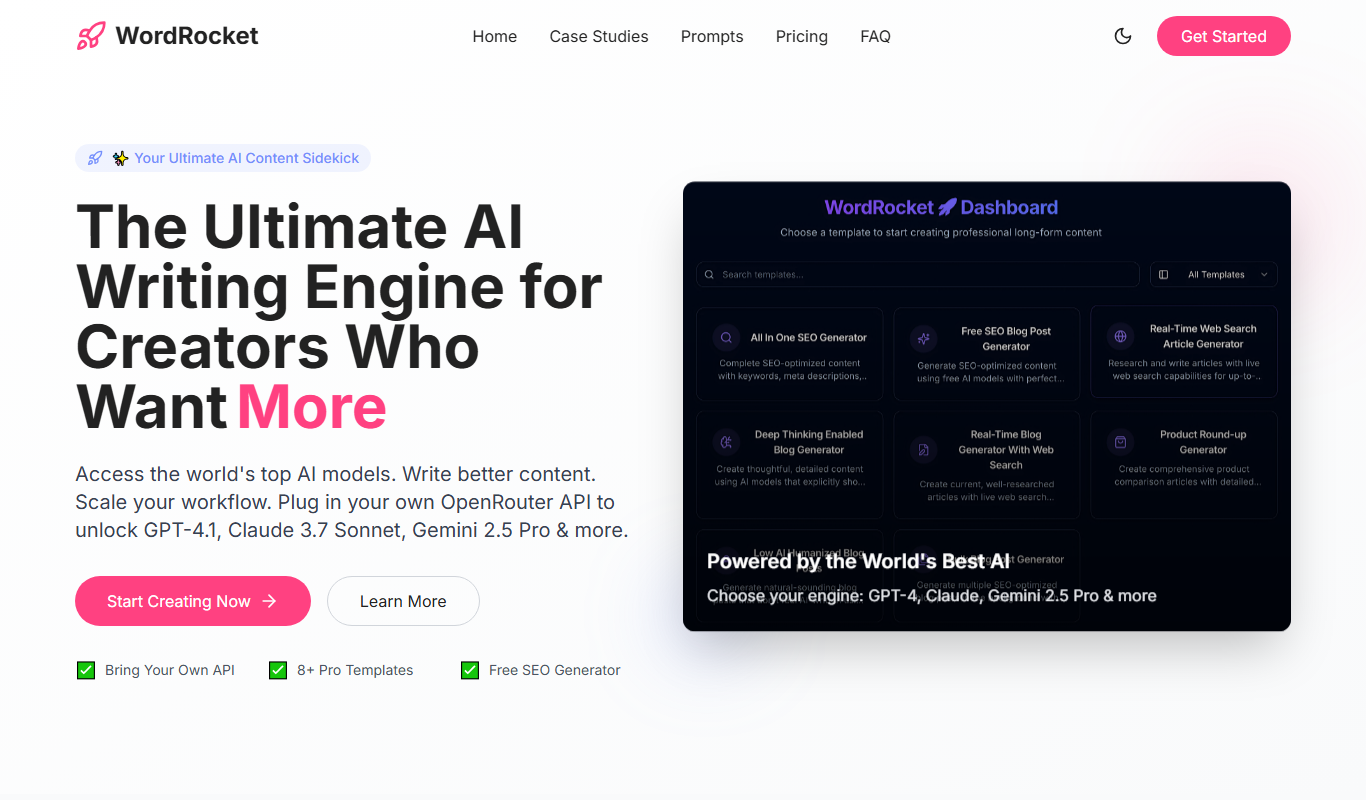
WordRocket AI is a web-based AI writing assistant that helps users generate SEO-optimized content, including blog posts and marketing copy, with customizable tone and style.

Outlit AI
Outlit monitors long-tail customers, surfaces risks and growth opportunities, builds action plans, and completes approved work within your controls.
BudgetSEO
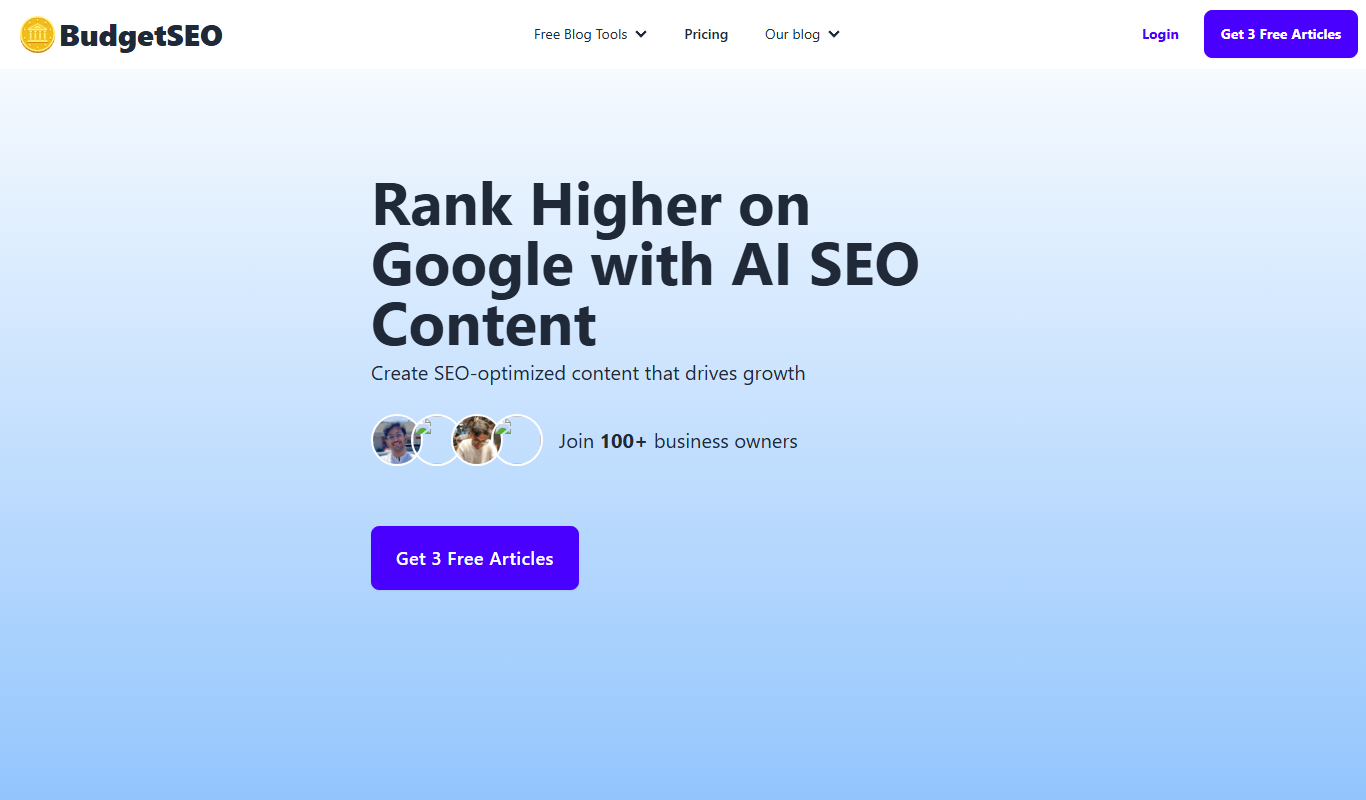
BudgetSEO is an AI SEO article generator that goes from keywords to published blog content, with GPT-4 articles, generated images, WordPress posting and free blog tools.

LinkDR
LinkDR is a backlink building service handled for you: publisher sourcing, outreach, content and placement of links on relevant sites, priced per placed link.

LinkBoss: AI-Powered Interlinking Tool
LinkBoss is an AI-driven tool that automates internal linking on websites to enhance SEO by suggesting and inserting relevant links efficiently.

Mentioned
Mentioned finds the articles that should list your product and do not, works out what is wrong on each page and writes the correction for the editor.

Genux Ai
Genux AI installs a 24/7 AI lead conversion system for real estate that responds instantly, qualifies buyers and sellers, and books appointments automatically.