

Tabchat AI: AI research assistant for every browser tab
Tabchat AI is a Chrome extension and AI research assistant for every tab: chat with any webpage, get summaries and extract data in seconds.
- Best for
- Research
- Key capability
- Smart tab interaction
Save Tabchat AI, follow its updates and vote on it — everything stays in your account.
Sign in or create a free account
What is Tabchat AI?
Tabchat AI is a Chrome extension that works as an AI research assistant for every tab. You chat with any open tab to ask questions, get summaries or extract data into CSV or JSON, without leaving the page.
Key features of Tabchat AI
Tabchat AI lets you chat with any open tab, extract webpage content into CSV or JSON and get summaries, powered by Amazon Nova Pro with a 300k context window.
Smart tab interaction
Chat with any open tab to ask questions, extract data or get summaries without leaving the page.
Data extraction
Convert unstructured webpage content into structured CSV or JSON formats.
Contextual intelligence
Powered by Amazon Nova Pro with a 300k context window.
Instant summaries
Get instant summaries and key insights from the page you are on.
Analytics Dashboard
Provides insights into chatbot interactions, user behavior, and conversion rates.
Pros and cons of Tabchat AI
Pros
- 14-day free trial
- 90 day refund policy
- No data collection
- CSV and JSON export
Cons
- Paid yearly subscription after the trial
- Pricing can be high for small startups
Key use cases for Tabchat AI
Research
Get instant summaries and key insights instead of reading full articles.
Data analysis
Turn webpage content into structured CSV or JSON for research and data analysis.
Questions about a page
Ask questions about any open tab without leaving it.
Appointment Scheduling
Enable customers to book appointments or reservations directly through chatbot interactions.
How Tabchat AI works
- 1
Install the extension
Add Tabchat AI from the Chrome Store.
- 2
Open any webpage
Turn any webpage into an intelligent workspace.
- 3
Chat with the tab
Ask questions, extract data or get summaries.
- 4
Export the data
Convert webpage content into CSV or JSON.
Who is using Tabchat AI
Tabchat AI pricing
Yearly
$59/year regular price, $29/year special price
14-day free trial included, price locked for a full year, cancel anytime.
Starter
$29/month
Basic plan suitable for small businesses with essential chatbot features.
Professional
$79/month
Advanced features including API access and higher usage limits.
Enterprise
Custom pricing
Tailored solutions with dedicated support and custom integrations.
Plans and prices are as published by the vendor and can change. Check the official site before you buy. Open the pricing page (opens in a new tab)
Frequently asked questions about Tabchat AI
An AI research assistant for every tab that turns any webpage into an intelligent workspace.
Structured CSV or JSON.
Amazon Nova Pro, with a 300k context window.
Yes, a 14-day free trial, plus a 90 day refund policy.
The site states no data collection.
Pricing depends on the plan and included features. For the most accurate and up-to-date details, check the official pricing page.
Integration support depends on the tool and its available connectors or API. Check the official documentation or integrations page to confirm what is supported.
Conclusion
Any open tab becomes a chat partner: the Chrome extension lets users ask questions, extract data or get summaries without leaving the current page. Unstructured webpage content can be converted into structured CSV or JSON for research and data analysis. Answers are powered by Amazon Nova Pro and its 300k context window.
The site positions it as an AI research assistant for every tab and lists no data collection. Access is a yearly subscription with a 14-day free trial and a 90 day refund policy.
Sources
Sign in to review this tool.
Sign In to ReviewNo reviews yet
Be the first to share how this tool worked for you.
Ask about pricing, limits, or how it compares — or answer someone else.
Sign In to AskNo questions yet
Have a question about using or paying for this tool? Be the first to ask.
Featured on TiorAI



More AI Assistant tools
Other tools in the same category, for when this one is not quite the fit.

IntelliMuse
IntelliMuse offers custom AI companions called Muses, with their own personalities, expertise and voices, for text chat on the web or voice calls on iPhone.

Empai: Empathic AI Assistant
Empai is an iPhone and iPad app that decodes what people really mean and helps you rewrite dull or angry texts.

Mammouth
Mammouth gives you GPT, Claude, Gemini, Mistral, FLUX and other GenAI models in one subscription, with one-click reprompting between models.

AiGenda
AiGenda is an AI meeting assistant that records calls in Google Meet, Zoom or Telemost, transcribes them and delivers a structured meeting summary in under 5 minutes.

Cantian AI
Cantian AI offers free AI fortune telling and a BaZi calculator, combining eastern astrology with AI to give insights into love and wealth.

exa.ai
Exa is a search API for AI agents that need real-time web data, deep research and structured content from one endpoint.

MeetCody
Cody AI offers specialized AI agents (Assist, Convert, Clear and Live) that answer questions from your knowledge base, convert website visitors, deliver controlled responses and create live experiences.
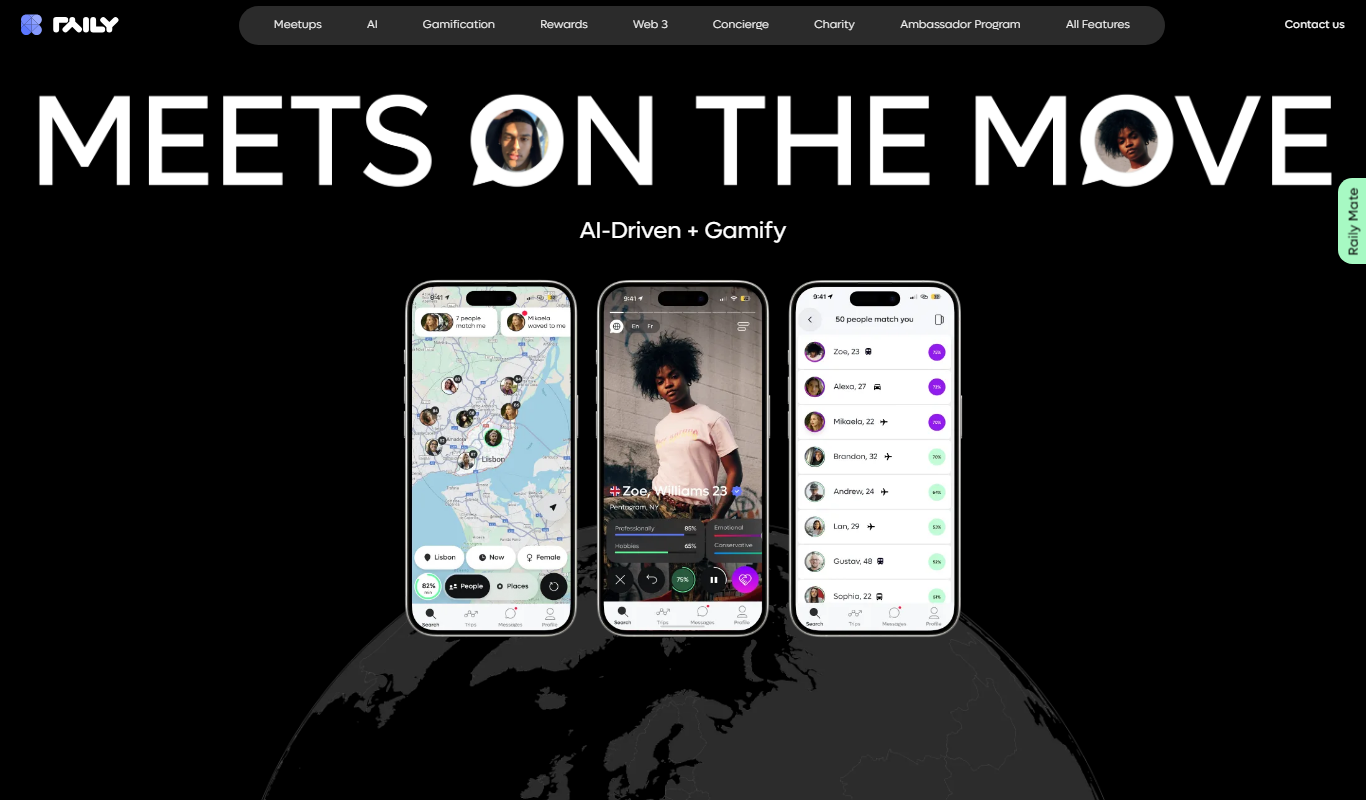
Raily
Raily gives you a personal AI agent that searches for compatible people, talks to their agents first and brings you in when both sides fit.