

Starizon AI: Chrome side-panel agent for web extraction and automation
Starizon AI is a Chrome side-panel agent for webpage chat, structured data extraction, Agent S6 automation and monitoring alerts.
- Best for
- Web data extraction
- Key capability
- PageChat
Save StarizonAI, follow its updates and vote on it — everything stays in your account.
Sign in or create a free account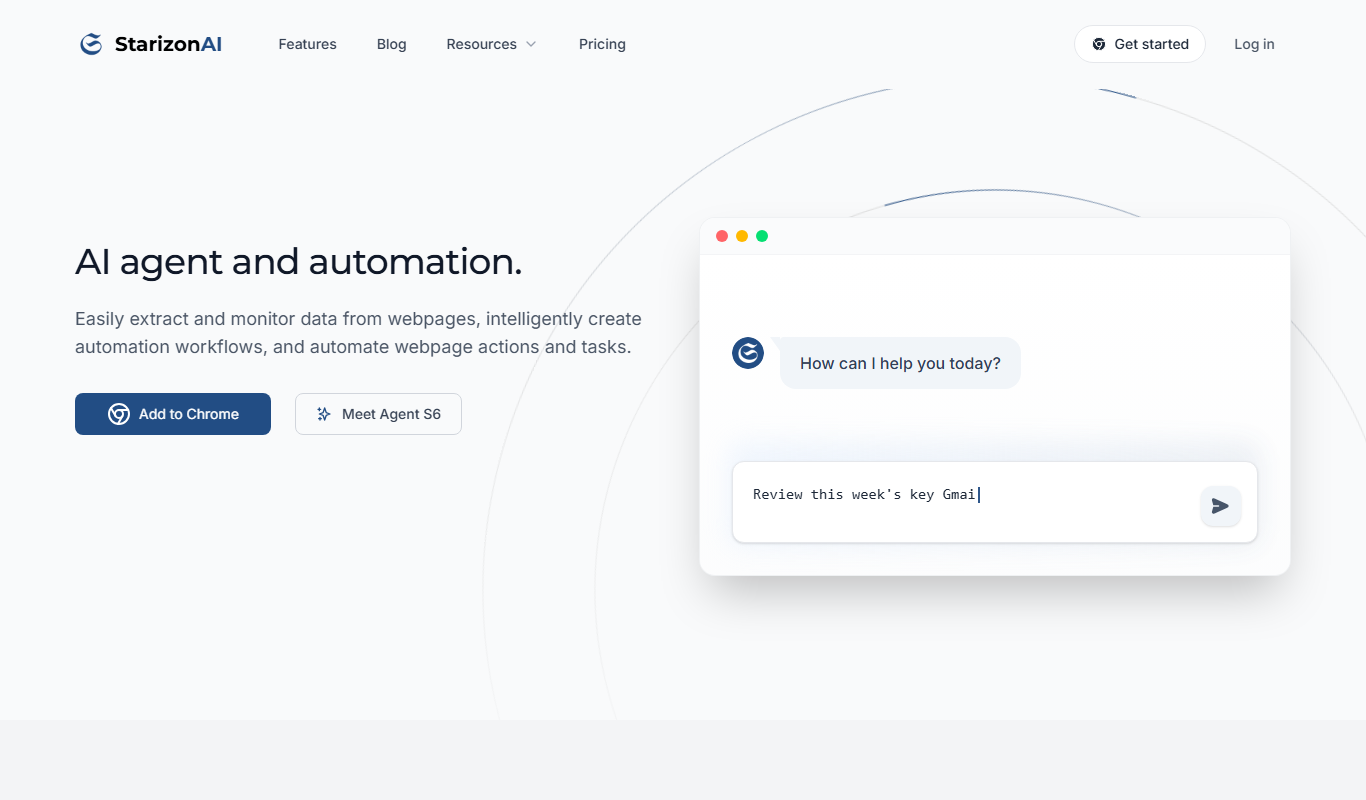

What is StarizonAI?
Starizon AI is a Chrome side-panel agent and browser assistant. It chats with webpages, extracts structured data, monitors pages with alerts and automates web tasks with Agent S6, syncing outputs to apps through Toolkits & Skills.
Key features of StarizonAI
StarizonAI offers AI Chat and PageChat for summaries and Q&A grounded in webpages, an Extractor for structured data, Agent S6 web automation with human-in-the-loop checkpoints, and Toolkits and Skills to connect apps.
PageChat
Summaries and Q&A grounded in the webpage you are on.
Extraction with replay
Extract web data through AI conversations and replay saved actions on similar pages without consuming additional tokens.
Web monitoring
Schedule regular checks of web pages at set intervals to track updates.
Agent S6 automation
Run multi-step browser actions with human-in-the-loop checkpoints for sensitive steps.
Pros and cons of StarizonAI
Pros
- Free plan with a 120,000 token new user bonus
- Saved extraction actions replay without extra tokens
- Human-in-the-loop checkpoints for sensitive steps
- Affordable pricing plans
Cons
- Usage limits apply to replays, workflows and monitoring on the free plan
- Top-up tokens are only available to Basic and Pro users
Key use cases for StarizonAI
Web data extraction
Extract and analyze data from webpages and repeat it on similar pages.
Page monitoring
Schedule automated checks of web pages to track updates.
Multi-step web tasks
Automate multi-step browser actions with reusable flows.
Webpage research
Get summaries and answers grounded in webpages.
How StarizonAI works
- 1
Add to Chrome
Add the extension to Chrome and open the side panel.
- 2
Chat with the page
Get summaries and Q&A grounded in the webpage.
- 3
Extract data
Extract and analyze web data through AI-driven conversations and save the actions.
- 4
Automate with Agent S6
Run web actions with Agent S6 and sync outputs to your apps with Toolkits & Skills.
- 5
Monitor and get alerts
When conditions are met, notifications are pushed to multiple channels.
Who is using StarizonAI
StarizonAI pricing
Free
$0/month
120,000 token new user bonus, AI Chat and PageChat, Extractor, Agent S6, Toolkits and Skills; usage limits apply.
Basic
$5/month
3,600,000 tokens per month, advanced AI models, unlimited replay actions and scheduled monitoring.
Pro
$15/month
12,000,000 tokens per month, advanced AI models, unlimited replay actions and scheduled monitoring.
AI Tokens top-up
$6 for 5,000,000 tokens
Optional add-on tokens for Basic and Pro users that do not reset each month.
Plans and prices are as published by the vendor and can change. Check the official site before you buy. Open the pricing page (opens in a new tab)
Frequently asked questions about StarizonAI
A Chrome side-panel agent for webpage chat, structured extraction, Agent S6 automation, monitoring alerts and app sync through Toolkits & Skills.
No. Saved extraction actions can be repeated on similar pages without consuming additional tokens.
Yes, bring your own API keys (BYOK) is supported.
The agent that runs multi-step browser actions with human-in-the-loop checkpoints for sensitive steps.
You schedule regular checks of web pages at set intervals, and notifications are sent when your conditions are met.
No. Top-up tokens do not reset at the start of each month.
Conclusion
Inside a Chrome side panel, users chat with the current webpage, get summaries and answers grounded in it, and extract structured data for export. Extraction actions can be saved and replayed on similar pages without consuming additional tokens. Scheduled monitoring rechecks pages at set intervals and pushes notifications to multiple channels when conditions are met.
Agent S6 runs multi-step browser actions with human-in-the-loop checkpoints for sensitive steps, and Toolkits & Skills sync outputs to other apps. The free plan includes a token bonus and supports bring-your-own API keys, but usage limits apply to replays, workflows and monitoring. Paid tiers add monthly token allowances, unlimited replay actions and unlimited scheduled monitoring.
Sources
Sign in to review this tool.
Sign In to ReviewNo reviews yet
Be the first to share how this tool worked for you.
Ask about pricing, limits, or how it compares — or answer someone else.
Sign In to AskNo questions yet
Have a question about using or paying for this tool? Be the first to ask.
Featured on TiorAI



More AI Assistant tools
Other tools in the same category, for when this one is not quite the fit.

IntelliMuse
IntelliMuse offers custom AI companions called Muses, with their own personalities, expertise and voices, for text chat on the web or voice calls on iPhone.

Empai: Empathic AI Assistant
Empai is an iPhone and iPad app that decodes what people really mean and helps you rewrite dull or angry texts.

Mammouth
Mammouth gives you GPT, Claude, Gemini, Mistral, FLUX and other GenAI models in one subscription, with one-click reprompting between models.

AiGenda
AiGenda is an AI meeting assistant that records calls in Google Meet, Zoom or Telemost, transcribes them and delivers a structured meeting summary in under 5 minutes.

Cantian AI
Cantian AI offers free AI fortune telling and a BaZi calculator, combining eastern astrology with AI to give insights into love and wealth.

exa.ai
Exa is a search API for AI agents that need real-time web data, deep research and structured content from one endpoint.

MeetCody
Cody AI offers specialized AI agents (Assist, Convert, Clear and Live) that answer questions from your knowledge base, convert website visitors, deliver controlled responses and create live experiences.
Raily
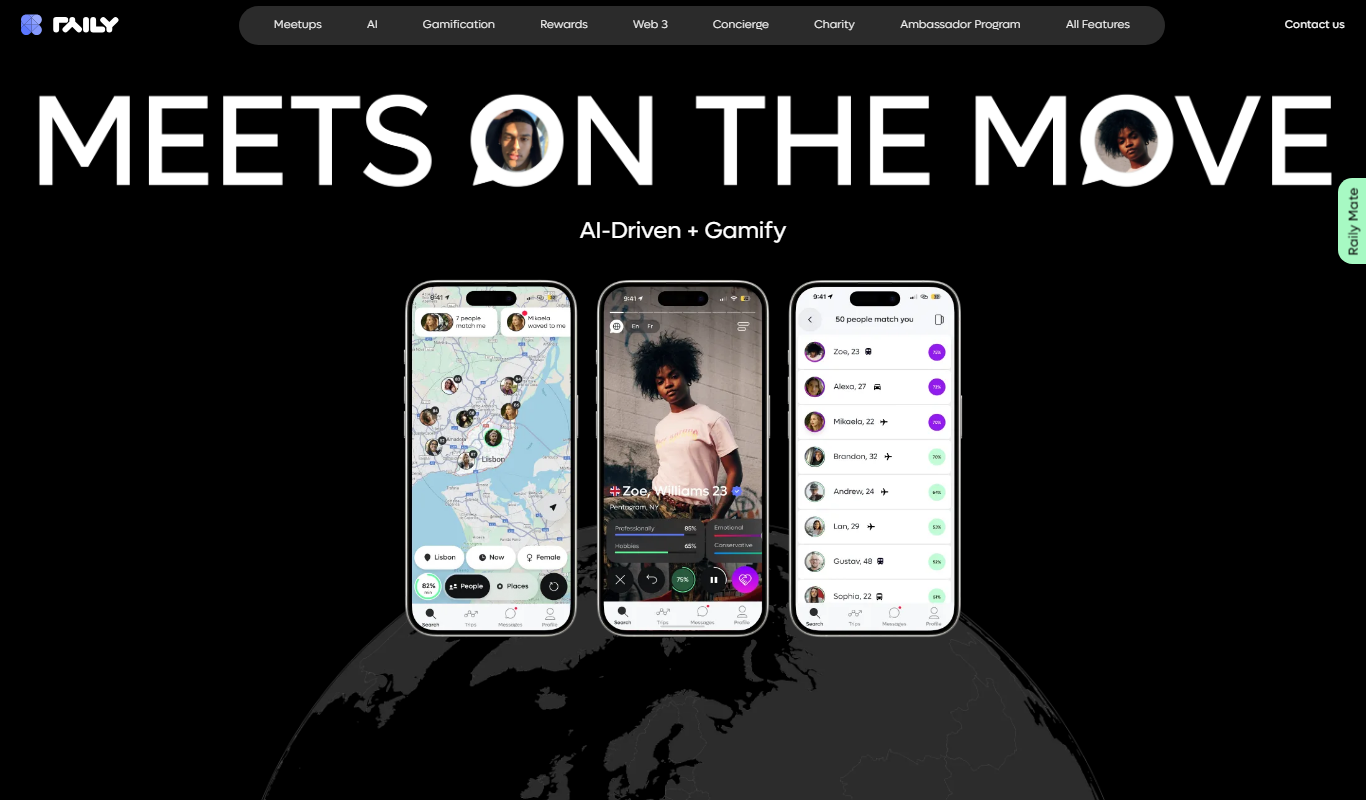
Raily gives you a personal AI agent that searches for compatible people, talks to their agents first and brings you in when both sides fit.