

Shamaze: AI bedtime story app that reads stories in your own voice
Shamaze is a bedtime story app that uses AI to generate enchanting stories and reads them in mom's own cloned voice.
- Best for
- Bedtime stories in a parent's voice
- Key capability
- AI bedtime stories
Save Shamaze, follow its updates and vote on it — everything stays in your account.
Sign in or create a free account
What is Shamaze?
Shamaze is a bedtime storytelling app that helps moms put their children to sleep by reading AI-generated stories in their own voice. Parents clone their voice, personalize each story with the child’s name, favorite themes and characters, and the app narrates it.
Key features of Shamaze
AI-generated bedtime stories personalized with the child’s name, favorite themes and characters, narrated in a voice clone created from the parent’s recorded prompts.
AI bedtime stories
Generates bedtime stories with AI, from adventures and fairy tales to soothing lullabies.
Voice cloning
Record prompts to create a voice clone that sounds just like you.
Personalized stories
Customize the adventure with the child's name, favorite themes and characters.
Bedtime routine
Stories are read in the parent's voice to create a calm bedtime routine.
Pros and cons of Shamaze
Pros
- Stories are narrated in the parent's own cloned voice
- Each story is personalized with the child's name and favorite themes
- Store listing declares no data shared with third parties
Cons
- No prices are published on the site, only an Upgrade Now option
- Full use requires an upgrade through in-app purchases
- Voice cloning needs the parent to record prompts first
Key use cases for Shamaze
Bedtime stories in a parent's voice
Help children fall asleep with AI-generated stories read in their mom's own voice.
Staying connected on busy days
A way for moms to stay close and connected to their children, even during the busiest days.
Personalized adventures
Create stories built around the child's name, favorite themes and characters.
Fairy tales and lullabies
Adventures, fairy tales or soothing lullabies designed to help children unwind and sleep.
How Shamaze works
- 1
Clone your voice
Record prompts to create a voice clone that sounds like you.
- 2
Personalize the story
Add the child’s name, favorite themes and characters.
- 3
AI generates the story
Shamaze generates a story tailored to the child.
- 4
Listen at bedtime
The story is read aloud in the parent’s own voice.
Who is using Shamaze
Shamaze pricing
Free Trial
$0 for 14 days
Access to core features to evaluate the platform.
Pro
$49/month
Full feature access with higher usage limits and priority support.
Plans and prices are as published by the vendor and can change. Check the official site before you buy. Open the pricing page (opens in a new tab)
Frequently asked questions about Shamaze
It generates bedtime stories with AI and reads them to children in their mom’s own voice.
You record prompts in the app to create a voice clone that sounds just like you.
Yes. You can customize each adventure with the child’s name, favorite themes and characters.
Adventures, fairy tales and soothing lullabies designed to help children unwind and sleep soundly.
Shamaze is available on Google Play, and it can also be used on its website.
Shamaze is operated by FORKER s.r.o.
Conclusion
Bedtime is the whole point of Shamaze: the app generates stories with AI and reads them to children in their mom’s own voice. That voice comes from a clone the parent creates by recording prompts, and each story can be built around the child’s name, favorite themes and characters. Stories range from adventures and fairy tales to soothing lullabies meant to help children unwind and sleep.
The app is aimed at parents, and moms in particular, including those who want to stay close to their children during busy days. It is available on Google Play with in-app purchases, and the site shows an upgrade option but publishes no prices.
Sources
Sign in to review this tool.
Sign In to ReviewNo reviews yet
Be the first to share how this tool worked for you.
Ask about pricing, limits, or how it compares — or answer someone else.
Sign In to AskNo questions yet
Have a question about using or paying for this tool? Be the first to ask.
Featured on TiorAI



More AI Storytelling Tools tools
Other tools in the same category, for when this one is not quite the fit.
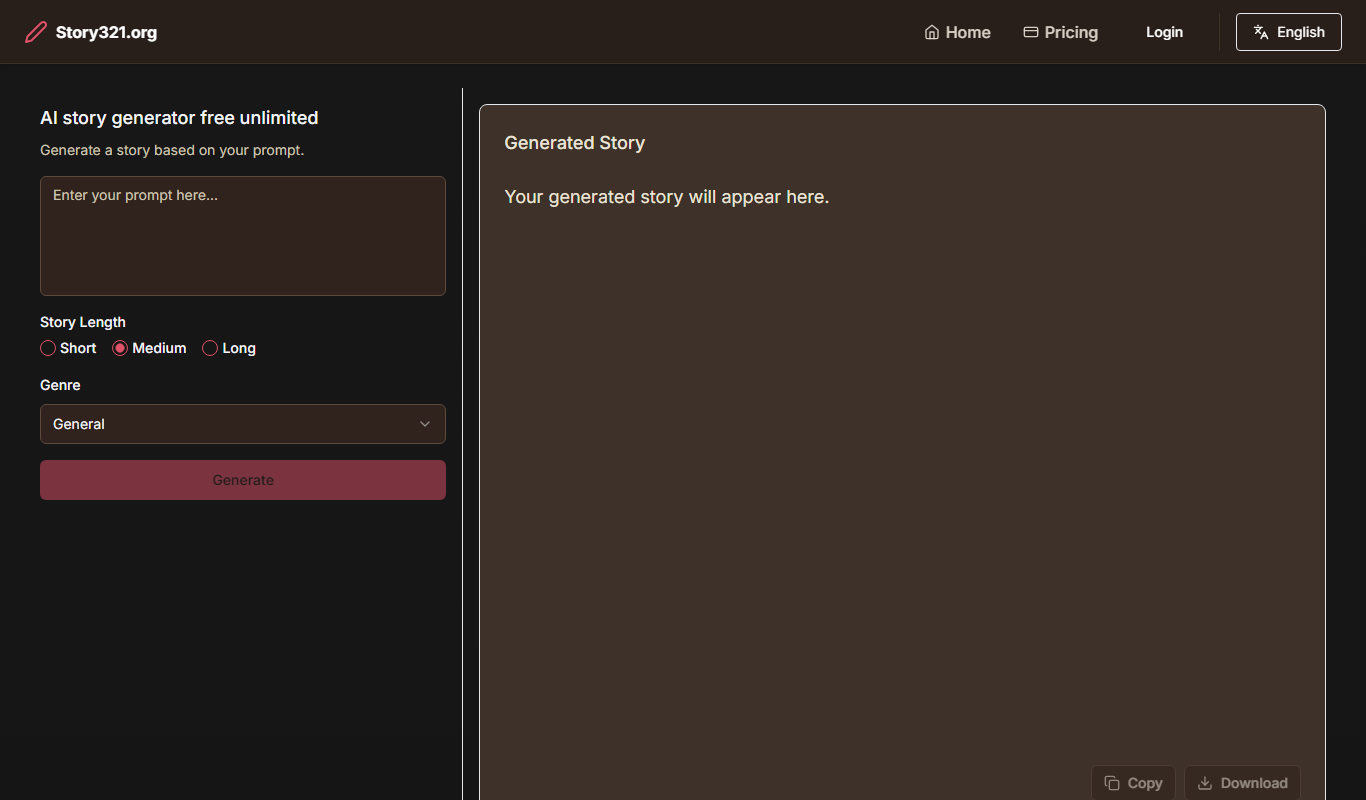
Story321 AI Story Generator
Story321's AI story generator turns any idea into a story: choose a genre and length, generate online without signing up, then copy or download the draft.
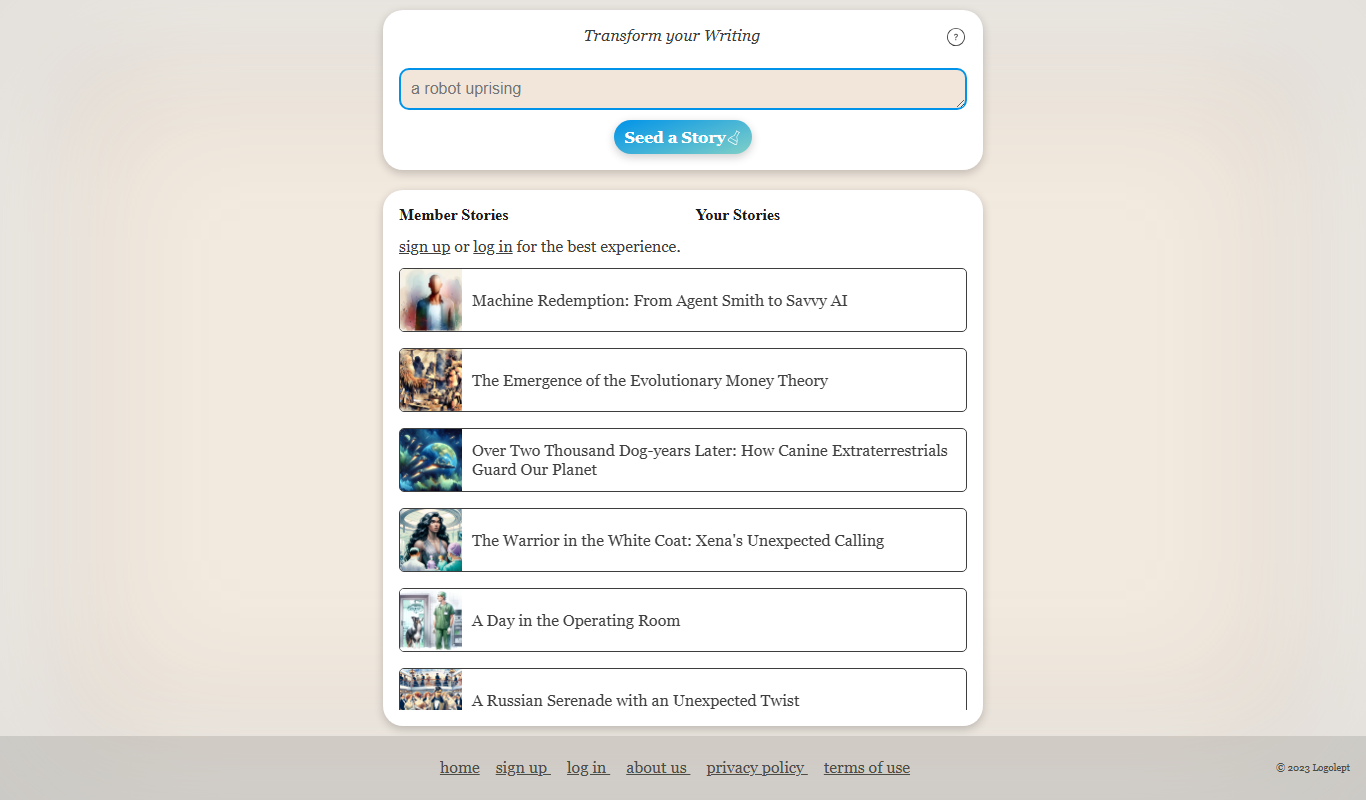
Logolept
Logolept is an AI story book maker: seed your story with a prompt, find inspiration and read stories other members created.

AI Game Master- Dungeon RPG
AI Game Master is a text-based RPG for iOS and Android in which the AI is your Dungeon Master: create a character, pick a world and type your actions.

LitRPG Adventures
LitRPG Adventures offers AI generators for tabletop RPG content such as D&D backstories, quests, monsters, spells and dungeons, plus a large RPG library.

ArcaneLand
ArcaneLand is a text-based adventure game with an AI dungeon master powered by ChatGPT and a UI for XP, items and quests, free to play with no sign up.

Narratize
Narratize is the AI-powered System of Intelligence for New Product Development in advanced manufacturing, uniting systems data and expert knowledge to launch faster.
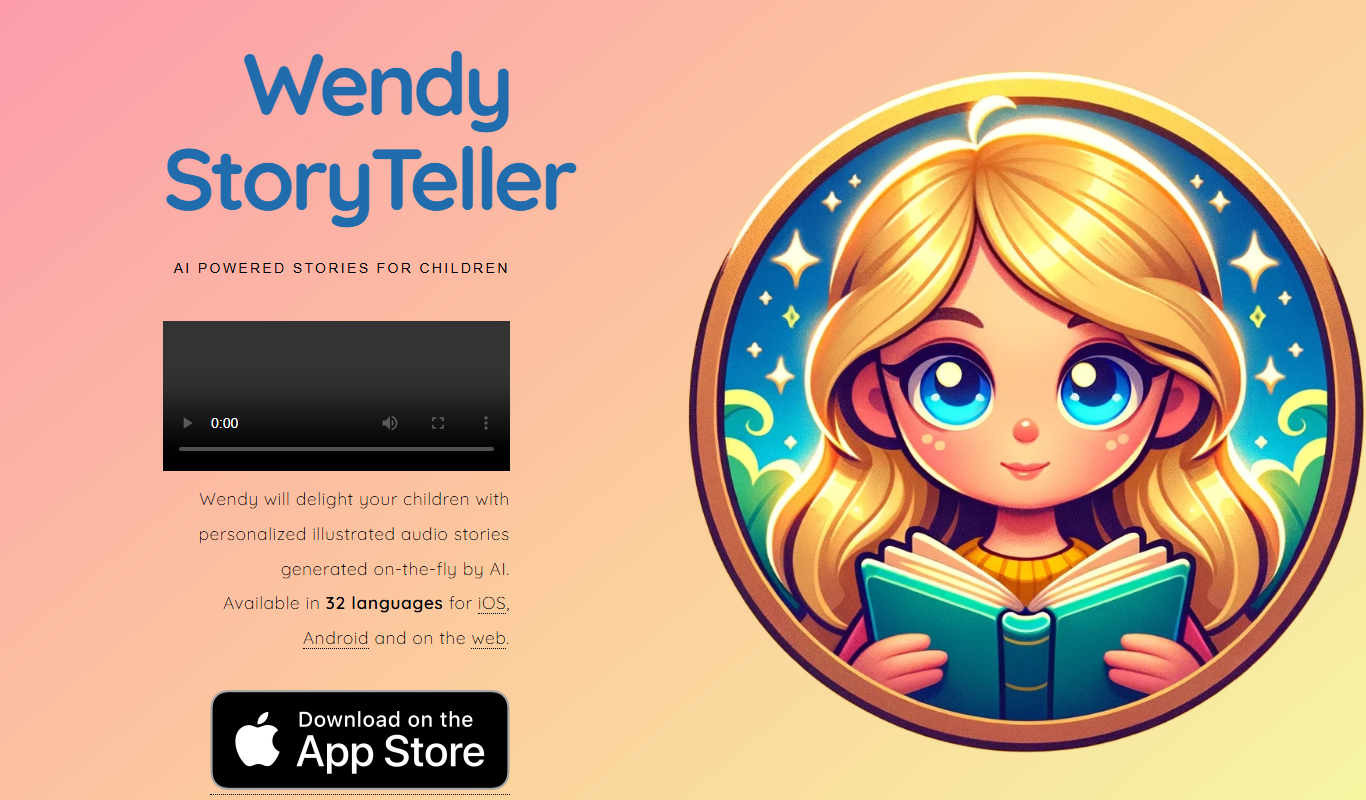
Wendy StoryTeller
Wendy StoryTeller creates personalized illustrated audio stories for children with AI, narrated in 32 languages on iOS, Android and the web.
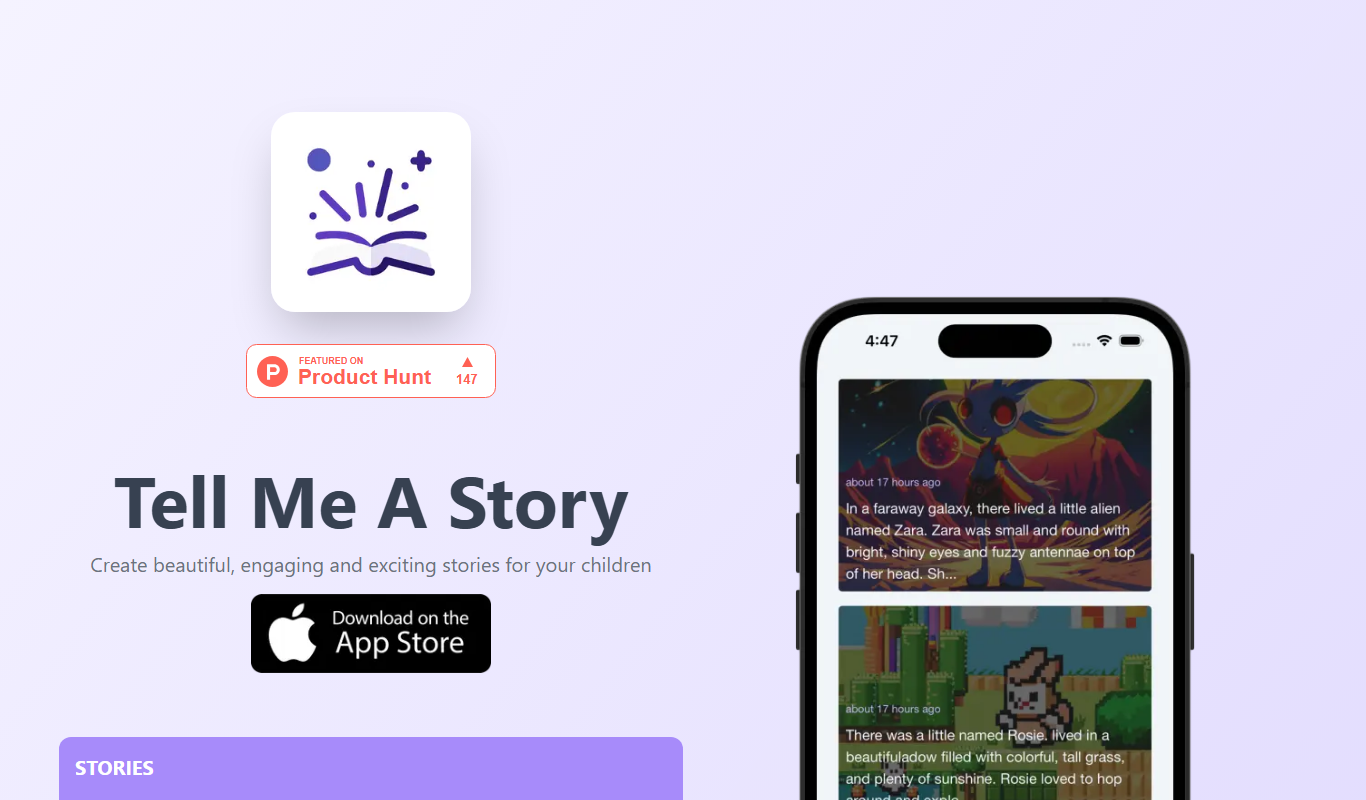
Tell Me A Story
Tell Me A Story is an iPhone app for generating AI stories for children, with narration for every story and saved characters.