
From my experience with ChatOne, I found it excels at providing an intuitive visual chatbot builder that enables businesses to quickly deploy AI-powered customer support without needing technical expertise. The platform’s integration capabilities and analytics tools make it practical for small to medium businesses aiming to automate user engagement and lead capture. However, the current limitation to English and absence of a dedicated mobile app for management may restrict some users. Overall, if you need a straightforward, customizable chatbot solution for your website or app, ChatOne delivers reliable performance with flexible pricing.

ChatOne AI Chatbot Platform for Customer Support and Engagement
ChatOne is an AI chatbot platform that helps businesses automate customer support and engagement through customizable conversational AI deployed on websites and apps.
What is ChatOne?
ChatOne is an AI-powered chatbot platform designed to help businesses automate customer interactions, improve engagement, and streamline support processes. It enables companies to deploy conversational AI on their websites or apps to handle inquiries, generate leads, and provide instant assistance.

Key Features of ChatOne
Visual Chatbot Builder
Drag-and-drop interface to design conversational flows without coding.
Natural Language Processing
AI-powered understanding of user inputs for more natural and accurate responses.
Multi-Channel Integration
Deploy chatbots on websites, mobile apps, and via API.
Analytics Dashboard
Detailed insights into chatbot usage, user behavior, and conversation outcomes.
Customizable Templates
Pre-built chatbot templates for common use cases to speed up deployment.
Pros and Cons of ChatOne
Pros
- User-friendly visual chatbot builder
- Good integration options with APIs
- Detailed analytics for performance tracking
- Flexible pricing plans including a free trial
Cons
- Limited language support currently
- Advanced AI features may require higher-tier plans
- No dedicated mobile app for chatbot management
Key Use Cases for ChatOne
Customer Support Automation
Automate responses to common customer inquiries to reduce support workload and improve response times.
Lead Generation
Engage website visitors with conversational AI to capture leads and qualify prospects automatically.
User Engagement
Provide interactive chat experiences to keep users engaged and improve satisfaction on websites.
FAQ Handling
Deploy AI chatbots to answer frequently asked questions instantly without human intervention.
How ChatOne Works
-
1
Sign Up
Create an account on ChatOne’s platform to access the chatbot builder and dashboard.
-
2
Design Chatbot
Use the visual editor to create conversation flows and customize responses.
-
3
Integrate Chatbot
Embed the chatbot on your website or connect via API to your applications.
-
4
Monitor and Optimize
Track chatbot interactions and performance metrics to refine and improve user experience.
Who's Using ChatOne
Small and medium businesses
E-commerce websites
Customer support teams
Marketing agencies
SaaS companies
ChatOne Pricing
Free Trial
$0 for 14 days
Access to core features to test the platform with limited usage.
Starter
$29/month
Basic chatbot features suitable for small businesses with limited interactions.
Professional
$79/month
Advanced features including integrations and higher usage limits.
Enterprise
Custom pricing
Tailored solutions with dedicated support and custom integrations.
Frequently Asked Questions About ChatOne
Yes, ChatOne supports integration with popular CRM systems via API and webhooks.
No, ChatOne provides a visual builder that allows you to create chatbots without any coding.
Currently, ChatOne primarily supports English, with plans to add more languages in the future.
Yes, ChatOne offers a 14-day free trial to explore the platform’s features.
This tool is designed to help users accomplish its core tasks more efficiently. It is typically used by individuals or teams looking to improve productivity and workflow.
Some tools offer a free plan or trial with limited features. Availability can vary, so confirm on the official website.
Integration support depends on the tool and its available connectors or API. Check the official documentation or integrations page to confirm what is supported.
Share your review
Reviews are limited to one per logged-in user and are published after moderation.
You need an account to review this tool.
0.0
★
★
★
★
★
0 reviews
5 star
0
4 star
0
3 star
0
2 star
0
1 star
0
No reviews yet
Be the first to share how this tool worked for you.
Questions from the community
Read questions and answers about this tool, or ask your own.
No questions yet
Start the conversation by asking the first question about this tool.
Is this tool helpful?

Free
FloatChat
FloatChat is an AI chatbot platform that helps businesses automate customer support and engage website visitors through conversational AI chatbots.
Free Trial
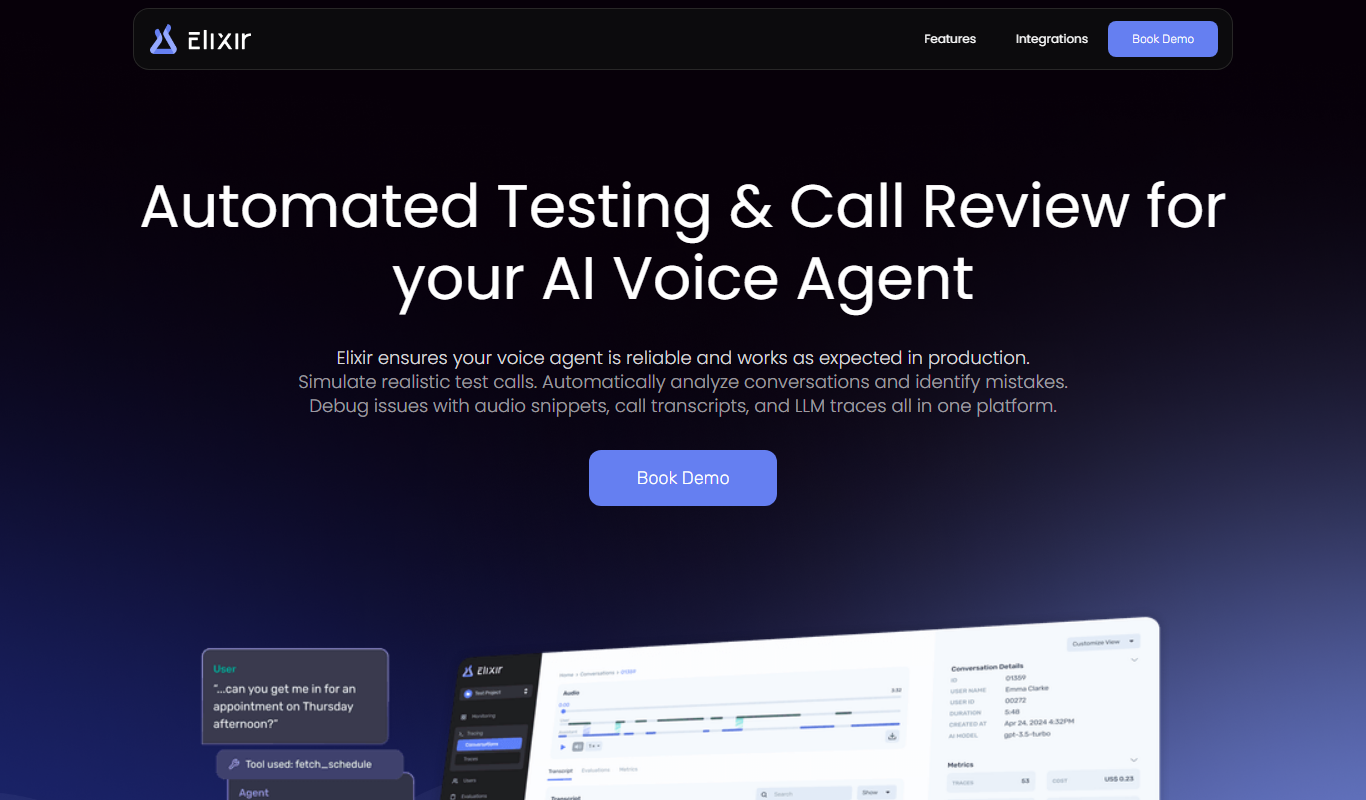
Elixir
Elixir is an AI-powered chatbot platform that helps businesses automate customer support and engagement through customizable conversational agents deployed on websites.

Free
ChatDOC
ChatDOC is an AI chatbot platform that enables users to upload documents and ask natural language questions to extract information quickly and efficiently.
Free Trial
ProductBot
ProductBot is an AI-powered chatbot that automates customer support and sales for e-commerce stores by providing instant responses, product recommendations, and order tracking.
Freemium
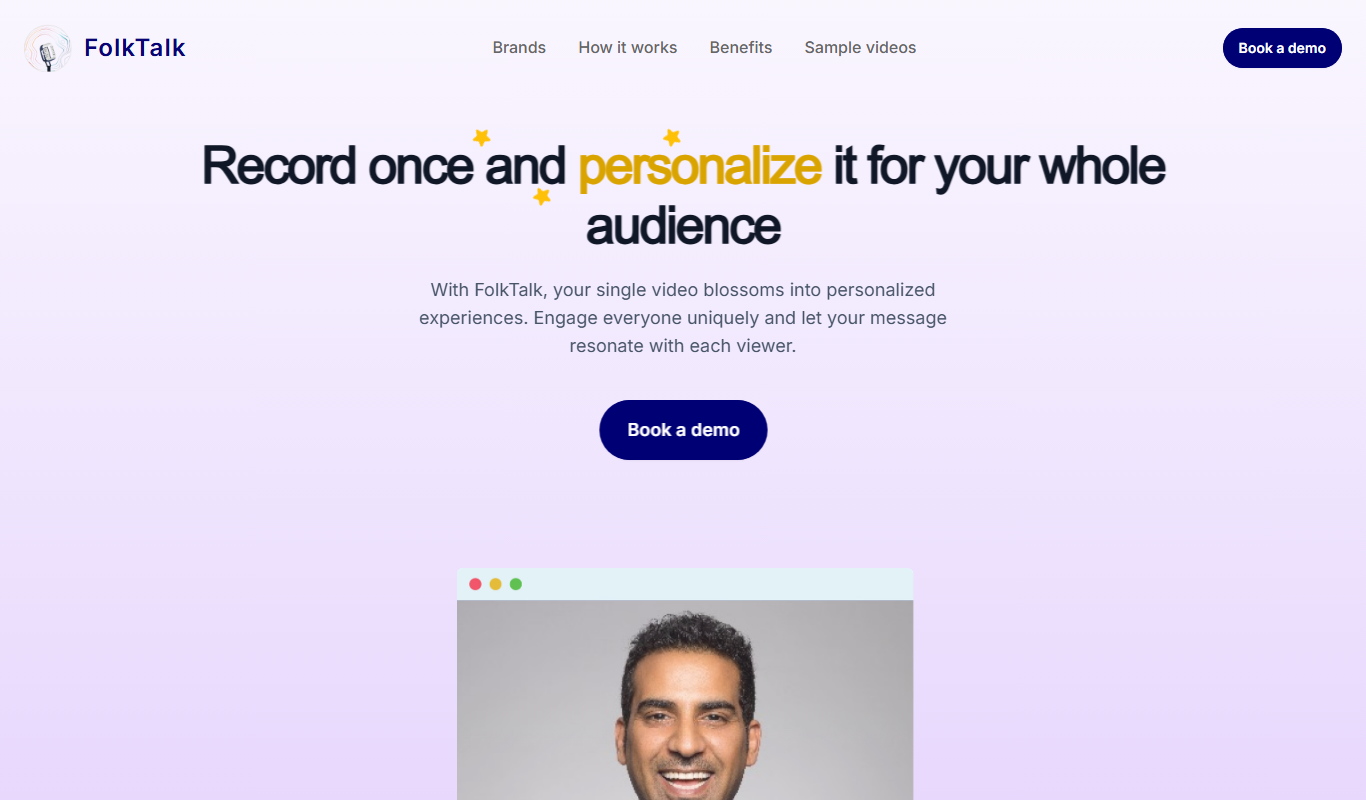
FolkTalk
FolkTalk is an AI chatbot platform that helps Indian businesses automate customer support and engagement with multilingual conversational AI.

Free Trial
Socratify
Socratify is an AI-driven chatbot platform designed to automate customer support and engagement through natural language understanding and multi-channel integration.

Free Trial
Frank
Frank AI is an AI-powered chatbot designed to automate customer support and sales conversations by engaging website visitors, qualifying leads, and scheduling meetings through conversational AI.

Free Trial
TalkPersona
TalkPersona is an AI chatbot builder that enables businesses to create personalized conversational agents for customer support, lead generation, and engagement using a no-code drag-and-drop interface.