

Elixir: testing and call analytics platform for conversational voice agents
Elixir is a testing and call analytics platform for teams deploying conversational voice agents, with simulated test calls, call metrics and automatic call triage.
- Best for
- Testing voice agents
- Key capability
- Simulated test calls
Save Elixir, follow its updates and vote on it — everything stays in your account.
Sign in or create a free account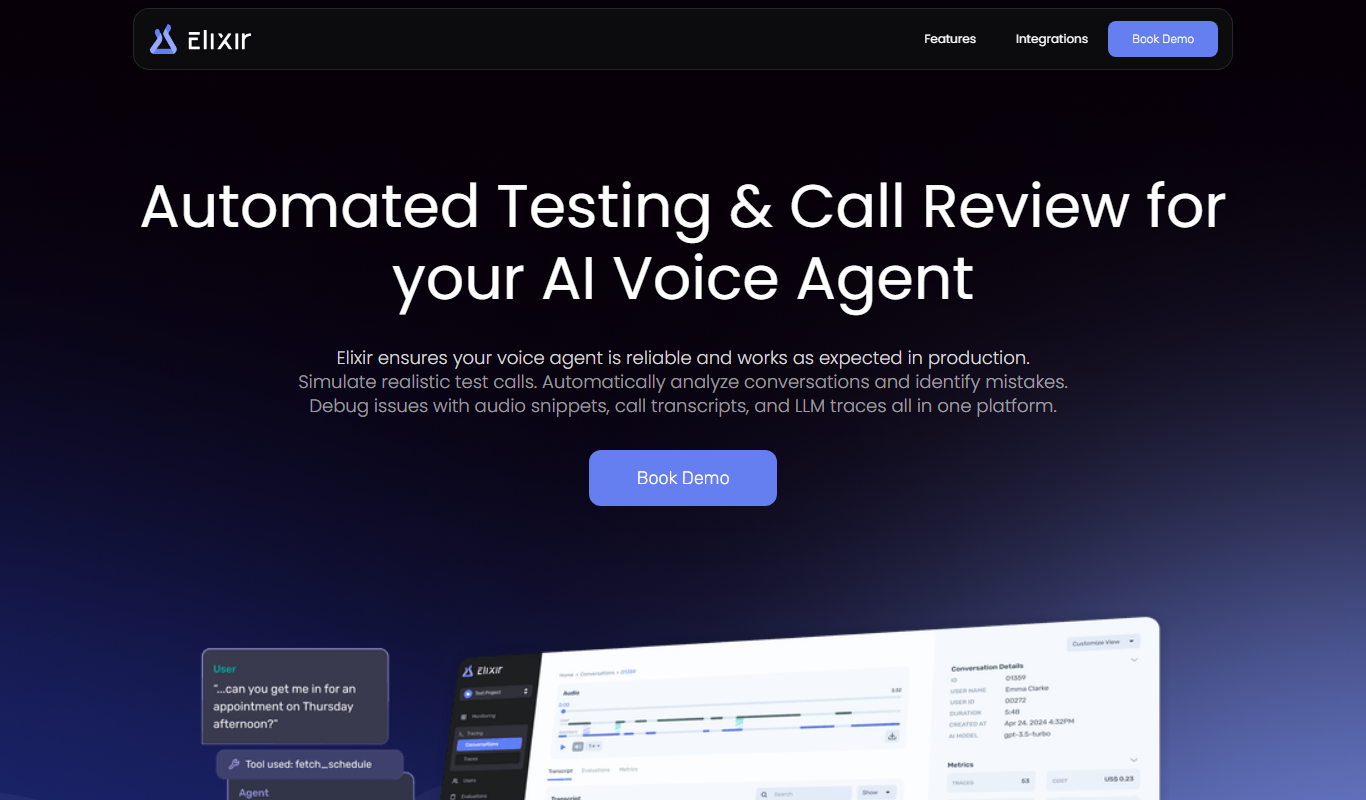

What is Elixir?
Elixir is a testing and call analytics platform for teams deploying conversational voice systems. Voice AI developers use it to simulate test calls, track call metrics, debug agent mistakes and automate their call review process. It is currently in beta.
Key features of Elixir
An auto-tester that simulates calls to your voice agent, use-case specific success metrics and analytics charts, automatic scoring and triage of calls into a review queue, and LLM tracing with audio through an SDK.
Simulated test calls
The auto-tester calls your agent, simulates scenarios and checks that the outcome matches the expected result.
Call metrics
Define use-case specific success metrics and view analytics charts on agent performance.
Automatic call triage
Each sampled call is scored per rubric, and bad calls go to a manual review queue.
LLM tracing with audio
Trace LLM requests with audio snippets and see the transcript for each conversation.
Pros and cons of Elixir
Pros
- Automated test calls replace manual path testing
- Asynchronous instrumentation does not add latency
- Bad calls are routed automatically to a review queue
Cons
- Currently in beta
- Only a Python SDK is available; other languages use the API directly
Key use cases for Elixir
Testing voice agents
Simulate test calls instead of manually testing different paths and configurations.
Monitoring call performance
Track agent performance and user behavior with success metrics.
Call review
Spend less time reviewing calls by scoring them automatically and queueing bad ones.
Debugging agent mistakes
Identify and debug agent mistakes in conversations.
How Elixir works
- 1
Install the SDK
Install the Elixir Python SDK and issue an API key in project settings.
- 2
Instrument your agent
Call Elixir.init() to instrument calls to your LLM services.
- 3
Send call audio
After the call ends, send the call recording to Elixir.
- 4
Review analytics
See the transcript and call analytics for each conversation in the dashboard.
Who is using Elixir
Elixir pricing
Free Trial
$0 for 14 days
Access to core features to test the platform.
Pro
$49/month
Full feature access with higher usage limits and priority support.
Plans and prices are as published by the vendor and can change. Check the official site before you buy. Open the pricing page (opens in a new tab)
Frequently asked questions about Elixir
A testing and call analytics platform for teams deploying conversational voice systems.
A Python SDK (Python 3), with examples for Vapi and Pipecat bots; other languages can work with the API directly.
No. It uses an OpenTelemetry-compatible tracing standard with asynchronous instrumentation, so it does not add latency.
Its auto-tester calls the agent, simulates scenarios and checks that the outcome matches the expected result.
Each sampled call is automatically scored per rubric, and bad calls are sent to a manual review queue.
Elixir is currently in beta.
Conclusion
Voice agents, not website chat, are what Elixir works with: it tests and analyzes the calls that conversational voice systems handle. Its auto-tester calls an agent, simulates scenarios and checks the outcome, while success metrics and analytics charts track agent performance across calls. Sampled calls are scored per rubric, and bad ones land in a manual review queue.
Setup goes through a Python SDK: developers instrument their LLM calls, track each conversation and upload the call audio, with examples for Vapi and Pipecat bots. Voice AI developers are the intended users. Elixir is still in beta, other languages work through the API directly, and no pricing is published.
Sources
Sign in to review this tool.
Sign In to ReviewNo reviews yet
Be the first to share how this tool worked for you.
Ask about pricing, limits, or how it compares — or answer someone else.
Sign In to AskNo questions yet
Have a question about using or paying for this tool? Be the first to ask.
Featured on TiorAI



More AI Analytics Assistant tools
Other tools in the same category, for when this one is not quite the fit.

Octolens AI
Octolens is an AI social listening tool that tracks brand mentions across Reddit, X, LinkedIn and 10+ platforms, with API, MCP and webhooks on every plan.

Insight7
Insight7 analyzes customer calls, scores every conversation, coaches reps and deploys AI voice and chat agents for customer teams.

neuronsinc.com
Neurons is a neuromarketing AI that predicts attention, engagement and memorability of ad creatives before they go live, with heatmaps and behavioral scores.
LangWatch
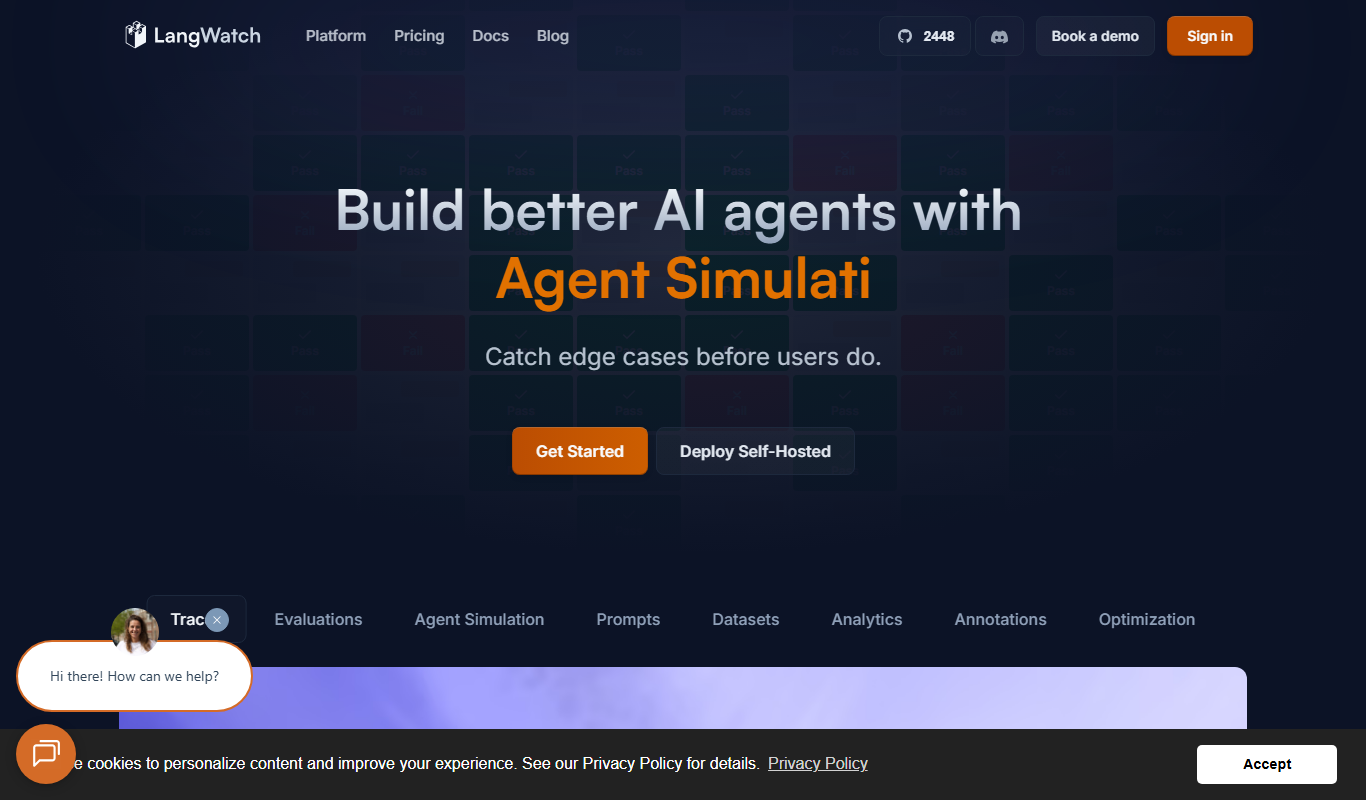
LangWatch is an AI agent testing and evaluation platform with simulations, evals, observability and prompt management, available in the cloud or self-hosted.

5-Out
5-Out helps restaurants boost profits with AI-powered sales forecasting, automated scheduling and purchasing based on predicted demand.

MUSICDATAK
MusicDatak is a music research platform that helps radio stations and brands track music trends, optimize playlists and grow radio audience share with tools like StationRadar.

ReviewHawk
ReviewHawk analyzes app store reviews with AI to show why users leave and what they want, so app makers can reduce churn.

StrongArm Technologies PPE AI
StrongArm Technologies offers the SafeWork Sensor, a wearable device that provides real-time haptic feedback and collects movement data, and SafeWork Training, a personalized safety training program.