

Viqal - Automate Hotel Guest Communication
Viqal automates hotel guest communication with an AI assistant that handles FAQs, upsells and service requests on WhatsApp.
- Best for
- Answering guest FAQs
- Key capability
- AI Concierge
Save Viqal, follow its updates and vote on it — everything stays in your account.
Sign in or create a free account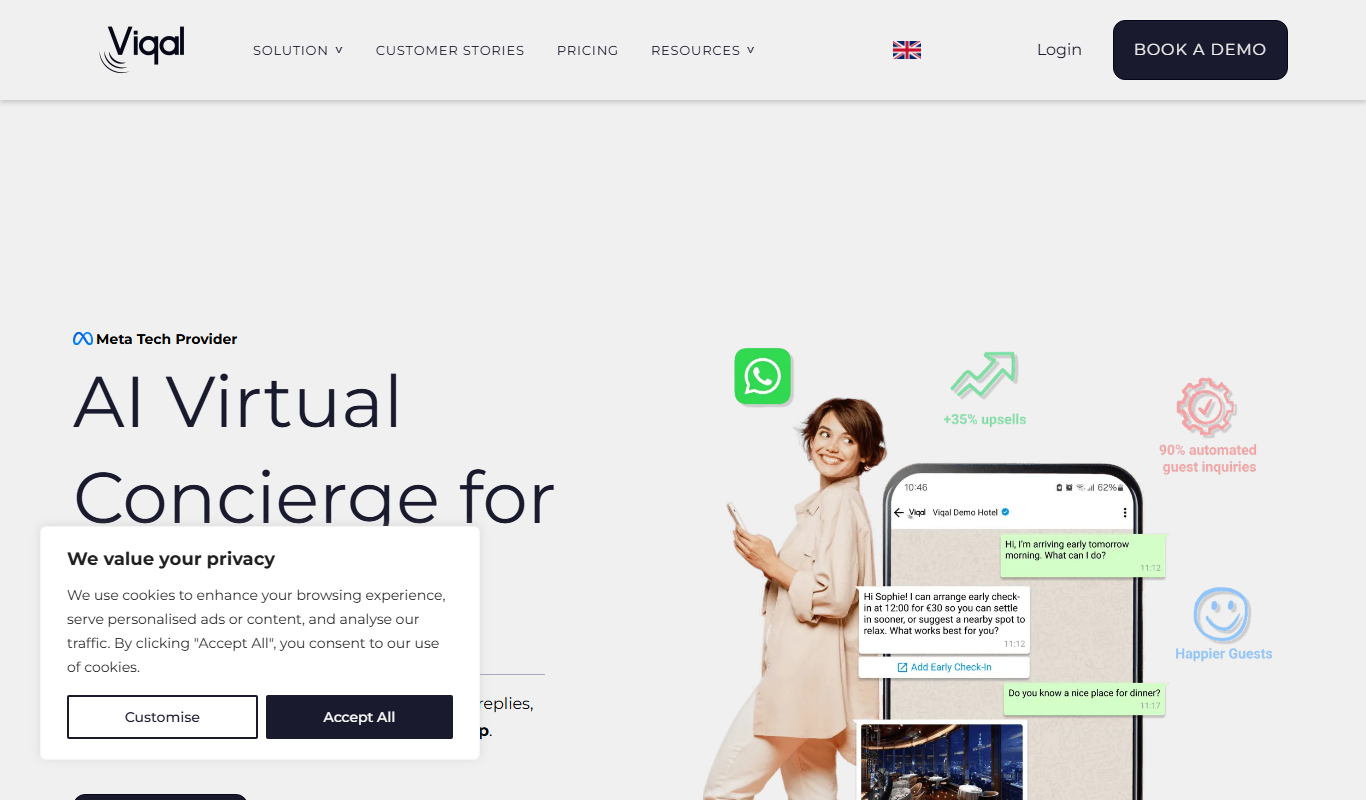

What is Viqal?
Viqal is a hotel guest messaging platform with an AI assistant that automates guest communication, service requests and upsells across WhatsApp, OTA inboxes and other channels, from pre-arrival to after checkout.
Key features of Viqal
Viqal is grounded in the hotel’s knowledge and connected to guest data, so it answers questions, takes action such as updating a reservation, and involves the team when needed.
AI Concierge
Knows your hotel and guest, with a choice of personality.
WhatsApp Campaigns
Design the guest journey and send marketing campaigns.
Upselling
Turn conversations into revenue.
Tasks
Guest requests become tasks for the right team.
Pros and cons of Viqal
Pros
- Unlimited seats, no setup fees
- Pay only for the rooms you use
- Booking.com and Airbnb in the same inbox
Cons
- Message delivery fees billed separately
- Built for hotels only
Key use cases for Viqal
Answering guest FAQs
Handle FAQs instantly on WhatsApp.
Upselling
Turn conversations into revenue.
Review replies
Reply to every review, in the guest's language.
Service requests
Guest requests become tasks for the right team.
How Viqal works
- 1
Connect your PMS
Connect property systems such as Mews, Protel or Cloudbeds.
- 2
Set up the AI Concierge
The assistant knows your hotel and guest; choose a personality.
- 3
Automate the guest journey
Guest questions, service requests and upsells are handled across WhatsApp and OTA inboxes.
- 4
Step in when needed
Staff step in from the Team Inbox when guests need a person.
Who is using Viqal
Viqal pricing
Core
EUR 4.00 per room/month (EUR 3.00 with the -25% annual discount)
WhatsApp, RCS, SMS and web widget, AI answers, shared team inbox, 1 proactive message slot.
Pro
EUR 6.00 per room/month (EUR 4.50 with the -25% annual discount)
Everything in Core, unlimited proactive message slots, upsells and marketing campaigns, guest segmentation.
Enterprise
Custom
For groups and 1000+ room properties, priced across your portfolio.
Plans and prices are as published by the vendor and can change. Check the official site before you buy. Open the pricing page (opens in a new tab)
Frequently asked questions about Viqal
An AI assistant that automates hotel guest communication, service requests and upsells across WhatsApp, OTA inboxes and other channels.
WhatsApp plus Booking.com, Airbnb, SMS, RCS and web chat in the same inbox.
Per room: you only pay for the rooms you use and can lower the number in low season.
Property systems such as Mews, Protel, Cloudbeds, Kross Booking, Wubook, Webhotelier and Booking Experts.
Yes, you can start a free trial or watch a 10-minute demo.
It depends on your specific needs and how you plan to use the tool. The official website and documentation are the best sources for the latest details.
Conclusion
Hotel teams field the same guest questions every day, such as whether breakfast is included or a late checkout is possible. Viqal answers them automatically on WhatsApp and in the same inbox for Booking.com, Airbnb, SMS and web chat. Because it is grounded in the hotel’s knowledge and connected to guest data, the assistant can also answer questions, take action and involve the team when needed.
Around the AI Concierge sit WhatsApp campaigns for the guest journey, upselling, review replies in the guest’s language and tasks routed to the right team. It connects to property systems such as Mews, Protel and Cloudbeds. Pricing is per room rather than per user, with unlimited seats and no setup fees, and a Pro tier adds upsells and guest segmentation. Message delivery fees are billed on top of the plan.
Sources
Sign in to review this tool.
Sign In to ReviewNo reviews yet
Be the first to share how this tool worked for you.
Ask about pricing, limits, or how it compares — or answer someone else.
Sign In to AskNo questions yet
Have a question about using or paying for this tool? Be the first to ask.
Featured on TiorAI



More AI Chatbot & Conversational Tools tools
Other tools in the same category, for when this one is not quite the fit.

TalkingPdf.io – Chat with any PDF
TalkingPdf.io is an AI-powered web tool that enables users to upload any PDF and interact with it through a chat interface, asking questions and receiving instant answers based on the document content.

IntelliMuse
IntelliMuse offers custom AI companions called Muses, with their own personalities, expertise and voices, for text chat on the web or voice calls on iPhone.

Mammouth
Mammouth gives you GPT, Claude, Gemini, Mistral, FLUX and other GenAI models in one subscription, with one-click reprompting between models.

Mumble
Mumble is a web platform integrated with WhatsApp that helps businesses manage customer interactions, automate sales processes, warm up leads and track customer journeys.

Emly Labs
Emly Labs offers a no-code AI framework to build AI chatbots and predictive AI models and to prepare data.

Dokko
Dokko is a document AI platform that reads contracts, manuals and policies in full, answers with citations and acts on what it finds, for teams and their customers.

OnDemand
OnDemand is an operating system for agentic AI that lets you build, orchestrate and deploy intelligent agents across any model, tool, data source or infrastructure.

AutoFlow
AutoFlow is an open source Graph RAG knowledge base tool from PingCAP, built on TiDB Vector, LlamaIndex and DSPy.