

From my experience with TypePilot, I found it excels at simplifying repetitive typing tasks through easy-to-create shortcuts. The tool’s lightweight design and cross-platform support make it a practical choice for anyone looking to boost productivity without a steep learning curve. However, the lack of automatic cloud syncing means managing shortcuts across multiple devices requires manual effort. Overall, if you want a straightforward AI assistant to speed up your typing and reduce repetitive work, TypePilot delivers reliable and user-friendly functionality.
TypePilot AI Assistant for Faster Typing and Text Automation
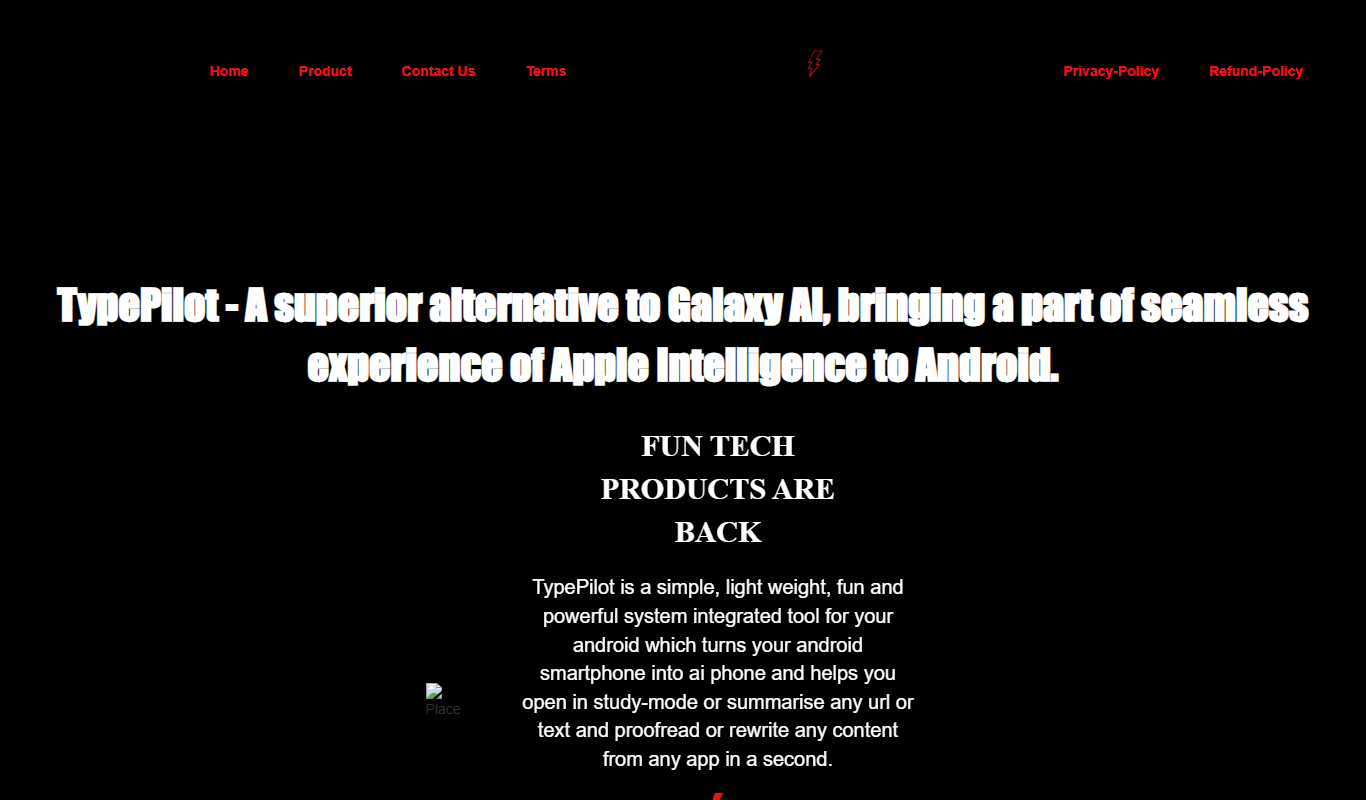
TypePilot is an AI-powered typing assistant that lets you create keyboard shortcuts to automatically expand into longer text snippets, helping you type faster and reduce repetitive work.
- Best for
- Typing Automation
- Key capability
- Customizable Text Snippets
Do you recommend this tool?
What is TypePilot – Fun AI Assistant?
TypePilot is a fun and easy-to-use AI assistant designed to speed up typing and text input by allowing users to create custom keyboard shortcuts that automatically expand into longer text snippets. It helps reduce repetitive typing and increases productivity across various tasks such as customer support, content creation, programming, and email management.
Key features of TypePilot – Fun AI Assistant
TypePilot offers text expansion through customizable shortcuts, supports multiple platforms including Windows and Mac, and provides a user-friendly interface to manage snippets. It integrates seamlessly with most applications, enabling faster typing without interrupting workflow.
Customizable Text Snippets
Create and manage an unlimited number of text shortcuts for quick insertion.
Cross-Platform Support
Works on Windows, Mac, and via a web interface to ensure productivity across devices.
Easy-to-Use Interface
Simple UI to add, edit, and organize your shortcuts without technical knowledge.
Lightweight and Fast
Runs efficiently in the background without slowing down your system.
Pros and cons of TypePilot – Fun AI Assistant
Pros
- Simple and intuitive shortcut creation
- Works seamlessly across multiple platforms
- Lightweight and unobtrusive
- Speeds up repetitive typing tasks
Cons
- No automatic cloud sync for shortcuts
- Limited language support beyond English
Key use cases for TypePilot – Fun AI Assistant
Typing Automation
Automate repetitive typing tasks by creating shortcuts that expand into full text snippets.
Customer Support
Use predefined text templates to quickly respond to common customer queries, improving response time.
Content Creation
Speed up writing by inserting frequently used phrases or paragraphs with simple keyboard shortcuts.
Programming
Insert code snippets or boilerplate code quickly to enhance coding efficiency.
Email Management
Automate email responses and signatures to save time on daily communication.
How TypePilot – Fun AI Assistant works
-
1
Install and Launch
Download and install TypePilot on your device, then launch the application.
-
2
Create Shortcuts
Define your own keyboard shortcuts and assign them to text snippets or phrases you use frequently.
-
3
Use Shortcuts Anywhere
Type your shortcuts in any application, and TypePilot will automatically expand them into the full text.
Who is using TypePilot – Fun AI Assistant
Customer support teams
Content creators and writers
Software developers
Small business owners
Anyone looking to improve typing efficiency
TypePilot – Fun AI Assistant pricing
Free
$0/month
Basic access with limited number of shortcuts and features.
Pro
$4.99/month
Unlimited shortcuts, priority support, and advanced features.
Plans and prices are as published by the vendor and can change. Check the official site before you buy. Open the pricing page (opens in a new tab)
Frequently asked questions about TypePilot – Fun AI Assistant
TypePilot works with most applications that accept keyboard input, including browsers, word processors, and email clients.
Currently, TypePilot does not offer cloud sync, but you can export and import your shortcuts manually.
At this time, TypePilot primarily supports English text snippets.
It depends on your specific needs and how you plan to use the tool. The official website and documentation are the best sources for the latest details.
Some tools offer a free plan or trial with limited features. Availability can vary, so confirm on the official website.
Yes, it can help with that use case depending on how you configure it and what features are available. You’ll get the best results with clear inputs and a defined goal.
Sign in to review this tool.
Sign In to ReviewNo reviews yet
Be the first to share how this tool worked for you.
Ask about pricing, limits, or how it compares — or answer someone else.
Sign In to AskNo questions yet
Have a question about using or paying for this tool? Be the first to ask.
Featured on TiorAI



Alternative Tools
Explore similar AI tools that might fit your needs
Free Trial
TextExpander
TextExpander is a cross-platform productivity tool that lets users create and use customizable text snippets to automate repetitive typing and improve communication efficiency.

Free
PhraseExpress
PhraseExpress is a text expander tool that automates repetitive typing by expanding shortcuts into full text snippets, supporting macros and cloud sync across devices.
Free Trial
aText
aText is a text expansion software that allows users to create custom keyboard shortcuts to automatically insert frequently used text snippets, improving typing speed and reducing repetitive typing on macOS and Windows.
More AI Assistant tools
Other tools in the same category, for when this one is not quite the fit.

Free Trial
PagerGPT
PagerGPT is an AI assistant that integrates with PagerDuty to automate incident triage, provide contextual summaries, and assist engineers in resolving incidents faster.

Freemium
Phew AI Tab
Phew AI Tab is a Chrome browser extension that integrates AI-powered research, note-taking, and summarization tools directly into your browsing experience to enhance productivity and streamline information management.

Freemium
Owl at Work – AI Companion for Businesses
Owl at Work is an AI-powered business companion that automates workflows, manages tasks, and improves team collaboration through intelligent automation and integrations.

Freemium
Vivas.AI
Vivas.AI is an AI meeting assistant that transcribes meetings in real time, extracts action items, and generates summaries to improve team productivity.

Free
WorkMagic
WorkMagic is an AI-powered productivity assistant that automates tasks, manages workflows, and supports team collaboration through a web platform.

Free
Blue Bot
Blue Bot is a free web-based AI chatbot designed for fun and casual conversations, offering instant chat without registration.

Free Trial
Voxpad
Voxpad is an AI voice assistant that transcribes meetings in real-time and generates summaries to improve productivity and collaboration.

Free Trial
HubbleIQ
HubbleIQ is an AI meeting assistant that automates transcription, action item detection, and meeting summaries to enhance team collaboration.