

RecCloud.cn AI Video Recording and Transcription Platform for Businesses
RecCloud.cn is an online AI audio and video platform for speech-to-text with AI summaries, multilingual subtitles, video translation and dubbing, and text-to-speech.
- Best for
- Meeting Recording
- Key capability
- AI-Powered Transcription
Save reccloud.cn, follow its updates and vote on it — everything stays in your account.
Sign in or create a free account
What is reccloud.cn?
RecCloud.cn is an online AI audio and video processing platform. It converts recordings, speech and video to text with AI summaries, generates multilingual subtitles, translates and dubs videos, and turns text into speech with many voices.
Key features of reccloud.cn
The platform offers seamless video recording, AI-driven speech-to-text transcription, multi-language support, cloud storage, and easy sharing options. It is optimized for meetings, lectures, and customer interactions, providing users with searchable and editable transcripts.
AI-Powered Transcription
High-accuracy speech-to-text conversion supporting multiple languages.
Cloud Storage
Securely store recordings and transcripts in the cloud for easy access.
Multi-Platform Access
Available on web and mobile devices for flexible recording and management.
AI video translation
Translates and dubs a video in one click to produce multilingual versions.
AI subtitles
Generates video subtitles in one click, translates them into 99 languages and switches between single-language and bilingual subtitle display.
AI text-to-speech
Turns text into speech with dialect voices and custom cloned voices, for video production, novel dubbing and text reading.
Windows client and developer API
A Windows client can be downloaded alongside the web version, and developer services are offered through an API.
Pros and cons of reccloud.cn
Pros
- AI transcription that separates speakers and supports 99+ languages and dialects
- Cloud-based platform accessible from multiple devices
- User-friendly interface for recording and editing transcripts
Cons
- Limited language options beyond Chinese and English
- Pricing details and plans are not extensively transparent
- Primarily focused on Chinese market which may limit international support
Key use cases for reccloud.cn
Meeting Recording
Automatically record and transcribe business meetings for easy review and documentation.
Lecture Capture
Capture and transcribe lectures or training sessions to improve accessibility and note-taking.
Content Creation
Generate accurate transcripts for video content to enhance editing and subtitle creation.
Customer Service
Record and transcribe customer calls to improve quality control and training.
Interview research
Transcribe interviews with each interviewee identified, as a text basis for research.
How reccloud.cn works
- 1
Create an Account
Sign up on RecCloud.cn to access the recording and transcription services.
- 2
Upload or record
Upload audio or video files by clicking or dragging them in, or record live; MP3, MP4 and WAV are supported.
- 3
AI Transcription
The AI recognizes speech with high accuracy, separates speakers automatically and pulls out key points.
- 4
Proofread and export
Edit the transcript quickly, then copy or export the text in one click.
Who is using reccloud.cn
reccloud.cn pricing
Weekly membership
CNY 49/week
300 credits per week, 2 tasks at a time, 10GB cloud storage, data kept for 15 days and access to all AI features.
Standard annual membership
CNY 196/year (CNY 16.34/month)
3000 credits per year, 2 tasks at a time, 10GB cloud storage and access to all AI features, for personal non-commercial use.
Premium annual membership
CNY 249/year (CNY 20.75/month)
6000 credits per year, 2 tasks at a time, 10GB cloud storage and access to all AI features.
Business annual membership
CNY 780/year
24000 credits per year, 10 tasks at a time, 100GB cloud storage, all AI features and batch processing.
Plans and prices are as published by the vendor and can change. Check the official site before you buy. Open the pricing page (opens in a new tab)
Frequently asked questions about reccloud.cn
Besides Chinese, speech-to-text recognition supports 99 major world languages, including English.
Yes, users can review and edit transcripts directly within the platform.
The platform uses cloud storage with security measures to protect user data.
It depends on your specific needs and how you plan to use the tool. The official website and documentation are the best sources for the latest details.
Yes, it can help with that use case depending on how you configure it and what features are available. You’ll get the best results with clear inputs and a defined goal.
Yes, it can help with that use case depending on how you configure it and what features are available. You’ll get the best results with clear inputs and a defined goal.
Memberships include credits, and each AI feature consumes credits according to its own consumption rules.
Only the business membership allows generated audio and video files to be used for commercial and profit-making purposes; the standard and premium memberships are for personal non-commercial use.
Conclusion
Speech-to-text is only one part of the platform, which also generates subtitles, translates and dubs videos, reads text aloud and creates videos from text. Files can be uploaded or recorded live, after which the AI separates speakers automatically and pulls out key points. Speech recognition covers Chinese plus 99 major world languages, and subtitles can switch between single-language and bilingual display. Lectures, training sessions and interview research are among the documented transcription scenarios.
Text-to-speech adds dialect voices and custom cloned voices for video production, novel dubbing and text reading. A Windows client can be downloaded alongside the web version, and developer services run through an API. Paid use runs on memberships that include credits, and each AI feature consumes credits according to its own rules. Only the business membership allows generated audio and video files to be used for commercial purposes.
Sources
Sign in to review this tool.
Sign In to ReviewNo reviews yet
Be the first to share how this tool worked for you.
Ask about pricing, limits, or how it compares — or answer someone else.
Sign In to AskNo questions yet
Have a question about using or paying for this tool? Be the first to ask.
Featured on TiorAI



Alternative Tools
Explore similar AI tools that might fit your needs

Trint
Trint is an AI transcription platform that converts audio and video files into editable, searchable text with high accuracy, supporting multiple languages and collaboration features.
More AI Transcription Tools tools
Other tools in the same category, for when this one is not quite the fit.
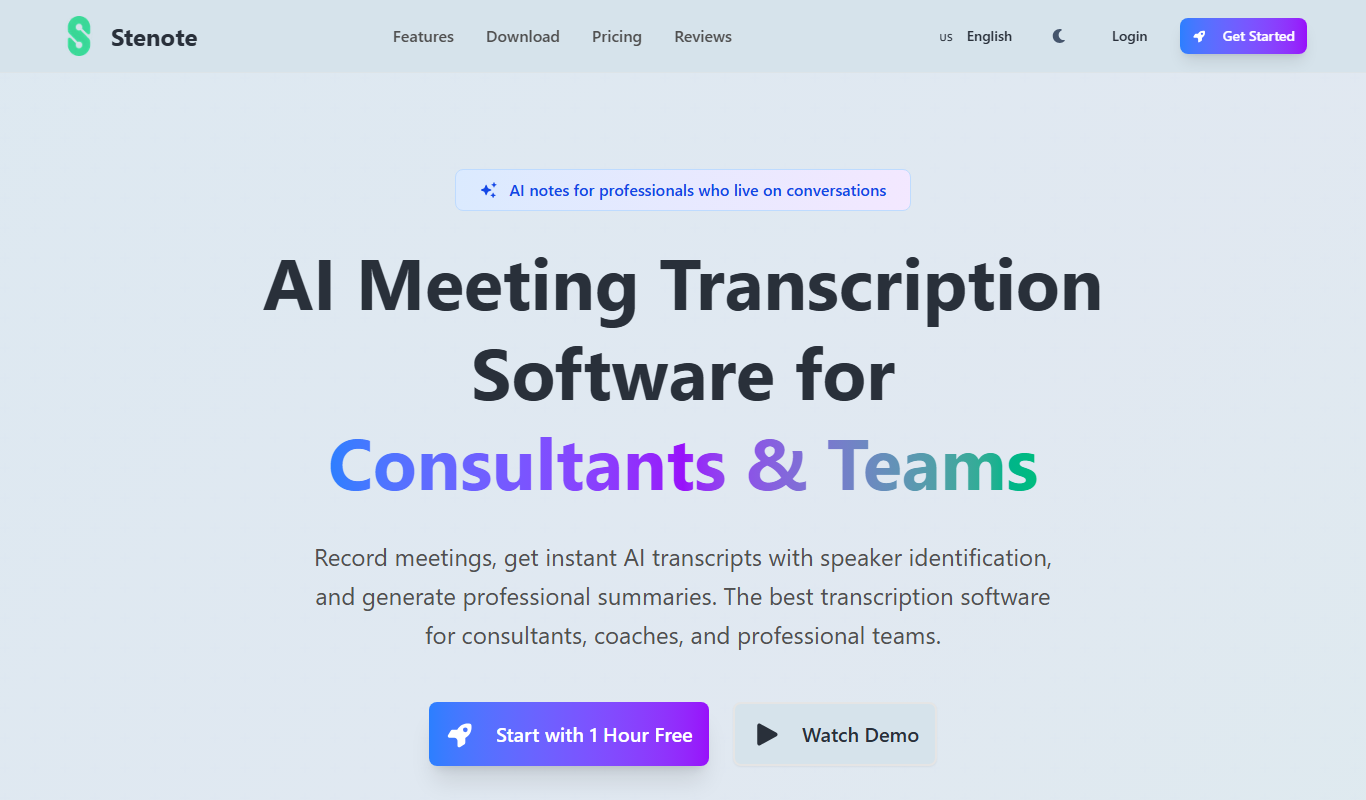
Stenote
Stenote is an AI meeting assistant that provides real-time transcription and AI-generated summaries to help teams capture and share meeting notes efficiently.
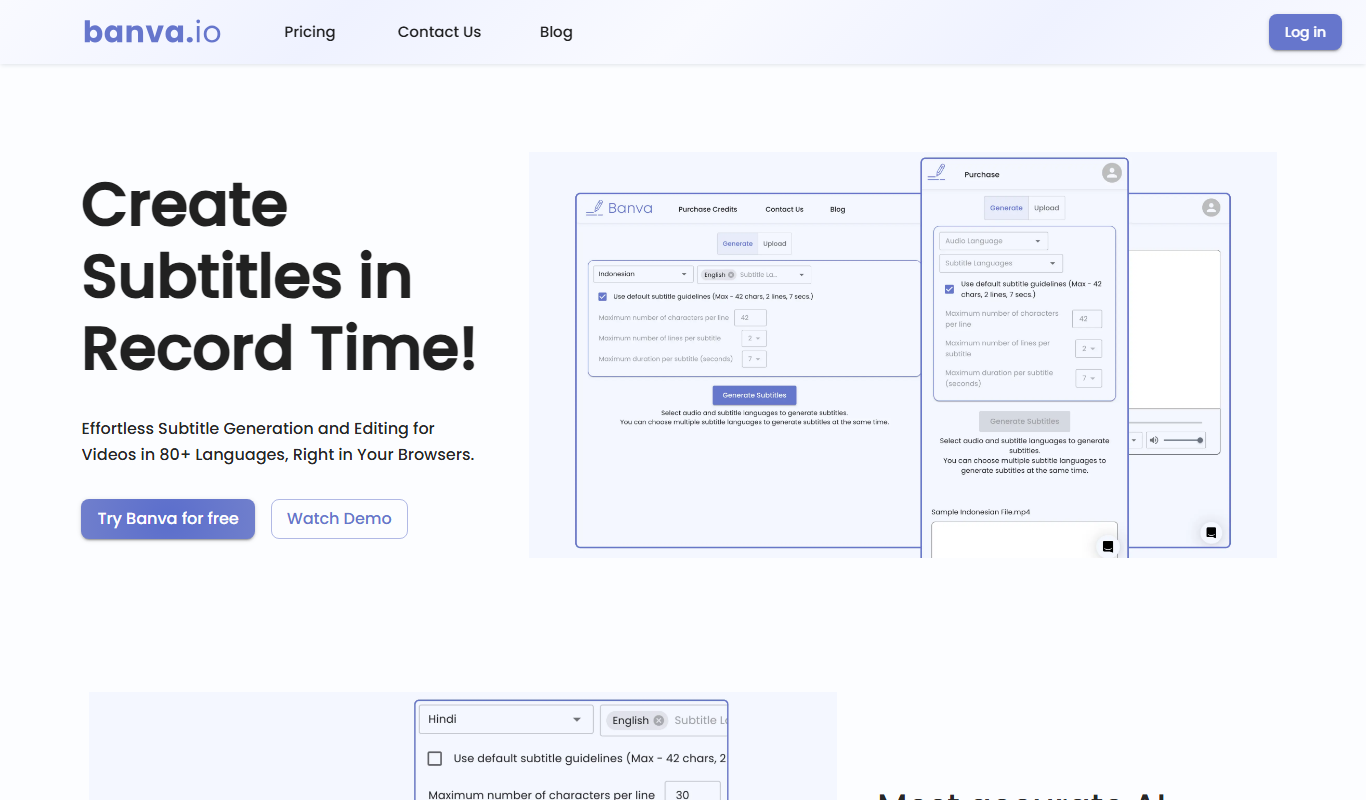
Banva
Banva is an AI subtitling, transcription and translation platform for video and audio in 90+ languages, with pay-as-you-go credits after 15 free minutes.

MBox AI meet
MBox AI Meet is a free Chrome extension for real-time transcription and AI meeting summaries in Google Meet, with a Pro plan for advanced summaries.

CaptionCreator
CaptionCreator generates subtitles for your videos with AI: transcribe or translate audio and video in 76 supported languages and export subtitles or text.

ScribeBerry
Scribeberry is an AI medical scribe that turns patient conversations into clinical notes, letters and forms and works with your existing EMR.

Circleback
Circleback gives you AI-powered meeting notes, action items, automations and search for Zoom, Google Meet, Microsoft Teams, Slack huddles and in-person conversations.

S10.AI
S10.AI is an ambient AI medical scribe that writes specialty-specific notes inside any EHR, with an AI receptionist, AI agents and telehealth in the same suite.

mpilo
mpilo is an AI medical assistant that listens to patient consultations and auto-generates SOAP and specialty notes for doctors and healthcare providers.