

dvc.ai - AI-Powered Data Version Control for Machine Learning Projects
DVC is an open-source version control system that extends Git to manage data, models and experiments in data science and machine learning projects.
- Best for
- Data Versioning
- Key capability
- Data and Model Versioning
Save DVC (Data Version Control), follow its updates and vote on it — everything stays in your account.
Sign in or create a free account

What is DVC (Data Version Control)?
DVC (Data Version Control) is an open-source version control system for data science and machine learning projects. It works as a Git extension that gives a Git-like experience for organizing data, models and experiments, so teams can track, share and reproduce ML workflows.
Key features of DVC (Data Version Control)
DVC offers data and model versioning with a Git-like model, experiment tracking, reproducible pipelines and remote storage on services such as Amazon S3, Azure Blob Storage and Google Cloud Storage.
Data and Model Versioning
Track changes in datasets and models with Git-like version control tailored for large files.
Experiment Tracking
Record and compare experiments’ parameters, metrics, and outputs for better decision-making.
Pipeline Automation
Create reproducible pipelines with stages and dependencies to automate ML workflows.
Cloud Storage Integration
Support for various remote storage backends like AWS S3, Google Drive, Azure, and SSH.
Collaboration Support
Facilitate team collaboration by sharing data, models, and experiment results efficiently.
Pros and cons of DVC (Data Version Control)
Pros
- Enables reproducible machine learning workflows
- Seamless integration with Git and cloud storage
- Open-source with a strong community
- Supports large data and model files efficiently
Cons
- Steeper learning curve for users unfamiliar with Git
- Limited GUI; primarily CLI-based
- Advanced features require paid plans
Key use cases for DVC (Data Version Control)
Data Versioning
Track and manage changes in datasets and machine learning models to ensure reproducibility.
Machine Learning Experiment Management
Organize and compare ML experiments with metrics and parameters tracking.
Collaboration in AI Projects
Enable teams to work together on data and models with seamless version control integration.
MLOps Automation
Integrate with CI/CD pipelines to automate model training, testing, and deployment.
Data Pipeline Management
Define and execute reproducible data pipelines with dependency tracking.
How DVC (Data Version Control) works
- 1
Initialize DVC in Project
Set up DVC in your existing Git repository to start tracking data and models.
- 2
Track Data and Models
Use DVC commands to add datasets and models, creating versioned checkpoints.
- 3
Run and Track Experiments
Execute ML experiments with parameters and metrics tracked automatically.
- 4
Collaborate and Share
Push data and model versions to remote storage and share with team members.
- 5
Automate Pipelines
Define data pipelines and automate workflows with dependency management.
Who is using DVC (Data Version Control)
DVC (Data Version Control) pricing
Free and open source
Free
The DVC Git extension for small data science projects, free and open source.
Team
Contact for pricing
Advanced collaboration features, enhanced support, and enterprise integrations.
Plans and prices are as published by the vendor and can change. Check the official site before you buy. Open the pricing page (opens in a new tab)
Frequently asked questions about DVC (Data Version Control)
Yes, the core DVC tool is open source and available on GitHub.
It supports AWS S3, Google Cloud Storage, Azure Blob Storage, SSH, and local file systems.
Yes, dvc.ai can be integrated into CI/CD workflows to automate ML model training and deployment.
Yes, it tracks parameters, metrics, and outputs to help compare ML experiments.
This tool is designed to help users accomplish its core tasks more efficiently. It is typically used by individuals or teams looking to improve productivity and workflow.
Data handling and security practices vary by provider. Review the official privacy policy to understand how your data is stored and used.
Some tools offer a free plan or trial with limited features. Availability can vary, so confirm on the official website.
Integration support depends on the tool and its available connectors or API. Check the official documentation or integrations page to confirm what is supported.
Conclusion
Data, models and experiments get a Git-like workflow, since the project is an open-source version control system for data science and machine learning work. Datasets and models are versioned through DVC commands, and the files can be pushed to remote storage such as Amazon S3, Azure Blob Storage, Google Cloud Storage or Google Drive. Pipelines are defined with stages and dependencies, and experiments record parameters, metrics and outputs so they can be compared.
It runs from any system terminal, inside Visual Studio Code or as a Python library. The project presents itself as the data version control Git extension for small data science projects and individual data scientists. For petabyte-scale data and enterprise teams, the site points to its sister project lakeFS instead. DVC itself is free and open source.
Sources
Sign in to review this tool.
Sign In to ReviewNo reviews yet
Be the first to share how this tool worked for you.
Ask about pricing, limits, or how it compares — or answer someone else.
Sign In to AskNo questions yet
Have a question about using or paying for this tool? Be the first to ask.
Featured on TiorAI



Alternative Tools
Explore similar AI tools that might fit your needs

MLflow
MLflow is an open source platform that manages the machine learning lifecycle by providing tools for experiment tracking, model packaging, registry, and deployment.
Weights & Biases
Weights & Biases is a machine learning platform that helps data scientists track experiments, version datasets and models, collaborate with teams, and monitor models in production.
More AI Education & Learning Tools tools
Other tools in the same category, for when this one is not quite the fit.
plat.ai
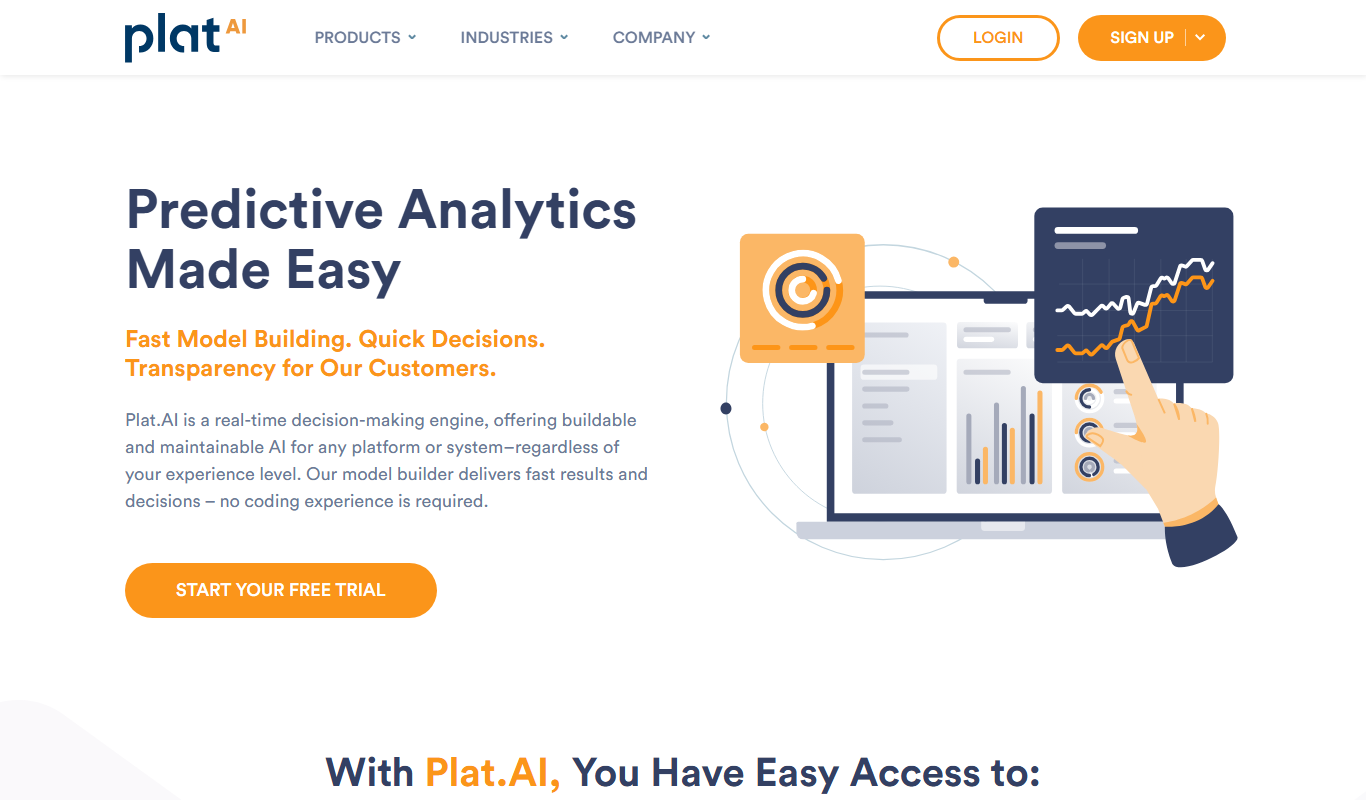
plat.ai is a comprehensive AI development platform that enables users to build, train, deploy, and manage custom machine learning models with scalable infrastructure and API integration.

Quino
Quino is the LMS that marks every exam: courses, lessons, online exams and diplomas, with AI that marks handwritten answers in seconds and writes tests from your notes.

MockTok
MockTok is an AI mock interview app with 50+ interactive questions, follow-up questions, job post analysis, multi-stage interviews, feedback and AI extracted cases.

ModelBench AI
ModelBench compares 180+ models side by side in an interactive playground and turns experiments into testable prompts that run as benchmarks at scale.
Mapify
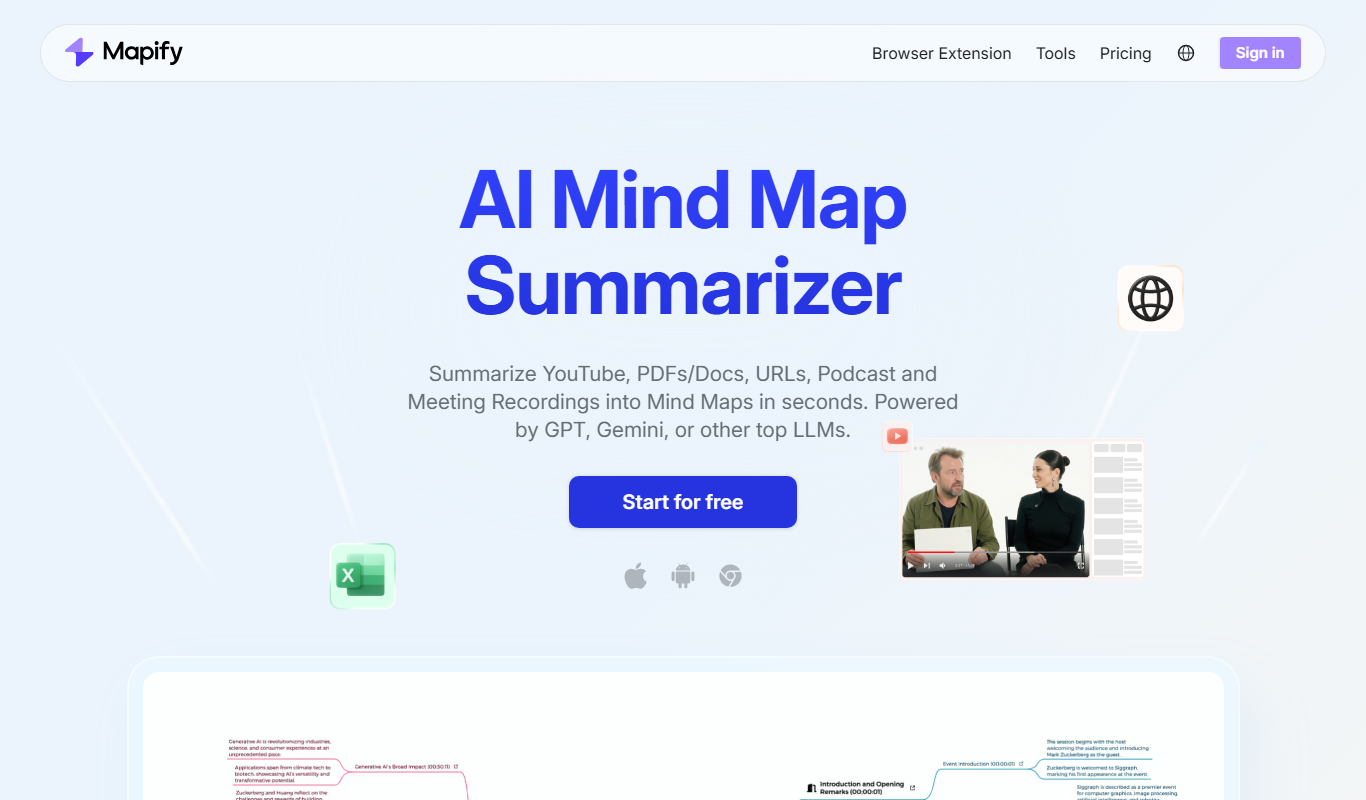
Mapify is an AI mind map summarizer that turns PDFs, YouTube videos, webpages and recordings into structured mind maps.

Heuristica
Heuristica is an AI learning platform that creates concept maps, flashcards, quizzes, summaries and study notes from PDFs, YouTube videos and websites.

Textomap 2.0
Textomap turns text, images, AI prompts, CSV files and URLs into interactive maps of the locations they mention, ready to share or embed.
LexiGym
LexiGym is a personal vocabulary trainer app for exploring multiple languages offline, with free access to all trainings.