

Mindsmith: AI-native eLearning authoring for instructional designers
Mindsmith is an AI-native eLearning authoring tool that turns your source material into interactive courses with live conversations, branching scenarios, video and analytics.
- Best for
- Converting documents into eLearning
- Key capability
- AI course generation
Save Mindsmith, follow its updates and vote on it — everything stays in your account.
Sign in or create a free account
What is Mindsmith?
Mindsmith is an AI-native eLearning authoring tool with live conversations, branching scenarios, video and analytics built in. Its AI agent turns source material such as presentations and videos into interactive lessons, which authors refine, brand and share as SCORM packages or links, then track with learner analytics.
Key features of Mindsmith
An AI agent that turns presentations, videos and documents into lessons, storyboards to control the result, interactive elements such as AI conversations, animated videos, branching scenarios and quizzes, real-time collaboration, sharing via link or SCORM package, and learner analytics.
AI course generation
The Agent shapes any source material into a lesson tailored to your learning objectives.
Interactive elements
Real-time AI conversations, animated videos, custom AI avatars, branching scenarios and quizzes.
Sharing and SCORM
Deliver courses through any LMS, link or SCORM package, updated automatically when you publish changes.
Learner analytics
Completion rates, score breakdowns and answer distributions in one place.
Pros and cons of Mindsmith
Pros
- Courses reach learners in 70+ languages without rebuilding
- Learners are always free; prices are per author
- Free plan with unlimited content and sharing
Cons
- The free plan adds a Built with Mindsmith badge and has 450 one-time AI credits
- Live collaboration and version history require the Business plan
Key use cases for Mindsmith
Converting documents into eLearning
Generate lessons from presentations, videos, course outlines, SME materials and SOP documents.
Scenario-based training
Build branching scenarios and real-time AI conversations for practice.
Multilingual courses
Reach learners in 70+ languages without rebuilding the course.
Measuring training results
Track completion rates, score breakdowns and answer distributions.
How Mindsmith works
- 1
Generate
Bring your source material and the Agent shapes it into a lesson.
- 2
Author
Customize the lesson to your brand, collaborate in real time and review through inline comments.
- 3
Share
Deliver through any LMS, link or SCORM package.
- 4
Analyze
See how learners progress with completion rates and score breakdowns.
Who is using Mindsmith
Mindsmith pricing
Free
$0/month
450 AI credits at signup (one-time), unlimited content and sharing with a Built with Mindsmith badge, link, embed and SCORM sharing.
Professional
$39/author/month, billed annually at $468/year
For individual creators and small teams: 2,000 AI credits per author per month, no badge.
Business
$65/author/month, billed annually at $780/year
For teams: 5,000 AI credits per author per month, live collaboration, version history and staging.
Enterprise
Custom
Unlimited AI generation, SAML/SSO, multiple workspaces and a Service Level Agreement.
Plans and prices are as published by the vendor and can change. Check the official site before you buy. Open the pricing page (opens in a new tab)
Frequently asked questions about Mindsmith
Yes. The Free plan includes 450 AI credits at signup and unlimited content and sharing, with a Built with Mindsmith badge.
All prices are per author; educators get 30% off and learners are always free.
Yes. Courses can be delivered through any LMS, a link or a SCORM package.
Yes. Courses reach learners in 70+ languages without rebuilding.
Yes. Mindsmith connects to Copilot, Claude, ChatGPT and more through its MCP server.
Some tools offer a free plan or trial with limited features. Availability can vary, so confirm on the official website.
Conclusion
Source material is the starting point: presentations, videos, course outlines or SOP documents go in, and an Agent shapes them into a lesson tailored to the learning objectives. Storyboards let authors follow the source verbatim or reshape it, and lessons can include AI conversations, animated video, branching scenarios and quizzes. Finished courses go out through an LMS, a link or a SCORM package, update automatically after changes and reach learners in 70+ languages.
Built for instructional designers, it reports completion rates and score breakdowns for each course. Prices are per author while learners are always free, and a free plan with a badge and one-time AI credits sits below paid tiers that add monthly credits and team collaboration.
Sources
Sign in to review this tool.
Sign In to ReviewNo reviews yet
Be the first to share how this tool worked for you.
Ask about pricing, limits, or how it compares — or answer someone else.
Sign In to AskNo questions yet
Have a question about using or paying for this tool? Be the first to ask.
Featured on TiorAI



More AI Content Generation Tools tools
Other tools in the same category, for when this one is not quite the fit.

Remagine AI
Remagine AI is a web-based platform that uses artificial intelligence to generate marketing content and automate marketing workflows, helping businesses create SEO-friendly and brand-consistent materials efficiently.
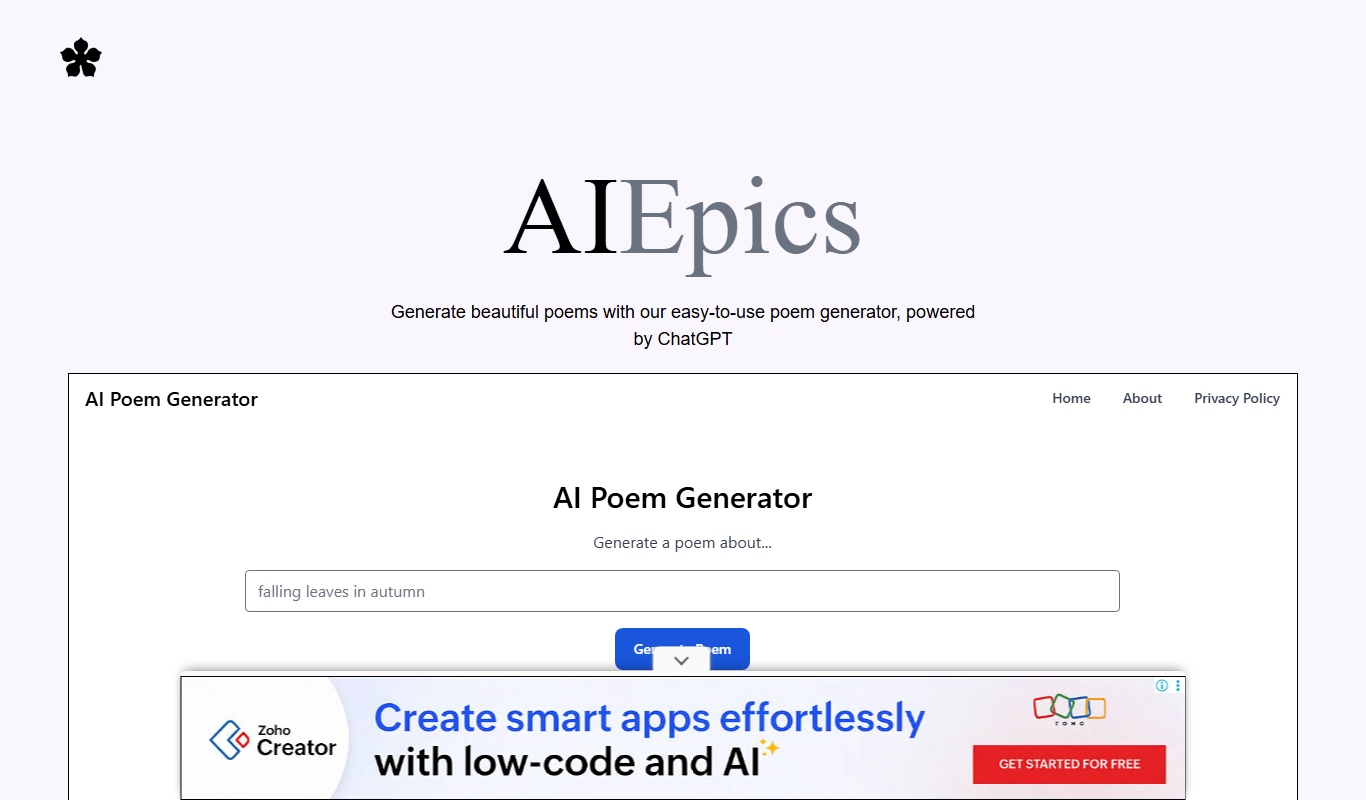
AI Poem Generator
AI Poem Generator is a web tool that creates original poems based on user input themes or keywords using AI technology.

Buzzli
Buzzli uses AI-powered agents to create LinkedIn content, optimize your profile and keep you visible to recruiters, clients and decision-makers.
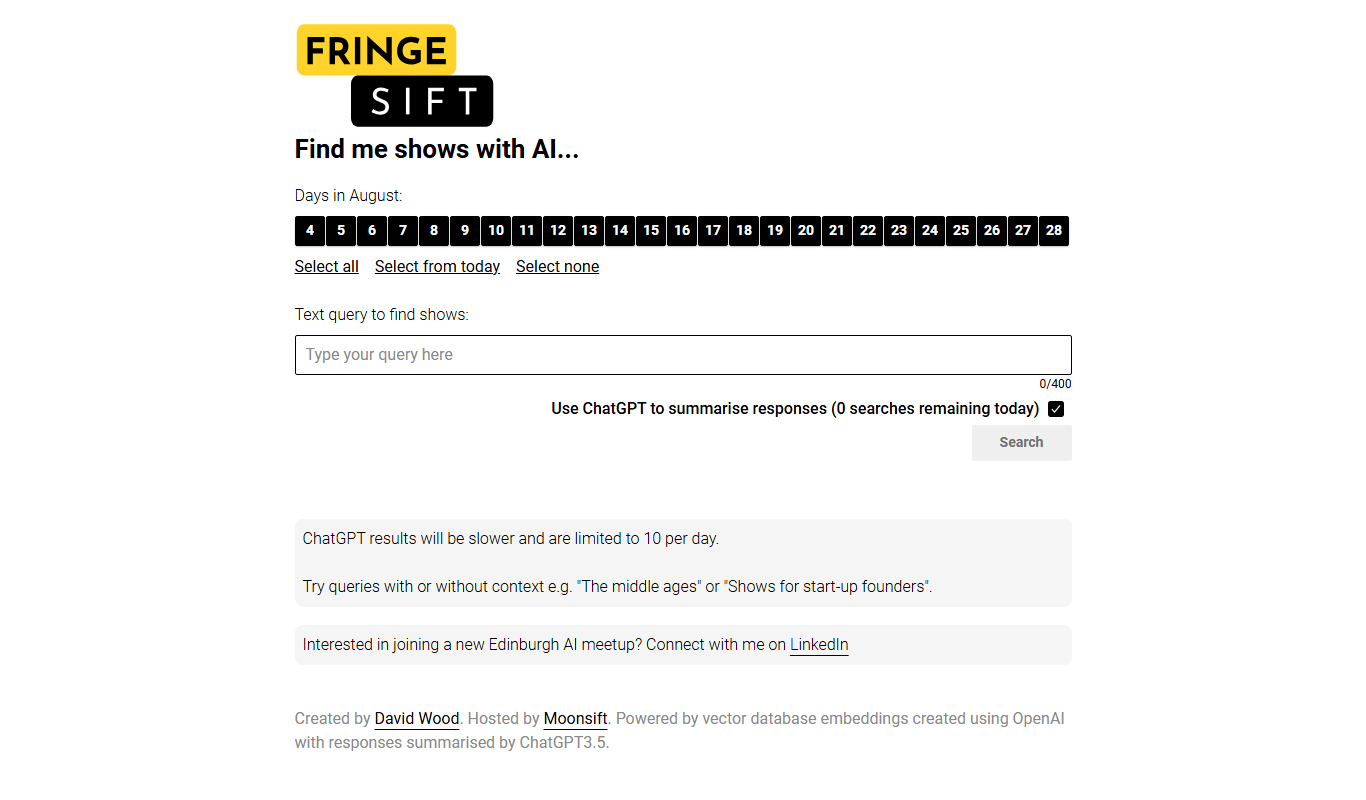
Fringe Sift
FringeSift is an AI search tool that finds Edinburgh Fringe shows from a text query and selected days in August.
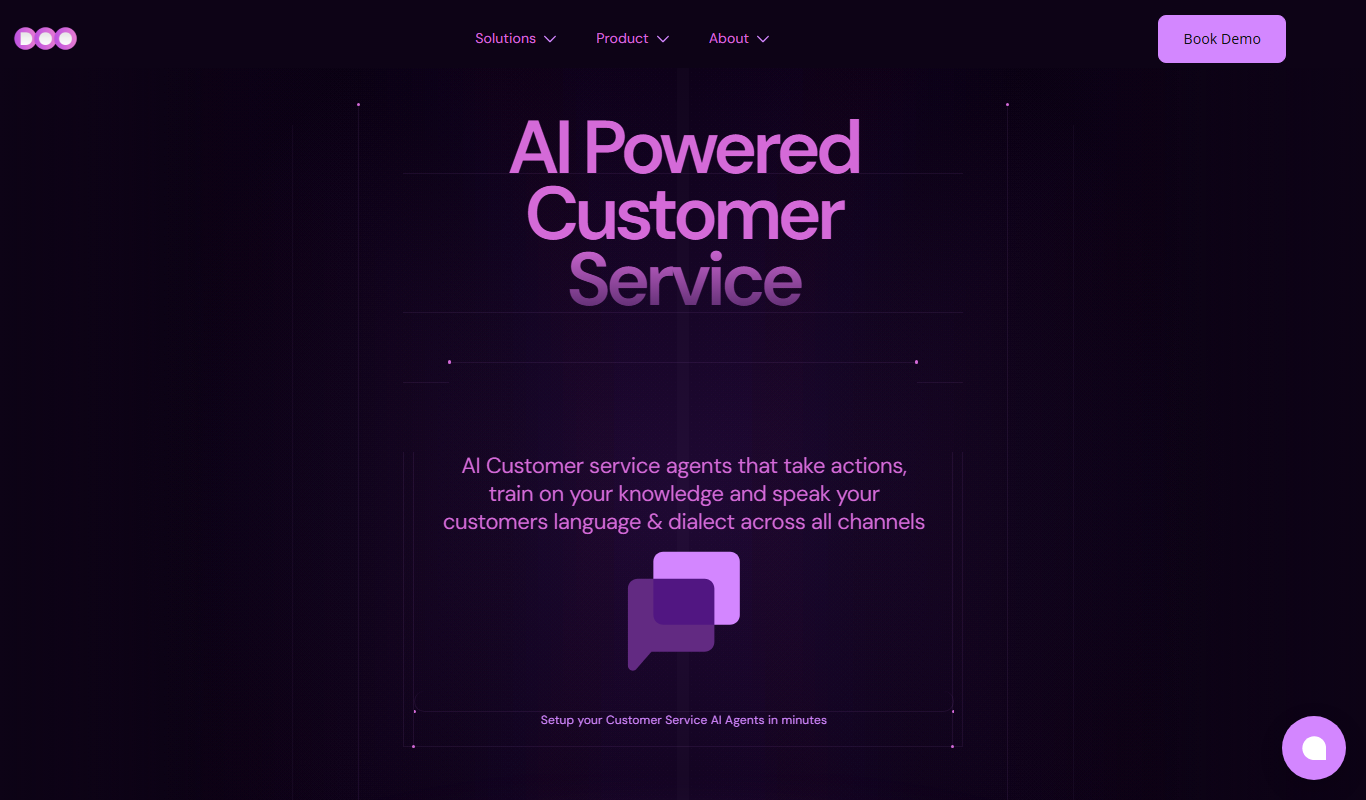
DOO
DOO is an AI customer experience platform: a unified inbox for email, chat, WhatsApp, Instagram and voice, with AI agents that take action and speak your customers' dialect.
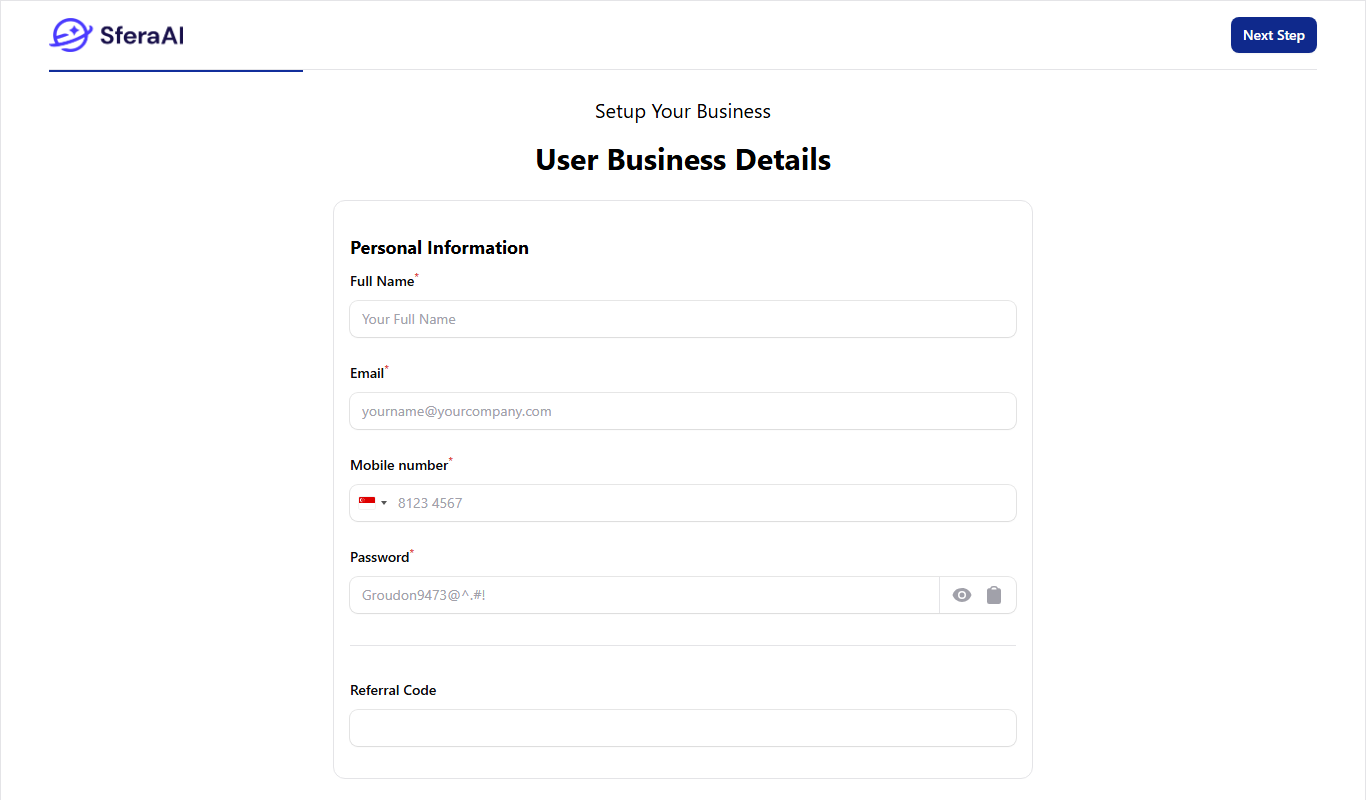
SferaAI
SferaAI is an all-in-one booking system for service businesses: booking website, appointment management, auto reminders, CRM, marketing, loyalty and rewards.
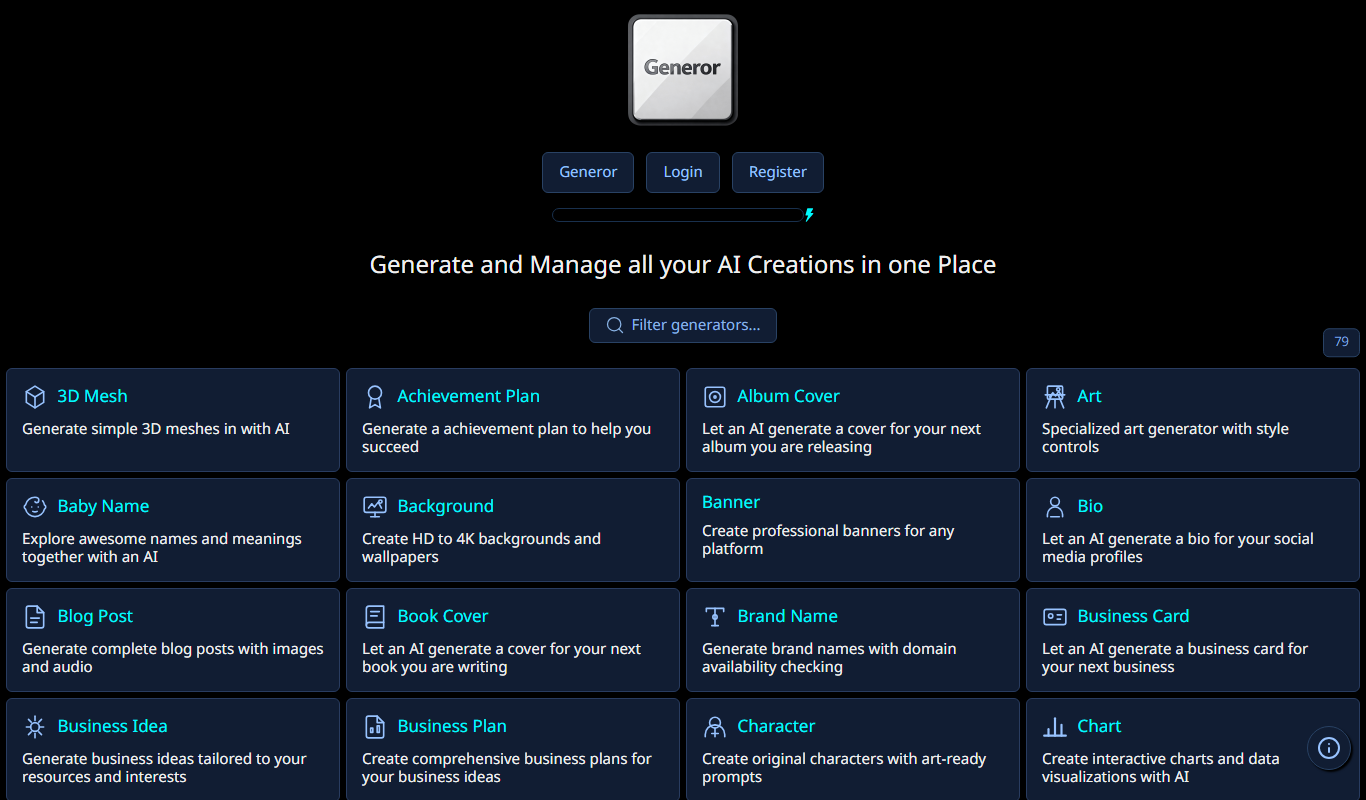
Generor
Generor is an AI generator web app with many generators for images, video, 3D meshes and text, plus a system for storing and sharing what you create.

Imagine Stories
Imagine Stories uses AI to write reading texts, fairy tales and stories for children, including therapeutic tales and texts for therapy.