

Help.center - Customer Support Software with Live Chat and Ticketing System
Help.center is AI-first customer support software that combines an AI knowledge base, an AI chatbot for your website and a shared inbox for your support team.
- Best for
- Live Customer Support
- Key capability
- Live Chat Widget
Save Help.center, follow its updates and vote on it — everything stays in your account.
Sign in or create a free account
What is Help.center?
Help.center is an AI-first customer support platform: a knowledge base solution powered by AI to help customers get instant answers. Businesses get a yourcompany.help.center website where customers can use AI search, deploy an AI chat widget on their website, and manage customer conversations in a shared email inbox.
Key features of Help.center
Help.center offers live chat for real-time customer engagement, a ticketing system to manage and prioritize support requests, and a knowledge base for self-service support. Additional features include team collaboration tools, customer feedback collection, and integration capabilities to fit various business needs.
Live Chat Widget
Engage website visitors instantly with a customizable live chat interface.
Ticketing System
Centralize customer inquiries and manage them efficiently with prioritization and assignment.
Knowledge Base
Provide self-service support with searchable articles and FAQs.
Team Collaboration
Allow multiple agents to work together on tickets and share internal notes.
Customer Feedback
Collect ratings and comments to measure support effectiveness.
Pros and cons of Help.center
Pros
- Unified platform combining live chat and ticketing
- Easy to set up and use with intuitive interface
- Supports team collaboration and internal notes
- Includes knowledge base for self-service support
- Free plan to create a knowledge base
Cons
- Limited mobile app availability
- Pricing per agent can be costly for large teams
- AI usage after the plan limit is charged at $0.01 per answer
Key use cases for Help.center
Live Customer Support
Provide real-time assistance to website visitors through integrated live chat.
Ticket Management
Organize, track, and resolve customer inquiries efficiently using a centralized ticketing system.
Knowledge Base Creation
Build and maintain a self-service knowledge base to reduce repetitive support requests.
Team Collaboration
Enable support teams to collaborate on tickets and share information seamlessly.
Customer Feedback Collection
Gather customer feedback and satisfaction ratings to improve service quality.
How Help.center works
- 1
Sign Up
Create an account on Help.center’s website to start setting up your support system.
- 2
Integrate Live Chat
Add the live chat widget to your website to begin interacting with visitors instantly.
- 3
Configure Ticketing
Set up ticket workflows and assign team members to manage incoming support requests.
- 4
Build Knowledge Base
Create articles and FAQs to help customers find answers without contacting support.
- 5
Monitor and Respond
Use the dashboard to track tickets, chat conversations, and customer feedback in real time.
Who is using Help.center
Help.center pricing
Free
$0/month
Free knowledge base with AI chatbot and search limited to 50 answers per month.
Business
$19 per seat/month
Billed per agent, with AI chatbot and search up to 500 answers per month.
Unlimited
$99/month for entire team
Fixed price with no per-agent charges for the entire team, and AI chatbot and search up to 2500 answers per month.
Plans and prices are as published by the vendor and can change. Check the official site before you buy. Open the pricing page (opens in a new tab)
Frequently asked questions about Help.center
Yes. Creating a yourcompany.help.center knowledge base is 100% free, and you can upgrade if you need more AI usage and powerful features.
Yes, you can customize the appearance and behavior of the live chat widget to match your website.
Yes, multiple agents can collaborate on tickets and share internal notes.
Yes, the platform includes tools to build and manage a self-service knowledge base.
It depends on your specific needs and how you plan to use the tool. The official website and documentation are the best sources for the latest details.
Some tools offer a free plan or trial with limited features. Availability can vary, so confirm on the official website.
Integration support depends on the tool and its available connectors or API. Check the official documentation or integrations page to confirm what is supported.
Conclusion
A branded knowledge base at yourcompany.help.center is the core, and customers who type a question into its AI search get an AI-summarized answer, not just links. The same content trains a 24/7 AI chatbot for the website, which learns from help articles, FAQs and connected websites with no training needed.
When the AI cannot resolve an issue, conversations flow into a shared inbox where tickets are assigned to teammates and discussed internally. Content gap detection analyzes customer conversations to suggest which articles to write next. Existing articles can be imported from Intercom, Zendesk, Freshdesk and Crisp in one click.
A free plan covers the knowledge base with a small monthly allowance of AI answers, the Business plan is billed per seat, and the Unlimited plan is one flat price for the entire team. AI usage after a plan’s limit is charged per answer.
Sources
Sign in to review this tool.
Sign In to ReviewNo reviews yet
Be the first to share how this tool worked for you.
Ask about pricing, limits, or how it compares — or answer someone else.
Sign In to AskNo questions yet
Have a question about using or paying for this tool? Be the first to ask.
Featured on TiorAI



Alternative Tools
Explore similar AI tools that might fit your needs

Freshdesk
Freshdesk is a cloud-based customer support platform by Freshworks that offers AI-powered helpdesk automation, multichannel ticketing, and self-service portals to improve customer service efficiency.
More AI Chatbot & Conversational Tools tools
Other tools in the same category, for when this one is not quite the fit.

IntelliMuse
IntelliMuse offers custom AI companions called Muses, with their own personalities, expertise and voices, for text chat on the web or voice calls on iPhone.

Mammouth
Mammouth gives you GPT, Claude, Gemini, Mistral, FLUX and other GenAI models in one subscription, with one-click reprompting between models.

Mumble
Mumble is a web platform integrated with WhatsApp that helps businesses manage customer interactions, automate sales processes, warm up leads and track customer journeys.

Emly Labs
Emly Labs offers a no-code AI framework to build AI chatbots and predictive AI models and to prepare data.

Dokko
Dokko is a document AI platform that reads contracts, manuals and policies in full, answers with citations and acts on what it finds, for teams and their customers.

OnDemand
OnDemand is an operating system for agentic AI that lets you build, orchestrate and deploy intelligent agents across any model, tool, data source or infrastructure.

AutoFlow
AutoFlow is an open source Graph RAG knowledge base tool from PingCAP, built on TiDB Vector, LlamaIndex and DSPy.
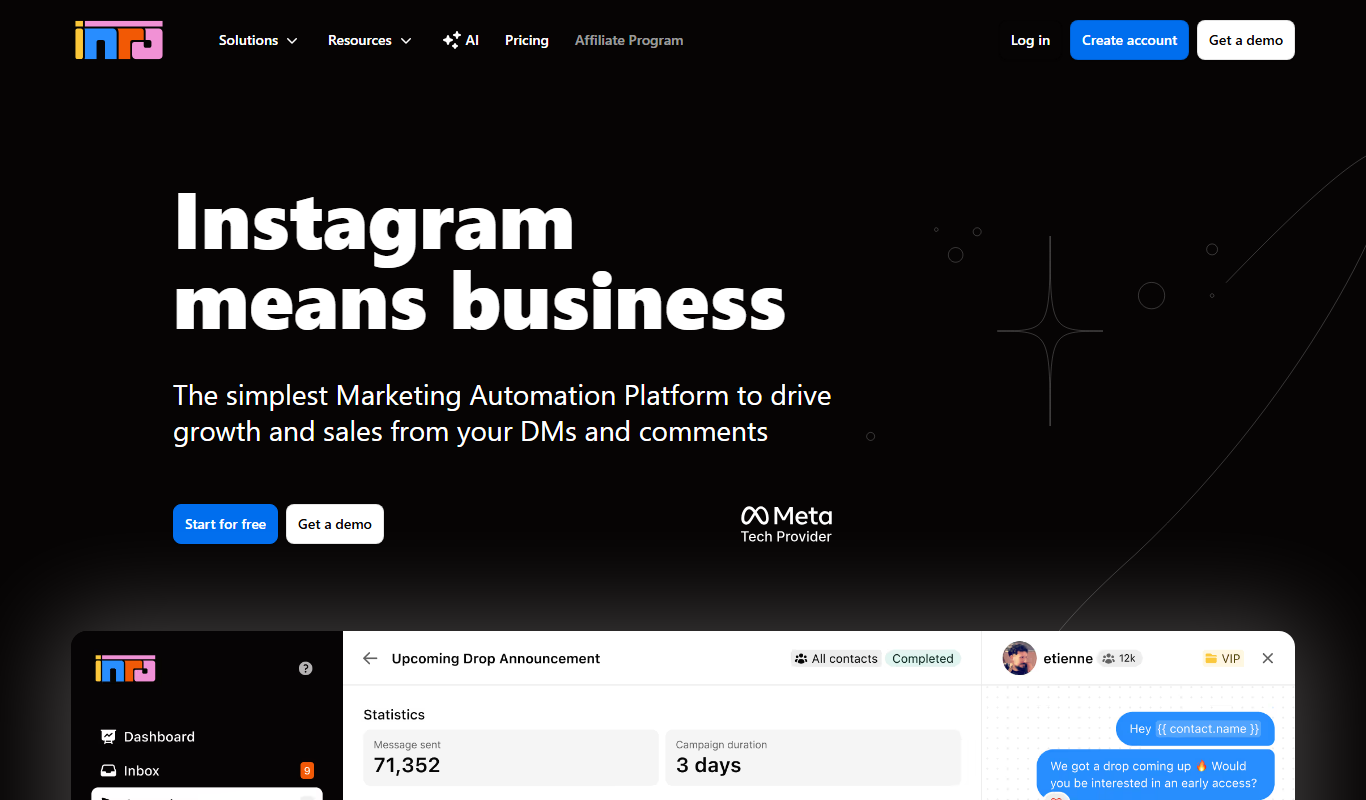
Inro
Inro is Instagram DM automation with an AI agent that answers every comment and DM in your voice, captures leads and runs DM campaigns.