

From my experience with Lover Snap, I found it excels at providing a secure and private environment tailored specifically for couples to share intimate photos and messages. The app’s strong encryption and user-friendly design make it a trustworthy choice for users concerned about privacy. However, the free plan’s limitations and lack of a desktop version may be a drawback for some. Overall, if you want a dedicated, secure space to connect with your partner digitally, Lover Snap delivers solid, focused functionality.
Lover Snap Review: Secure Private Photo Sharing App for Couples
Lover Snap is a mobile app that enables couples to privately and securely share photos, videos, and messages using end-to-end encryption, available on iOS and Android.
- Best for
- Private Photo Sharing
- Key capability
- End-to-End Encryption
Your actions
Save Lover Snap, follow its updates and vote on it — everything stays in your account.
Sign in or create a free account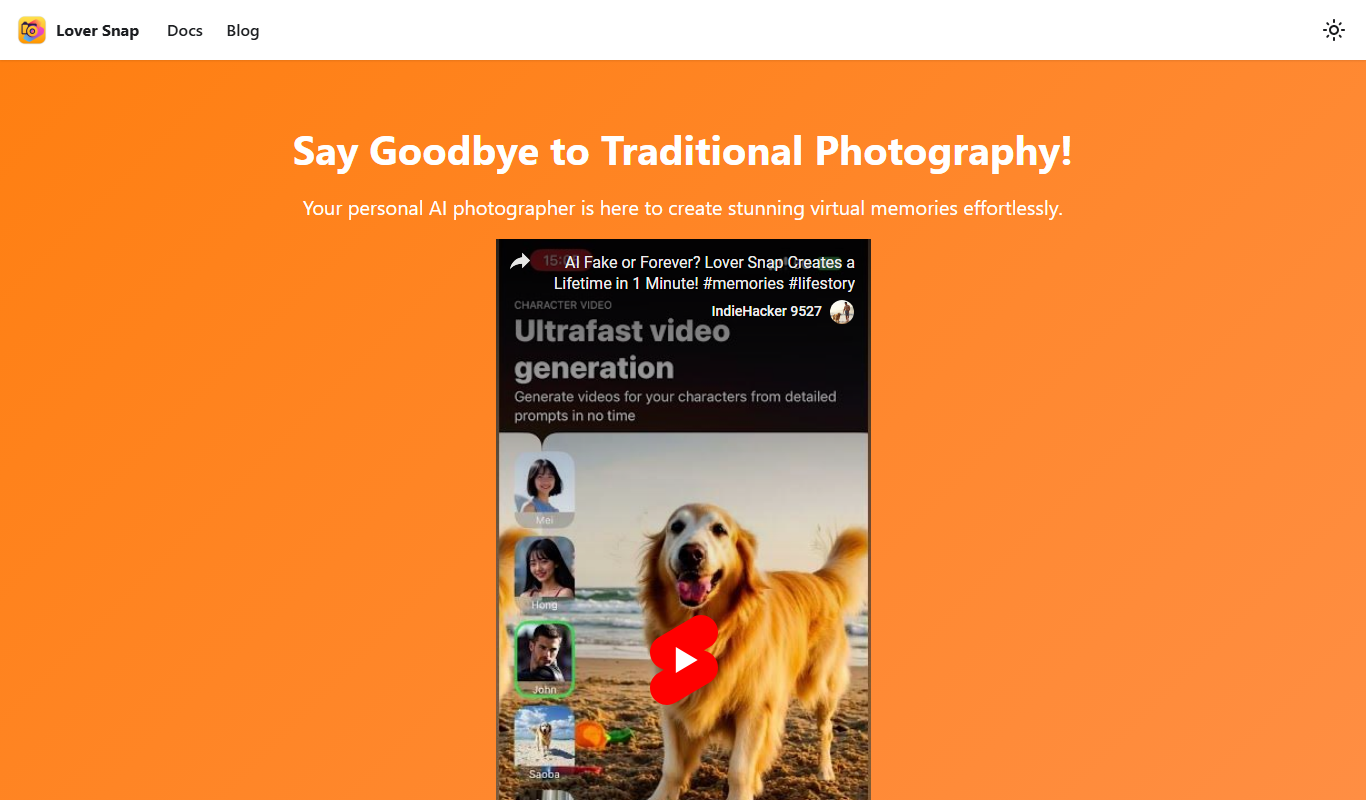

What is Lover Snap?
Lover Snap is a mobile application designed specifically for couples to privately share photos, videos, and messages in a secure and encrypted environment. The app focuses on protecting users’ intimate content from unauthorized access or leaks, providing peace of mind while fostering closer connections.
Key features of Lover Snap
Lover Snap offers end-to-end encrypted photo and video sharing, private chat, a secure photo vault, and user-friendly controls to manage privacy settings. It is tailored to couples seeking a safe digital space for their personal moments.
End-to-End Encryption
Ensures all shared content is encrypted and accessible only by the intended recipients.
Private Photo Vault
Securely stores intimate photos and videos away from device galleries.
Secure Chat
Encrypted messaging feature for private conversations between partners.
User-Friendly Interface
Simple and intuitive design tailored for couples to easily share and communicate.
Cross-Platform Support
Available on both iOS and Android devices for seamless connectivity.
Pros and cons of Lover Snap
Pros
- Strong focus on privacy and security
- Easy-to-use interface designed for couples
- Cross-platform availability
- Affordable premium plan with enhanced features
Cons
- Limited features on the free plan
- No web or desktop version available
Key use cases for Lover Snap
Private Photo Sharing
Allows couples to securely share intimate photos and videos without risk of leaks.
Secure Messaging
Provides encrypted chat features for private conversations between partners.
Photo Vault
Stores sensitive images in a protected environment accessible only to the couple.
Relationship Engagement
Enhances intimacy and trust by offering a dedicated space for couples to connect.
How Lover Snap works
- 1
Download and Install
Get the Lover Snap app from the iOS App Store or Google Play Store.
- 2
Create an Account
Sign up with your email and set up your profile securely.
- 3
Connect with Your Partner
Invite your partner to join and link your accounts for private sharing.
- 4
Share Photos and Messages
Send encrypted photos, videos, and messages that only you and your partner can access.
- 5
Manage Privacy Settings
Control who can see your content and use the photo vault to protect sensitive media.
Who is using Lover Snap
Couples seeking private photo sharing
Users concerned about digital privacy
People wanting secure messaging with partners
Individuals looking for a dedicated relationship app
Lover Snap pricing
Free
$0/month
Basic features with limited storage and sharing capabilities.
Premium
$4.99/month
Unlimited storage, advanced privacy controls, and priority support.
Plans and prices are as published by the vendor and can change. Check the official site before you buy. Open the pricing page (opens in a new tab)
Frequently asked questions about Lover Snap
Yes, Lover Snap uses end-to-end encryption to ensure that only you and your partner can access shared content.
Yes, the app supports both iOS and Android devices, allowing you to connect across platforms.
You will lose access to premium features, but your existing content will remain accessible with basic limits.
The free plan has storage limits, while the premium plan offers unlimited sharing and storage.
It depends on your specific needs and how you plan to use the tool. The official website and documentation are the best sources for the latest details.
Some tools offer a free plan or trial with limited features. Availability can vary, so confirm on the official website.
Yes, it can help with that use case depending on how you configure it and what features are available. You’ll get the best results with clear inputs and a defined goal.
Yes, it can help with that use case depending on how you configure it and what features are available. You’ll get the best results with clear inputs and a defined goal.
Sign in to review this tool.
Sign In to ReviewNo reviews yet
Be the first to share how this tool worked for you.
Ask about pricing, limits, or how it compares — or answer someone else.
Sign In to AskNo questions yet
Have a question about using or paying for this tool? Be the first to ask.
Featured on TiorAI



Alternative Tools
Explore similar AI tools that might fit your needs

Free
Between
Between is a private messaging and relationship management app designed exclusively for couples to communicate securely, share memories, and coordinate schedules with features like shared calendars and photo albums.
More AI Tutorial Tools tools
Other tools in the same category, for when this one is not quite the fit.

Free
AIToolGo
AIToolGo is a free online directory that helps users discover, compare, and evaluate AI software tools across various industries and use cases.
Free
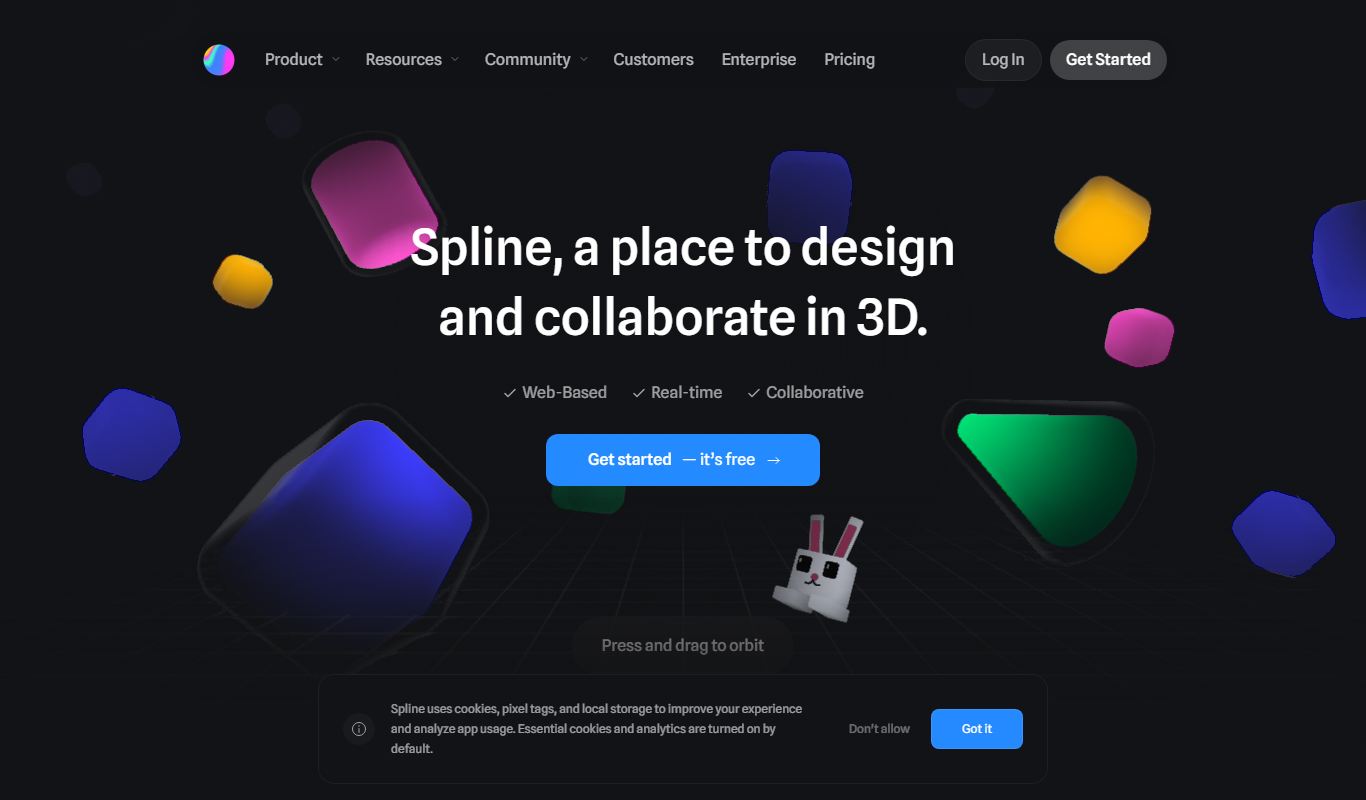
Spline
Spline is a web-based 3D design tool that allows users to create, animate, and embed interactive 3D graphics into websites and applications without advanced coding.

Free
Prompt Token Counter
Prompt Token Counter is a free online tool that counts tokens in AI prompts for models such as GPT-5, GPT-4.1 and GPT-4o.

Freemium
Theoriestudio
Theoriestudio is an AI-driven platform that helps users create video and visual storytelling content quickly using templates and AI-generated media.

Pay As You Go
Tutorly
Tutorly is an online tutoring platform providing personalized one-on-one sessions with expert tutors across various subjects, featuring flexible scheduling and interactive virtual classrooms.

Free
SDXL Turbo Playground
SDXL Turbo Playground is a web platform that uses the SDXL Turbo AI model to generate customizable images from text prompts quickly and with high quality.

Free
Limbiks – AI Flashcard Generator
Limbiks is an AI-powered flashcard generator that transforms text content into customizable flashcards to improve study efficiency and retention.

Free
Podurama
Podurama is a podcast hosting platform that provides podcasters with tools for uploading episodes, distributing to major platforms, analyzing listener data, and monetizing their content.