

From my experience with Neunera, I found it excels at simplifying complex data analysis through AI-powered automation, making it accessible to users without technical backgrounds. After spending time with the platform, I can say it’s particularly well-suited for business analysts and marketing teams who need quick, actionable insights without writing code. However, the lack of transparent pricing details and absence of mobile apps may limit flexibility for some users. Overall, if you want to accelerate your data-driven decision-making with automated reports and visualizations, Neunera delivers a practical and user-friendly solution.
Neunera AI Platform for Automated Data Analysis and Insights Generation
Neunera is an AI-powered data analytics platform that automates the extraction of insights from complex datasets, providing natural language summaries and customizable visual reports to support business decision-making.
- Best for
- Automated Data Analysis
- Key capability
- Automated Insight Generation
Your actions
Save Neunera, follow its updates and vote on it — everything stays in your account.
Sign in or create a free account
What is Neunera?
Neunera is an AI-powered data analytics platform designed to simplify and accelerate the process of extracting meaningful insights from complex datasets. It enables users, including non-technical business professionals, to generate automated reports and visualizations that support data-driven decision-making.
Key features of Neunera
Neunera offers automated data analysis, natural language summaries, customizable dashboards, and AI-driven visualizations to help users quickly understand their data and make informed decisions.
Automated Insight Generation
AI algorithms automatically extract and summarize key insights from complex data.
Natural Language Summaries
Provides easy-to-understand textual explanations alongside visual data representations.
Customizable Dashboards
Users can tailor dashboards to focus on metrics and KPIs relevant to their business needs.
Data Visualization Tools
Includes a variety of charts and graphs to visually communicate data trends and patterns.
Pros and cons of Neunera
Pros
- User-friendly interface for non-technical users
- Automated generation of actionable insights
- Customizable dashboards and visualizations
Cons
- Limited information on pricing transparency
- Primarily web-based with no mobile app currently
Key use cases for Neunera
Automated Data Analysis
Neunera automates the process of analyzing complex datasets to uncover actionable insights without requiring advanced data science skills.
Business Intelligence Reporting
Generate comprehensive business reports with AI-driven visualizations and summaries to support decision-making.
Market Research Insights
Use Neunera to quickly interpret market data and trends, helping businesses adapt strategies effectively.
Data-Driven Strategy Development
Leverage AI-generated insights to inform strategic planning and operational improvements.
How Neunera works
- 1
Upload Data
Users upload their datasets in supported formats to the Neunera platform.
- 2
AI Analysis
The platform applies AI algorithms to analyze the data and identify key patterns and trends.
- 3
Generate Insights
Neunera automatically creates visual reports and natural language summaries highlighting important findings.
- 4
Customize and Share
Users can customize dashboards and share insights with stakeholders to support collaboration.
Who is using Neunera
Business analysts
Marketing teams
Small to medium enterprises
Market researchers
Data-driven decision makers
Neunera pricing
Free Trial
$0 for 14 days
Access to core features for evaluation purposes.
Professional
Contact for pricing
Full platform access with advanced analytics and support.
Plans and prices are as published by the vendor and can change. Check the official site before you buy. Open the pricing page (opens in a new tab)
Frequently asked questions about Neunera
Neunera supports common data formats such as CSV, Excel, and other structured datasets.
No, Neunera is designed for users without coding skills, providing an intuitive interface for data analysis.
Yes, the platform allows sharing of customized dashboards and reports with collaborators.
Data handling and security practices vary by provider. Review the official privacy policy to understand how your data is stored and used.
It depends on your specific needs and how you plan to use the tool. The official website and documentation are the best sources for the latest details.
Data handling and security practices vary by provider. Review the official privacy policy to understand how your data is stored and used.
Sign in to review this tool.
Sign In to ReviewNo reviews yet
Be the first to share how this tool worked for you.
Ask about pricing, limits, or how it compares — or answer someone else.
Sign In to AskNo questions yet
Have a question about using or paying for this tool? Be the first to ask.
Featured on TiorAI


More AI Artificial Intelligence Tools tools
Other tools in the same category, for when this one is not quite the fit.
Freemium
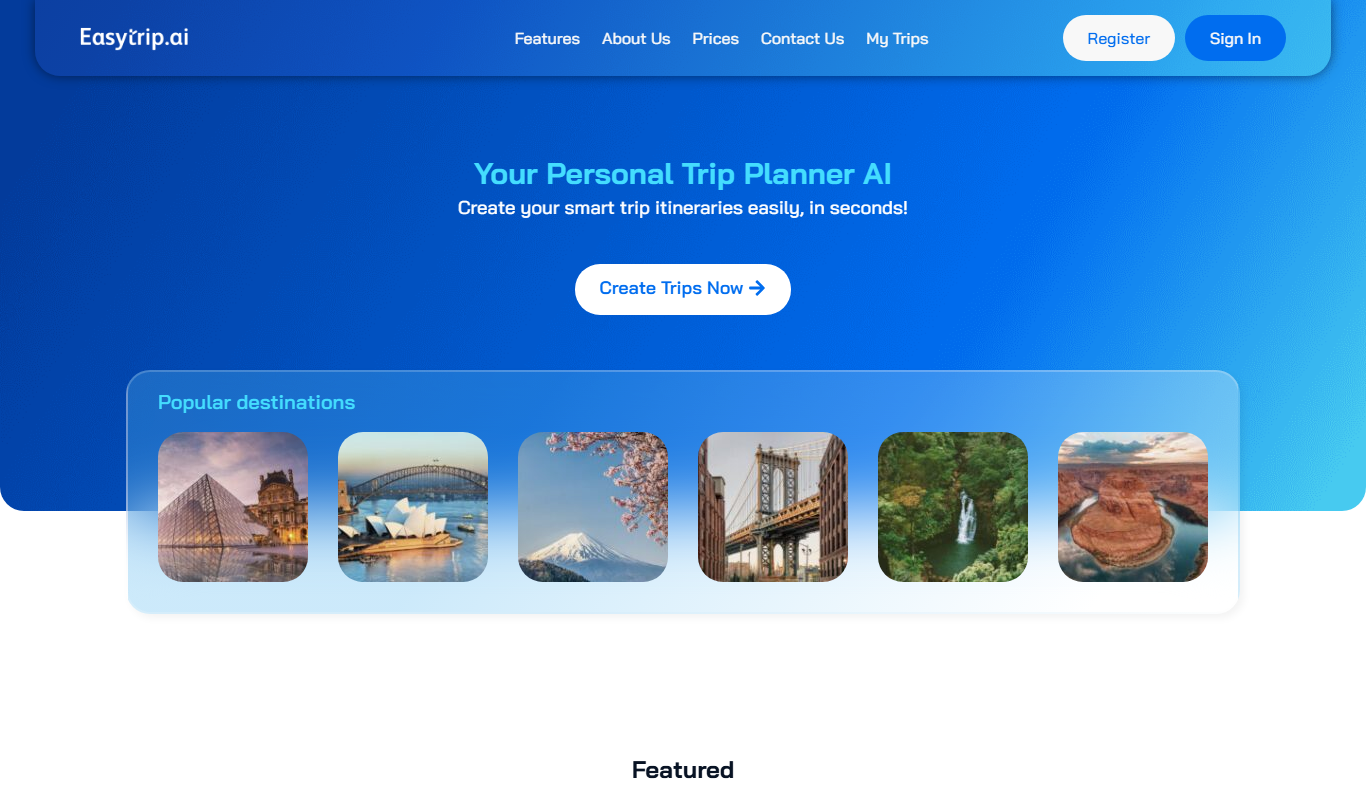
EasyTrip AI
EasyTrip AI is an AI-driven travel planner that generates customized trip itineraries based on your travel dates, destinations, and preferences, helping you organize your trip efficiently.

Freemium
Travel Itinerary AI
Travel Itinerary AI is an AI-powered web tool that creates personalized travel itineraries based on your preferences, helping you plan and manage trips efficiently.

Free
aigclist
AIGCList is a free online directory that aggregates and categorizes AI tools, providing detailed information, user reviews, and AI industry news to help users discover and compare AI solutions.

Free
AI Tool Center
AI Tool Center is a free online directory that helps users discover, compare, and review AI tools across various categories and industries.

Free
TryVeo3.ai: Free Access to Google Veo 3 for AI Video Generation
TryVeo3.ai is a web-based AI video generator using Google Veo 3.1 to create videos from text or images, with a free plan and paid subscriptions.

Free
AI Singing
AI Singing is an AI singer and singing voice generator that creates AI singing voices and music from text or lyrics.

Free
Consensus
Consensus is an AI research tool that delivers evidence-based answers by synthesizing scientific literature, helping users quickly find verified information with citations.

Free
Let’s Trip AI
Let's Trip AI is an AI-driven travel planning tool that generates personalized itineraries based on your travel preferences, dates, and interests, helping you organize your trip efficiently.