

Audioshake AI Music Stem Separation Tool for Audio Remixing and Editing
Audioshake is an AI-powered web tool that separates mixed audio tracks into individual stems like vocals and instruments, enabling remixing and editing without original multitrack files.
- Best for
- Music Stem Separation
- Key capability
- High-Quality Stem Separation
Save Audioshake, follow its updates and vote on it — everything stays in your account.
Sign in or create a free account
What is Audioshake?
Audioshake is an AI-powered web application that uses advanced machine learning algorithms to separate mixed audio tracks into individual stems such as vocals, drums, bass, and other instruments. This enables musicians, producers, DJs, and audio engineers to isolate and manipulate specific elements of a song for remixing, editing, or analysis without needing access to original multitrack recordings.
Key features of Audioshake
Audioshake offers high-quality stem separation with minimal artifacts, a user-friendly web interface, fast processing times, and support for various audio formats. It leverages deep learning models trained on diverse music datasets to deliver accurate instrument isolation suitable for professional and hobbyist use.
High-Quality Stem Separation
Uses state-of-the-art AI to isolate vocals and instruments with minimal audio artifacts.
Web-Based Platform
Accessible from any modern browser without the need for software installation.
Fast Processing
Efficient AI models provide quick turnaround times for stem extraction.
Supports Multiple Audio Formats
Accepts common audio file types including MP3 and WAV.
Pros and cons of Audioshake
Pros
- High-quality AI-based stem separation
- Easy-to-use web interface
- Supports multiple audio formats
- Fast processing times
Cons
- Free tier has limited usage and quality
- Only available as a web platform, no desktop app
Key use cases for Audioshake
Music Stem Separation
Isolate vocals, drums, bass, and other instruments from mixed audio tracks for remixing or analysis.
Remixing and DJing
Create custom remixes and mashups by extracting individual stems and rearranging them.
Audio Restoration and Editing
Remove or enhance specific elements in a track for cleaner audio or creative effects.
Music Education and Analysis
Study individual instrument parts separately to better understand music composition and arrangement.
How Audioshake works
- 1
Upload Audio
Users upload a mixed audio file (e.g., MP3, WAV) to the Audioshake web platform.
- 2
AI Processing
The AI model analyzes the audio and separates it into distinct stems like vocals, drums, bass, and others.
- 3
Download Stems
Separated stems are made available for download individually, allowing users to remix or edit.
Who is using Audioshake
Audioshake pricing
Starter
$20 per month ($5.00 per stem)
4 stems per month, 44.1 kHz sample rate, bit depth same as input file (including 24bit and 32bit), bit rate 128kbps.
Standard
$39 per month ($3.90 per stem)
10 stems per month, 44.1 kHz sample rate, bit depth same as input file (including 24bit and 32bit), bit rate 128kbps.
Label / Pro
$60 per month ($3.00 per stem)
20 stems per month, 44.1 kHz sample rate, bit depth same as input file (including 24bit and 32bit), bit rate 128kbps.
Plans and prices are as published by the vendor and can change. Check the official site before you buy. Open the pricing page (opens in a new tab)
Frequently asked questions about Audioshake
AudioShake supports MP3, WAV, FLAC, AIFF, M4A and MP4 formats; high-resolution files give the best results.
Yes, the Pro plan allows usage of separated stems for commercial remixing and production.
Audioshake uses advanced AI models that provide high-quality separation with minimal artifacts, though results may vary depending on the source audio complexity.
It depends on your specific needs and how you plan to use the tool. The official website and documentation are the best sources for the latest details.
Some tools offer a free plan or trial with limited features. Availability can vary, so confirm on the official website.
Yes, it can help with that use case depending on how you configure it and what features are available. You’ll get the best results with clear inputs and a defined goal.
Conclusion
Uploading a track is the only step before AudioShake separates it into stems such as vocal, bass, drums and other, ready to download. MP3, WAV, FLAC and AIFF files are supported along with M4A and MP4, and high-resolution uploads are recommended. The stems are pitched for sync licensing, sampling, remastering and remixing.
AudioShake Indie is for independent artists, producers and labels who want stems for their own songs, and an upload that seems to belong to someone else may be blocked. There is a try for free option, and the Starter, Standard and Label / Pro packages range from 4 to 20 stems per month. Large customers are served separately through the AudioShake Live enterprise service and an API.
Sources
Sign in to review this tool.
Sign In to ReviewNo reviews yet
Be the first to share how this tool worked for you.
Ask about pricing, limits, or how it compares — or answer someone else.
Sign In to AskNo questions yet
Have a question about using or paying for this tool? Be the first to ask.
Featured on TiorAI



Alternative Tools
Explore similar AI tools that might fit your needs

Moises.ai
Moises.ai is an AI-based music tool that separates audio tracks into individual stems like vocals and instruments, allowing users to edit, remix, and create karaoke tracks easily.
More AI Ai Tools tools
Other tools in the same category, for when this one is not quite the fit.

Inbox Narrator
Inbox Narrator summarizes your new Gmail emails with AI and delivers the summary to Siri, Google Assistant or a daily podcast every morning.

flAI
Flai is an AI speaking coach app from Flalingo with live voice lessons, notes on what the learner said after every lesson and a free 3-minute speaking test.
saystory
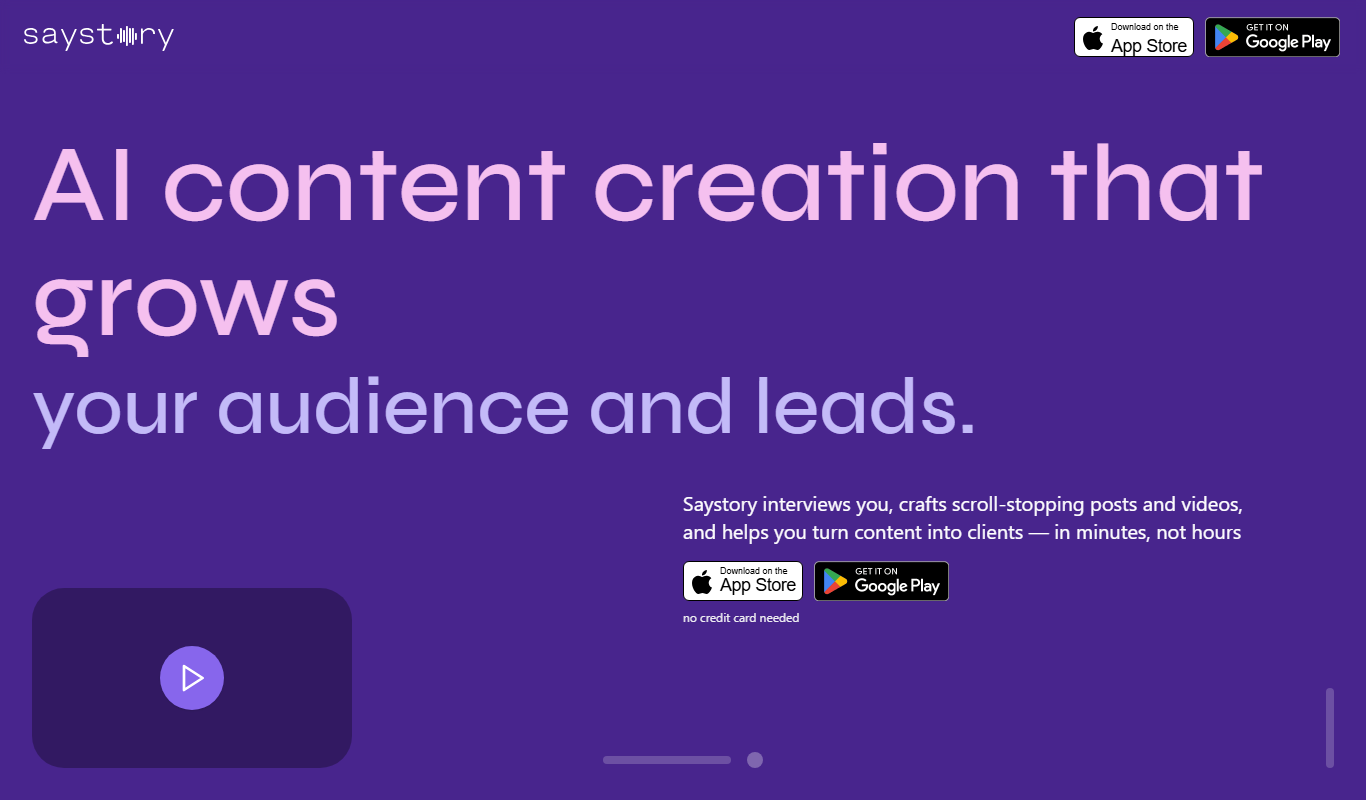
saystory is an AI-powered mobile app that turns your voice into ready-to-post content for LinkedIn, Instagram and more, with a built-in teleprompter.

Flowjin
Flowjin is an AI clip maker that turns long videos and audio into short captioned clips and writes platform-specific social posts.

LeadHunt AI
LeadHunt AI finds verified business email addresses by domain, job title and industry, and local business contact details by location and industry.

Reica
reica is an AI still life studio that turns product photos into validated, marketplace-ready catalog images across thousands of SKUs.

16x Prompt
16x Prompt is a desktop tool for AI coding that manages code context, customizes prompts and works with multiple LLM API integrations.

PageOn.ai
PageOn.AI is an AI presentation and infographic maker where AI agents research your topic, plan the structure and design interactive pages beyond static slides.