

KeywordSearch.com SEO Tool for Keyword Research and Competitor Analysis
KeywordSearch.com uses AI to build ad audiences and research keywords for Google and YouTube Ads, with one-click sync to Google Ads and a YouTube ad spy library.
- Best for
- Keyword Research
- Key capability
- Keyword Suggestions
Save KeywordSearch.com, follow its updates and vote on it — everything stays in your account.
Sign in or create a free account

What is KeywordSearch.com?
KeywordSearch.com is an AI tool to build ad audiences and research keywords for Google and YouTube Ads. It creates ad audiences from a description of the business and syncs them to Google Ads, alongside keyword research and a YouTube ad spy library.
Key features of KeywordSearch.com
KeywordSearch.com offers an AI Audience Builder, one-click sync to Google Ads, keyword research, keyword topic auto expansion and a YouTube ad spy library for Google and YouTube ad campaigns.
Keyword Suggestions
Generate extensive lists of related keywords to expand your SEO reach.
AI Audience Builder
Analyzes the business and audience data to identify relevant, high-performing audiences for Google and YouTube ad campaigns.
Sync to Google Ads
Sync AI audiences to Google Ads in one click instead of setting them up manually.
YouTube Ad Spy
A database of YouTube ads with statistics, metadata and targeting insights, showing the keywords competitors are targeting.
Keyword Topic Auto Expansion
A YouTube co-pilot that analyzes a channel and recommends new video ideas, titles, tags and optimized descriptions.
Pros and cons of KeywordSearch.com
Pros
- User-friendly interface suitable for beginners
- Comprehensive keyword and competitor data
- Affordable pricing tiers
- Useful content planning features
Cons
- Limited language support (English only)
- No mobile app available
- Search volume data may vary from other tools
Key use cases for KeywordSearch.com
Keyword Research
Discover the best keywords to grow a YouTube channel audience and ads.
Competitor Analysis
Spy on competitors' YouTube ads and see the keywords they are targeting.
Content Planning
Plan content topics based on keyword trends and search intent insights.
Ad Audience Targeting
Create and expand ad audiences automatically for Google and YouTube ad campaigns.
How KeywordSearch.com works
- 1
Describe Your Business
Describe your business, ideal clients or campaign goal.
- 2
Create audiences
The AI algorithm creates ad audiences from your description in one click.
- 3
Sync to Google Ads
Once you have an audience you like, click Sync to Google Ads.
- 4
Benchmark with Ad Spy
Use the YouTube ad spy to benchmark your own campaigns against the top performers.
Who is using KeywordSearch.com
KeywordSearch.com pricing
Starter
$97/month
For smaller businesses: 10 AI audience searches/month, YouTube channel and video search, Smart Collections and unlimited keyword research.
KeywordSearch Pro
$297/month
Everything in Starter plus Ad Spy, 1000 AI audience targeting searches/month and one-click sync to Google Ads.
Agency Tier
$497+/month
Everything in Ad Spy plus 3 User Seats, AI ad targeting agency reports exported to PDF and white-labeled ad targeting reports.
Plans and prices are as published by the vendor and can change. Check the official site before you buy. Open the pricing page (opens in a new tab)
Frequently asked questions about KeywordSearch.com
There is no permanent free plan, but each paid plan offers a Try for Free option.
Search volume estimates are based on aggregated data and provide a reliable indication of keyword popularity.
Yes, the YouTube Ad Spy lets you spy on competitors’ YouTube ads and see the keywords they are targeting.
Yes, each plan can be tried for free before paying.
It depends on your specific needs and how you plan to use the tool. The official website and documentation are the best sources for the latest details.
Some tools offer a free plan or trial with limited features. Availability can vary, so confirm on the official website.
The best alternative depends on your workflow, features you need, and budget. Compare plans, integrations, and output quality to choose the closest fit.
Conclusion
Advertisers describe their business, the clients they want or a campaign goal, and the AI Audience Builder turns that into ad audiences for Google and YouTube campaigns. Syncing a finished audience to Google Ads takes one click on the Pro plan. Keyword research is aimed at YouTube channel growth and ads, and a topic expansion co-pilot suggests video ideas, titles, tags and descriptions.
The YouTube ad spy library holds ads with their statistics, metadata and targeting insights, including the keywords competitors target. Solutions are offered for marketers, businesses and agencies, and the Agency tier adds white-labeled ad targeting reports and 3 user seats. Plans are billed monthly or annually and can be tried for free, and the lower-tier plans limit the credits for AI audience searches.
Sources
Sign in to review this tool.
Sign In to ReviewNo reviews yet
Be the first to share how this tool worked for you.
Ask about pricing, limits, or how it compares — or answer someone else.
Sign In to AskNo questions yet
Have a question about using or paying for this tool? Be the first to ask.
Featured on TiorAI



More AI Advertising Assistant tools
Other tools in the same category, for when this one is not quite the fit.

lifemind
Lifemind analyzes a customer report without PII to uncover customer motivations and generate targeting, messaging and partnership ideas that lower CAC across CTV, Meta, Google and TikTok.

Scale Insights™
Scale Insights is Amazon PPC automation software: stack rule-based algorithms for bids, placements, dayparting and negatives across your SP, SB and SD ads.

Strique
Strique is an agentic AI marketing platform for ecommerce brands that plans, executes and compounds marketing work across paid media, SEO and content, without a full marketing team.

IMGPT
IMGPT is AI ad generation that creates campaign-ready creatives in minutes: paste your website or describe your business, see your brand profile before you pay and get paid ads for Meta.

Shakespeare
Shakespeare is an AI marketing platform for Google and Facebook ads, with audience targeting, creative automation and real-time campaign optimization.
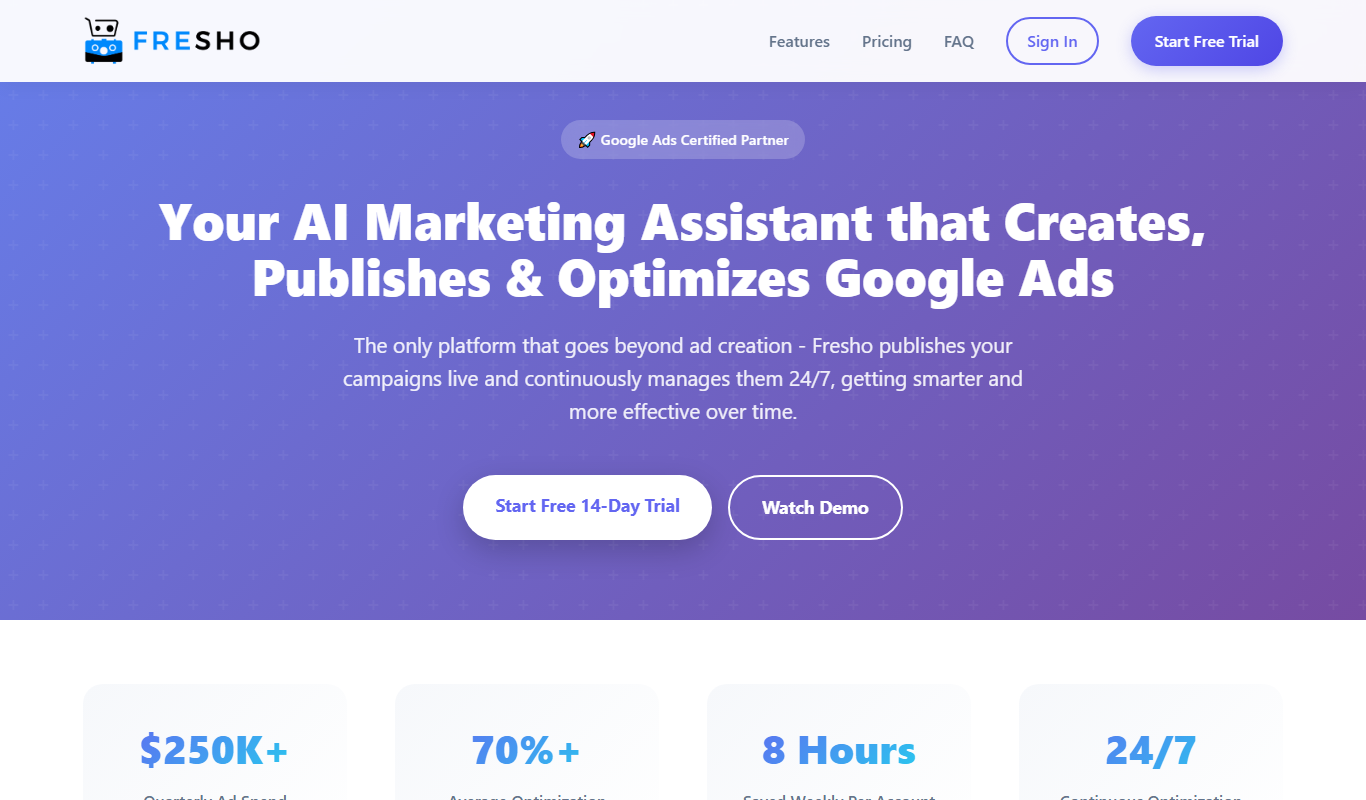
Fresho
Fresho turns your website URL into Google Ads, publishes them and manages them every month, cutting underperformers and scaling winners.

MetaMuse
MetaMuse is a thinking AI agent that helps brands and agencies develop creative advertising concepts, from marketing brief to creative brief and campaign concept.

Bidmatic.io
Bidmatic.io is an ad monetization platform for digital publishers, with an SSP, header bidding, display, video and CTV ads and fully managed ad services.