
From my experience with Usersnap, I found it excels at simplifying the bug reporting process by allowing users to provide clear visual feedback with annotations. This clarity significantly reduces back-and-forth communication between developers and clients, speeding up issue resolution. After spending time with the platform, I can say it’s particularly well-suited for software development teams, QA testers, and customer support groups who need precise and actionable feedback. However, the lack of robust native mobile app support may limit its use for mobile-focused projects. Overall, if you need an intuitive visual feedback tool integrated with popular project management systems, Usersnap delivers solid results.
Usersnap Feedback Tool for Bug Tracking and Customer Support Solutions
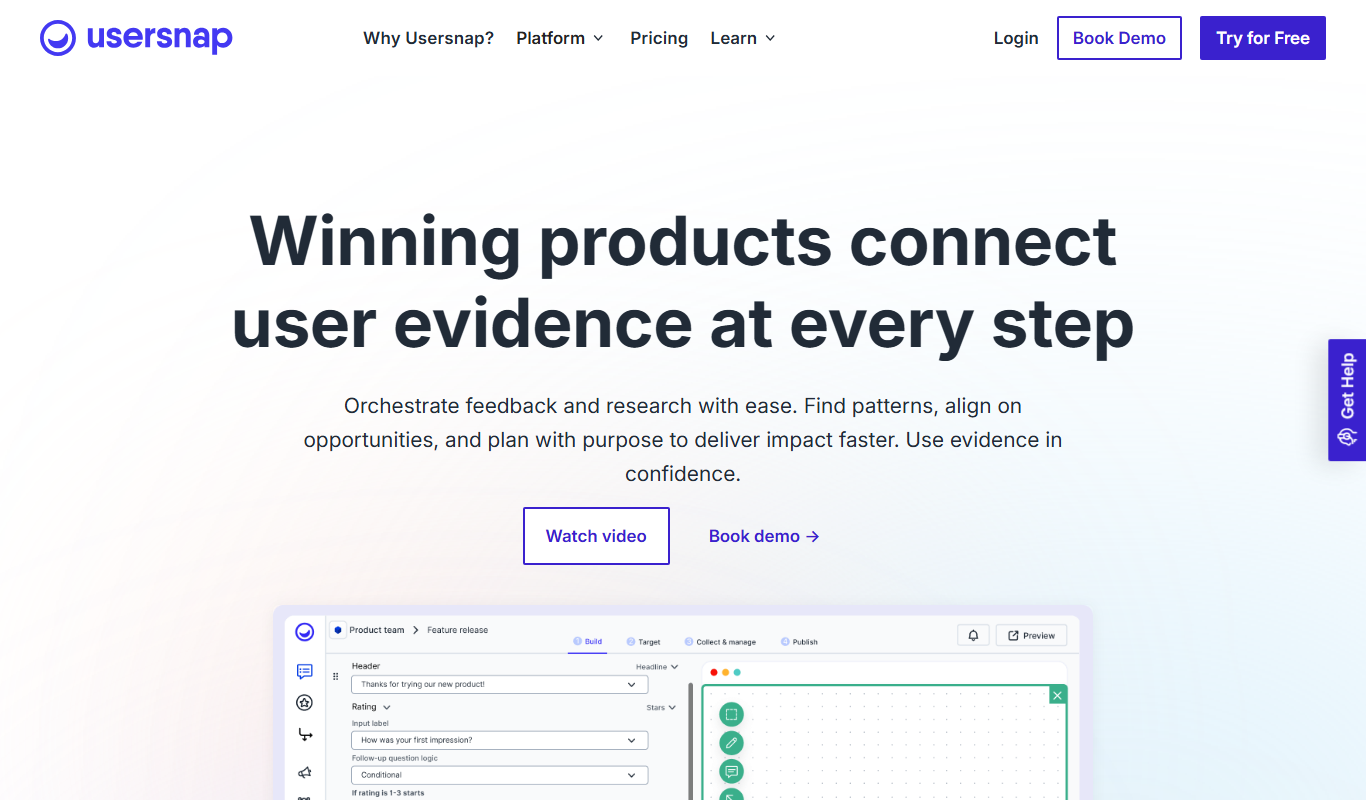
Usersnap is a visual feedback and bug tracking tool that enables teams to capture annotated screenshots and manage issues efficiently through integrations and a centralized dashboard.
Tech Stack:
JavaScript
Node.js
React
What is Usersnap?
Usersnap is a visual feedback and bug tracking tool designed to help teams collect, manage, and resolve issues efficiently. It enables users to capture annotated screenshots directly from websites or applications, providing clear context for developers and support teams. By integrating with popular project management and support platforms, Usersnap streamlines communication and accelerates problem-solving workflows.
Key Features of Usersnap
Visual Bug Reporting
Capture annotated screenshots and videos to provide clear bug reports.
Feedback Widget
Embed a customizable widget on websites or apps to collect user feedback seamlessly.
Integrations
Connect with Jira, Trello, Slack, GitHub, and other tools to streamline workflows.
Issue Management Dashboard
Centralized dashboard to organize, prioritize, and track feedback and bugs.
Multi-Platform Support
Supports web apps, browser extensions, and API access for flexible usage.
Pros and Cons of Usersnap
Pros
- Easy visual feedback capture with annotations
- Wide range of integrations with popular tools
- User-friendly interface for both technical and non-technical users
- Improves communication between teams and clients
Cons
- Limited native mobile app support
- Pricing may be high for very small teams or individual users
Key Use Cases for Usersnap
Bug Tracking
Usersnap allows teams to capture and report bugs visually, streamlining the debugging process.
Customer Feedback Collection
Collect visual feedback from customers directly on websites or applications to improve user experience.
Project Collaboration
Facilitates communication between developers, designers, and clients by sharing annotated screenshots and feedback.
Support Ticket Enhancement
Enhances support tickets with detailed visual context to speed up issue resolution.
Website and App Testing
Enables testers to provide precise feedback with annotated screenshots during QA cycles.
How Usersnap Works
-
1
Install Usersnap Widget or Extension
Add the Usersnap feedback widget to your website or install the browser extension to start capturing feedback.
-
2
Capture and Annotate
Users capture screenshots or record feedback, adding annotations to highlight issues or suggestions.
-
3
Send Feedback
Feedback is sent directly to your Usersnap dashboard or integrated tools for review.
-
4
Track and Resolve
Teams track issues, assign tasks, and resolve bugs efficiently using Usersnap’s management features.
Who's Using Usersnap
Software development teams
QA testers
Customer support teams
Product managers
Web designers and agencies
Usersnap Pricing
Starter
$19/month
Basic plan with essential feedback features for small teams.
Pro
$49/month
Advanced features including integrations and increased feedback volume.
Enterprise
Custom pricing
Tailored solutions with dedicated support and custom integrations.
Frequently Asked Questions About Usersnap
Yes, Usersnap integrates with popular tools like Jira, Trello, GitHub, and Slack.
Usersnap offers a free trial period to test the platform before purchasing.
Usersnap primarily supports web and browser-based feedback; mobile app support is limited.
It depends on your specific needs and how you plan to use the tool. The official website and documentation are the best sources for the latest details.
Integration support depends on the tool and its available connectors or API. Check the official documentation or integrations page to confirm what is supported.
It depends on your specific needs and how you plan to use the tool. The official website and documentation are the best sources for the latest details.
Share your review
Reviews are limited to one per logged-in user and are published after moderation.
You need an account to review this tool.
0.0
★
★
★
★
★
0 reviews
5 star
0
4 star
0
3 star
0
2 star
0
1 star
0
No reviews yet
Be the first to share how this tool worked for you.
Questions from the community
Read questions and answers about this tool, or ask your own.
No questions yet
Start the conversation by asking the first question about this tool.
Is this tool helpful?
Alternative Tools
Explore similar AI tools that might fit your needs

Free Trial
BugHerd
BugHerd is a visual bug tracking tool that allows teams to report, manage, and resolve website bugs by pinning issues directly on the webpage, streamlining communication and project management.
Free Trial
Marker.io
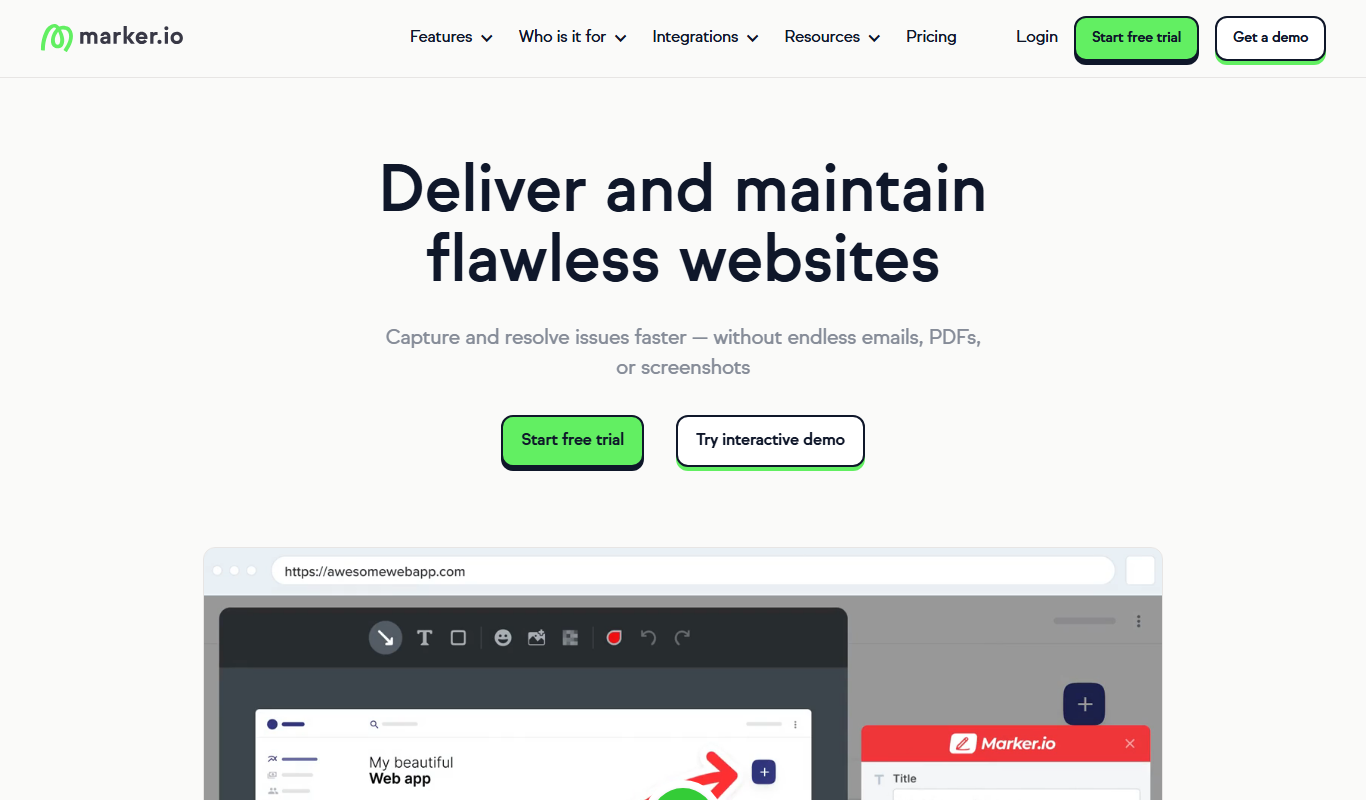
Marker.io is a visual bug reporting and feedback tool that allows users to capture annotated screenshots and send them directly to project management tools like Jira and Trello, streamlining website issue tracking and collaboration.
Free
Bugzilla
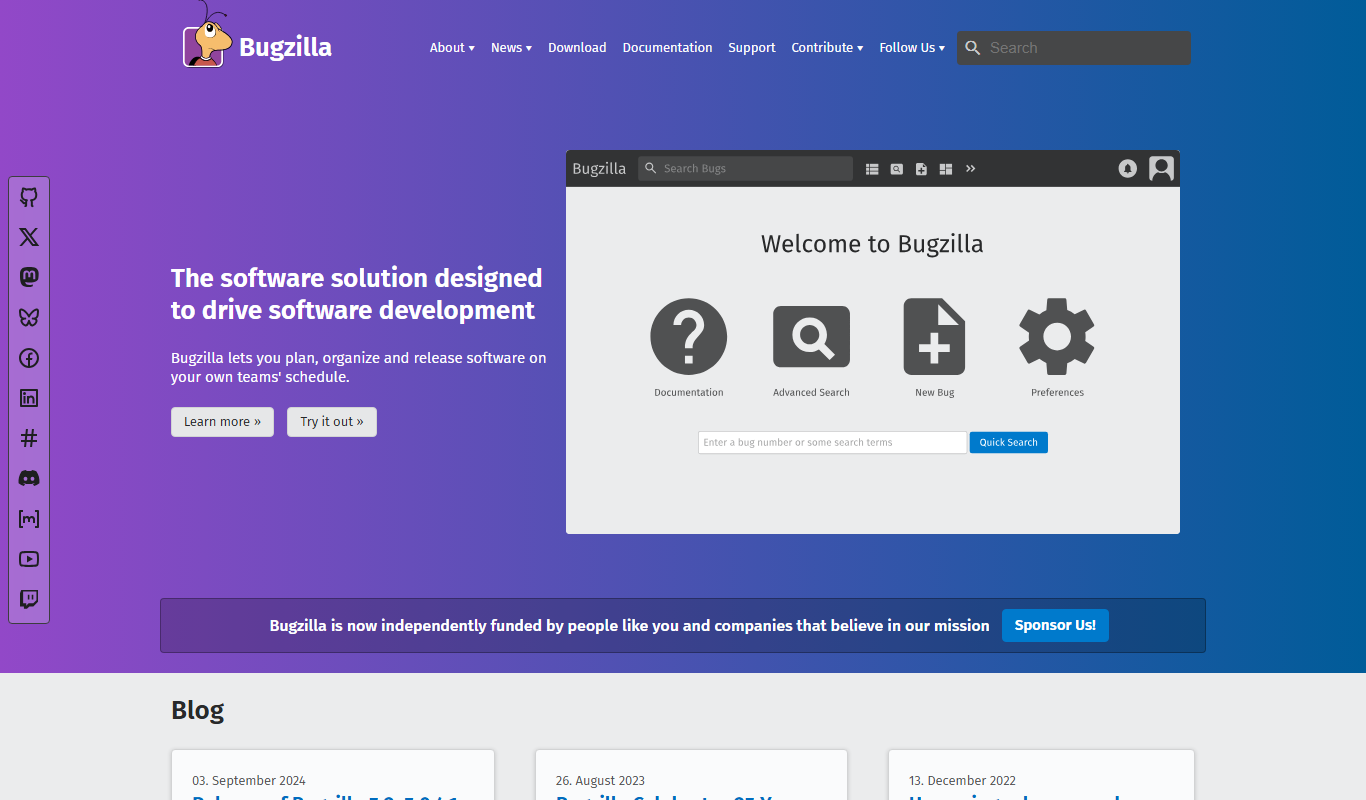
Bugzilla is an open-source bug tracking system developed by the Mozilla Foundation that helps software teams report, track, and manage bugs efficiently through a customizable web interface.

Custom Pricing
infiniteanalytics.com
Infinite Analytics is an AI-powered data analytics platform that provides predictive modeling, customer segmentation, and anomaly detection to help businesses make data-driven decisions.

Subscription
amara
Amara Care is a cloud-based home health software that helps agencies manage caregiver scheduling, patient care, billing, payroll, and compliance efficiently.

Free
Avoma – AI Meeting Assistant
Avoma is an AI-powered meeting assistant that provides real-time transcription, automated meeting notes, collaboration tools, and sales call analytics to improve meeting productivity and team alignment.

Free Trial
TestGorilla
TestGorilla is a pre-employment testing platform that helps companies evaluate candidate skills and personality through customizable online assessments to improve hiring decisions.

Free Trial
JetProfiler
JetProfiler is a desktop application designed to monitor MySQL database performance in real time, providing query profiling and detailed metrics to help developers and DBAs optimize their databases.

Free Trial
Demodesk
Demodesk is an AI-powered virtual sales meeting software that enables remote teams to conduct interactive, efficient sales meetings with features like AI scheduling, smooth screen sharing, CRM integration, and meeting analytics.

Free Trial
Doclime
Doclime is a cloud-based document management software that helps businesses digitize, organize, and automate document workflows with features like centralized storage, workflow automation, collaboration, and audit trails.

Freemium
Stratpilot
Stratpilot is an AI-powered strategic planning platform that helps businesses analyze data, simulate scenarios, and develop effective strategies to improve decision-making and performance.