

Be.Live Live Streaming Platform for Interactive Social Media Broadcasts
Be.Live is a web-based platform that enables users to create interactive live streams with multiple guests, screen sharing, and direct social media integration for Facebook and YouTube.
- Best for
- Live Social Media Broadcasting
- Key capability
- Multi-Guest Support
Save Be.Live, follow its updates and vote on it — everything stays in your account.
Sign in or create a free account
What is Be.Live?
Be.Live is a web-based live streaming platform designed to help users create interactive broadcasts for social media channels like Facebook and YouTube. It enables content creators, marketers, and businesses to engage their audiences through live video with features such as guest interviews, screen sharing, and real-time audience interaction.
Key features of Be.Live
Be.Live offers easy-to-use live streaming tools including customizable broadcast layouts, multi-guest support, screen sharing, live comments display, and integration with major social media platforms. Its focus is on simplifying professional live video production without requiring complex software.
Multi-Guest Support
Invite up to 10 guests to join your live broadcast with split-screen layouts.
Screen Sharing
Share your screen during live streams for presentations or demonstrations.
Customizable Layouts
Choose and modify broadcast layouts to fit your branding and content style.
Live Comments and Reactions
Display and respond to audience comments and reactions in real-time.
Social Media Integration
Stream directly to Facebook, YouTube, and other platforms without additional software.
Pros and cons of Be.Live
Pros
- User-friendly interface with minimal setup
- Supports multiple guests with interactive features
- Direct integration with major social media platforms
- Customizable layouts and branding options
Cons
- No native mobile app available
- Advanced features require paid subscription
Key use cases for Be.Live
Live Social Media Broadcasting
Stream live video content directly to Facebook, YouTube, and other social platforms with interactive features.
Webinars and Online Events
Host professional webinars with guest interviews, screen sharing, and audience engagement tools.
Remote Interviews and Talk Shows
Conduct live interviews with remote guests using split-screen and customizable layouts.
Product Demonstrations and Marketing
Showcase products live to audiences with real-time comments and call-to-action overlays.
Community Engagement and Q&A
Engage viewers through live polls, comments, and Q&A sessions during broadcasts.
How Be.Live works
- 1
Create an Account
Sign up on Be.Live’s website to access the live streaming dashboard.
- 2
Connect Social Media
Link your Facebook, YouTube, or other supported social accounts for direct streaming.
- 3
Set Up Your Broadcast
Choose your broadcast type, invite guests, customize layouts, and prepare your content.
- 4
Go Live
Start streaming live to your audience with interactive features like comments and polls.
- 5
Engage and Monitor
Interact with viewers in real-time and manage your broadcast through the dashboard.
Who is using Be.Live
Be.Live pricing
Free
$0/month
Basic live streaming with limited features and watermark branding.
Standard
$29/month
Full access to multi-guest streams, custom branding, and advanced features.
Pro
$49/month
Includes all Standard features plus priority support and higher guest limits.
Plans and prices are as published by the vendor and can change. Check the official site before you buy. Open the pricing page (opens in a new tab)
Frequently asked questions about Be.Live
Be.Live can stream to multiple platforms at once, with comments from all selected platforms in one place.
Depending on your plan, you can invite up to 10 guests to join your broadcast.
Currently, Be.Live is a web-based platform and does not offer a dedicated mobile app.
Yes, Be.Live allows you to record your broadcasts for later use or sharing.
It depends on your specific needs and how you plan to use the tool. The official website and documentation are the best sources for the latest details.
It depends on your specific needs and how you plan to use the tool. The official website and documentation are the best sources for the latest details.
Some tools offer a free plan or trial with limited features. Availability can vary, so confirm on the official website.
Yes, it can help with that use case depending on how you configure it and what features are available. You’ll get the best results with clear inputs and a defined goal.
Conclusion
Broadcasts are produced directly in the browser without any installations and can go out to multiple platforms at once. Guests join in split-screen layouts, and screen sharing covers presentations or demonstrations. Branding options include a logo, overlays, backgrounds and lower thirds, while the AI Comment Assistant gathers comments from all selected platforms in one place and can feature them on screen. Content creators, marketing professionals and webinar hosts are the intended users.
The service now also presents itself as a cloud-based live streaming studio for Amazon Live, with live sales and shoppable video features. After the stream, the editor can trim and repurpose the recording or export audio for podcasts. Recordings stay available for download for 30 to 90 days depending on the plan. New accounts get a 14-day free trial without a credit card, but trial streams are capped at 60 minutes per session and custom RTMP is not available.
Sources
Sign in to review this tool.
Sign In to ReviewNo reviews yet
Be the first to share how this tool worked for you.
Ask about pricing, limits, or how it compares — or answer someone else.
Sign In to AskNo questions yet
Have a question about using or paying for this tool? Be the first to ask.
Featured on TiorAI



Alternative Tools
Explore similar AI tools that might fit your needs

StreamYard
StreamYard is a web-based live streaming platform that allows users to host multi-guest broadcasts, add custom branding, and stream simultaneously to multiple social media platforms without software downloads.

Restream
Restream is a live streaming platform that allows users to broadcast their video content simultaneously to multiple streaming services, manage chats in one place, and access real-time analytics to grow their audience.
More Marketing & Advertising tools
Other tools in the same category, for when this one is not quite the fit.
Jell
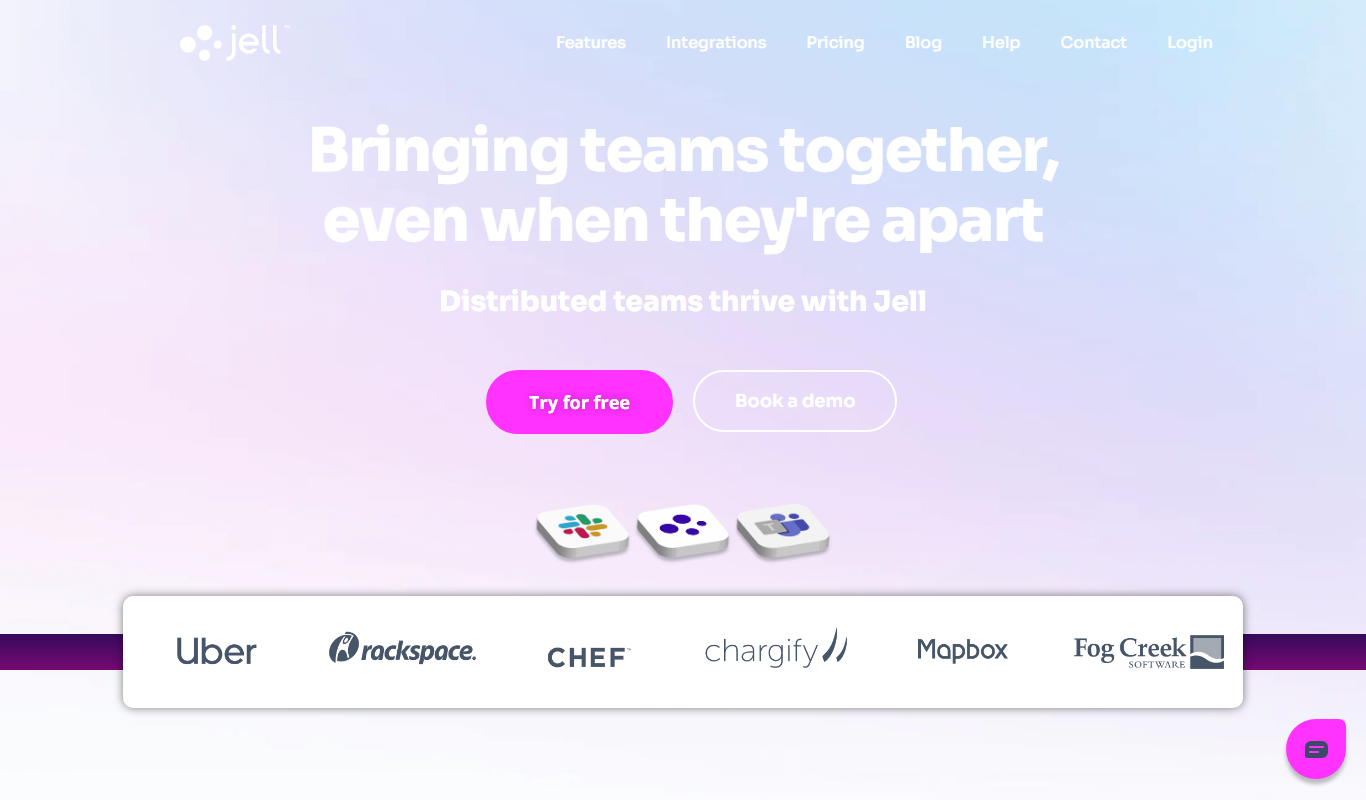
Jell is a team collaboration and project management tool that helps teams run daily standups, track OKRs, and improve alignment, especially for remote and agile teams.

Business Portrait AI
Business Portrait AI is an online tool that uses artificial intelligence to create professional business portraits and corporate headshots quickly and affordably without traditional photoshoots.

Polly
Polly is an AI-driven survey and polling tool that integrates with Slack and Microsoft Teams to help organizations gather real-time feedback and improve employee engagement.

Headline Studio
Headline Studio is an online tool by CoSchedule that analyzes and scores headlines based on SEO, emotional impact, and word balance to help content creators improve engagement and search rankings.

SubmitPro
SubmitPro submits your startup to 200+ AI and startup directories with one-click submission and a 10-minute setup.

Demostack
Demostack is an enterprise agentic product simulation platform for product demos.
WPS Presentation
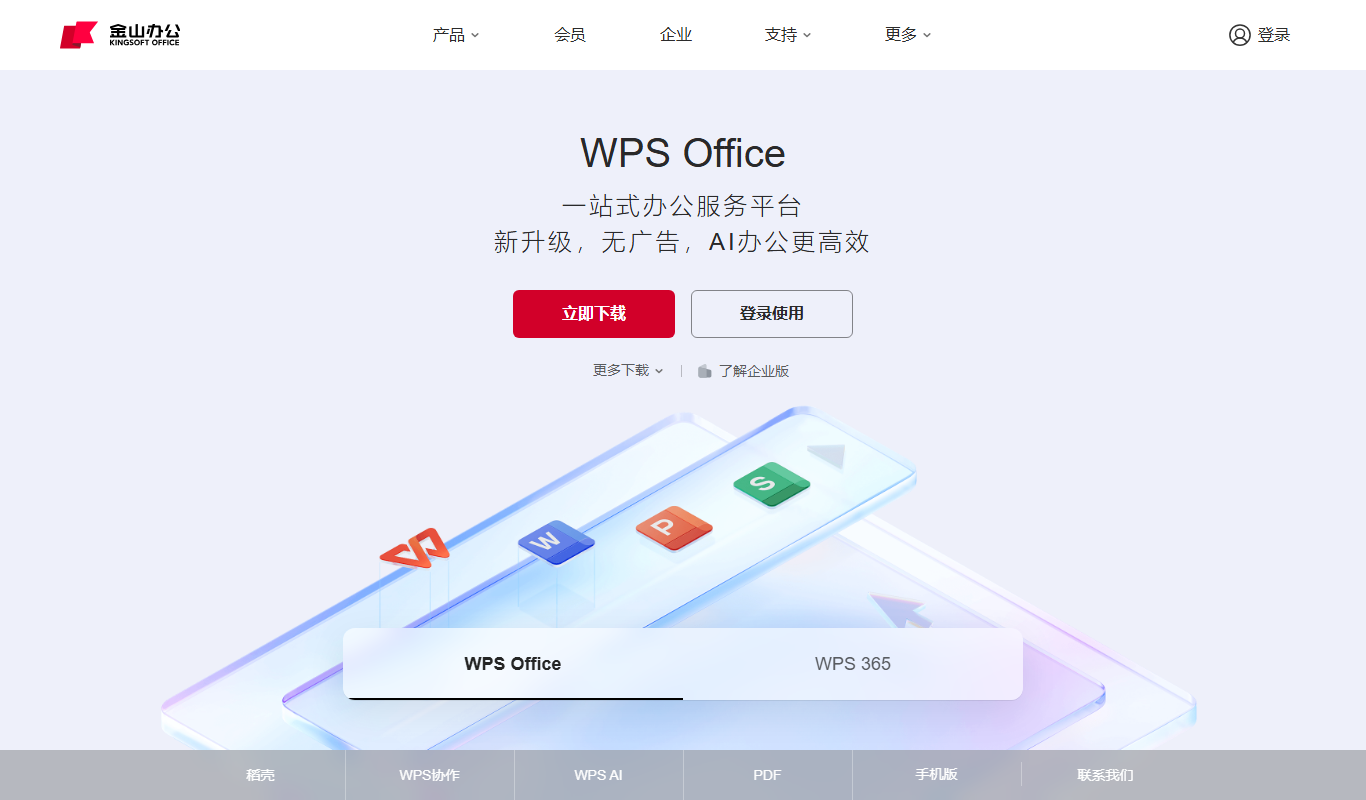
WPS Presentation is a slide creation software by Kingsoft offering templates, multimedia integration, and cloud collaboration across multiple platforms.

MarketResearch.com
MarketResearch.com is an online platform offering extensive market research reports and industry analysis from multiple publishers, helping businesses and investors make informed decisions.