

Swapcard Virtual Event Platform for Hybrid and Online Conferences
Swapcard is a virtual and hybrid event platform that enables organizers to host online conferences with AI-powered networking, live streaming, and exhibitor management.
- Best for
- Virtual Conferences
- Key capability
- AI-Powered Matchmaking
Save Swapcard, follow its updates and vote on it — everything stays in your account.
Sign in or create a free account
What is Swapcard?
Swapcard is a comprehensive virtual and hybrid event platform designed to facilitate online conferences, trade shows, and networking events. It offers tools for event organizers to create engaging digital experiences that connect attendees, exhibitors, and sponsors through live streaming, AI matchmaking, and interactive features.
Key features of Swapcard
Swapcard’s main features include virtual event hosting, hybrid event support, AI-powered attendee matchmaking, exhibitor booth management, live streaming integration, and detailed event analytics to optimize engagement and ROI.
AI-Powered Matchmaking
Automated suggestions for relevant connections to enhance networking opportunities.
Virtual Booths
Customizable exhibitor spaces with multimedia content and live chat.
Live Streaming Integration
Support for multiple streaming platforms to broadcast sessions seamlessly.
Interactive Agenda
Dynamic scheduling with session reminders and attendee engagement tools.
Comprehensive Analytics
Insights into attendee behavior, session popularity, and ROI metrics.
Pros and cons of Swapcard
Pros
- Robust AI matchmaking enhances networking
- Supports both virtual and hybrid event formats
- Comprehensive analytics for event performance
- User-friendly interface across devices
- Customizable virtual exhibitor booths
Cons
- Pricing depends on event size and attendee and exhibitor volume.
- Limited public information on tech stack
- No publicly available free tier for testing
Key use cases for Swapcard
Virtual Conferences
Host fully virtual conferences with live streaming, interactive sessions, and attendee engagement features.
Hybrid Events
Combine in-person and online experiences seamlessly for hybrid events with integrated networking and content delivery.
Networking and Matchmaking
Facilitate attendee networking through AI-powered matchmaking, chat, and meeting scheduling.
Exhibitor and Sponsor Management
Provide exhibitors and sponsors with virtual booths and analytics to maximize event ROI.
Event Analytics
Gain insights on attendee behavior, engagement, and event performance through comprehensive analytics dashboards.
How Swapcard works
- 1
Event Setup
Organizers create an event on Swapcard, customizing branding, agenda, and virtual spaces.
- 2
Attendee Registration
Participants register and create profiles to access event content and networking features.
- 3
AI Matchmaking
The platform uses AI to suggest relevant connections and meetings based on attendee interests and profiles.
- 4
Live Event Engagement
Attendees join live sessions, visit virtual booths, and interact via chat and Q&A.
- 5
Post-Event Analytics
Organizers review detailed reports on engagement, session attendance, and networking outcomes.
Who is using Swapcard
Swapcard pricing
Starter
Custom pricing
Up to 1,000 attendees per year, with a free trial.
Professional
Up to 10,000 attendees per year; schedule a demo.
Enterprise
Unlimited attendees; schedule a demo.
Plans and prices are as published by the vendor and can change. Check the official site before you buy. Open the pricing page (opens in a new tab)
Frequently asked questions about Swapcard
Yes, Swapcard is designed to handle fully virtual events as well as hybrid events combining in-person and online participation.
Yes, the platform uses AI to recommend relevant connections and meetings based on attendee profiles and interests.
Swapcard is accessible via web browsers and has dedicated iOS and Android mobile applications.
Packages combine licensing fees with per-user rates for attendees and exhibitors, and a free trial is available.
This tool is designed to help users accomplish its core tasks more efficiently. It is typically used by individuals or teams looking to improve productivity and workflow.
Yes, it can help with that use case depending on how you configure it and what features are available. You’ll get the best results with clear inputs and a defined goal.
It depends on your specific needs and how you plan to use the tool. The official website and documentation are the best sources for the latest details.
Conclusion
As a revenue-first event management platform, the service is made for associations, trade shows and conference organizers. Organizers set up the branding, agenda and virtual spaces, and attendees register and build profiles that AI recommendations use to suggest relevant contacts, exhibitors and sessions. Much of the tooling faces exhibitors, with lead scanning, an exhibitor lead center and hosted buyer meetings that match buyers and sellers by preferences.
Sessions can be streamed live or pre-recorded, and a branded event mobile app is available. Pricing is based on the size of the events, combining licensing fees with per-user rates for attendees and exhibitors. Starter comes with a free trial, while Professional and Enterprise are sold through a demo and raise the yearly attendee allowance.
Sources
Sign in to review this tool.
Sign In to ReviewNo reviews yet
Be the first to share how this tool worked for you.
Ask about pricing, limits, or how it compares — or answer someone else.
Sign In to AskNo questions yet
Have a question about using or paying for this tool? Be the first to ask.
Featured on TiorAI



Alternative Tools
Explore similar AI tools that might fit your needs

Airmeet
Airmeet is a web-based virtual event platform that enables hosting interactive online conferences, webinars, and networking sessions with features like virtual stages, breakout rooms, and live engagement tools.
More AI Customer Service tools
Other tools in the same category, for when this one is not quite the fit.

Verse AI
Verse is an AI agent and AI texting platform for sales and marketing teams that replies to leads across channels, qualifies them through conversation and books appointments.

Chatbase
Chatbase is an AI customer experience platform whose AI agents resolve complex queries and reduce ticket volume in every channel.

Pawp
Pawp is a 24/7 online vet that provides a continuous care experience personalized for a pet's long-term health goals and outcomes.

PetDesk
PetDesk is veterinary software for clinics with communication tools, integrated phones, direct booking and AI-powered notes, plus a free app for pet owners.

Inspectify
Inspectify is a property inspection platform that uses proprietary technology and a network of home inspectors to create a better inspection experience.

Botkeeper
Botkeeper is an AI accounting solution purpose-built for accounting firms that automates the most manual and time-consuming bookkeeping work.

Zebra Technologies
Zebra Technologies offers enterprise-grade hardware and software solutions for barcode scanning, RFID, mobile computing, and real-time asset tracking to optimize industrial and supply chain operations.
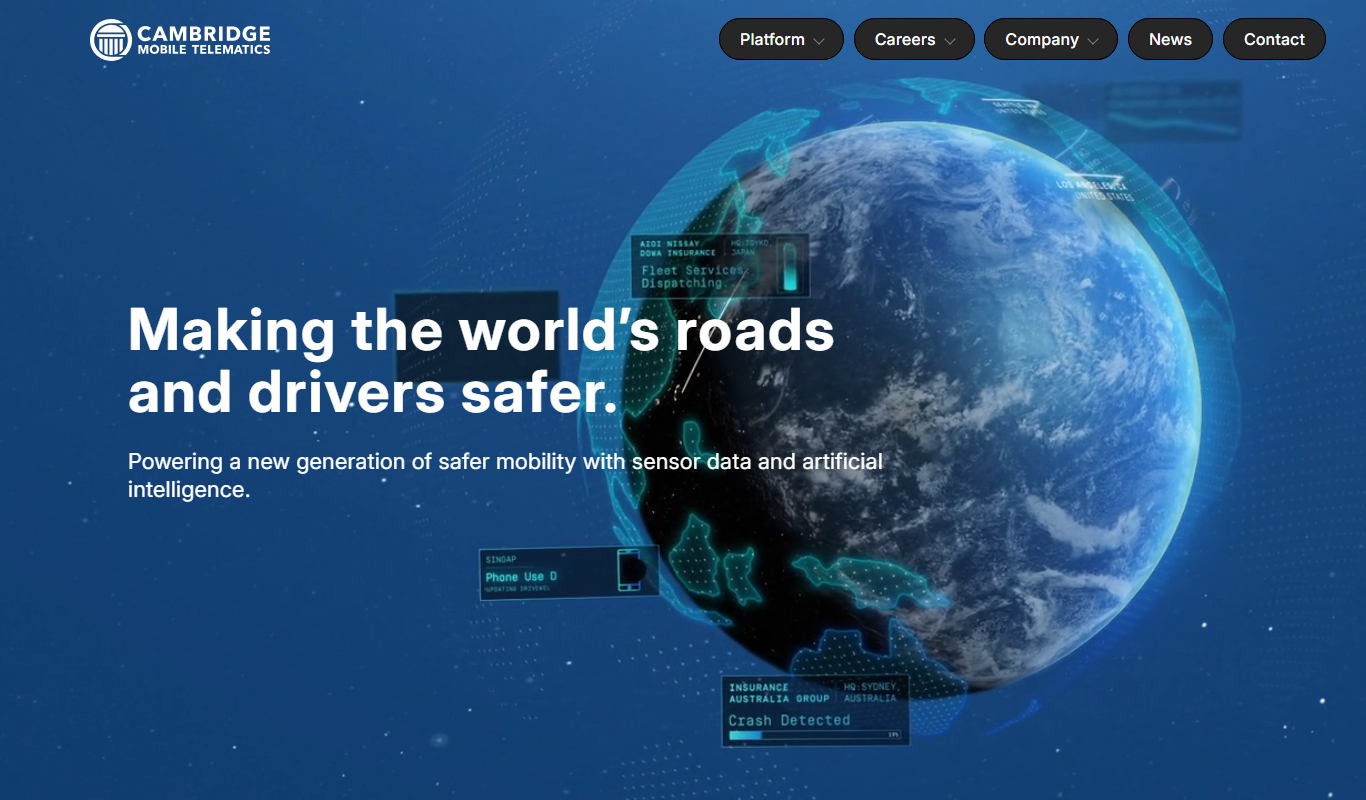
Cambridge Mobile Telematics
Cambridge Mobile Telematics provides a mobile telematics platform that uses smartphone sensors and AI to analyze driver behavior, enabling insurers and fleet managers to assess risk, improve safety, and reduce accidents.