
From my experience with Dataiku, it stands out as a robust and versatile platform that bridges the gap between data analysts and data scientists through its intuitive visual tools and code flexibility. I found its collaborative features particularly valuable for team projects, enabling smooth workflows and governance. While the platform offers powerful capabilities for enterprise-scale AI deployment, it does require some investment in learning and infrastructure, which might be a consideration for smaller teams. Overall, if your organization needs an all-in-one solution for data preparation, machine learning, and operationalizing AI, Dataiku delivers comprehensive and scalable tools.
Dataiku AI Platform for Data Science, Machine Learning & Analytics
Dataiku is a collaborative AI and data science platform that enables organizations to prepare data, build machine learning models, and deploy AI solutions at scale.
Tech Stack:
Java
JavaScript
Python
Scala
What is Dataiku?
Dataiku is an end-to-end AI and data science platform designed to help organizations build, deploy, and manage predictive data models and analytics projects collaboratively. It combines visual interfaces with code-based environments to support users ranging from data analysts to data scientists and engineers.
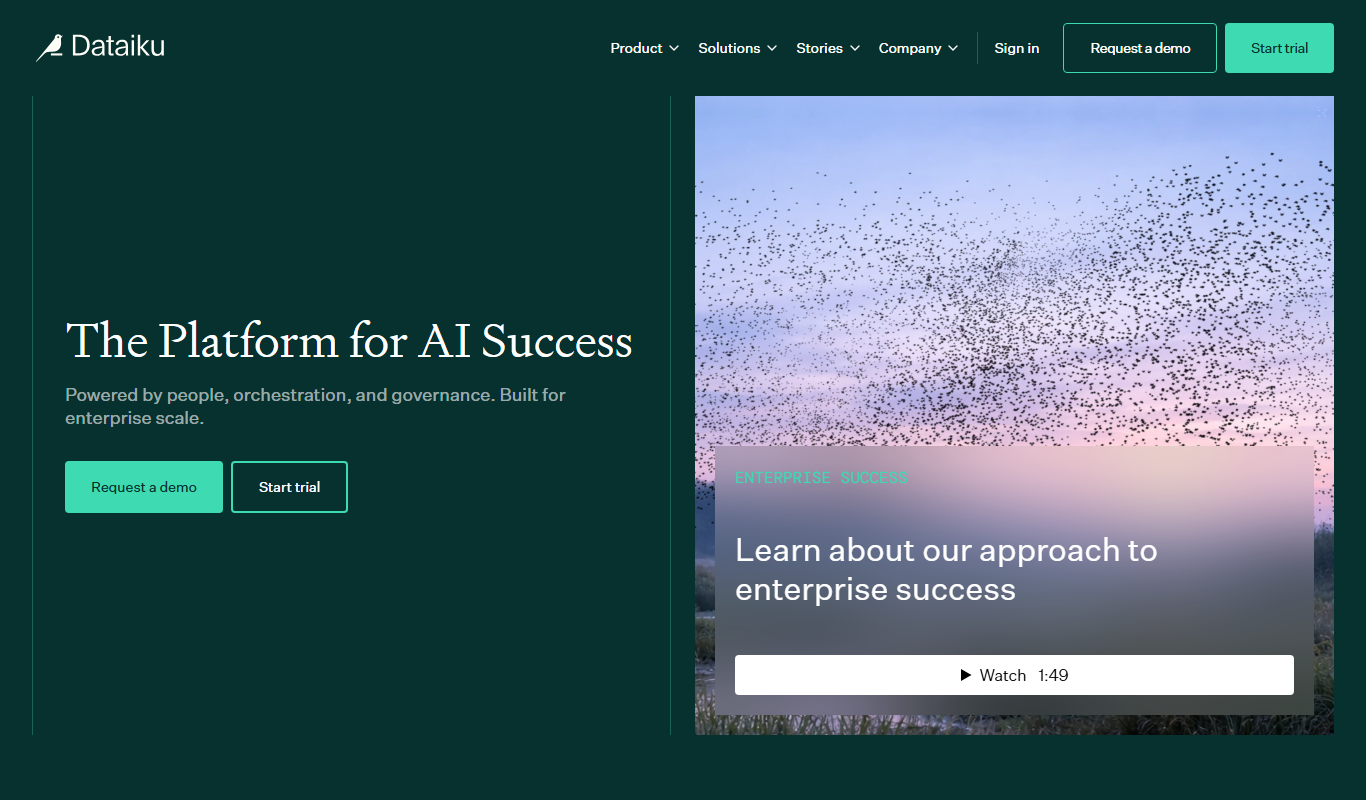
Key Features of Dataiku
Visual Data Preparation
Drag-and-drop interface for data cleaning and transformation without coding.
AutoML and Custom Modeling
Automated machine learning capabilities alongside support for custom model development.
Collaboration and Governance
Tools for team collaboration, project versioning, and compliance management.
Scalable Deployment
Support for deploying models on-premises, in the cloud, or at the edge.
Integrated Visualizations
Create dashboards and reports to share insights with stakeholders.
Pros and Cons of Dataiku
Pros
- Comprehensive end-to-end data science platform
- User-friendly visual interface combined with code flexibility
- Strong collaboration and governance features
- Supports a wide range of data sources and deployment options
- Scalable for enterprise use cases
Cons
- Enterprise pricing can be expensive for small businesses
- Steeper learning curve for advanced features
- Requires infrastructure setup for on-premises deployment
Key Use Cases for Dataiku
Data Preparation and Cleaning
Streamline and automate data cleaning, transformation, and enrichment to prepare datasets for analysis and modeling.
Machine Learning Model Development
Build, train, and deploy machine learning models using visual tools or code in Python, R, and other languages.
Collaborative Data Projects
Enable cross-functional teams to collaborate on data projects with shared workflows, version control, and governance.
Operationalizing AI at Scale
Deploy and monitor AI models in production environments to integrate insights into business processes.
Advanced Analytics and Reporting
Create dashboards, reports, and visualizations to communicate data insights to stakeholders.
How Dataiku Works
-
1
Connect Data Sources
Integrate data from various sources such as databases, cloud storage, and APIs into the platform.
-
2
Prepare and Explore Data
Use visual recipes or code to clean, transform, and explore datasets interactively.
-
3
Build Models
Develop machine learning models using automated tools or custom code in Python, R, or SQL.
-
4
Deploy and Monitor
Deploy models into production workflows and monitor their performance over time.
Who's Using Dataiku
Data scientists
Data analysts
Machine learning engineers
Business intelligence teams
Enterprises with data-driven decision needs
Dataiku Pricing
Free Edition
$0/month
Access to core features for individual users and small teams with limited data volume.
Enterprise Edition
Custom pricing
Full platform capabilities with advanced security, scalability, and support for large organizations.
Frequently Asked Questions About Dataiku
Yes, Dataiku offers visual tools that allow beginners to perform data preparation and basic modeling without coding.
Dataiku supports Python, R, SQL, and visual recipes for building data workflows and models.
Yes, Dataiku integrates with major cloud providers like AWS, Azure, and Google Cloud for data storage and deployment.
Dataiku provides collaboration features including project sharing, version control, and role-based access.
This tool is designed to help users accomplish its core tasks more efficiently. It is typically used by individuals or teams looking to improve productivity and workflow.
Data handling and security practices vary by provider. Review the official privacy policy to understand how your data is stored and used.
Data handling and security practices vary by provider. Review the official privacy policy to understand how your data is stored and used.
Share your review
Reviews are limited to one per logged-in user and are published after moderation.
You need an account to review this tool.
0.0
★
★
★
★
★
0 reviews
5 star
0
4 star
0
3 star
0
2 star
0
1 star
0
No reviews yet
Be the first to share how this tool worked for you.
Questions from the community
Read questions and answers about this tool, or ask your own.
No questions yet
Start the conversation by asking the first question about this tool.
Is this tool helpful?
Alternative Tools
Explore similar AI tools that might fit your needs

Enterprise
Alteryx
Alteryx is a no-code data analytics platform that enables users to prepare, blend, and analyze data through visual workflows, supporting predictive analytics and automation.

Enterprise
Rhombus Systems
Rhombus Systems is a cloud-based video security platform that uses AI-powered cameras and analytics to provide businesses with real-time surveillance, alerts, and operational insights accessible remotely.

Free Trial
StockTrim
StockTrim is a cloud-based inventory forecasting and demand planning tool designed to help retailers and small businesses optimize inventory levels, reduce stockouts, and improve supply chain efficiency through data-driven analytics.
Custom Pricing
Sustainability Cloud
Salesforce Sustainability Cloud is a platform that enables companies to measure, analyze, and report their carbon emissions and sustainability metrics, integrating data from multiple sources to support ESG goals and compliance.

Subscription
Snowflake
Snowflake is a cloud-based data platform that provides scalable data warehousing, analytics, and secure data sharing with support for structured and semi-structured data.

Freemium
Nansen
Nansen is a blockchain analytics platform that provides real-time on-chain data, wallet labeling, NFT and DeFi analytics to help crypto traders and investors make informed decisions.

Custom Pricing
Adthena
Adthena is an AI-driven competitive intelligence platform that analyzes PPC and search advertising data to help marketers optimize campaigns by uncovering competitor strategies, keywords, and ad copy insights.

Custom Pricing
AutoGrid
AutoGrid is an AI-powered platform that optimizes distributed energy resources and grid operations through advanced analytics, demand response automation, and market integration tools.

Free
Swagbucks
Swagbucks is a free online rewards platform where users earn points by completing surveys, shopping online, watching videos, and more, redeemable for gift cards or PayPal cash.