

Smallpdf PDF Tools for Editing, Converting, Compressing & Signing PDFs
Smallpdf is an online platform providing a suite of PDF tools including editing, converting, compressing, and e-signing documents accessible via web and mobile apps.
- Best for
- PDF Editing
- Key capability
- PDF Editor
Save Smallpdf, follow its updates and vote on it — everything stays in your account.
Sign in or create a free account
What is Smallpdf?
Smallpdf is a comprehensive online platform offering a suite of PDF tools designed to simplify document management. It enables users to edit, convert, compress, sign, merge, and split PDF files easily through a user-friendly interface accessible via web and mobile apps.
Key features of Smallpdf
Smallpdf provides a wide range of PDF functionalities including editing, format conversion, file compression, electronic signatures, and document organization tools, all integrated into a seamless workflow.
PDF Editor
Add text, images, shapes, and annotations to PDFs without needing advanced software.
File Conversion
Convert PDFs to editable formats like Word, Excel, and PowerPoint, and vice versa.
Compression Tool
Shrink PDF file sizes to make sharing and storage more efficient.
E-signature Integration
Sign documents electronically or request signatures securely with legal compliance.
Cloud Integration
Connect with Google Drive, Dropbox, and other cloud services for easy file access.
Pros and cons of Smallpdf
Pros
- User-friendly interface with intuitive drag-and-drop
- Wide range of PDF tools in one platform
- Cross-platform availability including mobile apps
- Secure file handling with automatic deletion
- Integration with popular cloud storage services
Cons
- Free plan has daily usage limits and ads
- Advanced features require paid subscription
- No offline editing in free version
Key use cases for Smallpdf
PDF Editing
Edit PDF documents by adding text, images, shapes, and annotations directly within the browser or app.
PDF Conversion
Convert PDFs to and from formats like Word, Excel, PowerPoint, JPG, and more for easy editing and sharing.
Document Compression
Reduce PDF file sizes to optimize storage and facilitate faster sharing without significant loss of quality.
E-signatures
Sign documents electronically or request signatures from others securely and legally.
PDF Merging and Splitting
Combine multiple PDFs into one file or split a single PDF into multiple documents as needed.
How Smallpdf works
- 1
Upload Your Document
Drag and drop your PDF or other supported file formats onto the platform or select from your device or cloud storage.
- 2
Choose the Desired Tool
Select from editing, converting, compressing, signing, merging, or splitting options based on your needs.
- 3
Customize and Process
Make edits, convert formats, compress files, or add signatures using intuitive controls.
- 4
Download or Share
Save the processed document to your device or share it directly via email or cloud services.
Who is using Smallpdf
Smallpdf pricing
Free
$0/month
Access to basic PDF tools with daily usage limits and ads.
Pro
$12/month
Unlimited access to all tools, no ads, desktop app, and priority support.
Team
Custom pricing
Collaboration features, centralized billing, and admin controls for businesses.
Plans and prices are as published by the vendor and can change. Check the official site before you buy. Open the pricing page (opens in a new tab)
Frequently asked questions about Smallpdf
Yes, Smallpdf is primarily web-based and works directly in your browser without installation.
Smallpdf uses SSL encryption and deletes files from servers after one hour to ensure privacy.
It supports PDF, Word, Excel, PowerPoint, JPG, PNG, and other common document and image formats.
Yes, Smallpdf offers legally binding e-signature capabilities within its platform.
It depends on your specific needs and how you plan to use the tool. The official website and documentation are the best sources for the latest details.
Some tools offer a free plan or trial with limited features. Availability can vary, so confirm on the official website.
Yes, it can help with that use case depending on how you configure it and what features are available. You’ll get the best results with clear inputs and a defined goal.
Data handling and security practices vary by provider. Review the official privacy policy to understand how your data is stored and used.
Conclusion
A Smallpdf task begins by dragging and dropping a PDF or another supported file onto the platform, or by selecting one from a device or cloud storage. Users then pick a tool for editing, converting, compressing, signing, merging or splitting. The processed document is saved to the device or shared via email or cloud services. The service is primarily web-based and works in the browser without installation, with mobile apps as well. PDFs convert to editable formats like Word, Excel and PowerPoint and vice versa, and common image formats such as JPG and PNG are handled as well.
For sensitive documents, files are protected with SSL encryption and deleted from the servers after one hour. E-signatures are legally binding, and signatures can also be requested from others. Its audience ranges from students and educators to freelancers and remote workers, legal and finance professionals, and small and medium businesses.
The free plan covers basic PDF tools with daily usage limits and ads, and offline editing is not included in it. Pro adds unlimited access to all tools, no ads, a desktop app and priority support, while the Team plan brings collaboration features and admin controls under custom pricing.
Sources
Sign in to review this tool.
Sign In to ReviewNo reviews yet
Be the first to share how this tool worked for you.
Ask about pricing, limits, or how it compares — or answer someone else.
Sign In to AskNo questions yet
Have a question about using or paying for this tool? Be the first to ask.
Featured on TiorAI



Alternative Tools
Explore similar AI tools that might fit your needs
PDFescape
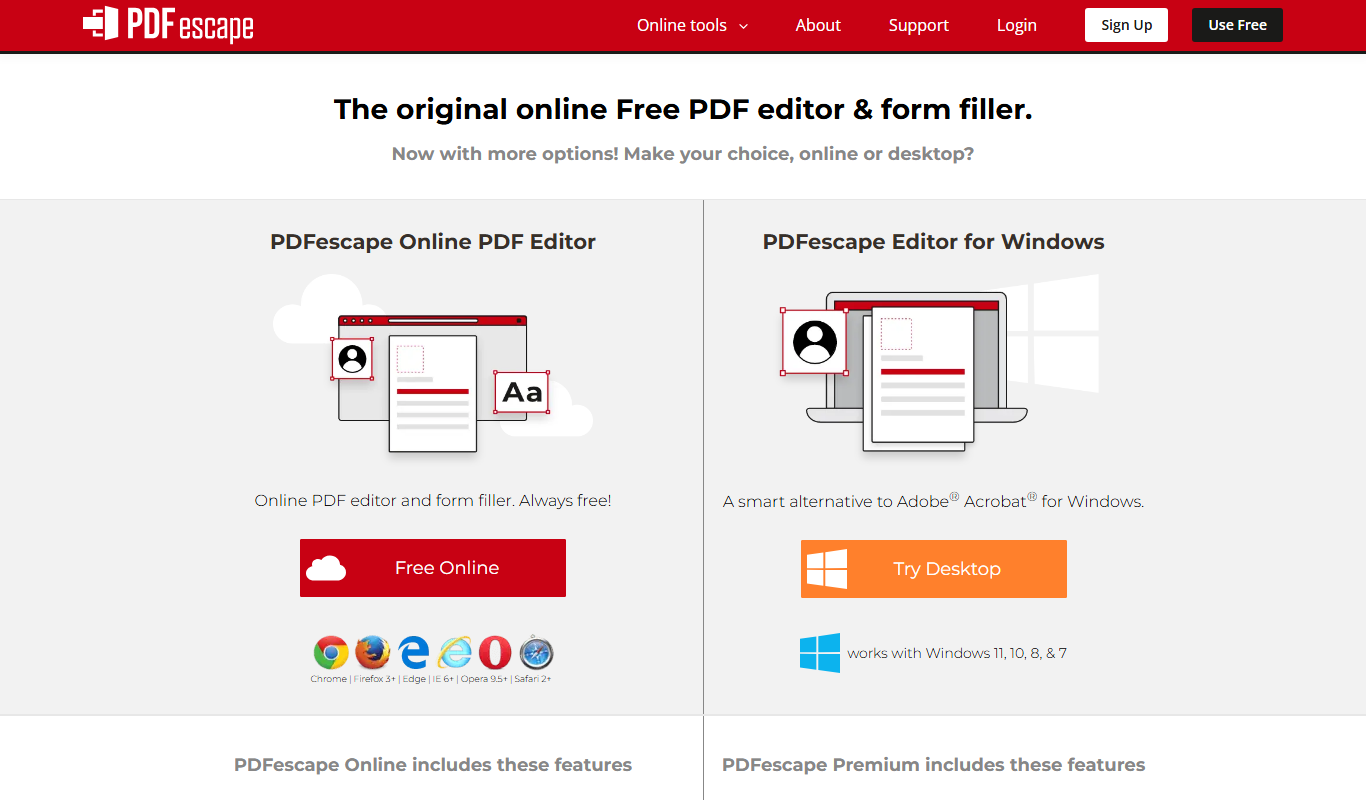
PDFescape is a web-based PDF editor and form filler that allows users to edit, annotate, and fill PDF documents online or via desktop app with free and paid plans.

ILovePDF
ILovePDF is an online platform providing a full suite of PDF tools including editing, converting, merging, splitting, compressing, and securing PDFs accessible via web and desktop apps.
More Business Management tools
Other tools in the same category, for when this one is not quite the fit.
Conceptboard
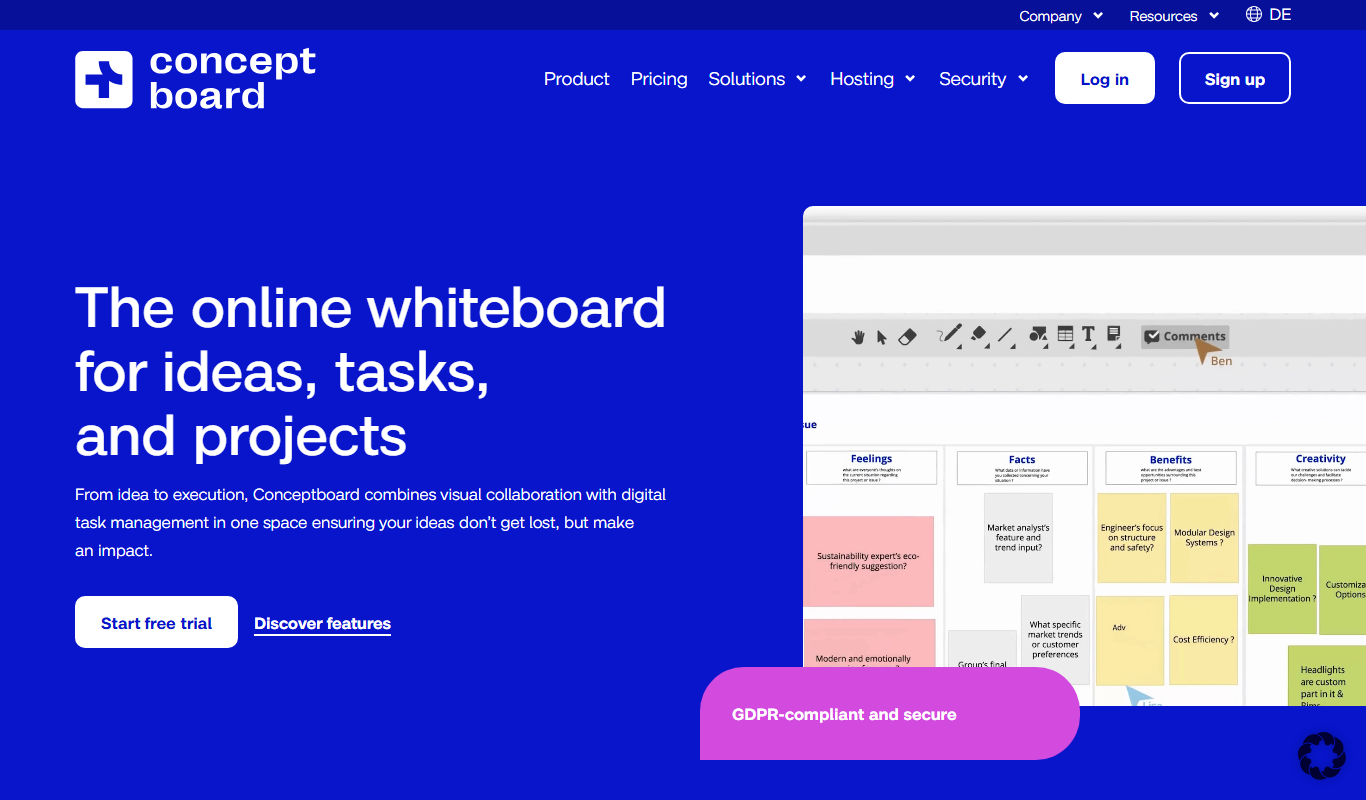
Conceptboard is a cloud-based collaborative online whiteboard that enables teams to brainstorm, plan, and manage projects visually in real time, supporting remote and hybrid work environments.
Impartner PRM
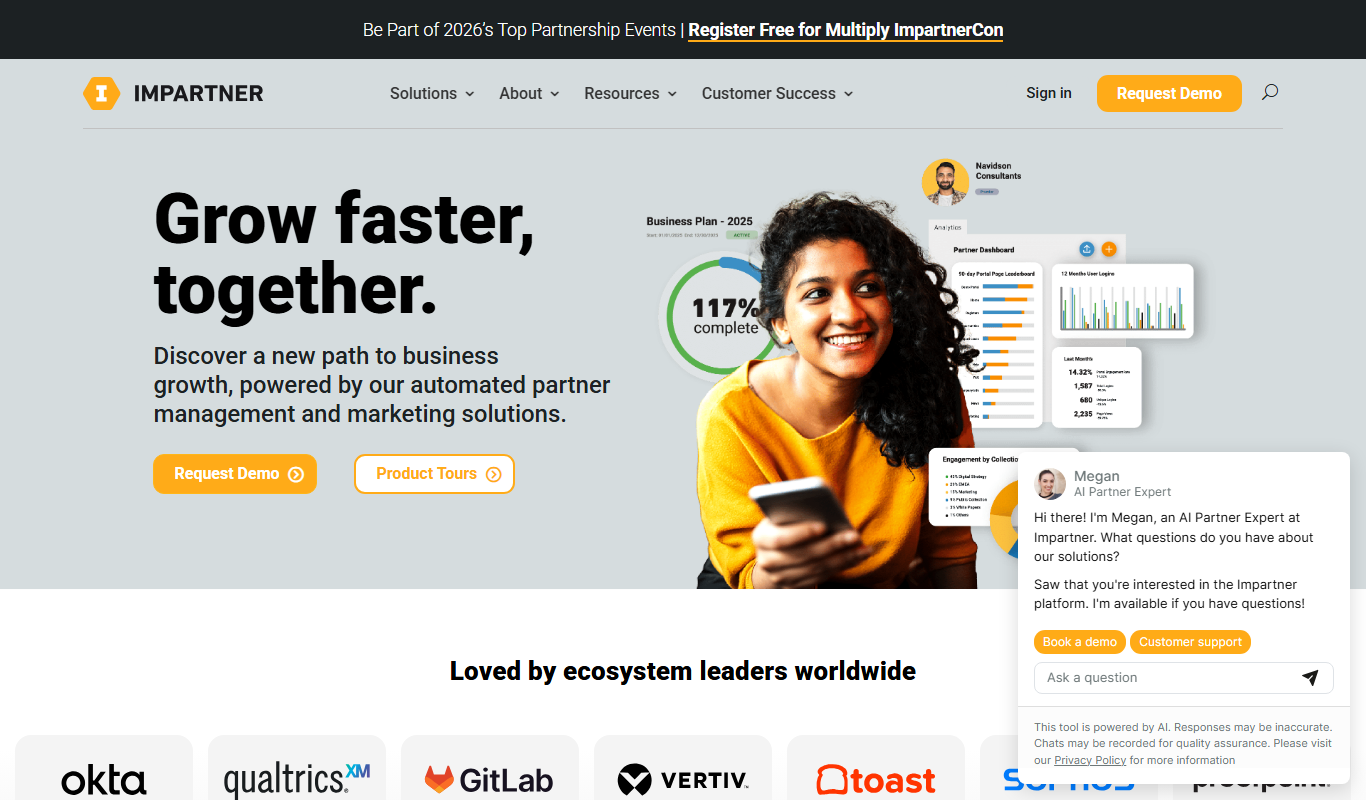
Impartner PRM is a partner relationship management platform that helps businesses manage channel partners, streamline onboarding, enable sales and marketing collaboration, and track partner performance.

ClinicalTrials.gov
ClinicalTrials.gov is a free, publicly accessible database maintained by the U.S. National Library of Medicine that provides detailed information on clinical trials worldwide, allowing users to search, register, and review study results.

Aave
Aave is a decentralized finance protocol that allows users to lend and borrow cryptocurrencies without intermediaries, featuring flash loans and community governance.

Bonusly
Bonusly is a platform that enables peer-to-peer employee recognition and rewards to improve workplace engagement and culture.

Soundtrack Your Brand
Soundtrack, formerly Soundtrack Your Brand, is a licensed music streaming service for businesses that streams curated playlists across retail, hospitality and office environments.
Reclaim.ai
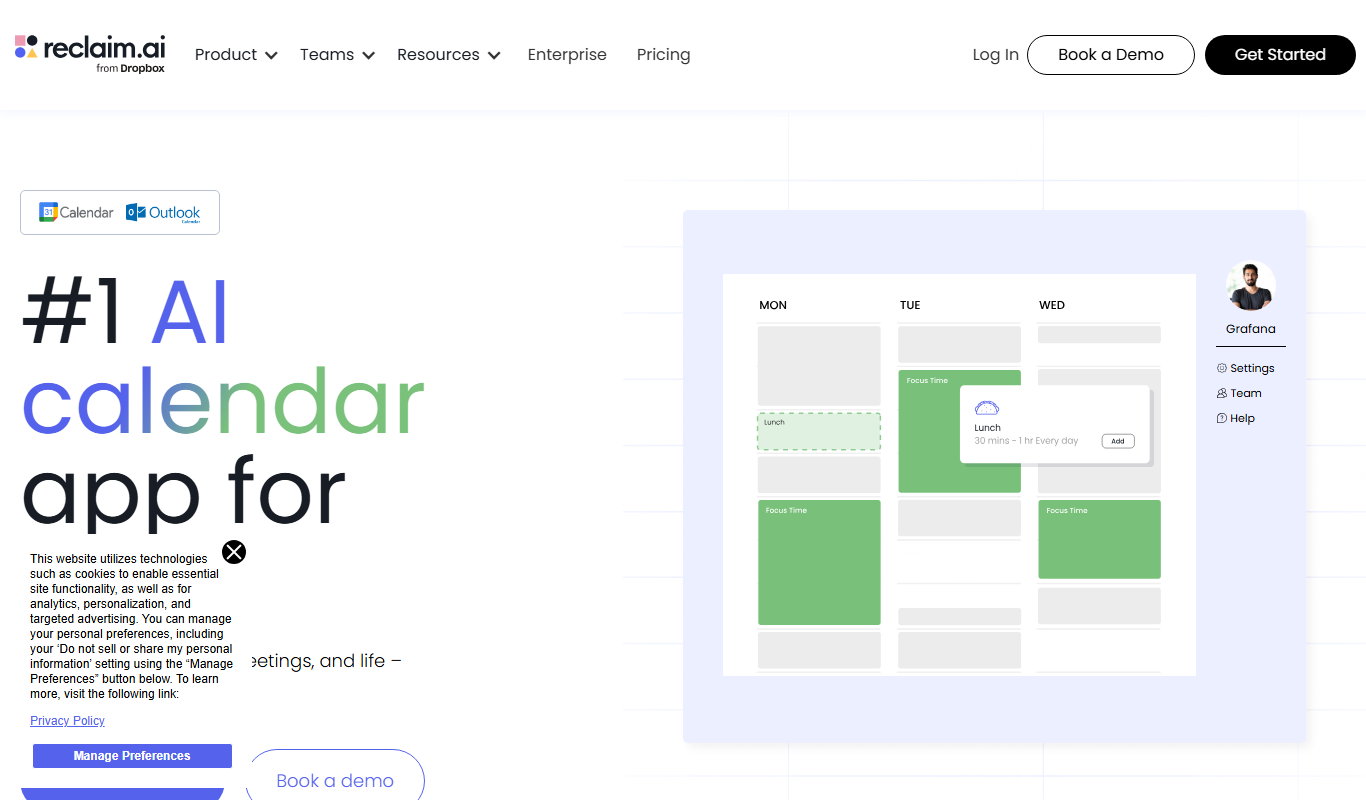
Reclaim.ai is an AI-driven calendar assistant that automates scheduling meetings, blocking focus time, and resolving conflicts to optimize your daily productivity.

Sunsama
Sunsama is a daily planner and task management software designed to help individuals and teams organize their workday using time blocking, integrations, and collaboration features.