
From my experience with Applitools, I found it excels at automating visual UI testing with high accuracy, significantly reducing manual effort and false positives. After spending time integrating it into test pipelines, I can say it’s particularly well-suited for QA engineers and development teams aiming to ensure consistent user interfaces across browsers and devices. However, there’s a trade-off: the pricing may be a barrier for smaller teams, and initial setup requires some learning. Overall, if you need reliable, AI-powered visual testing integrated into your CI/CD workflow, Applitools delivers solid results.
Applitools Visual AI Testing Platform for Automated Software Quality Assurance
Applitools is an AI-driven visual testing platform that automates UI validation by comparing screenshots to detect visual bugs and regressions across multiple browsers and devices.
Tech Stack:
AI
C++
Java
JavaScript
Python
Ruby
Selenium
What is Applitools?
Applitools is an AI-powered visual testing and monitoring platform designed to automate the detection of visual bugs and regressions in software applications. It uses advanced Visual AI technology to compare screenshots and identify differences that traditional testing methods might miss. This helps development and QA teams ensure consistent and high-quality user interfaces across browsers, devices, and screen sizes.

Key Features of Applitools
Visual AI Engine
Uses machine learning to detect meaningful visual differences, ignoring irrelevant changes like dynamic content.
Cross-Browser and Device Testing
Supports testing across multiple browsers, operating systems, and screen resolutions.
Seamless CI/CD Integration
Integrates with popular CI/CD tools such as Jenkins, CircleCI, GitHub Actions, and Azure DevOps.
Test Maintenance Automation
Automatically adapts to minor UI changes to reduce test flakiness and maintenance overhead.
Comprehensive Reporting and Collaboration
Provides detailed visual reports, annotations, and integrates with issue tracking tools like Jira and GitHub.
Pros and Cons of Applitools
Pros
- Highly accurate AI-powered visual comparisons
- Supports wide range of platforms and browsers
- Seamless integration with existing test frameworks and CI/CD
- Reduces test maintenance and flakiness
- Comprehensive reporting and collaboration features
Cons
- Pricing can be expensive for small teams
- Learning curve for initial setup and integration
- No permanent free tier, only a limited trial period
Key Use Cases for Applitools
Automated Visual UI Testing
Detect visual bugs and regressions in web and mobile applications automatically using AI-powered visual comparisons.
Cross-Browser and Cross-Device Testing
Ensure consistent user interface rendering across multiple browsers and devices by running visual tests in parallel.
Continuous Integration and Delivery
Integrate visual testing into CI/CD pipelines to catch UI issues early during development and deployment cycles.
Test Maintenance and Flakiness Reduction
Leverage AI to reduce false positives and maintain tests easily by automatically adapting to UI changes.
Collaboration and Reporting
Facilitate team collaboration with detailed visual test reports, annotations, and integrations with popular issue trackers.
How Applitools Works
-
1
Integrate SDK
Add Applitools SDK to your existing test automation framework to capture screenshots during test execution.
-
2
Run Visual Tests
Execute tests that automatically capture and upload screenshots to Applitools for visual comparison.
-
3
AI-Powered Analysis
Applitools Visual AI compares baseline images with new screenshots to detect visual differences and regressions.
-
4
Review and Approve
Review detected differences in the Applitools dashboard, approve valid changes, or report bugs.
-
5
Integrate with CI/CD
Connect Applitools with your CI/CD pipelines to automate visual testing during build and deployment.
Who's Using Applitools
QA engineers
Software developers
DevOps teams
Test automation specialists
Enterprises with complex UI testing needs
Applitools Pricing
Free Trial
$0 for 14 days
Full access to all features for 14 days to evaluate the platform.
Professional
Custom pricing
Designed for small to medium teams with essential features and limited test runs.
Enterprise
Custom pricing
Advanced features, unlimited test runs, dedicated support, and compliance options for large organizations.
Frequently Asked Questions About Applitools
Applitools supports web, mobile, and desktop applications across various platforms and browsers.
Yes, Applitools provides SDKs for popular frameworks like Selenium, Cypress, Appium, and more.
Its Visual AI engine intelligently ignores irrelevant differences such as dynamic content or anti-aliasing variations.
Applitools offers a free 14-day trial with full features but does not have a permanent free tier.
It depends on your specific needs and how you plan to use the tool. The official website and documentation are the best sources for the latest details.
Yes, it can help with that use case depending on how you configure it and what features are available. You’ll get the best results with clear inputs and a defined goal.
It depends on your specific needs and how you plan to use the tool. The official website and documentation are the best sources for the latest details.
Integration support depends on the tool and its available connectors or API. Check the official documentation or integrations page to confirm what is supported.
Share your review
Reviews are limited to one per logged-in user and are published after moderation.
You need an account to review this tool.
0.0
★
★
★
★
★
0 reviews
5 star
0
4 star
0
3 star
0
2 star
0
1 star
0
No reviews yet
Be the first to share how this tool worked for you.
Questions from the community
Read questions and answers about this tool, or ask your own.
No questions yet
Start the conversation by asking the first question about this tool.
Is this tool helpful?
Alternative Tools
Explore similar AI tools that might fit your needs

Free
Percy
Percy is a visual testing platform that automates UI regression testing by capturing and comparing screenshots to detect visual changes, integrating with CI/CD pipelines for continuous quality assurance.
Free Trial
Testim
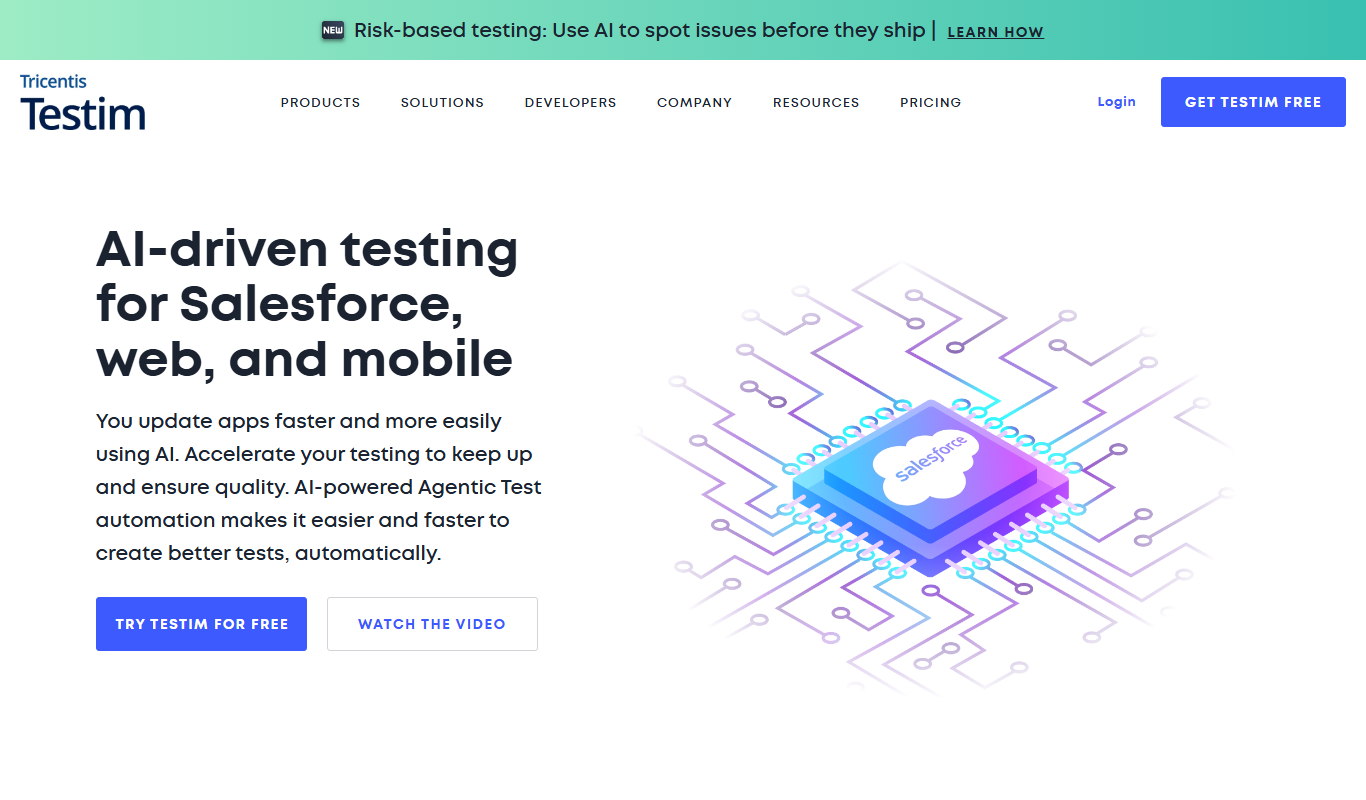
Testim is an AI-driven test automation platform that enables codeless test creation, self-healing tests, and seamless integration with CI/CD pipelines to improve software quality and reduce testing time.

Freemium
Screener
Screener is an AI-driven video interview platform that enables asynchronous candidate screening, automates interview scheduling, and uses AI analytics to help recruiters make better hiring decisions remotely.

Free
Scrapy
Scrapy is an open-source Python framework designed for web scraping and crawling, allowing developers to extract structured data from websites efficiently using asynchronous requests and customizable spiders.

Free
Cades
Cades is an AI-powered code assistant that integrates with VS Code and web platforms to provide real-time code generation, suggestions, and explanations, helping developers write better code faster.

Free
LLaMA
LLaMA is Meta's advanced large language model designed for natural language processing tasks, available for research use with multiple model sizes and fine-tuning capabilities.
Free
Element Plus
Element Plus is an open source UI component library designed for Vue 3, providing developers with a wide range of customizable and accessible components to build modern web interfaces efficiently.

Free
Neptune.ai
Neptune.ai is a machine learning experiment tracking and model management platform that helps data scientists log, organize, and collaborate on ML projects efficiently.

Free
GitLens
GitLens is a Visual Studio Code extension that provides developers with detailed Git blame annotations, code history, and repository insights directly within the editor to improve code understanding and productivity.

Equity-based investment
Y Combinator
Y Combinator is a startup accelerator that provides seed funding, mentorship, and resources to early-stage startups in exchange for equity.

Free
Blazor
Blazor is a Microsoft web framework that enables developers to build interactive web applications using C# and Razor syntax, running client-side via WebAssembly or server-side with SignalR.