

Artbreeder vs Stable Diffusion: Image Quality, Style Control & Pricing
Artbreeder vs Stable Diffusion — compare image quality, style range, prompt accuracy, pricing plans, and creative control.
- Category
- Research & Data Analysis
- Format
- Head-to-head
- Updated
- April 29, 2026



How they compare
| Feature |
Artbreeder
|
Stable Diffusion
|
|---|---|---|
| Made by | Joel Simon (Artbreeder) | Stability AI |
| Category | AI Anime Art AI Art Generation Tools AI Art Generator Art & Creative Design | AI Stable Diffusion Tools Image Generation & Editing Image To Image Research & Data Analysis |
| Pricing model | Free Subscription | Free Pay As You Go |
| Platforms | Web | API Web |
| Built with | JavaScript Python TensorFlow | Deep Learning Machine Learning Python PyTorch |
| Languages | English | English |
| Based in | United States | United Kingdom |
Greyed rows are the same for both tools.
What each one is
Artbreeder
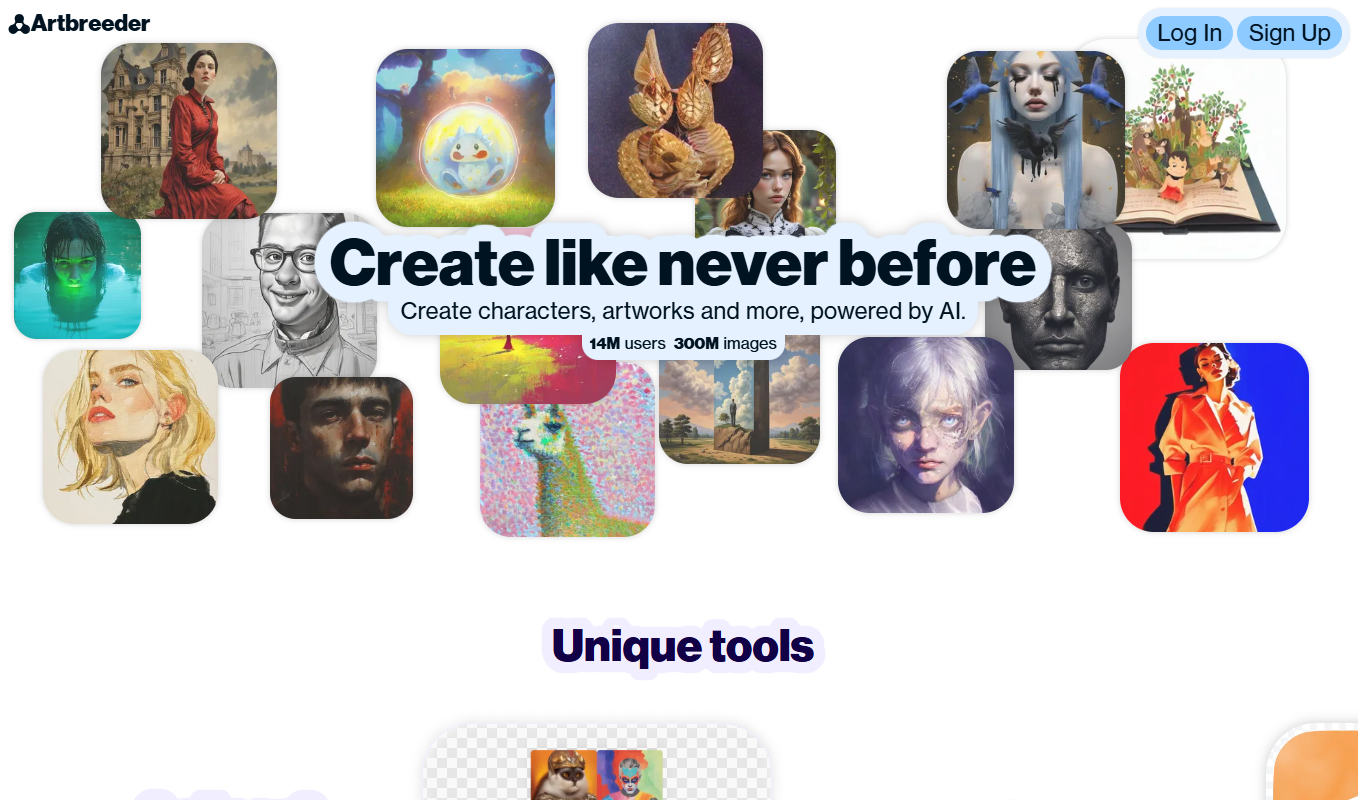
Artbreeder is an AI-powered web platform that enables users to create and evolve images through generative adversarial networks (GANs). It allows blending of multiple images and fine-tuning of visual attributes, producing unique artworks, avatars, and concept visuals. The tool is widely used by artists, designers, and enthusiasts to generate creative images without needing advanced graphic design skills.
Stable Diffusion
Stable Diffusion is a family of open image generation models from Stability AI, with Stable Diffusion 3.5 as its most powerful image model yet. It generates a wide range of image styles from text prompts, and you can deploy Stable Diffusion 3.5 on your own infrastructure, integrate it via the Stability AI API, or start creating in web-based applications.
Key features
Artbreeder
-
Image Blending
Combine multiple images to create new, unique visuals by blending their features.
-
Gene Editing Sliders
Fine-tune specific attributes like age, gender, color, and style using intuitive sliders.
-
Community Gallery
Explore and remix images created by other users to inspire your own creations.
-
High-Resolution Downloads
Download your images in high resolution for professional use or printing.
-
Multiple Image Categories
Work with portraits, landscapes, anime, and other artistic styles within the platform.
Stable Diffusion
-
Self-hosted open models
Stability AI licenses combine open models with self-hosting; the Community License is free for researchers, developers, small businesses and creators with less than $1M in annual revenue.
-
Versatile styles and prompt adherence
Generate a wide range of image styles like 3D, photography, painting and line art, with market-leading prompt adherence.
-
Stability AI API
Integrate the models and editing tools into your custom-built applications through the Stability AI API.
-
Editing and upscaling tools
Edit images you upload or generate with tools such as erase object, inpaint, outpaint and remove background, and upscale them to a higher resolution.
-
Flexible deployment
Deploy Stable Diffusion 3.5 on your own infrastructure, integrate it via the API, use it through cloud partners, or start creating in web-based applications.
Pricing
Plans as published by each vendor. Check the vendor site before buying — pricing changes.
Artbreeder
Free $0/month
Access to basic features with limited image uploads and downloads.
Starter $8.99/month
Unlock higher resolution downloads, more uploads, and priority access to new features.
Advanced $18.99/month
Champion $38.99/month
Stable Diffusion
Community license (self-hosted) Free
Self-hosted license for researchers, developers, small businesses and creators with less than $1M in annual revenue; includes the Stable Diffusion 3.5 Suite and SDXL Turbo.
Stability AI API (credits) Credit-based: 1 credit = $0.01, with 25 free credits to start
Credit prices for Stable Diffusion 3.5: Large 6.5, Large Turbo 4, Medium 3.5, Flash 2.5.
Enterprise license Custom pricing
For enterprises, API providers and businesses with annual revenue exceeding $1M; includes commercial use and implementation support, with custom model training and consulting services as upgrades.
Strengths and trade-offs
Artbreeder
Strengths
- Easy-to-use interface for creative image generation
- Strong community with shared images and inspiration
- High-quality outputs suitable for various projects
- Flexible gene editing for detailed customization
- Supports multiple artistic styles and categories
Trade-offs
- Limited free plan features and downloads
- No dedicated mobile app available
- Some learning curve to master gene adjustments
Stable Diffusion
Strengths
- Open models that can be self-hosted
- Wide range of image styles with strong prompt adherence
- Self-hosted, API, cloud partner and web-based options
- Editing and upscaling tools alongside generation
- Free Community License for creators and businesses under $1M annual revenue
Trade-offs
- Commercial use by organizations over $1M annual revenue needs a paid Enterprise License
- Output quality depends on prompt quality
- The Community License is revocable if its terms are violated
Who it is for
Artbreeder
- Digital artists and illustrators
- Graphic designers
- Game developers and character designers
- Social media content creators
- Creative hobbyists and enthusiasts
Stable Diffusion
- Digital artists and designers
- Marketing professionals
- Content creators and social media managers
- Game developers and animators
- Researchers and educators in creative fields
What people use it for
Artbreeder
-
Creative Image Generation
Users can generate unique and artistic images by blending and evolving existing images using AI.
-
Avatar and Character Design
Create custom avatars and characters for games, social media, or personal projects by manipulating facial features and styles.
-
Concept Art and Inspiration
Artists and designers use Artbreeder to explore new visual ideas and generate concept art quickly.
-
Photo Manipulation and Enhancement
Modify photos by adjusting genes and parameters to enhance or alter image attributes creatively.
-
Collaborative Art Creation
Users can remix and build upon images created by others, fostering a community-driven creative process.
Stable Diffusion
-
Creative Visual Content Generation
Generate unique and high-quality images from textual descriptions for art, marketing, and design projects.
-
Concept Art and Design Prototyping
Assist artists and designers in quickly visualizing concepts and ideas through AI-generated imagery.
-
Marketing and Advertising
Create custom visuals for campaigns, social media, and promotional materials without the need for traditional graphic design.
-
Educational and Research Applications
Use AI-generated images to support teaching, presentations, and research in creative fields.
-
Entertainment and Media
Produce artwork for games, comics, and multimedia projects leveraging AI creativity.
Getting started
Artbreeder
Create an Account
Sign up on Artbreeder's website to start creating and saving your images.
Choose or Upload Images
Select existing images from the community or upload your own to begin blending.
Adjust Genes and Blend
Use sliders to modify visual attributes and blend images to evolve new artworks.
Save and Share
Save your creations to your profile and share them with the Artbreeder community or externally.
Stable Diffusion
Input Text Prompt
Users provide a descriptive text prompt detailing the desired image content.
Choose a Stable Diffusion 3.5 model
Large is the most powerful model in the Stable Diffusion family for professional use at 1 megapixel resolution, Turbo runs faster in just four steps, and Medium is designed to run on consumer hardware.
Edit and refine
Refine images with editing tools such as inpaint, outpaint, search and replace, and upscale.
Self-host, use the API or create on the web
Run the model on your own infrastructure, integrate it via the Stability AI API, or create images in web-based applications such as Stable Assistant.
Common questions
Yes, Artbreeder allows commercial use of images created on the platform, but you should review their licensing terms for specifics.
It generates images from text prompts in a wide range of styles, for uses such as on-brand marketing assets and storyboarding.
No, Artbreeder is designed to be user-friendly and accessible without prior design experience.
Self-hosting the Core Models, including Stable Diffusion, is free unless you use them for a commercial purpose and you or your organization generate over USD $1M of annual revenue. The Stability AI API is paid with credits.
You can create portraits, landscapes, anime art, and other styles by blending and editing images.
Yes. The Stability AI Community License allows commercial use for individuals or organizations with under $1M of annual revenue; above that an Enterprise License is needed. You own the outputs you generate.
Currently, Artbreeder is only available as a web-based platform.
Not for web use: Stable Assistant gives access to the models and editing tools from a web-based creative platform. Self-hosting or integrating the API into your own applications involves more technical work.
More comparisons with these tools

Flux AI vs Stable Diffusion: Free Tier, Resolution & Commercial License
Flux AI vs Stable Diffusion — compare free plan limits, output resolution, commercial licensing terms, and pricing tiers.
-
Civitai vs Artbreeder: Image Quality, Style Control & Pricing
Civitai vs Artbreeder — compare image quality, style range, prompt accuracy, pricing plans, and creative control.
- Civitai: $14/month Starts at Artbreeder: $8.99/month
- Civitai: 1 Platforms Artbreeder: 1
-
Civitai vs Stable Diffusion: Community, Models & API Access
Civitai vs Stable Diffusion — compare community model availability, API access, fine-tuning options, and pricing.
- Civitai: $14/month Starts at Stable Diffusion: Credit-based: 1 credit = $0.01, with 25 free credits to start
- Civitai: 1 Platforms Stable Diffusion: 2
-
Deep Dream Generator vs Stable Diffusion: Best for Marketing, Art & Product Images?
Deep Dream Generator or Stable Diffusion for marketing visuals? Compare image quality, style range, prompt control, and pricing.
- Deep Dream Generator: $9 Starts at Stable Diffusion: Credit-based: 1 credit = $0.01, with 25 free credits to start
- Deep Dream Generator: 1 Platforms Stable Diffusion: 2
-
Deep Dream Generator vs Artbreeder: Free Tier, Resolution & Commercial License
Deep Dream Generator vs Artbreeder — compare free plan limits, output resolution, commercial licensing terms, and pricing tiers.
- Deep Dream Generator: $9 Starts at Artbreeder: $8.99/month
- Deep Dream Generator: 1 Platforms Artbreeder: 1
Artbreeder Free vs Paid: Free vs Paid Compared
Compare the free and paid tiers of Artbreeder Free and Paid — features, usage limits, and which plan is worth paying for.

