Artbreeder Free vs Paid: Free vs Paid Compared
Compare the free and paid tiers of Artbreeder Free and Paid — features, usage limits, and which plan is worth paying for.
- Tool
- Artbreeder
- Format
- Plan tiers
- Updated
- March 27, 2026
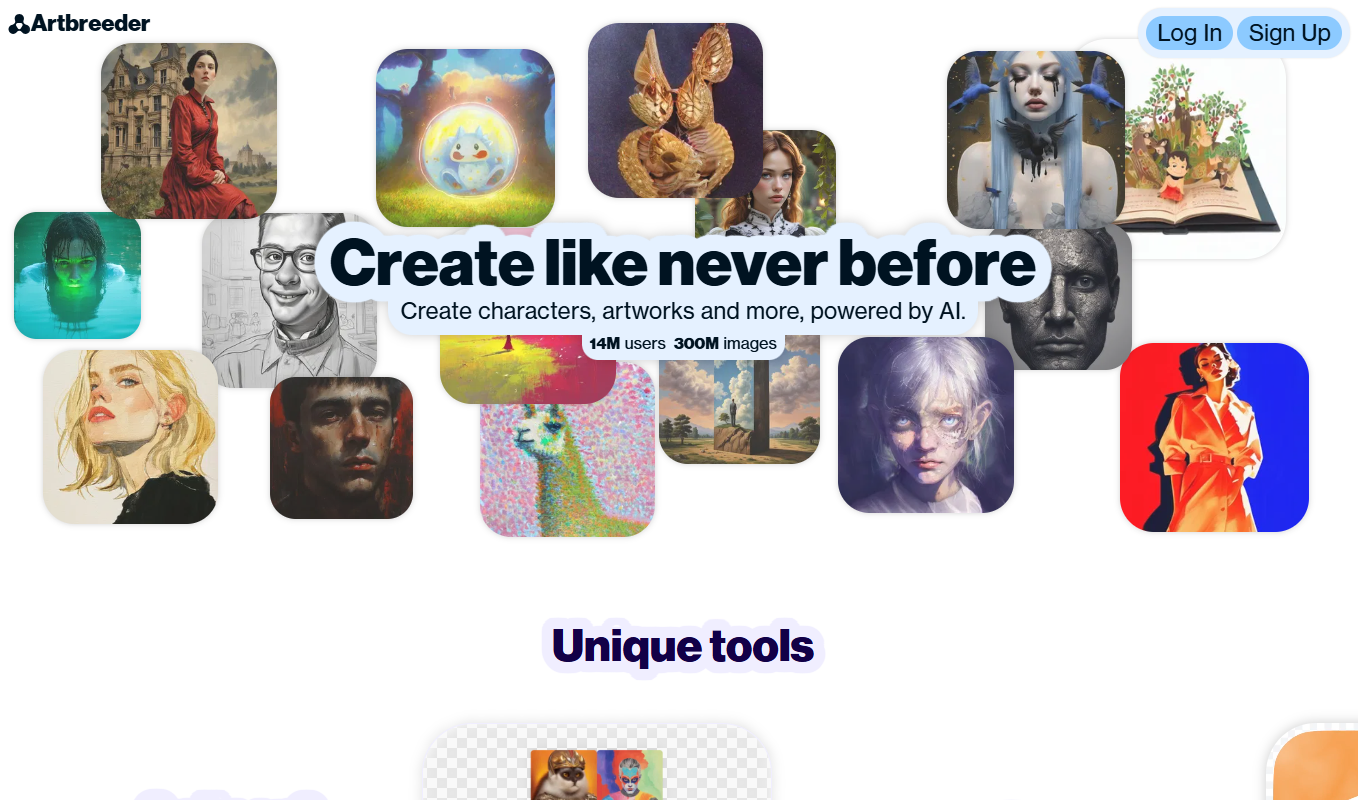

Free vs paid, side by side
| Feature |
Free
Artbreeder
|
Paid
Artbreeder
|
|---|---|---|
| Plans | Free | Starter Advanced Champion |
| Price | $0/month | $8.99/month $18.99/month $38.99/month |
| What you get | Access to basic features with limited image uploads and downloads. | Unlock higher resolution downloads, more uploads, and priority access to new features. |
What Artbreeder is
Artbreeder is an AI-powered web platform that enables users to create and evolve images through generative adversarial networks (GANs). It allows blending of multiple images and fine-tuning of visual attributes, producing unique artworks, avatars, and concept visuals. The tool is widely used by artists, designers, and enthusiasts to generate creative images without needing advanced graphic design skills.
Key features
-
Image Blending
Combine multiple images to create new, unique visuals by blending their features.
-
Gene Editing Sliders
Fine-tune specific attributes like age, gender, color, and style using intuitive sliders.
-
Community Gallery
Explore and remix images created by other users to inspire your own creations.
-
High-Resolution Downloads
Download your images in high resolution for professional use or printing.
-
Multiple Image Categories
Work with portraits, landscapes, anime, and other artistic styles within the platform.
Strengths and trade-offs of Artbreeder
Strengths
- Easy-to-use interface for creative image generation
- Strong community with shared images and inspiration
- High-quality outputs suitable for various projects
- Flexible gene editing for detailed customization
- Supports multiple artistic styles and categories
Trade-offs
- Limited free plan features and downloads
- No dedicated mobile app available
- Some learning curve to master gene adjustments
Who it is for
- Digital artists and illustrators
- Graphic designers
- Game developers and character designers
- Social media content creators
- Creative hobbyists and enthusiasts
What people use it for
-
Creative Image Generation
Users can generate unique and artistic images by blending and evolving existing images using AI.
-
Avatar and Character Design
Create custom avatars and characters for games, social media, or personal projects by manipulating facial features and styles.
-
Concept Art and Inspiration
Artists and designers use Artbreeder to explore new visual ideas and generate concept art quickly.
-
Photo Manipulation and Enhancement
Modify photos by adjusting genes and parameters to enhance or alter image attributes creatively.
-
Collaborative Art Creation
Users can remix and build upon images created by others, fostering a community-driven creative process.
Getting started
Create an Account
Sign up on Artbreeder's website to start creating and saving your images.
Choose or Upload Images
Select existing images from the community or upload your own to begin blending.
Adjust Genes and Blend
Use sliders to modify visual attributes and blend images to evolve new artworks.
Save and Share
Save your creations to your profile and share them with the Artbreeder community or externally.
Common questions
Yes, Artbreeder allows commercial use of images created on the platform, but you should review their licensing terms for specifics.
No, Artbreeder is designed to be user-friendly and accessible without prior design experience.
You can create portraits, landscapes, anime art, and other styles by blending and editing images.
Currently, Artbreeder is only available as a web-based platform.
It depends on your specific needs and how you plan to use the tool. The official website and documentation are the best sources for the latest details.
Some tools offer a free plan or trial with limited features. Availability can vary, so confirm on the official website.
Yes, it can help with that use case depending on how you configure it and what features are available. You'll get the best results with clear inputs and a defined goal.
More comparisons with these tools

Civitai vs Artbreeder: Image Quality, Style Control & Pricing
Civitai vs Artbreeder — compare image quality, style range, prompt accuracy, pricing plans, and creative control.
- Civitai: $14/month Starts at Artbreeder: $8.99/month
- Civitai: 1 Platforms Artbreeder: 1
-
Deep Dream Generator vs Artbreeder: Free Tier, Resolution & Commercial License
Deep Dream Generator vs Artbreeder — compare free plan limits, output resolution, commercial licensing terms, and pricing tiers.
- Deep Dream Generator: $9/month Starts at Artbreeder: $8.99/month
- Deep Dream Generator: 1 Platforms Artbreeder: 1
-
Artbreeder vs Civitai: Which AI Image Generator Wins in 2026?
We tested Artbreeder and Civitai on realism, artistic styles, speed, and pricing — here's which comes out on top.
- Artbreeder: $8.99/month Starts at Civitai: $14/month
- Artbreeder: 1 Platforms Civitai: 1
-
Artbreeder vs Stable Diffusion: Image Quality, Style Control & Pricing
Artbreeder vs Stable Diffusion — compare image quality, style range, prompt accuracy, pricing plans, and creative control.
- Artbreeder: 1 Platforms Stable Diffusion: 3
-
Artbreeder vs Leonardo AI: Which Handles Text in Images Better?
Artbreeder vs Leonardo AI — compare text rendering accuracy, style control, output quality, and pricing tiers.
- Artbreeder: $8.99/month Starts at Leonardo AI: $12/month
- Artbreeder: 1 Platforms Leonardo AI: 2
-
Artbreeder vs Nightcafe: Prompt Engineering & Output Consistency
Compare Artbreeder and NightCafe on prompt responsiveness, output consistency, and which gives more control at each price.
- Artbreeder: $8.99/month Starts at NightCafe: $6/month
- Artbreeder: 1 Platforms NightCafe: 3