veed.io vs Invideo AI: Which AI Video Tool Is Worth It in 2026?
We tested Veed.io and InVideo AI on video quality, prompt accuracy, editing features, and pricing — here's the verdict.
- Category
- Video & Animation
- Format
- Head-to-head
- Updated
- April 17, 2026




How they compare
| Feature |
Veed.io
|
InVideo AI
|
|---|---|---|
| Made by | VEED Ltd. | InVideo Inc. |
| Category | AI Video Editing Image Generation & Editing Photo & Video Editing Video To Video | AI Animated Video AI Video Creation Tools Video & Animation Video To Video |
| Pricing model | Free Freemium Subscription | Free Freemium Subscription |
| Platforms | Web | Mobile App Web |
| Built with | JavaScript Node.js React | JavaScript Node.js React |
| Languages | English French German Portuguese +1 more | English French German Hindi +2 more |
| Based in | United Kingdom | United States |
Greyed rows are the same for both tools.
What each one is
Veed.io
Veed.io is a web-based video editing platform that combines traditional editing tools with AI-powered features such as automatic transcription, subtitle generation, and video captioning. It enables users to create professional-quality videos quickly without installing software, making video production accessible to creators, marketers, and businesses.
InVideo AI
InVideo AI is an online video creation platform that leverages artificial intelligence to simplify and accelerate video editing and production. It offers a wide range of customizable templates, AI-powered text-to-video conversion, automated voiceovers, and smart editing features designed to help users create professional-quality videos without advanced skills.
Key features
Veed.io
-
AI-Powered Automatic Subtitles
Generate subtitles automatically with high accuracy in multiple languages.
-
Intuitive Online Video Editor
Edit videos easily with drag-and-drop tools, trimming, cropping, and adding overlays.
-
Team Collaboration
Share projects with collaborators for feedback and joint editing.
-
Social Media Export Presets
Export videos tailored for platforms like Instagram, TikTok, YouTube, and Facebook.
-
Audio Editing Tools
Remove background noise, adjust volume, and edit audio tracks within videos.
InVideo AI
-
AI Text-to-Video Conversion
Automatically transforms scripts or articles into engaging video content with relevant visuals and animations.
-
Extensive Template Library
Access hundreds of professionally designed templates for marketing, social media, education, and more.
-
Automated Voiceovers
Generate natural-sounding AI voiceovers in multiple languages and accents without recording.
-
Drag-and-Drop Editor
Easily customize video scenes, add text, images, and audio with a user-friendly interface.
-
Stock Media Integration
Includes millions of royalty-free images, videos, and music tracks to enhance video projects.
Pricing
Plans as published by each vendor. Check the vendor site before buying — pricing changes.
Veed.io
Free $0/month
Basic video editing with watermark, limited export quality, and access to core features.
Basic $18/month
Remove watermark, HD exports, longer video uploads, and access to subtitle tools.
Pro $29/user/month
Advanced features including team collaboration, branding options, and priority support.
Business $59/user/month
InVideo AI
Free $0/month
Access to basic features, limited exports per month, and watermark on videos.
Pro $30/month or $25/month billed annually, per seat
1,000 credits per seat per month (about 400 Nano Banana Pro generations) for everyday AI creation.
Ultra $80/month or $60/month billed annually, per seat
3,000 credits per seat per month (about 1,200 Nano Banana Pro generations). Aimed at ambitious AI projects.
Basic $9
190 credits per seat per month (about 76 Nano Banana Pro generations). Aimed at first-time AI creators.
Strengths and trade-offs
Veed.io
Strengths
- User-friendly interface suitable for beginners
- Powerful AI transcription and subtitle generation
- No software installation required, fully online
- Supports team collaboration and feedback
- Multiple export options for social media
Trade-offs
- Free plan includes watermark on videos
- Some advanced features require paid subscription
- Dependent on internet connection for performance
InVideo AI
Strengths
- User-friendly interface suitable for beginners
- Wide variety of customizable templates
- AI-powered automation speeds up video creation
- Supports multiple languages and voiceovers
- Affordable pricing with a free tier
Trade-offs
- Free plan videos include watermarks
- Limited advanced editing features compared to professional software
- Occasional rendering delays during peak times
Who it is for
Veed.io
- Content creators and YouTubers
- Marketing teams and social media managers
- Small businesses producing video content
- Educators creating video lessons
- Video editors seeking quick online tools
InVideo AI
- Social media marketers
- Small business owners
- Content creators and influencers
- Educators and trainers
- Digital marketing agencies
What people use it for
Veed.io
-
Video Editing
Create, trim, crop, and enhance videos directly in the browser without needing complex software.
-
Automatic Subtitles and Captions
Generate accurate subtitles and captions automatically using AI-powered transcription tools.
-
Video Collaboration
Collaborate with teams on video projects with shared editing and commenting features.
-
Social Media Content Creation
Produce videos optimized for social media platforms with easy export options and aspect ratio presets.
-
Audio Editing and Enhancement
Edit audio tracks within videos, including noise removal and volume adjustments.
InVideo AI
-
Social Media Video Creation
Create engaging videos optimized for platforms like Instagram, Facebook, and TikTok using AI-powered templates and editing tools.
-
Marketing and Promotional Videos
Produce professional marketing videos quickly with AI assistance to boost brand awareness and customer engagement.
-
Content Repurposing
Transform blog posts, articles, and other written content into dynamic video formats to reach wider audiences.
-
Educational and Training Videos
Develop instructional videos with AI-generated voiceovers, captions, and animations for e-learning purposes.
-
Video Ads Creation
Generate short, compelling video advertisements using AI templates tailored for various advertising platforms.
Getting started
Veed.io
Upload Video
Start by uploading your video file to the Veed.io platform via the web interface.
Edit Video
Use the editor to trim, crop, add text, images, and effects to your video.
Generate Subtitles
Apply the AI transcription feature to automatically create subtitles and captions.
Collaborate
Invite team members to review and comment on the video project.
Export and Share
Export the finished video in various formats optimized for social media or download.
InVideo AI
Sign Up and Choose a Template
Create an account on InVideo and select from hundreds of AI-powered video templates suited for your project.
Input Content or Script
Enter your text, URL, or upload media to let the AI generate a video storyboard automatically.
Customize Video Elements
Use the drag-and-drop editor to adjust scenes, add voiceovers, music, and branding elements.
Preview and Export
Review your video, make final edits, then export in various formats optimized for different platforms.
Common questions
Yes, Veed.io is a fully web-based platform that works in your browser without any downloads.
Yes, InVideo offers a free plan with limited features and exports that include a watermark.
The AI transcription provides high accuracy, but results may vary depending on audio quality and accents.
Yes, it supports AI-generated voiceovers in several languages and accents.
Yes, paid plans include features for sharing projects and collaborating with team members.
No, InVideo AI is designed for users of all skill levels with easy-to-use tools and templates.
You can export videos in MP4 and other common formats optimized for social media platforms.
Yes, HD exports are available on paid plans.
Explore alternatives
Other tools that do a similar job, picked on each tool’s own profile.
 Free
Kapwing
Kapwing is a browser-based video editing platform that enables users to create, edit, and collaborate on videos and multimedia content without software installation.
- Free
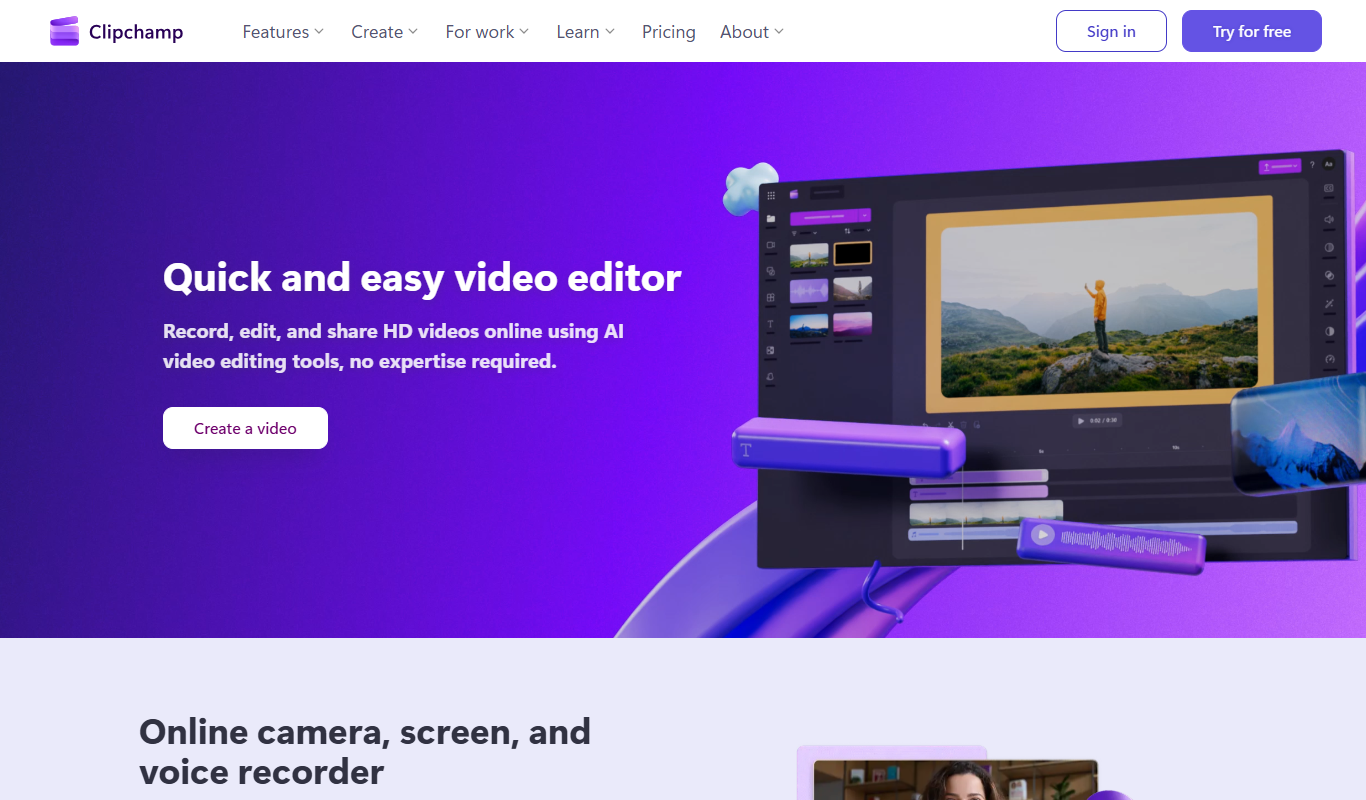
Clipchamp
Clipchamp is an online video editing platform by Microsoft that enables users to create and edit videos using templates, stock media, and AI-powered tools directly in their browser.
- Enterprise
Lumen5
Lumen5 is an AI-driven video creation platform that transforms text content into engaging videos optimized for social media and marketing, offering easy drag-and-drop editing and a large media library.
- Free
Wave.video
Wave.video combines a live streaming studio, video editor, thumbnail maker, video hosting, video recording, and stock library in one platform.



More comparisons with these tools

Clipchamp vs Invideo AI: Video Quality, Features & Pricing Compared
Clipchamp vs InVideo AI — compare AI video quality, editing features, generation speed, pricing plans, and workflow fit.
- Clipchamp: $6.99/month Starts at InVideo AI: $30/month or $25/month billed annually, per seat
- Clipchamp: 3 Platforms InVideo AI: 2
-
Clipchamp vs veed.io: For Marketing Videos & Social Media
Clipchamp or Veed.io for marketing? Compare video quality, template variety, social media formats, and pricing.
- Clipchamp: $6.99/month Starts at Veed.io: $18/month
- Clipchamp: 3 Platforms Veed.io: 1
-
Capcut AI vs Invideo AI: Which Handles Long-Form Video Better?
We compared CapCut AI and InVideo AI on long-form video quality, chapter control, voiceover sync, and pricing.
- CapCut AI: $19.99/month or $179.99/year Starts at InVideo AI: $30/month or $25/month billed annually, per seat
- CapCut AI: 4 Platforms InVideo AI: 2
-
Capcut AI vs veed.io: Editing Controls, Templates & Workflow
CapCut AI vs Veed.io — compare editing flexibility, template library, timeline controls, and workflow efficiency.
- CapCut AI: $19.99/month or $179.99/year Starts at Veed.io: $18/month
- CapCut AI: 4 Platforms Veed.io: 1
veed.io Free vs Paid: Free vs Paid Compared
Compare the free and paid tiers of Veed.io Free and Paid — features, usage limits, and which plan is worth paying for.
-
veed.io vs Adobe Premiere: Enterprise Features, API & Team Plans
Compare Veed.io and Adobe Premiere on enterprise features, API access, team collaboration, compliance, and pricing.