

JSON Validator
Validate and format your JSON data with our free online JSON validator. Check for syntax errors, prettify minified JSON, and ensure your data structure is correct - essential for API development and debugging.
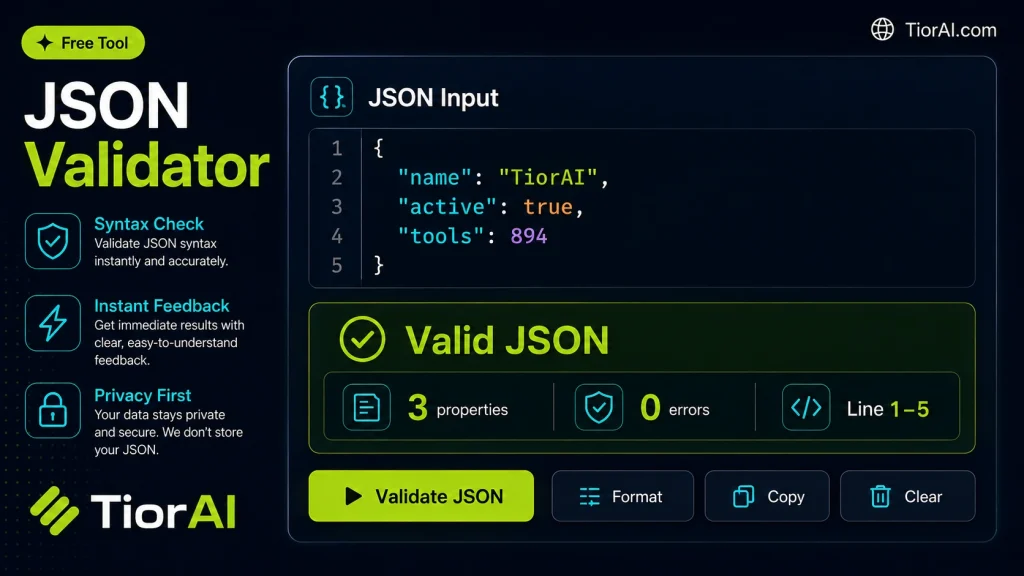
| Check | Result |
|---|
How to use it
- Paste or Enter Your Input Paste your code, text, or data into the input field. The tool supports large inputs without performance issues.
- Process and Analyze Click the action button or let the tool auto-process your input. Results appear in real time with highlighted details.
- Copy or Download the Output Review the results and copy the output to clipboard or download as a file for use in your project.
Tip For large inputs, process in sections to validate intermediate results and catch errors early.
Understanding JSON and Its Validation
JSON (JavaScript Object Notation) is a lightweight data interchange format widely used for transmitting data between a server and a web application. It represents data as key-value pairs and arrays, making it easy for humans to read and write, and for machines to parse and generate.
Because JSON must follow a strict syntax—such as using double quotes for strings, proper commas between elements, and balanced brackets—any deviation can cause errors in applications that consume JSON data. JSON validation is the process of checking whether a JSON string is syntactically correct and well-formed according to the JSON specification.
Validating JSON is crucial in many scenarios:
- When developers exchange data between APIs and clients to ensure data integrity.
- When configuring applications that use JSON files for settings or data storage.
- During debugging to quickly identify syntax errors in JSON code.
Using a JSON validator helps catch mistakes early, preventing runtime errors and improving the reliability of software that depends on JSON data.
What is JSON and Why Validate It?
JSON (JavaScript Object Notation) is a popular format for structuring data, especially in web development and APIs. It uses a simple syntax of key-value pairs and arrays to represent complex data in a readable way. However, JSON must follow strict syntax rules to be parsed correctly by software.
Validation ensures that your JSON data is syntactically correct and free of errors that could cause failures in applications or APIs that consume it. This process checks for proper use of quotes, commas, brackets, and other syntax elements.
When to Use a JSON Validator
- Before sending data to an API to confirm it is correctly formatted.
- When editing JSON configuration files to prevent application errors.
- During development to debug and fix JSON syntax issues quickly.
- To verify JSON received from external sources for integrity.
- To format minified JSON for easier reading and editing.
Common Mistakes to Avoid
- Using single quotes instead of double quotes around strings.
- Omitting commas between elements or adding trailing commas.
- Including unescaped special characters inside strings.
- Confusing JSON syntax with JavaScript object notation.
Understanding these common pitfalls helps you write valid JSON and use validation tools effectively. Proper validation improves data reliability and prevents runtime errors in applications that depend on JSON.
Frequently asked questions
Reviews and questions
Whether this tool gave people the answer they needed, and what they asked about it.
Sign in to review this tool.
Sign In to ReviewNo reviews yet
Be the first to say whether this tool gave you what you needed.
Ask how to read the result, or what the tool does with an edge case — or answer someone else.
Sign In to AskNo questions yet
Not sure how to read a result? Be the first to ask.
AI tools related to this topic
Tools from the TiorAI directory that work on the same kind of job.

ChatGPT
ChatGPT is an AI chatbot by OpenAI powered by GPT-4o. It handles writing, coding, research, data analysis, and natural conversation. Free tier available, Plus at $20/month.