

YAML to JSON
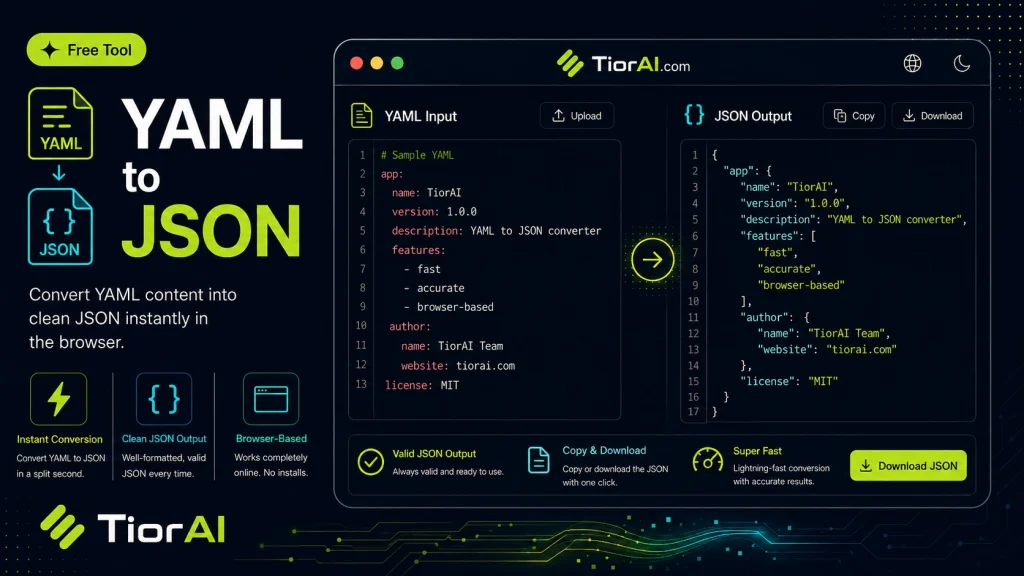
Convert values quickly with the free yaml to json tool. Paste your input, select the target format, and get clean, accurate output — ideal for developers and content creators.
Key/Value count: 0
How to use it
- Enter Source Value Type or paste the value you want to convert into the Yaml to Json. The tool accepts a wide range of input formats.
- Select Target Format Choose your desired output format or unit from the available options. The conversion starts automatically.
- Copy the Result Review the converted output and click copy to use it in your project, document, or workflow.
Tip Chain the Yaml to Json with other conversion tools on TiorAI to handle multi-step format transformations.
About YAML to JSON
YAML (YAML Ain’t Markup Language) and JSON (JavaScript Object Notation) are both popular data serialization formats used to represent structured data. Converting YAML to JSON involves transforming data written in YAML syntax into JSON syntax. This conversion is necessary because while YAML is designed to be human-readable and supports features like comments and complex data structures, JSON is widely used in web applications, APIs, and programming environments due to its simplicity and native compatibility with JavaScript.
Why convert YAML to JSON?
- Interoperability: Many software systems and APIs accept JSON as input but not YAML, so converting YAML to JSON enables integration.
- Data exchange: JSON is the standard format for data exchange on the web, making it essential for transmitting data between servers and clients.
- Tool compatibility: Some programming languages and libraries have built-in support for JSON parsing but limited or no support for YAML.
Common situations where this conversion is used include configuration files, data storage, and API communication. For example, developers might write configuration in YAML for readability but convert it to JSON for deployment or runtime use.
Understanding YAML to JSON Conversion
YAML and JSON are both formats used to represent structured data, but they serve different purposes. YAML is designed to be easy for humans to read and write, supporting features like comments and complex references. JSON, on the other hand, is a lightweight data interchange format widely used in web applications and programming environments due to its simplicity and native support in JavaScript.
Converting YAML to JSON involves translating the readable YAML syntax into JSON syntax so that the data can be consumed by systems that require JSON input. This process is common when working with APIs, configuration files, or data exchange between different software components.
When to Use YAML to JSON Conversion
- When your configuration or data is authored in YAML but the target system only accepts JSON.
- When preparing data for web APIs that require JSON-formatted requests.
- When integrating YAML-based data into JavaScript applications that natively parse JSON.
- When automating workflows that involve converting human-friendly YAML files into machine-readable JSON.
Common Mistakes to Avoid
- Expecting comments in YAML to appear in the JSON output; JSON does not support comments, so they are removed.
- Not validating the YAML input before conversion, which can cause errors or incorrect JSON.
- Misunderstanding YAML features like anchors and aliases, which are expanded during conversion and may affect the resulting JSON structure.
Understanding these aspects helps ensure smooth data conversion and integration between systems using YAML and JSON.
Frequently asked questions
Reviews and questions
Whether this tool gave people the answer they needed, and what they asked about it.
Sign in to review this tool.
Sign In to ReviewNo reviews yet
Be the first to say whether this tool gave you what you needed.
Ask how to read the result, or what the tool does with an edge case — or answer someone else.
Sign In to AskNo questions yet
Not sure how to read a result? Be the first to ask.
AI tools related to this topic
Tools from the TiorAI directory that work on the same kind of job.

Code to Flow: Visualize your code
Code to Flow is a web tool that automatically converts source code into flowcharts, helping developers visualize and understand code logic easily.