
From my experience with Momo, I found it excels at simplifying team workflows by automating repetitive tasks and integrating smoothly with popular collaboration tools. After spending time with the platform, I can say it’s particularly well-suited for small to medium-sized teams looking to boost productivity without complex setups. However, the limitation to English and the need for a paid plan to access advanced features may restrict some users. Overall, if you want an AI assistant that streamlines task management and meeting summaries, Momo delivers solid, practical results.

Momo AI Assistant for Team Productivity and Workflow Automation
Momo is an AI-powered assistant that automates workflows, manages tasks, and enhances team collaboration by integrating with popular productivity tools.
Tech Stack:
JavaScript
Node.js
React
What is Momo?
Momo is an AI-powered assistant designed to boost team productivity by automating workflows, facilitating collaboration, and managing tasks efficiently. It integrates with popular workplace tools to streamline communication and reduce manual work.

Key Features of Momo
AI Workflow Automation
Automates routine tasks and integrates with multiple tools to save time.
Meeting Summaries
Automatically generates concise notes and action items from meetings.
Task and Project Management
Organizes tasks, assigns responsibilities, and tracks progress within teams.
Multi-Tool Integration
Connects with popular apps like Slack, Google Workspace, and others for seamless workflows.
Centralized Knowledge Base
Stores and shares important information to keep teams aligned.
Pros and Cons of Momo
Pros
- Easy to set up and integrate with existing tools
- Automates repetitive tasks effectively
- Improves team communication and task tracking
Cons
- Limited language support (English only)
- Advanced features require paid subscription
Key Use Cases for Momo
Team Collaboration
Facilitates seamless communication and task coordination among team members.
Workflow Automation
Automates repetitive tasks and integrates with popular tools to streamline processes.
Task Management
Helps organize, assign, and track tasks efficiently within teams.
Meeting Summaries
Generates concise summaries and action items from meetings to keep everyone aligned.
Knowledge Sharing
Centralizes team knowledge and makes information easily accessible.
How Momo Works
-
1
Sign Up and Connect Tools
Create an account and integrate Momo with your existing collaboration and productivity apps.
-
2
Set Up Workflows
Configure automated workflows tailored to your team’s processes.
-
3
Collaborate and Automate
Use Momo to manage tasks, automate repetitive actions, and generate meeting summaries.
-
4
Monitor and Optimize
Track workflow performance and adjust automations to improve efficiency.
Who's Using Momo
Small to medium-sized teams
Project managers
Remote teams
Marketing agencies
Software development teams
Momo Pricing
Free
$0/month
Basic features with limited workflow automations and integrations.
Pro
$15/month
Advanced automation, unlimited integrations, and priority support.
Frequently Asked Questions About Momo
Momo integrates with tools like Slack, Google Workspace, Microsoft Teams, and more.
Yes, Momo offers a free plan with basic features and limited automations.
Absolutely, Momo is designed to scale from small teams to larger organizations.
It depends on your specific needs and how you plan to use the tool. The official website and documentation are the best sources for the latest details.
Integration support depends on the tool and its available connectors or API. Check the official documentation or integrations page to confirm what is supported.
Some tools offer a free plan or trial with limited features. Availability can vary, so confirm on the official website.
Share your review
Reviews are limited to one per logged-in user and are published after moderation.
You need an account to review this tool.
0.0
★
★
★
★
★
0 reviews
5 star
0
4 star
0
3 star
0
2 star
0
1 star
0
No reviews yet
Be the first to share how this tool worked for you.
Questions from the community
Read questions and answers about this tool, or ask your own.
No questions yet
Start the conversation by asking the first question about this tool.
Is this tool helpful?
Alternative Tools
Explore similar AI tools that might fit your needs

Free
Trello
Trello is a visual project management tool that helps teams organize tasks and workflows using boards, lists, and cards, with automation and integrations to enhance productivity.

Freemium
AutoCut
AutoCut is an AI-driven online video editor that automatically detects and removes silences and unwanted segments from videos, streamlining the editing process for content creators.

Freemium
Hiringtools AI
Hiringtools AI is an AI-driven recruitment platform that automates candidate screening, interview scheduling, and applicant tracking to help HR teams hire efficiently.

Free Trial
Flowsell AI
Flowsell AI is an AI-driven sales automation platform that helps businesses automate lead generation, personalize email outreach, and integrate with CRM systems to boost sales efficiency.

Freemium
Redesign With AI
Redesign With AI is an AI-driven platform that automates website redesign by analyzing existing sites and generating improved design prototypes for better user experience and aesthetics.

Free
Gantt Chart AI
Gantt Chart AI is a web-based project management tool that uses artificial intelligence to automatically create and adjust Gantt charts, helping teams optimize project schedules and manage tasks efficiently.

Freemium
PodfyAI – The Platform for Creators and Agencies
PodfyAI is a web-based AI podcast platform that helps creators and agencies produce, edit, publish, and analyze podcasts efficiently with AI-powered tools and multi-client management.

Freemium
BedtimeRead
BedtimeRead is an AI-driven platform that provides concise summaries of nonfiction books, helping users quickly understand key ideas without reading the entire book.
Freemium
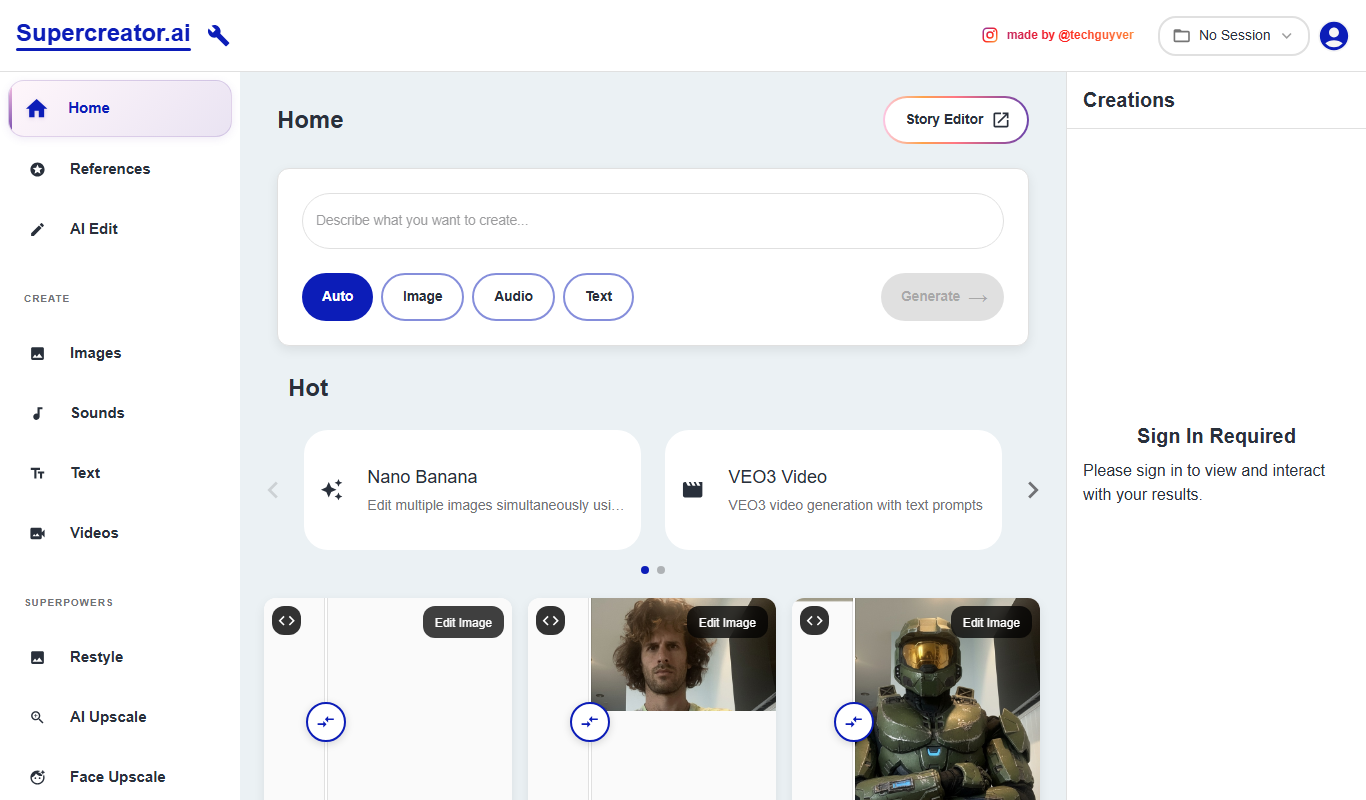
Supercreator
Supercreator is an AI-powered platform that transforms text into marketing videos with customizable templates and AI voiceovers, designed for easy and fast video creation.