

Uranus.AI text-to-image AI art generator
Uranus.AI makes AI generated art from just a few words, with prompt ideas, built-in styles, enhancers and an expert mode.
- Best for
- Creating AI artwork
- Key capability
- Art from a text prompt
Save Uranus AI, follow its updates and vote on it — everything stays in your account.
Sign in or create a free account
What is Uranus AI?
Uranus.AI is a text-to-image AI art generator. You type a few words as a prompt, optionally pick styles and enhancers or use expert mode, choose how many images to create, and its AI engine generates the artwork in seconds. The site also offers prompt ideas and a guide to writing prompts.
Key features of Uranus AI
Uranus.AI generates images from text prompts, offers prompt ideas and random prompts, built-in styles, enhancers, an expert mode and a choice of how many images to create.
Art from a text prompt
Make AI generated art from just a few words.
Built-in styles
Popular styles such as realistic, oil painting, pencil drawing, concept art, cinematic, fantasy, anime and surreal, which can be combined.
Prompt ideas
Get AI text prompt ideas and recreate them in seconds.
Enhancers and expert mode
Add enhancers or switch to expert mode, and choose how many images to create.
Anomaly Detection
Detects irregular data patterns to highlight potential issues or opportunities.
Pros and cons of Uranus AI
Pros
- Generates art from just a few words
- Popular styles built into the app
- Prompt ideas and a prompt writing guide
- Supports real-time data processing
- Flexible pricing plans including enterprise options
Cons
- Limited language support (English only)
- No mobile app available currently
- Pricing details for enterprise plans require direct contact
Key use cases for Uranus AI
Creating AI artwork
Turn a few words into AI generated art.
Exploring art styles
Combine multiple styles, such as an oil painting or pencil drawing, to get more creative images.
Business Intelligence
Gain actionable insights to support strategic decision-making and operational improvements.
Automated Reporting
Generate automated, customizable reports to streamline data communication.
Anomaly Detection
Identify unusual patterns or outliers in data to detect risks or opportunities early.
How Uranus AI works
- 1
Write a raw prompt
Start with something simple and build on that foundation.
- 2
Add styles
Pick from the styles built into the app or combine several.
- 3
Add final touches
Use enhancers or an artist’s name to make the style more specific.
- 4
Create
Choose how many images and create the artwork.
- 5
Decision Support
Use the insights to inform business strategies and operational decisions.
Who is using Uranus AI
Uranus AI pricing
Starter
$49/month
Basic analytics features suitable for small teams with limited data volume.
Professional
$149/month
Advanced analytics, increased data capacity, and priority support.
Enterprise
Custom pricing
Tailored solutions with dedicated support, integrations, and scalability.
Plans and prices are as published by the vendor and can change. Check the official site before you buy. Open the pricing page (opens in a new tab)
Frequently asked questions about Uranus AI
Start with something simple, then add a style and final touches such as enhancers or an artist’s name.
Popular styles include realistic, oil painting, pencil drawing, concept art, cinematic, fantasy, anime and surreal, and they can be combined.
Yes, users can select from pre-built models or customize parameters to fit their specific needs.
Yes, it supports real-time data processing to provide up-to-date insights.
This tool is designed to help users accomplish its core tasks more efficiently. It is typically used by individuals or teams looking to improve productivity and workflow.
Data handling and security practices vary by provider. Review the official privacy policy to understand how your data is stored and used.
Yes, it can help with that use case depending on how you configure it and what features are available. You’ll get the best results with clear inputs and a defined goal.
Pricing depends on the plan and included features. For the most accurate and up-to-date details, check the official pricing page.
Conclusion
A few words are enough to start with Uranus.AI: the prompt goes into its AI engine and the artwork comes back in seconds. Styles built into the app, such as oil painting, pencil drawing or anime, can be combined. Enhancers and an expert mode give more control over the result.
Prompt ideas help when it is unclear what to type, and a how-to guide explains how to start with something simple, then add a style and final touches such as enhancers or an artist’s name.
Sources
Sign in to review this tool.
Sign In to ReviewNo reviews yet
Be the first to share how this tool worked for you.
Ask about pricing, limits, or how it compares — or answer someone else.
Sign In to AskNo questions yet
Have a question about using or paying for this tool? Be the first to ask.
Featured on TiorAI



More AI Artificial Intelligence Tools tools
Other tools in the same category, for when this one is not quite the fit.

Kvants Studio
Kvants Studio is a quantitative AI trading agent builder: describe a trading thesis in plain English, then inspect, backtest, validate and paper trade the agent's model.

SolidPoint
SolidPoint AI uses autonomous AI agents to summarize YouTube videos, Reddit threads, arXiv papers and web pages and turn them into quizzes, flashcards and dashboards.

Saleswise | AI Tools for Real Estate Agents
Saleswise is an AI workspace for real estate agents with CMAs, staging and flyers, plus listing descriptions, emails, and blog posts.

ImgGen AI
ImgGen AI is a web-based platform that uses artificial intelligence to generate images from text descriptions, enabling users to create unique visuals quickly and easily.
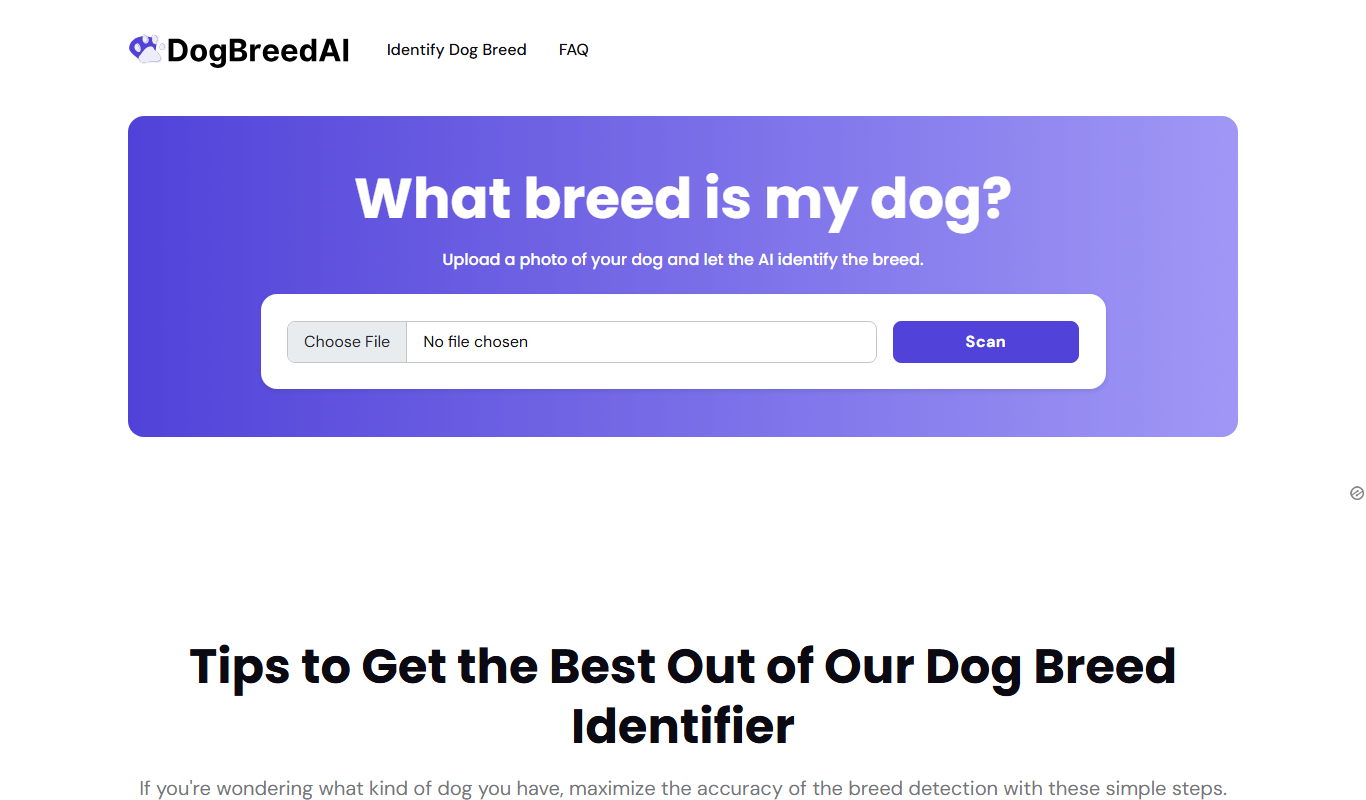
Dog Breed AI
Dog Breed AI uses artificial intelligence to identify dog breeds from photos, providing breed details and care information on web and mobile platforms.
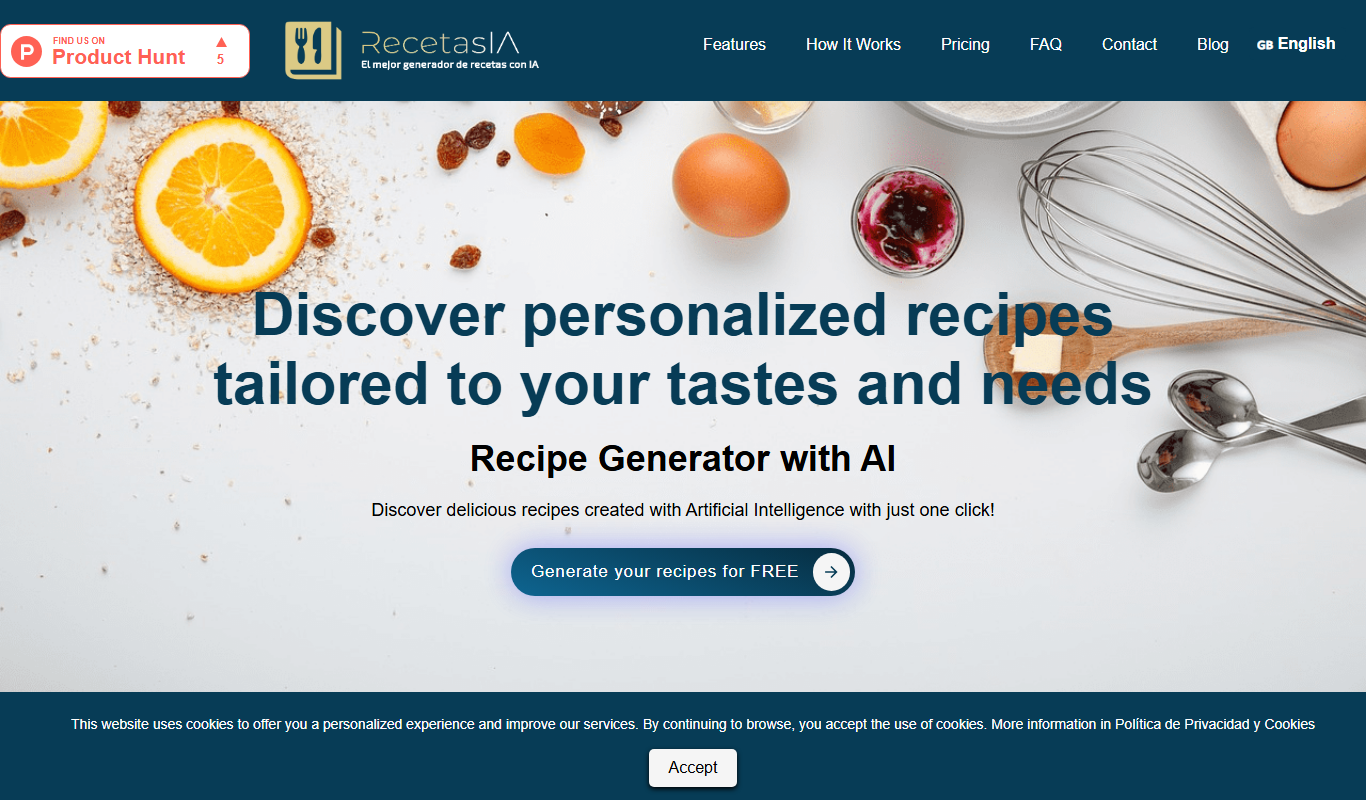
RecetasIA
RecetasIA is an AI-based web tool with a free plan that generates personalized recipes from your tastes, dietary restrictions and intolerances, in English or Spanish.

Newmoney.AI
Newmoney.AI is an AI-powered crypto and cash wallet: buy, trade, swap and send crypto across SUI, Solana, Ethereum and Bitcoin with the AI agent Newton, including via WhatsApp and Telegram.

TwoShot
TwoShot is an AI creative suite for music, audio, video and images: generate music and sounds from text, split stems, make voiceovers and produce in an online studio.