

From my experience with Storyy, I found it excels at simplifying social media content planning through its intuitive calendar and collaboration features. Spending time with the platform, I can say it’s particularly well-suited for marketing teams and content creators who need a centralized place to organize ideas and coordinate campaigns. However, there’s a trade-off: Storyy currently lacks direct posting integrations and mobile apps, which might require using additional tools for publishing. Overall, if you want a straightforward, team-friendly content planner to streamline your social media workflow, Storyy delivers solid results.
Storyy Social Media Content Planner for Marketing Teams and Creators
Storyy is a web-based social media content planning and collaboration tool that helps marketing teams organize, schedule, and manage social media posts efficiently.
- Best for
- Social Media Content Planning
- Key capability
- Visual Content Calendar
Your actions
Save Storyy, follow its updates and vote on it — everything stays in your account.
Sign in or create a free account

What is Storyy?
Storyy is a web-based social media content planning and collaboration tool designed to help marketing teams and content creators streamline their social media workflows. It provides a centralized calendar and workspace to plan, organize, and schedule posts across multiple social platforms, facilitating team collaboration and campaign management.
Key features of Storyy
Storyy offers an intuitive content calendar, team collaboration features, task assignments, content idea management, and scheduling capabilities to simplify social media marketing efforts.
Visual Content Calendar
Drag-and-drop calendar interface to plan and schedule social media posts.
Team Collaboration Tools
Assign tasks, comment, and approve content within the platform.
Content Idea Repository
Store and organize content ideas and assets for easy access.
Multi-Platform Scheduling
Plan posts for various social media channels from one dashboard.
Campaign Management
Coordinate timelines and tasks for social media campaigns.
Pros and cons of Storyy
Pros
- User-friendly visual content calendar
- Strong team collaboration features
- Centralized content idea management
Cons
- No direct social media posting integrations
- Lacks dedicated mobile applications
Key use cases for Storyy
Social Media Content Planning
Plan, organize, and schedule social media posts across multiple platforms efficiently.
Team Collaboration
Enable marketing teams to collaborate on content creation and approval workflows.
Content Calendar Management
Visualize and manage posting schedules with an intuitive calendar interface.
Campaign Coordination
Coordinate social media campaigns with clear timelines and task assignments.
Content Idea Organization
Collect and organize content ideas and assets in one centralized platform.
How Storyy works
- 1
Create an Account
Sign up on Storyy’s website to start organizing your social media content.
- 2
Set Up Your Team
Invite team members and assign roles for collaboration and content approval.
- 3
Plan Content
Use the calendar to schedule posts, add content ideas, and assign tasks.
- 4
Collaborate and Approve
Work together with your team to refine content and approve posts before publishing.
- 5
Publish and Track
Schedule posts for publishing and monitor campaign progress within the platform.
Who is using Storyy
Marketing teams
Social media managers
Content creators
Small to medium businesses
Digital marketing agencies
Storyy pricing
Free
$0/month
Basic content planning and collaboration features with limited users.
Pro
$15/month
Advanced features including unlimited users, enhanced collaboration, and priority support.
Plans and prices are as published by the vendor and can change. Check the official site before you buy. Open the pricing page (opens in a new tab)
Frequently asked questions about Storyy
Storyy focuses on content planning and collaboration; direct posting may require integration with other tools.
Yes, Storyy supports team collaboration with task assignments and content approvals.
Currently, Storyy is available as a web-based platform without dedicated mobile apps.
This tool is designed to help users accomplish its core tasks more efficiently. It is typically used by individuals or teams looking to improve productivity and workflow.
Yes, it can help with that use case depending on how you configure it and what features are available. You’ll get the best results with clear inputs and a defined goal.
Some tools offer a free plan or trial with limited features. Availability can vary, so confirm on the official website.
Sign in to review this tool.
Sign In to ReviewNo reviews yet
Be the first to share how this tool worked for you.
Ask about pricing, limits, or how it compares — or answer someone else.
Sign In to AskNo questions yet
Have a question about using or paying for this tool? Be the first to ask.
Featured on TiorAI



Alternative Tools
Explore similar AI tools that might fit your needs

Free Trial
Later
Later is an influencer marketing and social media management platform for brands, creators and social media managers, with tools to plan, schedule and analyze posts on Instagram, Facebook, TikTok, Pinterest, LinkedIn, YouTube and more.
More AI Short Clips Generator tools
Other tools in the same category, for when this one is not quite the fit.
One-time purchase
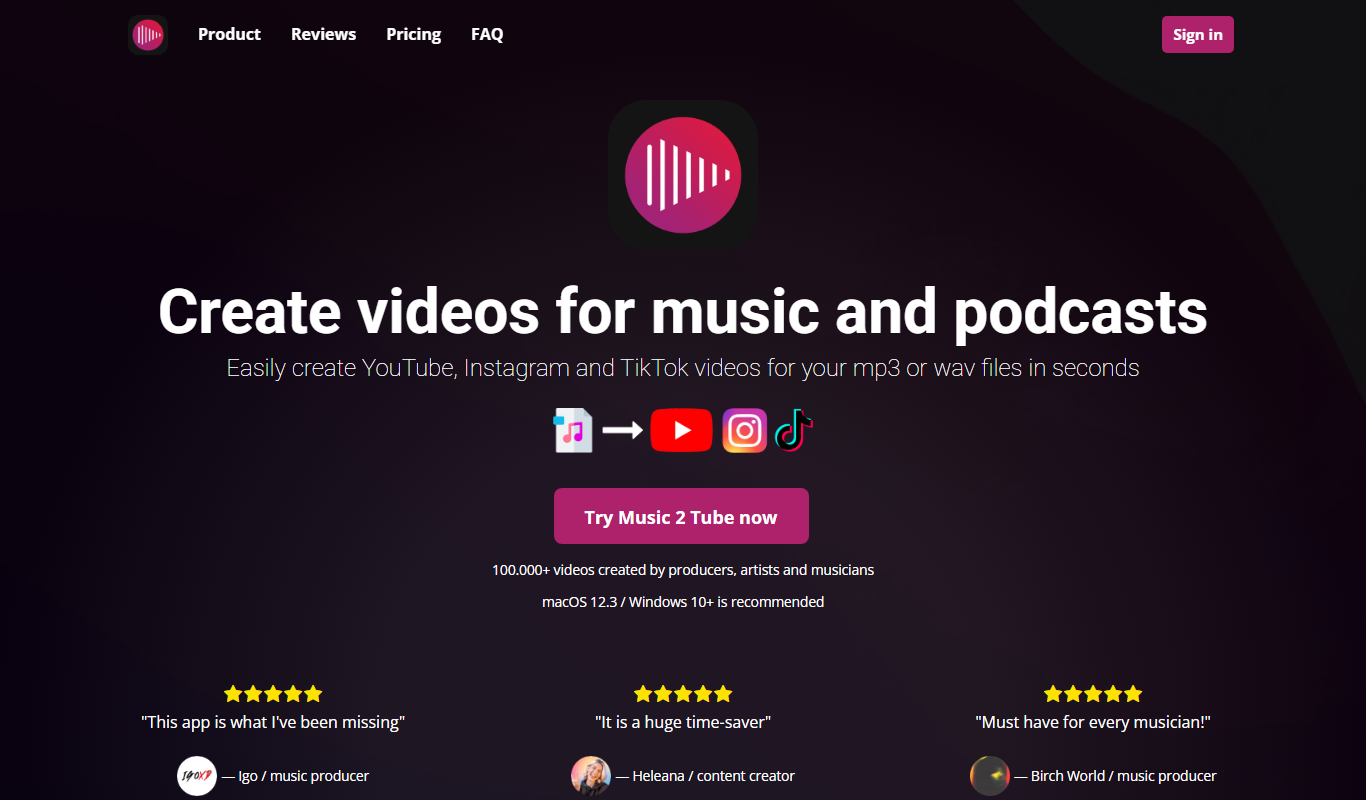
Music 2 Tube
Music 2 Tube is a desktop app that creates videos for music and podcasts and uploads your mp3 to YouTube.

Free Trial
VidAU
VidAU is an AI-powered platform that automates video creation from text and media inputs, designed to help marketers and content creators produce social media and marketing videos quickly without prior editing skills.

Contact for pricing
SolidPoint
SolidPoint is an AI-driven analytics platform that helps organizations leverage machine learning and predictive analytics to make informed, data-driven decisions through customizable dashboards and real-time insights.

Free
Flowjin
Flowjin is a no-code AI workflow automation tool that helps businesses automate repetitive tasks by integrating multiple applications and providing real-time monitoring.