
From my experience with BetterSnapTool, I found it excels at providing highly customizable window snapping options that significantly improve desktop organization on Mac. Its support for keyboard shortcuts and mouse gestures makes window management fast and intuitive, especially for users juggling multiple applications or monitors. However, it is limited to macOS and does not offer a free trial, which might be a consideration for some users. Overall, if you need a reliable and affordable tool to enhance your Mac productivity through better window management, BetterSnapTool delivers solid, practical functionality.
BetterSnapTool for Mac - Advanced Window Management and Custom Snap Features
BetterSnapTool is a macOS application that improves window management by allowing users to snap and resize windows using customizable snap areas, keyboard shortcuts, and mouse gestures, enhancing productivity especially on multi-monitor setups.
What is BetterSnapTool?
BetterSnapTool is a macOS application designed to enhance window management by allowing users to easily snap windows into predefined areas of the screen. It extends the native macOS window snapping capabilities with customizable snap areas, keyboard shortcuts, and mouse gestures, enabling users to organize their workspace efficiently.
Key Features of BetterSnapTool
Custom Snap Areas
Create and adjust multiple snap zones anywhere on the screen for precise window placement.
Keyboard Shortcut Support
Assign shortcuts to snap windows to specific areas or perform window resizing actions.
Mouse Gesture Controls
Use configurable mouse gestures to move and resize windows quickly.
Multi-Monitor Compatibility
Supports snapping windows across multiple monitors with consistent behavior.
Lightweight and Fast
Runs efficiently in the background without impacting system performance.
Pros and Cons of BetterSnapTool
Pros
- Highly customizable window snapping zones
- Supports keyboard shortcuts and mouse gestures
- Lightweight and unobtrusive
- Works well with multiple monitors
- Affordable one-time purchase
Cons
- Mac-only application
- No free trial available
- Limited to window management features without AI integration
Key Use Cases for BetterSnapTool
Window Management
Organize and snap application windows into custom sizes and positions on Mac desktops to improve workflow efficiency.
Productivity Enhancement
Use keyboard shortcuts and mouse gestures to quickly resize and move windows, saving time during multitasking.
Custom Layouts
Create personalized window snapping areas and layouts tailored to specific work tasks or screen setups.
Multi-Monitor Support
Manage windows seamlessly across multiple monitors with consistent snapping behavior.
How BetterSnapTool Works
-
1
Install BetterSnapTool
Download and install BetterSnapTool from the Mac App Store or the official website.
-
2
Configure Snap Areas
Define custom snap zones on your screen where windows will automatically resize and position.
-
3
Use Gestures or Shortcuts
Move windows by dragging them to snap areas or use keyboard shortcuts to quickly arrange windows.
-
4
Manage Multiple Displays
Set up snapping behavior for each connected monitor to maintain workflow consistency.
Who's Using BetterSnapTool
Mac power users
Remote workers and multitaskers
Software developers
Graphic designers
Business professionals
BetterSnapTool Pricing
Standard License
$3.99 one-time purchase
Full access to BetterSnapTool features with free updates.
Frequently Asked Questions About BetterSnapTool
Yes, BetterSnapTool is regularly updated to support the latest macOS releases.
Yes, users can create and adjust multiple custom snap areas anywhere on their screen.
Yes, it supports seamless window snapping across multiple connected displays.
BetterSnapTool is a paid app available on the Mac App Store; there is no free trial but the price is low.
It depends on your specific needs and how you plan to use the tool. The official website and documentation are the best sources for the latest details.
Yes, it can help with that use case depending on how you configure it and what features are available. You’ll get the best results with clear inputs and a defined goal.
It depends on your specific needs and how you plan to use the tool. The official website and documentation are the best sources for the latest details.
Pricing depends on the plan and included features. For the most accurate and up-to-date details, check the official pricing page.
Share your review
Reviews are limited to one per logged-in user and are published after moderation.
You need an account to review this tool.
0.0
★
★
★
★
★
0 reviews
5 star
0
4 star
0
3 star
0
2 star
0
1 star
0
No reviews yet
Be the first to share how this tool worked for you.
Questions from the community
Read questions and answers about this tool, or ask your own.
No questions yet
Start the conversation by asking the first question about this tool.
Is this tool helpful?
Alternative Tools
Explore similar AI tools that might fit your needs

Free
Rectangle
Rectangle is an AI code assistant that generates, explains, and helps debug code using natural language inputs, designed to accelerate software development.

Custom Pricing
Agiloft
Agiloft is an AI-driven contract management and business process automation platform that helps enterprises automate workflows, manage contracts, and ensure compliance using a customizable no-code environment.
Freemium
Feishu Docs Invoice Module
Feishu Docs Invoice Module is a collaborative tool within Feishu that enables businesses to create, customize, and automate invoice workflows across multiple platforms.

Free Trial
Monday.com
Monday.com is a cloud-based project management and collaboration tool that helps teams plan, track, and automate workflows with customizable boards and integrations.

Free Trial
RoofSnap
RoofSnap is a roofing software platform that provides accurate roof measurements, material estimates, and project management tools using aerial and drone imagery, designed for roofing professionals and insurance adjusters.
Free
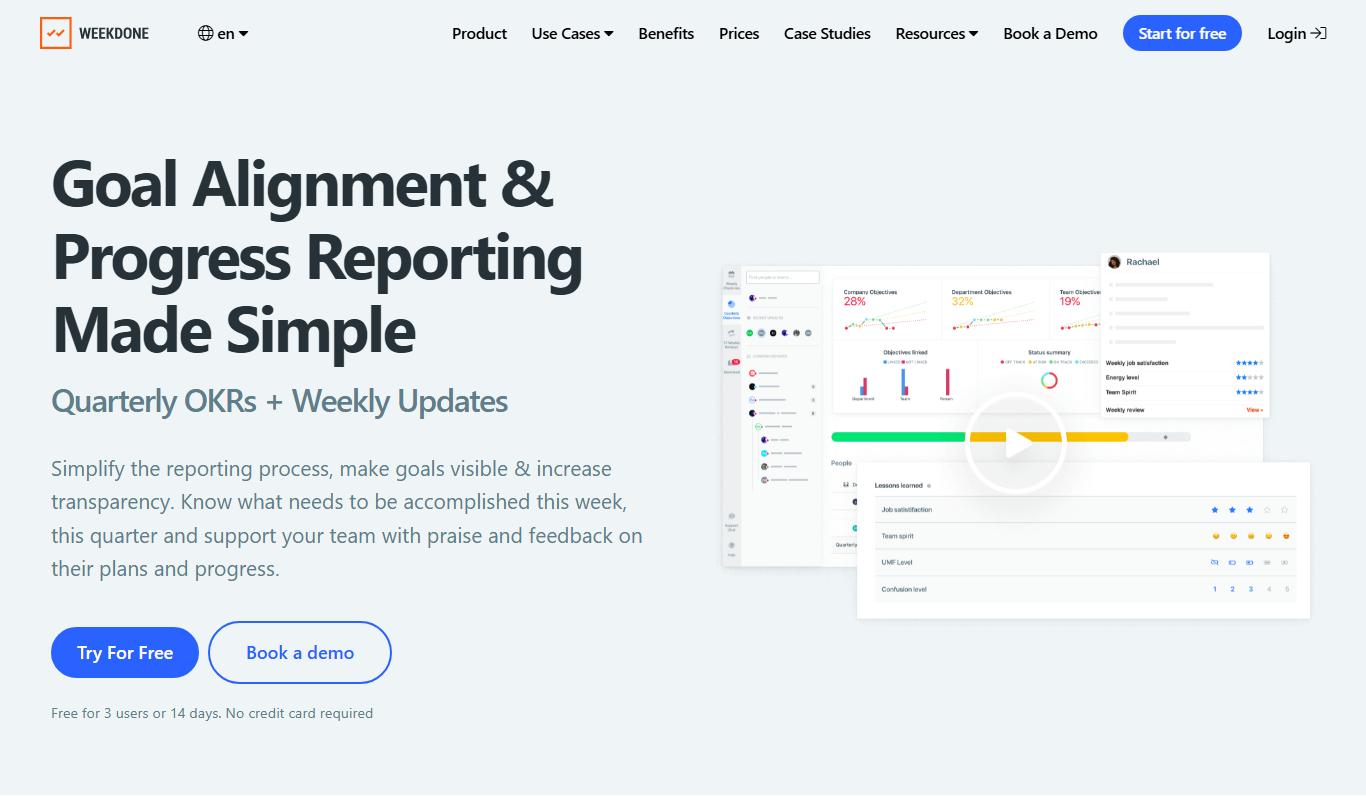
Weekdone
Weekdone is a software platform designed to help teams and organizations set, track, and manage Objectives and Key Results (OKRs) alongside weekly reporting to boost productivity and alignment.
Free
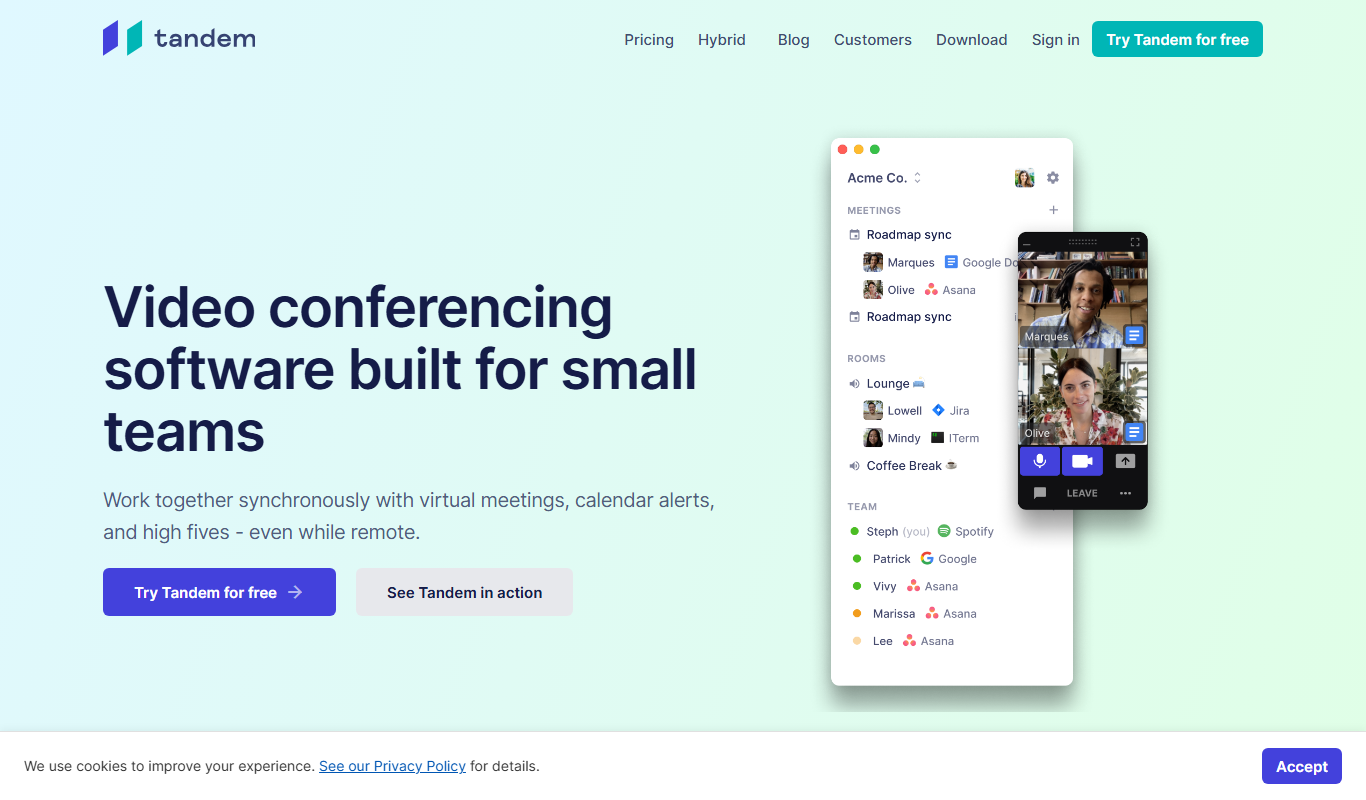
Tandem
Tandem is a remote collaboration tool that creates a virtual office environment with always-on video chat, screen sharing, and presence indicators to help distributed teams communicate effectively.

Free
Common Curriculum
Common Curriculum is a web-based platform that helps educators create, organize, and share lesson plans aligned with educational standards, supporting collaboration and curriculum mapping.

Free Trial
Nutrium
Nutrium is a nutrition software platform that helps dietitians and health professionals manage clients, create personalized meal plans, analyze nutrition data, and conduct remote consultations.