

ServerPilot Cloud Server Management Platform for Easy Web Hosting Setup
ServerPilot is a cloud server management platform that automates the setup and management of web servers for PHP applications, simplifying deployment and security for developers and businesses.
- Best for
- Cloud Server Management
- Key capability
- Automated Server Configuration
Save ServerPilot, follow its updates and vote on it — everything stays in your account.
Sign in or create a free account
What is ServerPilot?
ServerPilot is a cloud server management platform designed to simplify the setup, configuration, and management of web servers for PHP applications. It automates server security, software updates, and web server configurations, allowing developers and businesses to deploy and manage websites on cloud servers without deep sysadmin expertise.
Key features of ServerPilot
ServerPilot offers automated server provisioning, secure server management, easy app deployment, SSL certificate integration, and real-time monitoring. It supports multiple PHP versions and isolates apps for enhanced security.
Automated Server Configuration
Automatically installs and configures Nginx, Apache, PHP, and MySQL on your server.
App Isolation
Each app runs in its own secure environment to prevent cross-app interference.
SSL Certificate Management
Easily add free SSL certificates via Let's Encrypt integration.
Real-Time Server Monitoring
Monitor CPU, memory, and disk usage with alerts for server health.
Multiple PHP Versions
Choose from different PHP versions per app to ensure compatibility.
Pros and cons of ServerPilot
Pros
- Simplifies complex server setup and management
- Supports multiple PHP versions per app
- Automated SSL certificate installation
- Isolates apps for enhanced security
Cons
- Limited to Ubuntu and Debian servers
- No built-in backup solution
- Advanced features require paid plan
Key use cases for ServerPilot
Cloud Server Management
Manage and configure cloud servers easily without manual SSH commands.
Web Hosting Setup
Quickly deploy and host PHP websites with automated server configuration.
DevOps Automation
Automate server maintenance tasks and security updates to streamline operations.
Application Deployment
Deploy multiple apps on a single server with isolated environments for security.
Database Management
Create and manage MySQL databases securely through the ServerPilot interface.
How ServerPilot works
- 1
Connect Server
Add your cloud server by providing SSH access credentials to ServerPilot.
- 2
Automated Setup
ServerPilot installs and configures the web server stack automatically.
- 3
Create Apps
Deploy PHP applications by creating isolated app environments on the server.
- 4
Manage and Monitor
Use the dashboard to monitor server health, manage databases, and configure SSL.
Who is using ServerPilot
ServerPilot pricing
Economy
$5/server + $0.50/app
Hourly billing. Only a free trial is offered, no free plan.
Business
$10/server + $1/app
Includes server management, free SSL, one-click WordPress, log viewer, server resource metrics and priority support; billed hourly.
First Class
$20/server + $2/app
Server management, free SSL, one-click WordPress, log viewer, resource metrics, app request metrics, MySQL metrics and high priority support.
Plans and prices are as published by the vendor and can change. Check the official site before you buy. Open the pricing page (opens in a new tab)
Frequently asked questions about ServerPilot
Yes, ServerPilot supports any Ubuntu or Debian cloud server accessible via SSH.
No, ServerPilot automates server setup and management, making it accessible to users without sysadmin skills.
Yes, ServerPilot is optimized for PHP applications including WordPress.
ServerPilot itself does not provide backups; users should implement backups separately.
This tool is designed to help users accomplish its core tasks more efficiently. It is typically used by individuals or teams looking to improve productivity and workflow.
It depends on your specific needs and how you plan to use the tool. The official website and documentation are the best sources for the latest details.
Some tools offer a free plan or trial with limited features. Availability can vary, so confirm on the official website.
It depends on your specific needs and how you plan to use the tool. The official website and documentation are the best sources for the latest details.
Conclusion
Adding a cloud server with SSH access credentials is the first step, after which ServerPilot installs and configures the web server stack automatically. That stack includes Nginx, Apache, PHP and MySQL. PHP applications are deployed into isolated app environments, so each app runs in its own secure environment without cross-app interference. Free SSL certificates come through Let’s Encrypt integration, and PHP versions can be chosen per app.
The service targets web developers, digital agencies and freelancers managing client servers, and it is built so websites can be deployed without deep sysadmin expertise. Billing is hourly, at $5 per server plus $0.50 per app on Economy, $10 plus $1 on Business and $20 plus $2 on First Class, with a free trial but no free plan.
Sources
Sign in to review this tool.
Sign In to ReviewNo reviews yet
Be the first to share how this tool worked for you.
Ask about pricing, limits, or how it compares — or answer someone else.
Sign In to AskNo questions yet
Have a question about using or paying for this tool? Be the first to ask.
Featured on TiorAI



Alternative Tools
Explore similar AI tools that might fit your needs

RunCloud
RunCloud is a cloud server management platform that automates server setup, security, and application deployment for Linux servers on major cloud providers.
More AI DevOps Assistant tools
Other tools in the same category, for when this one is not quite the fit.
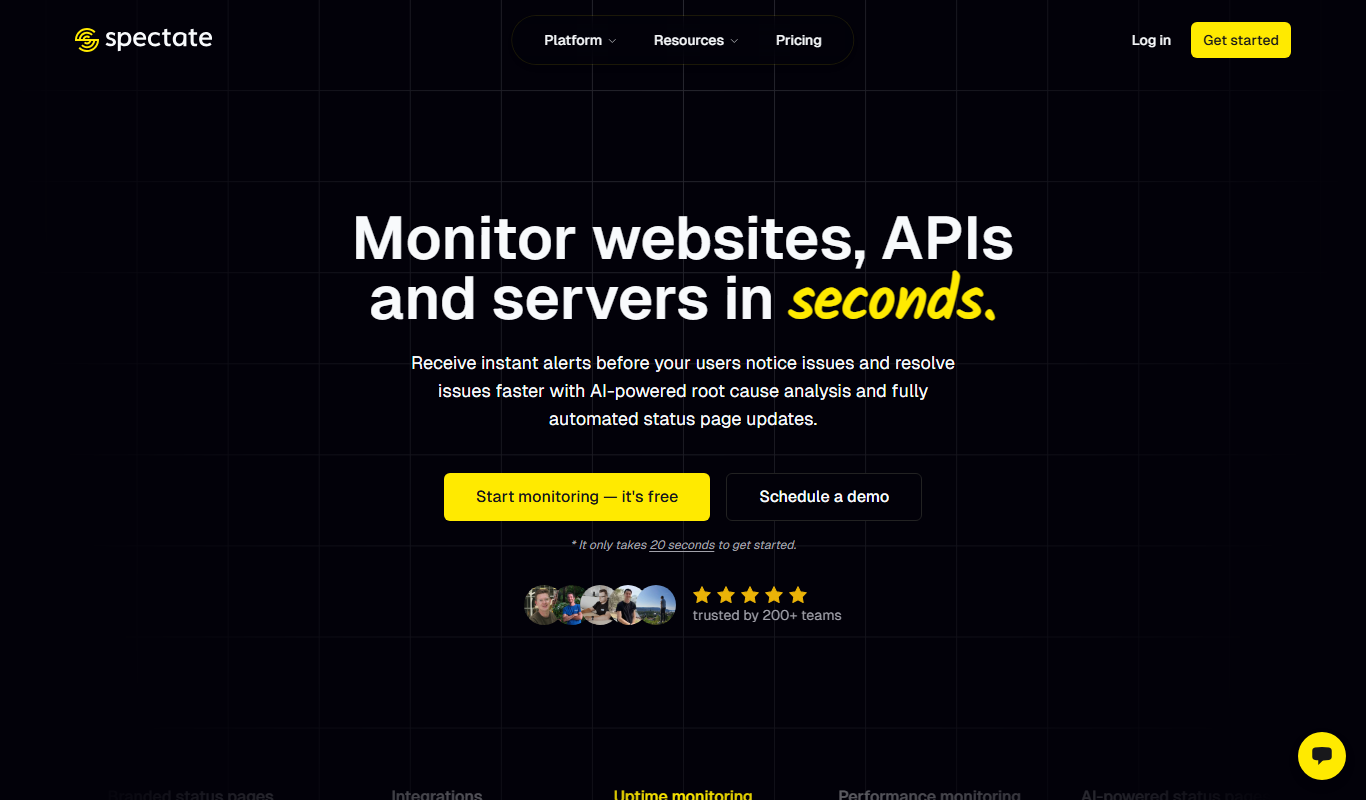
Spectate
Spectate monitors websites, APIs and servers, alerts you before users notice issues and keeps status pages updated with AI, with a free plan.

KubeHA
KubeHA is a GenAI-powered SaaS platform for Kubernetes monitoring, observability, remediation and exploration (MORE), with KubeHA GPT for plain English questions.

SRE.ai
SRE.ai is an AI-native systems integrator that automates enterprise systems delivery, with a Command Center for deployments and AI agents that code, test and deploy.

Warehouse Optimization
Keebo Warehouse Optimization uses agentic AI to rightsize Snowflake and Databricks warehouses 24/7, tuning size, auto-suspend and scaling within your SLAs.

Defang
Defang deploys your Compose file to your own AWS, GCP or Azure account, with preview environments and one path to production for people and agents.

Latitude
Latitude is an open-source AI agent observability platform that traces agents in production, discovers failing behavior, sends alerts and helps verify fixes.

Uniskai by Profisea Labs
Uniskai by Profisea Labs is a FinOps platform that reduces cloud costs across AWS, Azure and GCP with cost visibility, rightsizing, spot instances and waste management.

CockroachDB
CockroachDB is a distributed SQL database designed for cloud-native applications that require strong consistency, high availability, and horizontal scalability across multiple regions.