

Menu Planner OH a Potato App for Weekly Meal Planning and Recipes
OH, a potato! is a meal planner app designed to reduce food waste: it starts with what is already in your fridge and pantry and suggests meals around those ingredients.
- Best for
- Weekly Meal Planning
- Key capability
- Intuitive Meal Calendar
Save Menu planner – OH, a potato!, follow its updates and vote on it — everything stays in your account.
Sign in or create a free account
What is Menu planner – OH, a potato!?
Menu Planner – OH, a potato! is a meal planner designed to reduce food waste. Instead of starting with recipes and building shopping lists around them, it starts with what is already in your fridge and pantry, suggests meals around those ingredients, optimises leftovers and learns from your cooking and shopping habits.
Key features of Menu planner – OH, a potato!
The app offers features such as customizable weekly meal plans, recipe storage and categorization, automatic grocery list creation, and nutritional insights to support healthy eating habits.
Intuitive Meal Calendar
Visual weekly calendar to easily schedule meals and adjust plans.
Recipe Management
Store, categorize, and search recipes within the app.
Automatic Grocery Lists
Generate shopping lists that consolidate ingredients from planned meals.
Nutritional Information
View basic nutrition data to help maintain balanced diets.
iPhone App
The app is designed for iPhone; an Android version depends on its waitlist.
Pros and cons of Menu planner – OH, a potato!
Pros
- User-friendly interface for quick meal planning
- Automatic grocery list generation saves time
- Cross-platform availability for flexibility
Cons
- No automatic recipe import from external sources
- Limited free plan features
Key use cases for Menu planner – OH, a potato!
Weekly Meal Planning
Plan your meals for the entire week with an easy-to-use interface that helps organize recipes and ingredients.
Recipe Organization
Store and categorize your favorite recipes in one place for quick access and meal preparation.
Grocery List Generation
Automatically generate shopping lists based on your planned meals to streamline grocery shopping.
Nutrition Awareness
Track nutritional information to maintain a balanced diet while planning meals.
How Menu planner – OH, a potato! works
- 1
Create an Account
Download the OH, a potato! app for iPhone to start planning your meals.
- 2
Add Recipes
Input your favorite recipes or choose from existing ones to build your meal database.
- 3
Plan Your Week
Drag and drop recipes into your weekly calendar to organize meals.
- 4
Generate Grocery List
Automatically compile a shopping list based on your planned meals.
- 5
Shop and Cook
Use the grocery list for efficient shopping and follow your meal plan for cooking.
Who is using Menu planner – OH, a potato!
Menu planner – OH, a potato! pricing
Free
Free
Weekly meal planning with automated grocery list, shared grocery lists and household syncing, expiry reminders, impact tracking, storage tips, unlimited recipe searches on the web, 3 fridge scans and 5 recipe imports.
Monthly
$6.99/month
Unlimited scans, imports and premium features, billed monthly.
Yearly
$49.99/year
Unlimited scans, imports and premium features, billed yearly.
Lifetime
$199.99 one-time (lifetime subscription)
Unlimited scans, imports and premium features with a lifetime subscription.
Plans and prices are as published by the vendor and can change. Check the official site before you buy. Open the pricing page (opens in a new tab)
Frequently asked questions about Menu planner – OH, a potato!
No, creating an account is required to save your meal plans and recipes.
Yes, recipes can be saved from cookbooks, websites, social media, screenshots or plain text, or found by browsing the web inside the app.
Yes, a household can be created and everyone in it sees the same plan, grocery list and saved recipes; household sharing uses iCloud.
Yes, you can adjust portion sizes which will update ingredient quantities accordingly.
It depends on your specific needs and how you plan to use the tool. The official website and documentation are the best sources for the latest details.
Some tools offer a free plan or trial with limited features. Availability can vary, so confirm on the official website.
Yes, it can help with that use case depending on how you configure it and what features are available. You’ll get the best results with clear inputs and a defined goal.
It depends on your specific needs and how you plan to use the tool. The official website and documentation are the best sources for the latest details.
Conclusion
Traditional meal planners start with recipes and build shopping lists around them, while this one flips the process and starts with what is already in the fridge and pantry. Photos of the fridge, pantry or grocery receipts go through a hosted AI service that identifies the ingredients, saves them to a virtual fridge and estimates how long each item will keep. Those estimates power reminders before food expires, although the help pages caution that they are suggestions that may be incomplete or wrong, and the packaging date always wins.
Instead of pre-loaded recipes, users bring the recipes they like. Recipes are saved from cookbooks, websites, social media, screenshots or plain text, or found by browsing the web inside the app. A household sees the same plan, grocery list and saved recipes through iCloud, and a live dashboard adds up the money and carbon savings of every cooked meal. The app is designed for iPhone, Android exists only as a waitlist, and unlimited scans and imports require an upgrade.
Sources
Sign in to review this tool.
Sign In to ReviewNo reviews yet
Be the first to share how this tool worked for you.
Ask about pricing, limits, or how it compares — or answer someone else.
Sign In to AskNo questions yet
Have a question about using or paying for this tool? Be the first to ask.
Featured on TiorAI



Alternative Tools
Explore similar AI tools that might fit your needs
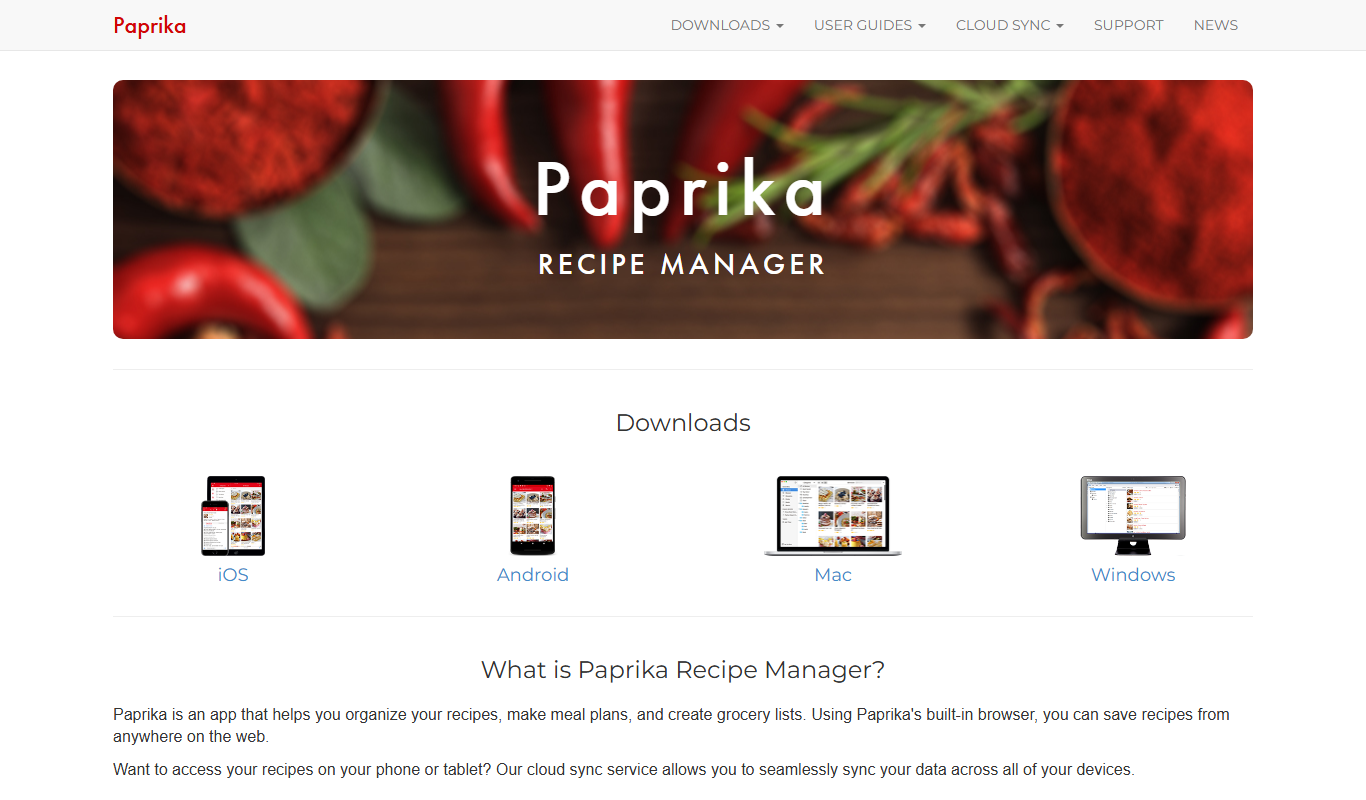
Paprika Recipe Manager
Paprika Recipe Manager is a multi-platform app that helps users collect, organize, and plan recipes and meals, featuring recipe importing, meal planning calendar, grocery list automation, and cross-device syncing.
More AI Recipe Assistant tools
Other tools in the same category, for when this one is not quite the fit.

Sage Cooking
Sage Cooking is an AI-powered web tool that generates personalized recipes based on your dietary preferences, restrictions, and available ingredients to simplify meal planning and inspire cooking creativity.

Infinite Meals
Infinite Meals is a free AI-based meal planner that generates personalized healthy meal plans tailored to your dietary preferences, allergies, and nutritional goals.
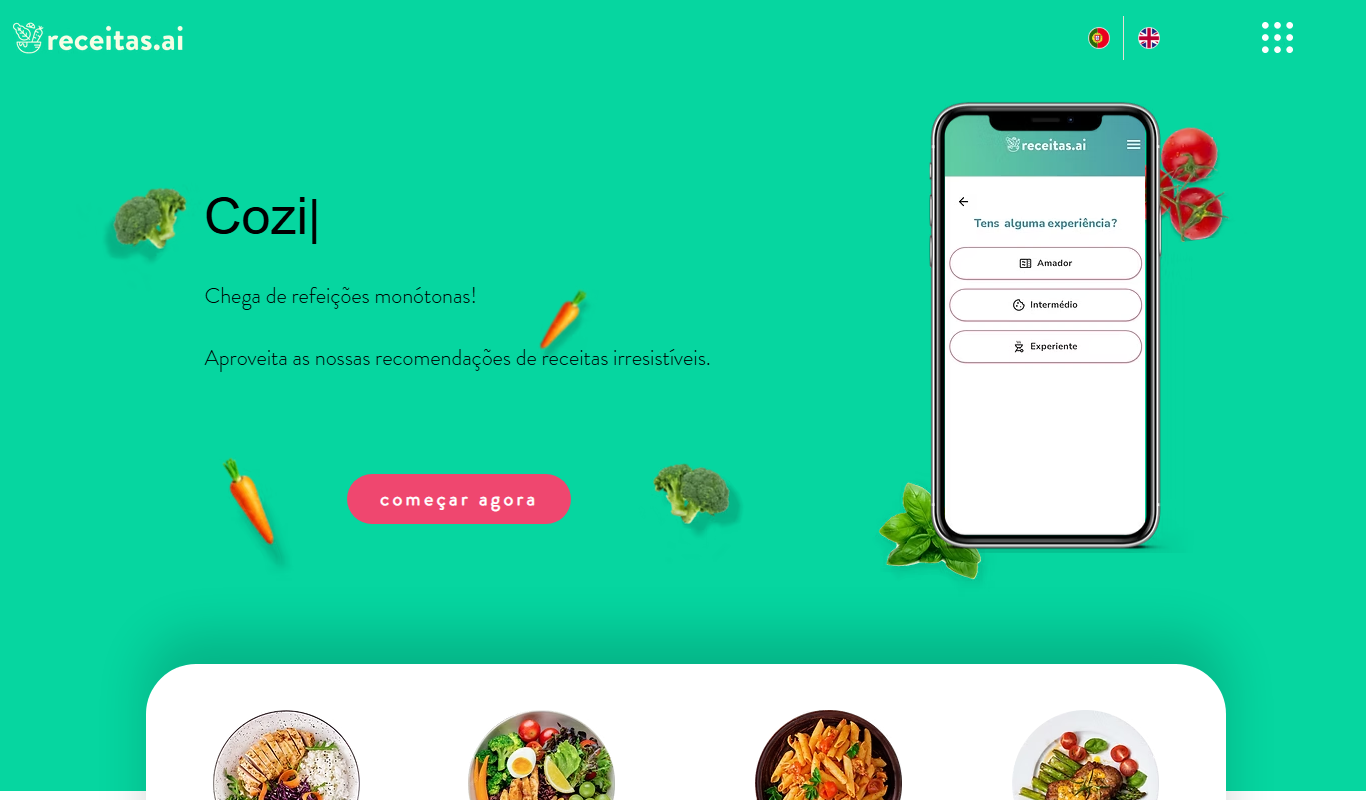
receitas.ai
receitas.ai is an AI-driven platform that generates personalized cooking recipes based on your ingredients, dietary needs, and cuisine preferences, primarily serving Portuguese-speaking users.

KITI AI
KITI AI is an AI-powered chatbot platform that helps businesses automate customer support and lead generation by engaging website visitors with conversational AI.

DishGrab
DishGrab is a platform that enables restaurants to set up their own online ordering system, allowing customers to browse menus, place orders, and pay online for pickup or delivery.

PantryLab
PantryLab is a cloud-based inventory management software tailored for food businesses to track inventory, manage suppliers, control costs, and reduce waste efficiently.

SmartPlate
SmartPlate is a smart food scale that measures food portions and provides detailed nutrition information through its mobile app, helping users manage diet and health goals.

Flavorithm
Flavorithm is an AI-driven platform that assists food and beverage companies in developing innovative flavor profiles by analyzing flavor chemistry and consumer preferences.